

Key Takeaways
- ✓A multi-site clinic feels like one practice when booking rules, phones, records, portal and intake are shared, and each site keeps a named lead for local decisions.
- ✓A central front desk should own booking, rescheduling, confirmations and recall for all sites, while site leads own walk-ins, same-day judgement and local facts.
- ✓Write the booking rules down before reorganising anyone: lengths, new versus returning, urgent slots, provider-site days, and services limited to one site.
- ✓One shared record, or systems connected well enough that staff never retype between them, stops patients being treated as strangers at your own second site.
- ✓Measure the same weekly numbers per site and review them with the site leads, comparing each site mainly with its own recent weeks, not in a league table.
Running a multi-location clinic well comes down to one idea: a patient should meet the same practice at every site. The same booking rules, the same phone answer, the same intake forms, the same portal login, and one record that follows them from site to site. Behind that simple experience sits a clear split of work. A central front desk handles booking, rescheduling, confirmations and recall for all sites, and a named lead at each site handles everything that needs local knowledge. Get that split right and a second or third site feels like growth. Get it wrong and each new site adds a new version of your practice, with its own habits, its own workarounds, and its own waiting list that nobody else can see.
This guide is for clinic owners and practice managers who already run more than one site, or are about to open a second one. It covers phones, booking rules, shared records, a consistent patient experience, and the weekly numbers that show whether every site is keeping up. It does not cover local search or per-site web pages. That half of multi-site growth is covered by our multi-location SEO guide, which this post links once and does not repeat. Examples here are illustrative, not from any one clinic.
Why a Second Site Breaks a Good Single-Site System
A single site usually works because so much knowledge lives in people's heads. The front desk knows that one clinician only takes new patients on Tuesday mornings, that a particular procedure needs a longer slot and a specific room, and that a regular patient prefers the late clinic. None of that is written down, because it never needed to be. Open a second site and that unwritten knowledge stops travelling. Staff at the new site guess, or invent their own rules, and within months the two sites book differently, message differently, and handle cancellations differently, while patients experience it as one practice that cannot agree with itself.
The first place the strain shows is usually the phones. Calls arrive for every site at one number or several, staff put callers on hold while they check another site's calendar, and patients who wanted a simple booking end up calling back or booking elsewhere. Our guide to missed calls in medical practices explains why those lost calls rarely appear in any report. Across several sites the same problem is harder to see, because each site can blame the others' calendars, and nobody owns the total number of calls that went unanswered.
- The same appointment type is booked at different lengths at different sites, so provider days cannot be compared or covered.
- One site's waitlist is full while another site has open slots for the same service, and nobody moves patients between them.
- Patients registered at one site are asked to fill in full intake again at another, as if they were new to the practice.
- Recall and follow-up depend on whoever remembers at each site, so some sites chase patients and others quietly do not.
- Managers cannot answer a basic question, such as how many bookings each site took this week, without asking every site separately.
If three or more of those sound familiar, the problem is not effort. Your staff are probably working hard at every site. The problem is that nobody has written down how the group works as one practice, so each site has solved the same problems separately, and differently.
One Front Desk, With Local Knowledge Built In
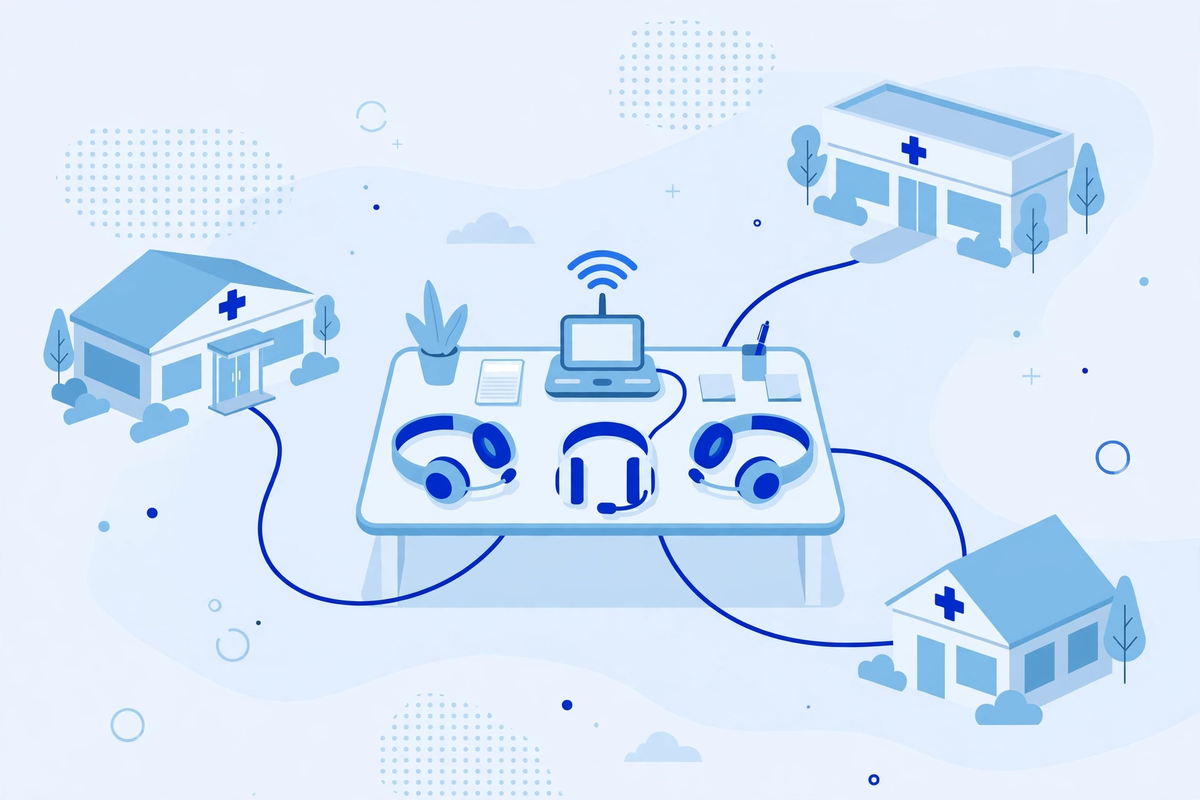
A central front desk does not mean a rigid call centre that knows nothing about your sites. The model that works for most groups is a hybrid. A small central team, or a central rota drawn from all sites, owns booking, rescheduling, confirmations, reminders and recall for every location. Each site keeps a named lead on the floor who owns walk-ins, same-day clinical judgement, and anything that needs eyes on the building. The central team books by the written rules. The site lead handles the exceptions, and feeds them back so the rules improve.
For that to work, the central team needs live sight of every site's calendar, not a daily printout or a message thread. They need provider rotations across sites, appointment lengths by type, which services live only at one site, insurance rules that differ by site, and a clear escalation route to the site lead when a caller needs local help. Without those, central booking becomes message-taking with extra steps, and patients feel it immediately.
After-hours and overflow cover follows the same pattern. Calls that arrive when sites are closed, or when every line is busy, should still be answered under the same booking rules, not sent to a different voicemail per site. An AI medical receptionist can provide that cover across all sites, booking into the same calendars and rules your daytime team uses, provided the rules themselves are written down first. Software cannot standardise a process that the group has never agreed.
Shared Booking Rules, Local Control Where It Matters
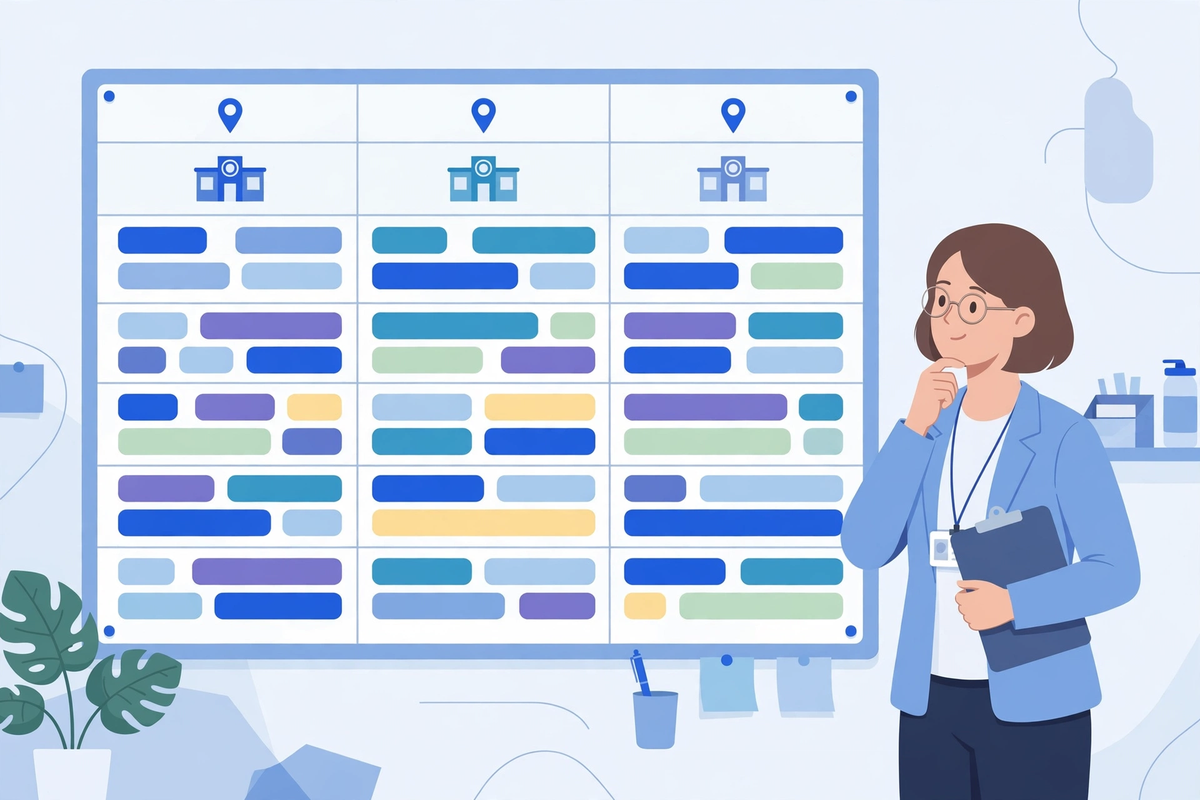
Write the booking rules before you buy anything or reorganise anyone. The document is short, and it is the single most useful thing a multi-site group can own. It states appointment lengths by type, how new patients differ from returning ones, how many urgent slots each site holds and when they release, which providers work at which sites on which days, which equipment or rooms limit a service to one site, and how far ahead each site books. Every site then books from the same document, and changes to it are agreed centrally and dated, rather than drifting site by site.
| Decision | Keep central | Keep local |
|---|---|---|
| Booking rules and templates | One set of rules, agreed and dated | Feedback on what is not working |
| Day-to-day booking and recall | Central team or rota, all sites | Walk-ins and same-day changes |
| Urgent and clinical judgement | Escalation route, agreed in advance | Site lead and clinicians decide |
| Schedule changes and cover | Published to all sites at once | Site lead confirms cover is real |
| Patient messages and reminders | One wording, one timing, all sites | Local details such as parking and hours |
A shared waitlist is where the rules pay for themselves. When a patient cancels at one site, the gap should be offered to patients waiting for the same service at a nearby site, provided the patient has said they would travel. That only works if waiting patients have a recorded site preference and travel limit, and a contact method that reaches them. Groups that keep a separate waitlist per site leave slots empty at one building while patients wait at another, and nobody notices because each list looks short on its own.
One Patient Record Across Sites
Nothing tells a patient they are dealing with separate practices faster than being treated as a stranger at your own second site. A patient registered at one location should arrive at another with their history, medications, allergies, referrals and open balances already visible, and should complete intake once, not once per building. That requires one shared record system, or systems connected well enough that staff do not retype information between them. If a referral from site A to site B still travels by phone message or printed letter, the group has two practices sharing a name, not one practice with two doors.
Shared records also need shared discipline. Duplicate charts are the classic multi-site fault: a patient registered under a slightly different name or phone number at a second site ends up with two incomplete records, and neither site sees the full story. Agree one identity check at registration, one merge process, and one owner for resolving duplicates each week. The same applies to access. Staff should see what their role needs across sites, and nothing more, with every view logged. A vendor that creates, receives or transmits patient information on your behalf is a business associate under HIPAA, and the Department of Health and Human Services explains that a business associate agreement is required in exactly that situation. That agreement must cover every site and every system the vendor touches, not just the first site that signed.
Be careful with the opposite mistake as well. Sharing a record does not mean flattening every site into identical settings. A site that offers different services, keeps different hours, or serves patients in different languages needs those differences visible in the record and in booking, or staff will book patients into services that do not exist at that building. Shared systems, local facts: that is the line to hold.
The Same Experience at Every Door

Patients do not compare your sites against each other on purpose. They simply expect the second visit to work like the first. The same check-in steps, the same intake forms, the same portal login, the same reminder wording, and the same way of rescheduling. When those match, a patient who moves house, or whose usual clinician is at another site that week, keeps their relationship with the practice. When they do not match, the patient has to learn a new practice for every building, and many will not bother.
Two tools carry most of this consistency. A single patient portal login that shows appointments, messages and records for every site, rather than a separate login per building. And one digital intake flow used at all sites, so a patient who completed intake at site A is not handed a clipboard again at site B. Both only help if the underlying rules match. A shared portal on top of different booking rules at each site gives patients a single window onto the same confusion.
The site lead is what keeps consistency honest. Name one lead per site, give them real authority over local exceptions, and give them a regular route to raise problems centrally. The lead is not a title for the longest-serving receptionist. It is a job: checking that central bookings actually fit the site's rooms and clinicians that day, catching the local facts that central rules get wrong, and telling the central team what changed. Without this role, consistency lasts until the first busy week, when every site quietly reverts to its old habits.
Measuring Every Site on the Same Numbers
You cannot run several sites on totals. A group total can look healthy while one site quietly struggles, because a strong site covers a weak one in the sum. Measure the same small set of numbers for every site, every week, and review them together with the site leads. The point is not a league table. Sites differ in size, services and local demand, so compare each site mainly against its own recent weeks, and use the comparison between sites to find practices worth copying, not people worth blaming.
| Weekly number | What it tells you | Watch for |
|---|---|---|
| Calls answered and booked | Whether patients can reach you at all | One site with far more unanswered calls than the rest |
| Slots filled and gaps refilled | Whether cancellations become empty hours | A site whose waitlist never gets used |
| Intake completed before the visit | Whether patients arrive ready to be seen | A site still doing most intake on paper at check-in |
| Recall completed on time | Whether follow-up actually happens | Recall that depends on one person's memory |
| Portal use per site | Whether patients can self-serve everywhere | A site where patients still must phone for everything |
When a site lags, look for the cause before reaching for a fix. A site with low portal use may have an older patient base that needs a different invitation, not a lecture. A site with empty slots may have templates that do not match local demand, not lazy staff. Ask the site lead first. The weekly numbers give them the evidence to ask for the change they have wanted for months.
Traps That Look Like Progress
- Copying site one exactly: the second site has different rooms, clinicians, demand and parking, so an exact copy creates bookings the building cannot honour.
- Letting each site buy its own tool: three scheduling tools, two portals and a messaging app later, no patient or manager has one view of the group.
- Centralising clinical judgement: booking rules can be central, but a same-day clinical decision belongs to the site team, not a distant rota.
- Judging the group by its total: totals hide a struggling site for months, until patients or staff leave and the problem is suddenly obvious.
- Launching a portal per site: separate logins per building tell patients, in the clearest possible way, that the sites are not one practice.
- Writing rules nobody owns: a booking document with no owner and no review date is out of date within a quarter, and staff know it, so they stop following it.
Most of these traps feel efficient in the moment, and the cost arrives later, as rework, duplicate records, and patients who quietly choose a competitor whose sites feel like one practice.
Where to Start: The First 30 Days
If you already run several sites, start small and in this order. A month of steady, visible fixes teaches the group that central rules help, which is what you need before the bigger changes.
- Name one owner for multi-site operations, and one lead per site, in writing, with time set aside for the roles.
- Write the booking rules document: lengths, new versus returning, urgent slots, provider-site days, and services limited to one site.
- Put every site's calendar where the central booking team can see it live, and agree how cover and changes are published.
- Standardise intake and the portal login across sites, so no patient completes the same forms twice within the group.
- Agree the weekly numbers, review them together with the site leads, and fix the worst gap first, not every gap at once.
- Write down what stays local: hours, parking, languages, services per site, and who decides a local exception.
After that month, the group will have something it probably never had before: one written way of working, owned by named people, measured weekly. Later changes, such as a shared phone system, a single scheduling platform, or new sites, become far easier, because every decision now has a document and an owner to refer to.
The Bottom Line
Multi-location growth usually fails quietly, not through a dramatic mistake, but through each site solving the same problems separately until the group is several practices sharing a name. The fix is unglamorous and it works: one set of booking rules, one phone answer under those rules, one record that follows the patient, one portal and intake flow for every site, a named lead at each building, and the same weekly numbers reviewed together. Central where consistency matters, local where judgement and local facts matter, and never confused about which is which.
If your group is weighing shared phones, a single portal, or a central booking rota, start with the Med Clinic X demos to see how booking, portals and intake can work across sites, or request a quote for advice on your own practice. And if the real problem turns out to be that no booking rules exist at all, writing them down this week is not a delay to the project. It is the project.

Written by Chloe Vance
Healthcare Marketing DirectorChloe Vance has led search engine optimization and digital patient acquisition strategies for top pediatric, dental, and multi-specialty clinical chains.
Frequently Asked Questions
Common conversational queries evaluated by our natural language models concerning deployment guidelines.