Your AI Medical Receptionist. Answers. Books. Follows Up. Around the Clock.
CareDesk answers your clinic's calls and chats around the clock, books patients into the right slots, and hands anything clinical to your team with the full conversation attached.
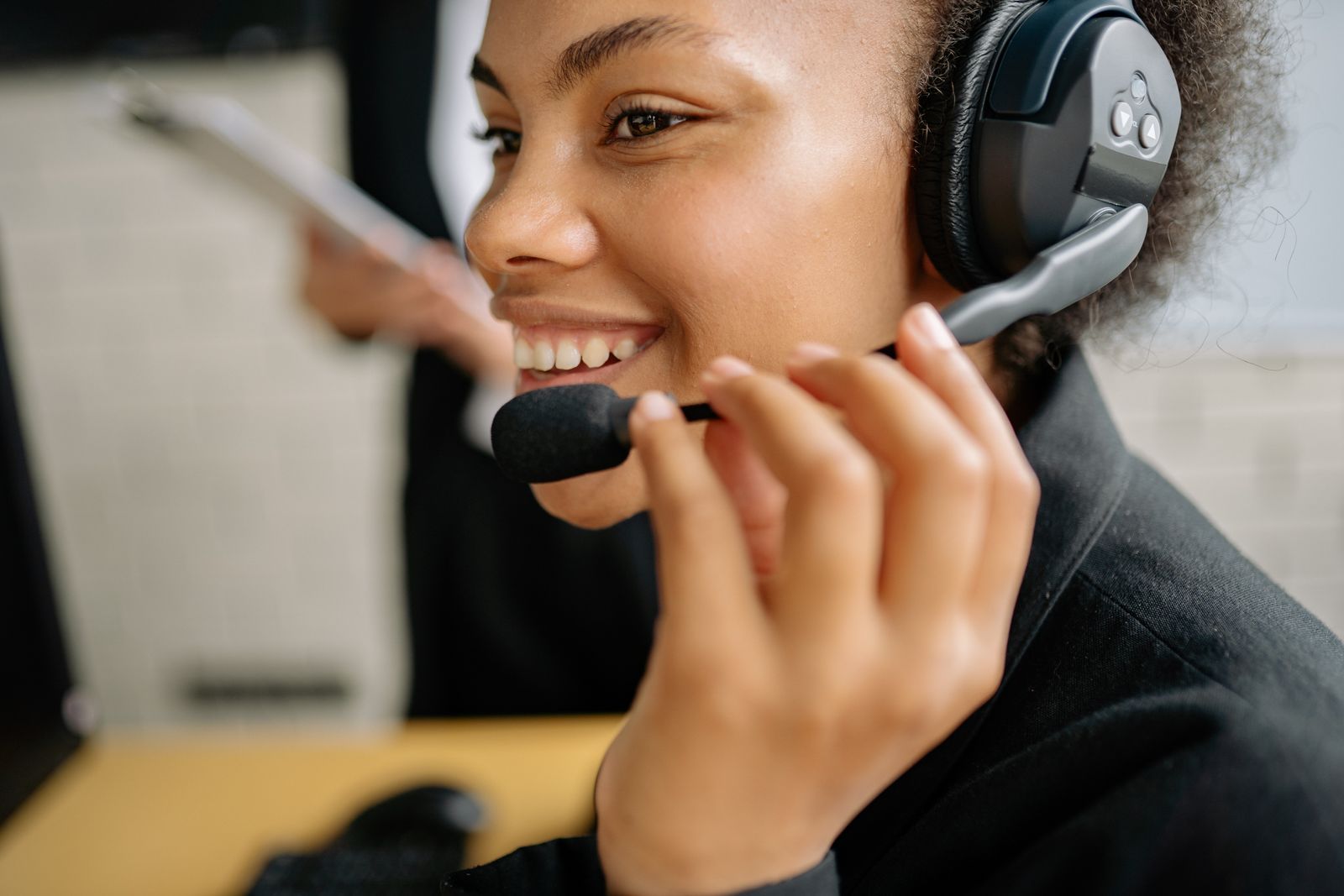
Receptionist built for
Voice & Chat Answering
Every call and website chat picked up, day or night, in a natural voice.
Knowledge Studio
The AI answers from your policies, prices and insurance lists, not scripts.
Human Handoff
A person steps in whenever a patient asks, with the full conversation attached.
Missed Call Recovery
A call nobody could take becomes a text conversation, not a voicemail.
Not Just an Answering Service, a Receptionist That Knows Your Clinic
Answering services take messages. CareDesk does the front-desk work itself. It learns your doctors, your prices, your insurance lists and your booking rules in the Knowledge Studio, then answers, qualifies and books in your clinic's voice. Your team keeps the conversations that need a person, and gets a summary with every handoff. You work directly with the people who build and tune it.
- Calls, chats and text-backs answered in one place, around the clock.
- Trained on your clinic, so answers match your real policies.
- Bookings written into the schedule your team already uses.
- Built for one clinic first, ready for a multi-location group.
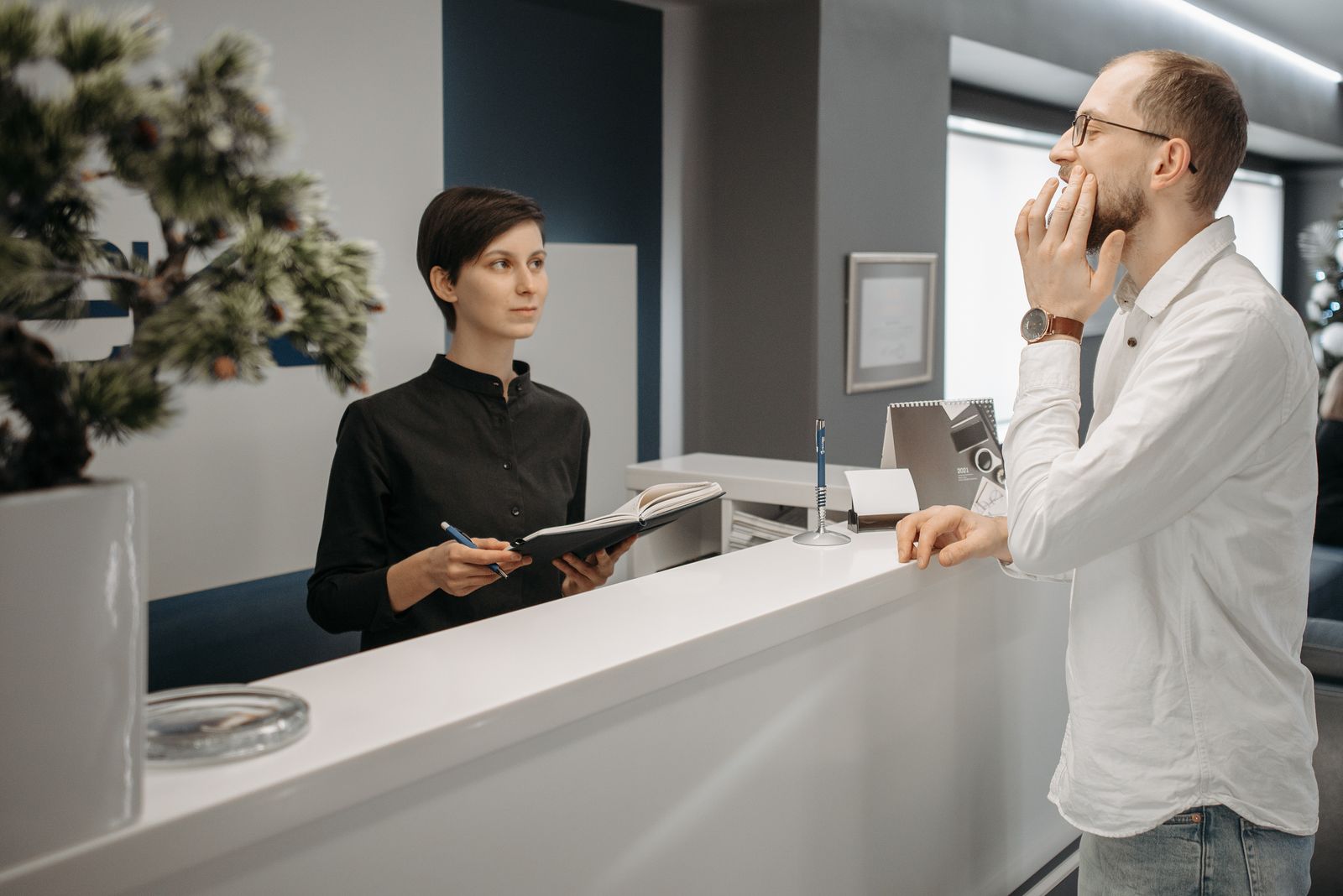
A front desk has a harder job
An answering service has to take a message. A receptionist has to finish the job, for a patient who may be in pain, calling at 9 PM, and deciding between your clinic and the one down the road.
Calls that ring out after hours
A patient in pain at 9 PM reaches voicemail, then calls the practice down the road that picks up.
Two lines ringing at the lunch rush
The front desk cannot check in a patient, take a payment and answer two phones at the same moment.
Voicemail nobody has time to return
Messages pile up during the day and get returned late, if they get returned at all.
Reminders left to memory
Confirmations, recalls and follow-ups depend on someone finding a quiet five minutes that rarely comes.
If any of that sounds familiar, the problem is rarely effort. It is a front desk asked to be in two places at once.

Everything a Front Desk Does, in One AI Receptionist
Twelve connected capabilities cover the whole front-desk day: answering, qualifying, booking, reminding and following up. CareDesk answers from your Knowledge Studio, so the prices, policies and directions it gives are your clinic's, not generic scripts.
- Voice and chat answering, around the clock, in your clinic's tone
- Patients qualified before booking: reason, insurance, urgency
- Bookings written into the same schedule your team uses
- Missed calls recovered by automatic text-back
- Reminders, recalls and follow-ups sent without staff chasing
Clear clinical boundaries. CareDesk answers front-desk questions and books appointments. It does not diagnose, advise on symptoms or replace a consultation, and anything clinical goes to your team with the conversation attached.
See the Front Desk the Way Your Team Sees It
One inbox holds live calls, chats, bookings and follow-ups, so the front desk starts the day with the full picture instead of a voicemail list. It is the same workspace you can open in the live CareDesk demo linked below.
- Live calls and chats in one inbox, with full transcripts
- Today's bookings, with the channel each one came from
- A follow-up list for patients who asked but did not book
- A short note on anything that needs a human today
- Live product demo, try the conversation a patient would have, and see the summary your team receives. Open the CareDesk demo
- AI patient portal, where the visit this call booked becomes part of the patient's own record. AI patient portal
- Healthcare automation, the wider service behind this build, for clinics automating more than the phones. Healthcare automation services
Sample front desk data, shown to illustrate the product
Front Desk Right Now
Calls answered 18
Chats answered 11
Bookings made 9
Live Call
In progressNew patient, cleaning enquiry
- “Do you have anything this Friday?”
- “Friday 2:00 PM is open. Shall I book it?”
Today's Bookings
- 9:00 AM · CleaningBy phone
- 10:30 AM · ConsultBy chat
- 1:15 PM · CheckupText-back
CareDesk Note
A caller asked about implant pricing and did not book. The conversation is on the follow-up list, with a summary ready for the front desk.
Human Handoff Workspace
- Live transcript opens with the alert
- Summary brief at the top
- Take over by chat or phone
Missed Call Recovery
- Text-back sent within moments
- Conversation continues by SMS
- Recovered chats land in the inbox
Revenue Opportunity Finder
- Unbooked treatment questions flagged
- Follow-up list for the front desk
- Weekly summary for the manager
From First Call to a Receptionist on Your Phones
CareDesk is set up in stages, so your team tests and corrects the AI in the Training Simulator before a single patient hears it. Your stages are set in writing in the proposal.
 01
Discovery
We learn your services, call patterns and booking rules, and agree the channels, integrations and scope in writing.
 02
Knowledge Studio
Your policies, prices, doctor profiles and insurance lists are uploaded, and the AI learns to answer from your material.
 03
Training & Testing
Your team challenges the AI in the Training Simulator, reviews its answers, and corrects anything that is not quite right.
 04
Voice & Go-Live
Phone lines route through Twilio, the voice and languages are set, and the chat widget goes live on your website.
 05
Launch & Review
Bookings, handoffs and follow-ups are reviewed with you, and the knowledge base is tuned as your clinic changes.
One Missed Call, Followed All the Way Through
Most AI demos stop at a booked appointment. This is the full journey, from a call nobody could pick up to a patient who comes back six months later. Every step writes into the same record, so the front desk can see the whole story at a glance.
Follow one patient: a missed call at lunch, a text-back a minute later, a booking that afternoon, a reminder the day before, and a recall when the next checkup is due. The visit itself sits on the patient's record in our AI patient portal, so the story continues there.
Caught, Not Lost
A missed call becomes a text conversation instead of a voicemail.
Answers From Your Policies
Prices and insurance answers come from the Knowledge Studio.
Real Slots Only
Bookings respect provider, length and buffer rules in your schedule.
Follow-Up Included
Reminders and recalls keep running long after the first call ends.
One Patient, One Conversation
Demo viewSample call journey, shown to illustrate the product
12:04 PM · Missed Call
The call nobody could answer
Lunch rush, both lines busy. The call rings out, and an automatic text goes out a moment later.
CareDesk: Sorry we missed your call. How can we help you book or answer a question?
12:06 PM · Conversation
The patient replies by text
She needs a cleaning and whitening, and asks whether her insurance is accepted at the clinic.
CareDesk: Your plan is on our accepted list. Cleanings are covered, and I can check whitening times this week.
12:09 PM · Booking
Booked into the real schedule
Friday at 2:00 PM with her usual hygienist. The slot respects the appointment length and buffer rules.
CareDesk: Booked and confirmed. A summary of this conversation is on your patient card.
Thu 2:00 PM · Reminder
Confirmed the day before
A reminder text lands 24 hours ahead. She replies YES, and the slot is locked in for Friday.
After the visit · Follow-Up
Feedback and a recall set
A short follow-up asks how the visit went, and the next hygiene recall is set for six months out.
CareDesk: Thank you for the kind words. Your next cleaning recall is in the diary.
Built for everyone who touches the front desk
Your front desk, your manager and your patients each meet a different side of CareDesk, shaped around the job each of them is doing.
Front Desk Team
/caredesk/workspace
- Live handoff alerts
- Conversation transcripts
- Summary briefs
- Qualified lead list
- Voice log playback
- Priority flags
- Patient notes
- Availability view
- Payment summaries
- Recall sender
Practice Manager
/caredesk/dashboard
- Calls and bookings overview
- AI resolution rate
- Missed calls recovered
- Revenue opportunities list
- Staff load view
- Knowledge Studio control
- Voice and language settings
- Multi-clinic settings
- Full audit log
- Data exports
Patients
voice · chat · sms
- Answers around the clock
- Books in one conversation
- Reschedule by message
- Reminders by text and email
- Prices and directions answered
- Insurance list checks
- Deposit payments by link
- A human whenever they ask
- English, Spanish and Arabic
- No app to install
Human Handoff Workspace
Demo viewSample conversation, shown to illustrate the product
Summary for your team
Patient asking about a loose crown. Discomfort since Tuesday. Wants the earliest slot, and a person to confirm the likely cost before booking.
- Full transcript opens with the alert, nothing to repeat
- A short summary brief sits at the top of the handoff
- Take over by voice or chat, whichever fits the moment
Missed Call Recovery
Demo viewSample call data, shown to illustrate the product
Missed Call
- CallerSample Patient
- TimeToday, 12:04 PM
- StatusText-back sent
- Text-back goes out within moments of the missed call
- The reply starts a normal booking conversation
- Recovered patients book into the same schedule
Security & Compliance
Front-desk conversations, handled with care
A receptionist hears names, insurance details and health concerns every day. CareDesk treats every conversation as protected information, with the same discipline we apply to clinical records.
Here is how it works in practice:
- Encryption and storage. Conversations, transcripts and uploads are encrypted with AES-256, in transit and at rest. Documents patients send, such as insurance cards and intake forms, sit in secure storage behind expiring signed links, never inside the chat record itself.
- Access and audit. Role-based access keeps every role in its lane: front desk staff see their clinic, managers see their locations, and one clinic never sees another clinic's patients. Every access and every handoff is written to an audit log your admins can review.
- Agreements and boundaries. We sign a Business Associate Agreement (BAA) with every clinic we work with, and each clinic's data stays separate in the multi-tenant setup. The AI itself works inside clear lines: front-desk information only, no diagnoses, and a prompt route to a human for anything clinical.
For more detail, read how we approach HIPAA across our work.
Every workspace the front desk needs
CareDesk is modular: eight workspaces, one for each job at the front desk, all sharing the same patient record underneath.
Command Center
- Conversations counter
- Appointments booked
- Leads qualified
- Resolution overview
Chat Widget
- Embed script builder
- Name and tone settings
- Suggested action buttons
- Language triggers
Voice Calls
- Twilio line routing
- Call transcripts
- Transfer rules
- Voice selection
Smart Scheduling
- Provider duration rules
- Reschedule handling
- Buffer controls
- Waitlist matching
Patient CRM
- Qualification cards
- Conversation history
- Contact ledger
- Lead scoring
Knowledge Studio
- Policy PDF indexing
- Website page scanning
- FAQ templates
- Training Simulator
Reminders Engine
- SMS appointment alerts
- Email confirmations
- Recall campaigns
- Feedback requests
Business Analytics
- Missed call recoveries
- Revenue opportunities
- Staff load view
- Booking conversion
How a call becomes an appointment
CareDesk also plugs into the systems you already run: schedules and patient details sync through FHIR APIs with Dentrix, Eaglesoft, Open Dental and Epic, voice and SMS run on Twilio with ElevenLabs voices, and deposits and payment plans run through Stripe. The full integration list is covered in the questions below.
Answering services vs CareDesk
The difference between taking a message and finishing the job.
| Question | Answering service or voicemail | CareDesk with Med Clinic X |
|---|---|---|
| After-hours calls | Voicemail, returned the next day if time allows | Answered live, booked, and summarised before morning |
| Missed calls at busy times | Lost, with no record of who called | Automatic text-back that continues the conversation |
| Answers given | Whatever a covering service happens to know | Your own policies, prices and insurance lists |
| Booking | A message asking the patient to call back | Booked into the real schedule, with confirmations |
| Handoff to your team | A cold transfer or a note on a pad | Live handoff with transcript and summary attached |
| Record of the conversation | A voicemail or a short message slip | Full transcript, patient card and booking in one inbox |
Voicemail records that a patient called. CareDesk finishes the conversation.
What affects the scope of a CareDesk build?
We quote per project after discovery, because the honest drivers of scope are knowable only after we see your situation.
Two ways to work with us: a fixed-scope project with defined deliverables and a defined price, or a phased launch that starts with chat and booking, then adds voice lines, integrations and extra locations in later phases.
Get a Written Quote for Your ReceptionistWhat moves a quote
- Number of locations, phone lines and chat channels
- Call and chat volume across the week
- Knowledge Studio training: policies, prices, insurance lists
- Practice system integration: Dentrix, Eaglesoft, Open Dental, Epic
- Voice setup: languages, voice choice and routing rules
- Payments: deposits and installment plans through Stripe
- The level of ongoing support and tuning you want
See it working: the CareDesk demo
The receptionist demo is a working version of CareDesk, not a slide deck. Open it and try the conversation a patient would have: ask about a cleaning, check a price, book, move the booking, and watch the summary your front desk would receive.
Open the Live Receptionist DemoThe demo runs on sample clinic data. Your build is trained on your own services, prices and policies in the Knowledge Studio, and your team tests it in the Training Simulator before patients ever meet it.

How to Choose the Best AI Receptionist for Your Clinic
Every vendor in this category claims to be the best ai receptionist for healthcare. None of them can prove it with an adjective, so judge the whole market, including us, on these five tests instead. They are the questions a clinic should ask of any ai receptionist software before it talks to a single patient.
1. Does it answer the phone, or only chat?
Most front-desk demand still arrives by voice. An AI receptionist that only handles website chat leaves the busiest channel, and every after-hours caller, exactly where it was. Ask for voice and chat in one system, with one record of the conversation.
2. Do bookings land in your real calendar?
Some tools keep their own appointment list that staff must reconcile by hand. That is a second front desk, not a replacement for the work. The booking should be written into the calendar or practice system your team already trusts, the moment it is made.
3. How does a patient reach a human?
The handoff matters more than the automation. A patient in pain, a confused caller, anything clinical: the system should recognise the moment, stop, and put a person in front of them fast, with the full conversation attached so nobody repeats themselves.
4. What exactly happens to conversation data?
Ask where recordings and transcripts live, who can access them, how long they are kept, and which agreements the vendor will sign. Whether HIPAA obligations apply, and to whom, depends on your setup and the vendor's role, so "we are HIPAA-compliant" is not an answer. Specifics, in writing, are.
5. Can you test it as a patient before go-live?
You would not let a new hire answer phones unsupervised on day one. Insist on a simulator or trial where your own team can challenge the AI with your real FAQs, your awkward callers and your edge cases, and correct it, before a patient ever meets it. CareDesk was built against this list: unified voice and chat, bookings written to your systems, instant human handoff, documented data handling, and a Training Simulator for exactly this test. Run the same five questions past us and hold us to the answers.
20 Questions, Answered Clearly
Straight answers on the AI medical receptionist: what it does, how it books, and how it keeps patient conversations safe.
Still have a question? Send us your project details and we will reply in writing.
READY TO TRANSFORM YOUR PRACTICE?
Join Hundreds of Healthcare Providers Who Trust MedClinic X
Book a demo today and see how our platform can help you deliver exceptional patient care.