
Key Takeaways
- ✓Buy when you want booking live fast and your appointment types are standard: a ready-made product is usually the cheapest route in year one.
- ✓Integrate when your EHR or practice system already holds the truth about availability: booking that does not write back to it creates double bookings and phone work.
- ✓Build only when booking is part of a larger portal or platform you already plan to own, and you can staff it after launch: a custom calendar is easy to start and expensive to keep.
- ✓The integration test decides most of this. Two-way sync, real availability rules, and a clean handoff to intake matter more than the booking page itself.
- ✓On any route, a vendor that handles patient details needs a signed business associate agreement before it touches live appointments.
Buy a scheduling product, connect one to your existing systems, or build booking into your own portal? For most clinics the answer is: buy if your appointment types are standard and you want booking live quickly; integrate if your electronic health record (EHR) or practice system already controls availability and must stay the single source of truth; build only if booking is one piece of a larger portal or platform you already plan to own and maintain. The wrong route is rarely the one with the ugliest booking page. It is the one that books patients into slots your staff cannot see, or into appointment types your clinicians cannot actually deliver.
This article is the decision guide. It compares the three routes and the costs, integration work, and compliance checks behind each. If you have already chosen a route and want the setup steps, our online appointment scheduling guide covers that ground instead. And if missed calls are the reason you are looking at scheduling at all, read our post on why clinics miss patient calls first: booking software fixes the booking step, not a phone system that never answers.
The Short Answer: Which Route Fits Which Clinic
Start from your clinic, not from the software. A solo practice with three standard visit types and a paper-light front desk has a different problem from a five-location group with procedure rooms, referral rules, and insurance checks before booking. The table below is a starting point, not a verdict: the sections after it explain where each route breaks down.
| Route | Best when | Watch out for |
|---|---|---|
| Buy a product | Standard visit types, one to a few locations, need booking live in weeks | A booking page that never writes back to your EHR, so staff re-enter everything |
| Integrate a tool | Your EHR or practice system already holds availability and patient records | Integration fees, sync delays, and rules your EHR cannot express |
| Build it yourself | Booking is part of a portal or platform you will own for years | Ongoing maintenance, security work, and a second project after launch |
What Online Scheduling Has to Do Well
Whatever route you pick, patients judge the same few things, and your staff live with the same few failures. Judge every option against this list before you look at pricing or design:
- Real availability: the patient sees slots that are actually open for that clinician, room, and visit type, not a generic calendar.
- Booking rules that match how you work: new versus returning patients, visit lengths, buffer time, and which visits need a phone call first.
- Rescheduling and cancellation that patients can do themselves, at any hour, without calling: a released slot only helps if the waitlist hears about it quickly.
- Reminders patients actually read, with a confirmation step, and a clear path back to a human when the visit is urgent or complex.
- A handoff to intake: the booking should feed the check-in and intake work, not create a second pile of forms for staff to chase.
- A record your staff trust: if the front desk keeps a separate paper list because the system cannot be trusted, the system has failed, whatever the demo showed.
Notice what is not on the list: a pretty calendar, a long feature list, or an app for its own sake. A booking tool earns its keep by cutting phone work and empty slots, not by adding another screen your team has to check. Keep that test in mind through the three routes below.
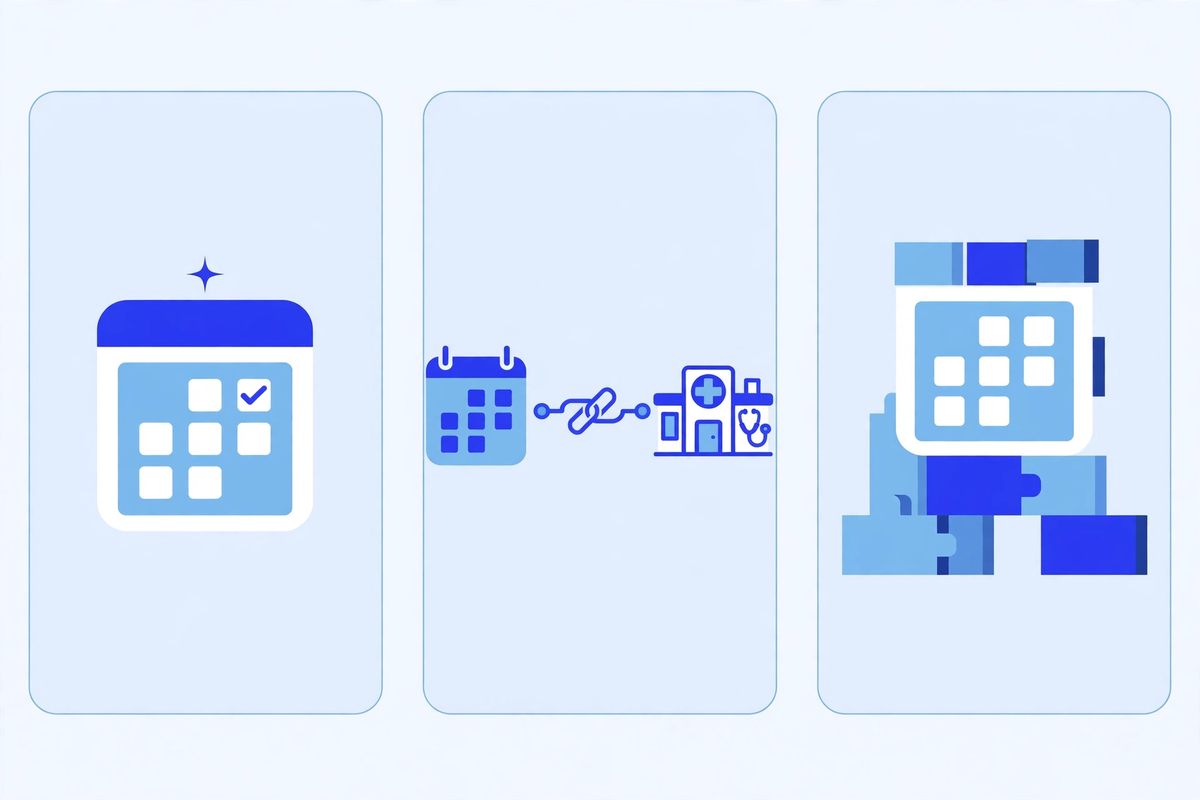
Route 1: Buy a Ready-Made Scheduling Product
Buying means subscribing to a product that already does booking, reminders, and rescheduling, and pointing patients at it from your website, your patient portal, or both. Setup is usually measured in weeks, not months. You configure visit types, hours, and clinicians, connect whatever integration the vendor offers, and train the front desk on one new screen. For a clinic whose visit types are standard and whose main problem is phone volume, this is often the right answer, and it is usually the cheapest route in the first year.
The limits show up at the edges of your workflow. A ready-made product handles standard visits well and unusual ones badly: procedure bookings that depend on room availability, visits that need insurance verification first, or new-patient visits that need triage questions the product cannot ask. If your clinic lives at those edges, you will either bend your workflow to fit the product or pay staff to handle the exceptions by phone, which quietly erases the saving. Check the exception path in the trial, not just the happy path: book the awkward visit, cancel it, rebook it, and see what the front desk has to clean up.
Pricing is usually a monthly subscription, often per provider or per location, plus setup and sometimes per-message reminder charges. Published starting prices in 2026 comparison roundups ranged widely, from about $29 per clinician per month for a therapy-focused starter plan to around $250 per provider per month for a fuller scheduling platform, with larger practices negotiating custom pricing. Treat those as starting points, not quotes: ask what is included at the tier you actually need, what reminders and messages cost at your volume, and what the price becomes when you add locations or clinicians.
Route 2: Integrate Scheduling Into What You Already Run
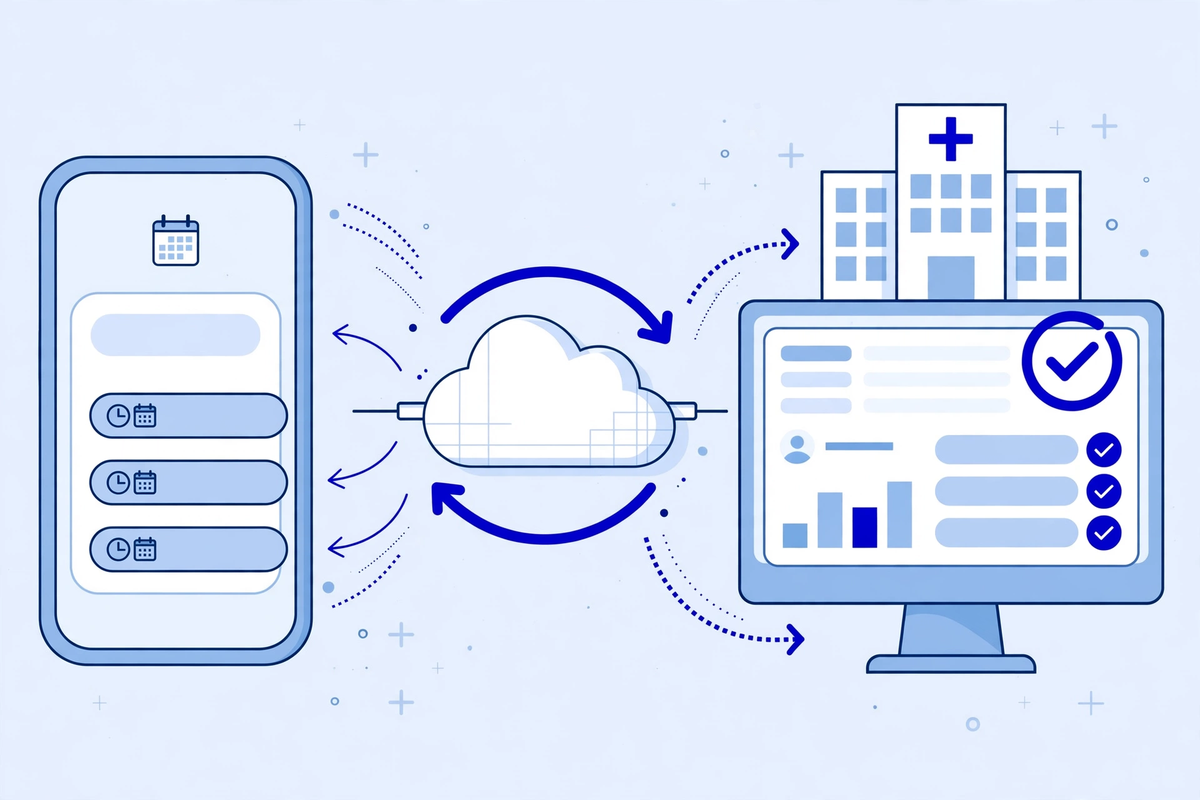
Integrating means adding online booking to systems you already use: your EHR, your practice management system, or your existing portal. Patients book through a familiar front door, and the appointment lands where your staff already work. When the integration is genuinely two-way, this is the strongest route for a clinic with complex scheduling rules, because the rules, the availability, and the patient record already live in one place. No re-entry, no second calendar, no daily reconciliation.
The honest cost is the integration itself. Some EHR vendors offer a booking module or a certified connection that works out of the box. Others charge an integration fee, limit what third-party tools can read or write, or sync on a delay that makes same-day booking unreliable. Ask three questions before you commit: does the booking write back to the EHR in real time or on a schedule, what happens when a slot changes in both places at once, and who fixes it when the sync breaks at 8 a.m. on a Monday? A vendor that cannot answer the third question clearly is selling you a future support ticket, not an integration.
Standards help here, but they do not remove the work. The Office of the National Coordinator for Health Information Technology (ONC) notes that most digital health companies connecting to EHRs use standards-based application programming interfaces (APIs), with the FHIR standard behind certified APIs. That matters for your decision because an EHR with a documented, standards-based API is far easier to connect booking to than one that only offers file exports or screen-level access. Ask for the API documentation during evaluation, not after signing, and have someone technical read it.
Route 3: Build Scheduling Into Your Own Portal or Platform
Building means your own team, or a development partner, creates booking as part of your portal or platform: your visit rules, your branding, your intake flow, your reminders, all in one place. The appeal is real. Nothing is bent to fit a vendor's model, and booking can sit beside messages, forms, and payments in a single patient experience. If you are already building or rebuilding a portal, adding booking to that project can cost far less, per piece, than buying and connecting a separate product.
The trap is treating the launch as the project. A booking system needs ongoing work: EHR connection maintenance when the EHR vendor changes its API, security updates, reminder-deliverability monitoring, accessibility fixes, and rule changes every time your clinic changes hours, clinicians, or visit types. Budget for that year-two work before you approve year one. Our guide to how much a patient portal costs makes the same point at portal scale: the build price is the smaller number, and the running cost is the one that surprises people.
Build also makes sense when no product fits: highly specialised scheduling, multi-step clinical pathways, or booking tied to equipment, rooms, and teams in ways no standard product models. If that is not your situation, be honest about it. A custom calendar built because nobody wanted to evaluate vendors is an expensive way to learn that a standard product would have done. If you do build, scope booking as its own milestone with its own acceptance tests, and do not let it absorb the whole portal budget.
The Cost Comparison
Compare routes on total cost over three years, not on the first invoice. A cheap subscription with heavy staff re-entry can cost more than a pricier integration that removes that work. A custom build with no maintenance budget costs the most of all, because it fails slowly: first the rules drift out of date, then staff stop trusting it, then patients go back to the phone.
| Cost | Buy | Integrate | Build |
|---|---|---|---|
| Upfront | Setup and configuration, usually lowest | Setup plus integration fees where the vendor charges them | Design and development, usually highest |
| Ongoing | Subscription per provider or location, plus message charges | Subscription plus any integration or connector fees | Hosting, maintenance, security updates, and rule changes |
| Staff time | Low, unless exceptions pile up by phone | Low once the sync is proven, high while it is not | Ongoing product ownership inside your team |
| Cost of getting it wrong | Switching products and retraining | A sync failure that double-books a clinic day | A system nobody maintains that patients stop trusting |
Two costs hide in every route. The first is migration: moving existing appointments, patient preferences, and booking rules without losing a single booked visit. The second is the phone work that survives: urgent visits, complex cases, and patients who will always call. Price the route that handles those honestly, not the one that pretends they do not exist. If a vendor quote has no line for either, ask for one.
The Integration Test That Decides Most of This
Run this test on any route before you sign. Book an appointment as a patient, change it from the staff side, cancel it from the patient side, and book the same slot twice at the same moment. Then check four things: does the EHR show the same appointment as the booking tool, does the patient get the right confirmation, does the waitlist hear about the freed slot, and does anyone have to re-enter anything by hand? If any answer is no, you have found the real cost of that option, and it will be paid daily by your front desk.
Also test the intake handoff. A booking that ends at a confirmation page leaves the patient with a second job: fill in forms, send insurance details, or answer the same questions again at check-in. The better setups connect booking to intake so the patient arrives with most of the paperwork done. Our intake flow solution is built around that handoff, and it is worth asking any scheduling vendor how theirs works, in detail, rather than accepting that intake is included.
HIPAA and Patient-Data Checks on Any Route
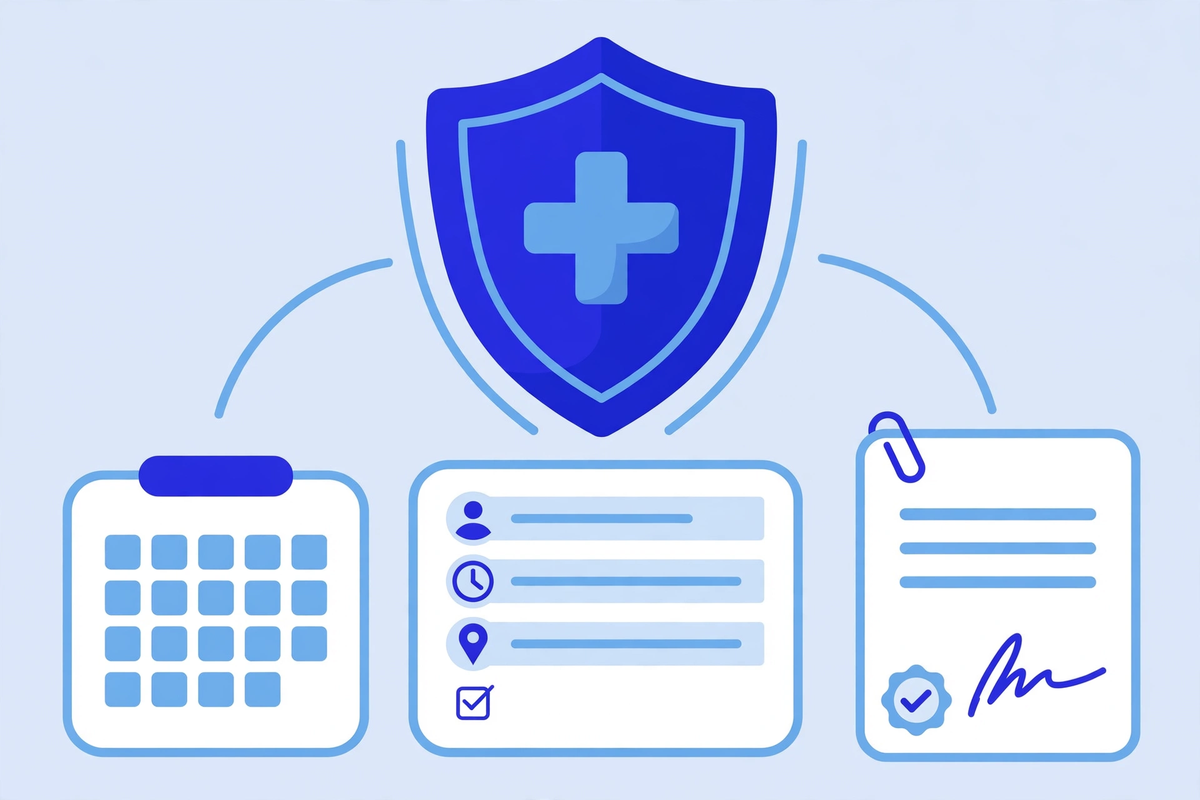
A scheduling tool handles patient details from the first click: names, contact details, and often the reason for the visit. That makes the vendor a business associate when it creates, receives, maintains, or transmits protected health information on your behalf, and HIPAA requires a written business associate agreement (BAA) spelling out permitted uses, safeguards, breach notification, and what happens to the data when the relationship ends. HHS publishes sample business associate agreement provisions showing what those agreements must cover. Get the agreement signed before the tool touches live appointments, on any route, including a tool your team builds with a hosted vendor behind it.
Three further checks belong on every evaluation. First, collect the minimum at booking: name, contact details, and visit type are usually enough, and the reason for the visit can often wait for intake or triage. Second, check access controls and audit trails: who on the vendor side and your side can see bookings, and can you see who looked? Third, check where reminders go and what they say: a text reminder that names a condition or a clinic specialty can disclose more than the patient expects. The ONC's work on standards-based APIs, described in its account of digital health companies using EHR APIs, is also a useful reminder that connection methods matter for security, not just convenience.
This section is general information about HIPAA, not legal advice. If your booking flow collects anything beyond basic scheduling details, or if a vendor cannot produce a signed agreement, have your compliance lead or attorney review the setup before launch. The cost of that review is small beside the cost of moving a live booking system to a compliant vendor later.
A Decision Checklist
Work through these questions with the people who will actually run the system, not only the people buying it:
- Which visit types must patients never book online, and how does the tool keep them out without confusing everyone else?
- Does a booking write to the EHR in real time, and what happens when the same slot changes in both places?
- Who owns the integration when it breaks, and how fast can they fix it on a clinic morning?
- What does rescheduling, cancellation, and the waitlist look like from the patient's side, at midnight, with no staff online?
- What does the tool cost at your real volume, including reminders, messages, locations, and clinicians, in year two?
- Is a business associate agreement signed, and does the vendor's security setup match what your compliance lead requires?
- What happens to your bookings, rules, and patient preferences if you leave this vendor in two years?
Pilot Before You Commit
Run a four-week pilot with one location, or one clinician group, before rolling out clinic-wide. Offer online booking for two or three standard visit types only, keep the phone path open, and measure what matters: how many bookings arrived online, how many needed staff cleanup, how many double bookings or no-shows appeared, and how many minutes of phone time the front desk actually saved. A pilot that only counts bookings will flatter every vendor. A pilot that counts cleanup work will tell you which route to pick.
End the pilot with a written decision, not a feeling. If the numbers support the route, roll it out visit type by visit type, not all at once. If they do not, you have learned cheaply, with one location, instead of expensively, with all of them. And if the pilot shows that the real problem is unanswered calls rather than booking itself, an AI medical receptionist that answers and books may be the better first step: it fixes the phone queue and the booking step together.
Whichever route you choose, keep the decision reviewable. Scheduling needs change when clinicians join or leave, when visit types change, and when your EHR vendor changes its terms. Explore our demos to see how booking, intake, and patient-facing flows fit together, or request a quote and we will scope the route that fits your clinic, including the integration and compliance work, rather than the booking page alone.
Written by Chloe Vance
Healthcare Marketing DirectorChloe Vance has led search engine optimization and digital patient acquisition strategies for top pediatric, dental, and multi-specialty clinical chains.
Frequently Asked Questions
Common conversational queries evaluated by our natural language models concerning deployment guidelines.