

Key Takeaways
- ✓Billing software has five jobs: capture the charge, check cover, build a clean claim, follow the money, and bill the patient clearly. Judge any product by those five, not by its feature list.
- ✓There are three routes: the billing module inside your EHR, a standalone subscription, or software built around your workflow. Most small clinics should start with the EHR module and move only when it falls short.
- ✓Price one real month in full before you compare vendors. The headline fee leaves out the clearinghouse, setup, training and the cost of leaving.
- ✓Integration decides whether the software works: charges from your EHR, claims in the 837P standard, eligibility and status as structured data, and acknowledgements that prove the payer received the claim.
- ✓A business associate agreement must be signed before the vendor touches your data, with access by role, unique logins and an audit trail you can actually see.
Medical billing software is the system that turns a visit into a paid claim. It records the charge, checks the patient's cover, builds the claim in the format the payer expects, tracks it until the money arrives, and produces a bill the patient can understand. For a small clinic, the right system does that work quietly in the background. The wrong one adds rework, hides denials, and leaves your biller chasing information the software should have caught on day one.
This guide is written for a clinic owner choosing software, not for a billing company. It covers what the software has to do, the three ways to buy it, how vendors charge, what to check on integration and HIPAA, and the questions that separate a good fit from a bad one. The operations underneath, the order of the revenue cycle itself, sit in our revenue cycle basics guide. The examples here are illustrative, drawn from ordinary small-clinic situations, not from any one practice.
What Billing Software Actually Does
Start with the job, not the feature list. A billing system has five jobs, and every feature a vendor shows you serves one of them. If a feature serves none of them, it is decoration.
- Capture the charge. The visit, the procedure, the code and the amount, recorded the same day, tied to the patient and the provider.
- Check cover before the visit. Eligibility and benefits, so the front desk knows what the plan pays and what the patient owes before the appointment.
- Build and send a clean claim. The claim in the payer's format, checked for the errors that cause rejections, sent through a clearinghouse or direct to the payer.
- Follow the money. Track the claim, post the payment, match the remittance, and flag what is unpaid, underpaid or denied.
- Bill the patient clearly. A statement the patient can read, a way to pay online, and a record of what was billed, paid and written off.
Most small clinics already do these five jobs, with a mix of their EHR, spreadsheets, a clearinghouse portal and memory. The software question is whether that mix still holds. If charges are missed, eligibility is checked after the visit, or denials sit in an inbox nobody owns, the mix has already failed, and a system is overdue.
The Three Ways to Get Billing Software
There are three routes, and they suit different clinics. The table below sets them out, and the paragraphs after it explain when each one fits.
| Route | What you get | Best fit | Watch out for |
|---|---|---|---|
| EHR module | Billing built into your EHR | Clinics happy with their EHR | Billing features may be thinner than a standalone product |
| Standalone subscription | A billing product that connects to your EHR | Clinics that want billing-first features | Integration quality varies, and you pay for two systems |
| Custom-built | Software built around your workflow | Clinics with unusual workflows or several systems | Longer build, higher upfront cost, you own maintenance |
The EHR module is the default for most small clinics, and for many it is enough. Charges flow from the note, the claim is built from the same record, and staff learn one system. The risk is that the module is a side product for the EHR vendor, so the billing tools can lag behind a product that does billing alone. Ask to see the denial worklist and the remittance posting before you assume it is enough.
A standalone subscription suits a clinic whose billing is the hard part: several payers, frequent denials, a biller who needs proper worklists. The product is built for that job, and the vendor's whole business depends on it working. The cost is a second system and a second login, plus an integration that has to be tested with your real EHR, not described on a sales call.
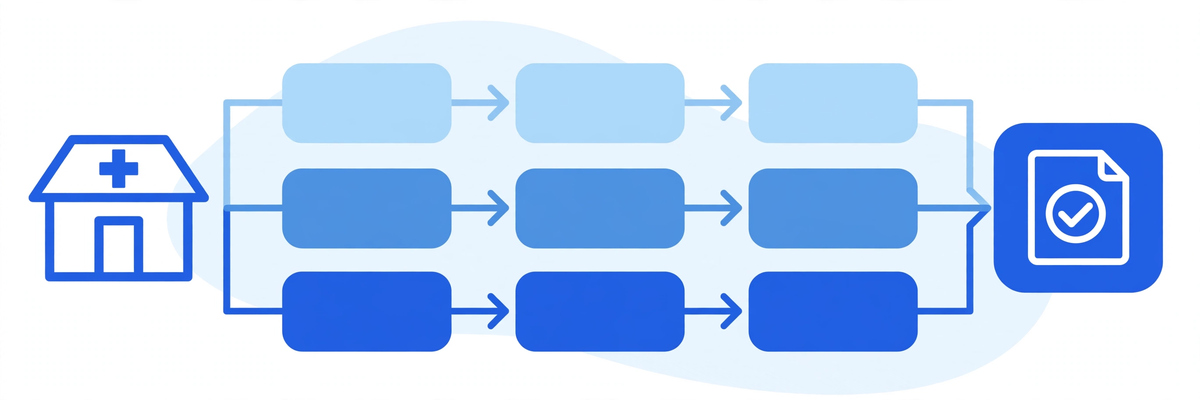
Custom-built billing software is the third route, and it fits clinics whose workflow does not match any packaged product: several locations with different rules, a specialty with unusual coding, or a stack of systems that need one billing layer across them. Our medical billing software service builds this way, with preparation checks, claim tracking and denial worklists, and patient billing through the portal. It is the slowest route and the most expensive at the start, so it only makes sense when the packaged routes genuinely do not fit.
The Features That Matter Most
Vendors list dozens of features. Eight decide whether the software will work for a small clinic, and they are the ones to test in a demo, with your own claims, not the vendor's sample data.
- Eligibility checks in bulk, run against the whole appointment list, with the result written back to the schedule.
- Charge capture that flags a visit with no charge, so nothing leaves the clinic unbilled.
- Claim scrubbing that checks codes, modifiers, place of service and payer rules before the claim goes out.
- Clearinghouse connection with acknowledgements, so you know the payer received the claim, not just that you sent it.
- Electronic remittance posting, with the payment matched to the claim and the balance updated without retyping.
- A denial worklist that groups denials by reason, assigns each one to a person, and shows what is still open.
- Patient billing: clear statements, online payment, and payment plans the patient can follow.
- Reports your biller actually uses: ageing by payer, denial rate by reason, days from visit to payment.
Two features deserve a closer look, because vendors describe them loosely. Claim scrubbing is not a spellchecker. It checks the claim against the rules the payer publishes, and the good versions let you add your own rules, such as a code your largest payer always rejects without a modifier. Ask which rules are built in, who updates them, and how often. Electronic remittance posting is the other one. A system that imports the remittance file and posts it automatically saves hours a week, but only if the match rate is high. Ask what share of payments post without a person touching them, and what happens to the rest.
What you can skip, at least at first: tools that predict denials, tools that draft appeal letters, and dashboards with more charts than your team will ever open. Our guide to AI in revenue cycle management covers that layer in detail. Get the eight features above working first, then add the rest once your own numbers are clean.
What It Costs, and How Vendors Charge
Billing software vendors charge in four ways, and the headline figure rarely tells the whole story. The table below sets out the models. No vendor in this article is named, and no price is quoted, because the figure depends on your volume, your payers and your setup, and any number printed here would be out of date before you read it.
| Model | How it works | What to ask |
|---|---|---|
| Per provider, per month | A flat monthly fee for each billing provider | Does the fee cover the clearinghouse, or is that separate? |
| Percentage of collections | The vendor takes a share of what is collected | What counts as collected, and is there a minimum? |
| Per claim | A fee for each claim submitted | Are rejected and corrected claims charged twice? |
| Flat monthly fee | One fee for the practice, whatever the volume | What is the cap, and what happens above it? |
Three costs sit outside the headline figure, and they are the ones that surprise small clinics. The clearinghouse fee is the first, sometimes bundled, sometimes billed per claim or per month. The second is implementation: data migration, payer enrolment, training, and the weeks when your team runs two systems at once. The third is the cost of leaving: your data, your claim history and your denial notes, and whether the vendor hands them back in a usable format. Ask all three before you sign, and get the answers in writing.
A useful way to compare quotes is to price one ordinary month. Take last month's claims, visits and providers, and ask each vendor to quote that month in full, including the clearinghouse, the support tier you will actually use, and any per-claim fees. A quote that cannot be tied to a real month is a quote you cannot compare.
The Integration Question: EHR, Clearinghouse and Claim Standards
Billing software is only as good as its connections. It has to take charges from your EHR, check eligibility with your payers, send claims through a clearinghouse, and bring payments back. A vendor that cannot describe each connection plainly is a vendor to be careful with.
The claim itself follows a standard. Electronic professional claims in the United States use the ASC X12 837P format, version 5010A1, the electronic equivalent of the paper CMS-1500 form. Medicare requires electronic submission in most cases, under the Administrative Simplification Compliance Act, with a narrow exception for small providers. CMS sets this out in its booklet Medicare Billing: CMS-1500 and 837P. Your software has to produce that format correctly, and your clearinghouse has to accept it, or the claim never reaches the payer.
Eligibility and claim status use the same family of standards: the 270/271 pair for eligibility checks, and the 276/277 pair for claim status. You do not need to memorise the numbers. You need to know that the software speaks them, so eligibility results and claim statuses arrive as structured data your staff can act on, not as phone calls and portal logins.
Ask four questions about integration, and ask for the answers against your actual systems, not in general terms. Which EHR versions has the vendor connected to, and can they name a clinic on yours? Does the clearinghouse connection carry acknowledgements back, so you can prove the payer received the claim? How are eligibility results written back into the schedule, and how fast? And what happens when the EHR vendor updates its system: who tests the connection, and who pays if it breaks?
HIPAA, Access and Audit Trails
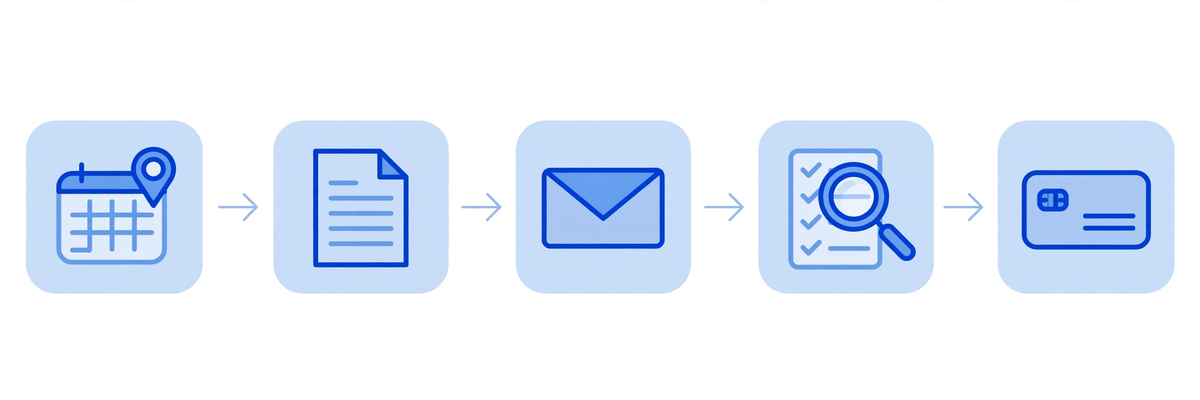
Billing software holds protected health information, so the HIPAA rules apply to it in full. The vendor is your business associate, and the agreement that says so, the business associate agreement, is not a formality. It has to be signed before the vendor touches your data, and it has to cover what the vendor does with the data, how it protects it, and what happens if there is a breach. HHS publishes sample business associate agreement provisions that show what the agreement should cover.
Three controls matter most for a small clinic. The first is access by role: a biller sees claims, a front-desk member sees eligibility and balances, nobody sees everything by default. The second is unique logins: no shared accounts, so every action ties to a person. The third is an audit trail: who opened a claim, who changed a code, who posted a payment, with a date and time. If the vendor cannot show you the audit trail in a demo, treat that as a gap, not a missing feature.
Two practical points follow from the same rules. Patient statements and payment pages must sit behind the same protections as the rest of the system, and any vendor that emails statements or payment links should be asked how that email is protected. And if the vendor's support team can see your patient data while helping you, that access has to be covered by the same agreement and limited to what the job needs.

How to Evaluate a Vendor Before You Sign
A sales demo shows the product at its best. Your job is to see it at its most ordinary, doing your clinic's work with your clinic's claims. A short trial with real data tells you more than any feature list.
- Bring ten real claims: five clean, three that were denied, two that needed correction. Watch the software handle each one.
- Ask the biller to run the demo, not the owner. The person who will live in the system should be the one who judges it.
- Check the denial worklist with a real denial reason, and ask how the appeal is tracked to an answer.
- Post a real remittance file, and count how many payments post without a person touching them.
- Ask who answers support calls, how fast, and whether that person can see your data.
- Read the exit terms: your data back, in what format, within how many days, at what cost.
References are worth more than a second demo. Ask for two clinics of your size, in your specialty if possible, that have used the product for at least a year. Ask them what broke, how long the fix took, and what they would change. A vendor that cannot produce a reference of your size is telling you something.
The First 90 Days: A Sensible Rollout
Switching billing software in one weekend is how claims get lost. A phased rollout over about 90 days is slower, and it is the way that works.
- Weeks 1 to 2: map the current process, every step from charge to payment, and name the person who owns each one.
- Weeks 3 to 4: set up payers, the clearinghouse and eligibility, and test with a small set of real claims.
- Weeks 5 to 8: run both systems in parallel on a limited set of claims, and compare every result.
- Weeks 9 to 12: move the rest across, keep the old system readable for at least one claim cycle, and review the first month's numbers.
Two rules hold through the whole rollout. The first is that the old system's data stays readable until the new system has completed a full claim cycle, from visit to payment, with no gaps. The second is that one person owns the switch, and everyone else knows who that is. A rollout with no named owner is a rollout nobody is watching.
When You Do Not Need New Billing Software
Not every clinic needs a new system, and buying one to fix a process problem wastes money. Three signs say the software is not the problem.
The first is volume. A clinic with a small number of claims a month, one payer that pays cleanly, and a biller who knows the work may be better served by the EHR module it already has. The second is a process gap: charges recorded late, eligibility never checked, denials nobody owns. Software will not fix those, and a new system will carry the same gaps with a higher monthly fee. Fix the process first, then judge the software. The third is a contract: if your EHR agreement already includes a billing module you have not switched on, use it for a month and measure it before buying anything else.
If the problem is cash flow rather than software, the work is different again. Our guides to prior authorization and telehealth reimbursement cover two of the commonest causes, and our patient portal cost guide sets out the patient billing side. A new billing system helps when the work itself is sound and the tool is the bottleneck. It does not help when the work is the bottleneck.
The Bottom Line
Choose billing software by the five jobs it has to do, not by the length of its feature list. Test it with your own claims, price one real month in full, check the integration against your actual EHR, and read the exit terms before you sign. The right system is the one your biller trusts on a busy Monday, that catches the error before the claim goes out, and that shows you exactly where every dollar stands. If you would like the software built around your workflow instead of the other way round, talk to us about a quote, or see a demo of what we build.

Written by Chloe Vance
Healthcare Marketing DirectorChloe Vance has led search engine optimization and digital patient acquisition strategies for top pediatric, dental, and multi-specialty clinical chains.
Frequently Asked Questions
Common conversational queries evaluated by our natural language models concerning deployment guidelines.