

Key Takeaways
- ✓AI in the revenue cycle reads, checks, drafts and sorts. People still decide, sign and answer for the claim, at every stage.
- ✓The help is stage specific: eligibility checks, authorisation assembly, coding suggestions, claim scrubbing, denial sorting and payment posting each use it differently, and each fails differently.
- ✓The failure modes repeat: confident wrong suggestions, payer rules that changed quietly, and poor documentation going in. A human check at each stage is what keeps them small.
- ✓Start with one stage where errors are easy to count, usually eligibility or claim scrubbing, and measure your own numbers before and after.
- ✓Coding and compliance responsibility stays with the clinic and its billers, whatever the software suggests. A tool that hides its reasoning is not ready for your claims.
AI in revenue cycle management means software that reads, checks, drafts and sorts, helping with the money side of a clinic visit: the eligibility check before the appointment, the codes on the claim, the denial that comes back, the payment that needs posting. The AI part is pattern work. The software has seen large numbers of claims, documents and payer responses, and it uses those patterns to flag what looks wrong, prepare what looks routine, and draft what a person would otherwise type. What it does not do is carry responsibility. Your billers still review, decide and sign, and the claim still goes out under your clinic's name.
The operations underneath are not new, and they are not the subject of this article. Our revenue cycle basics guide walks through the cycle itself: check before the visit, capture charges the same day, submit promptly, work every denial, bill patients clearly. This article is about the layer now being sold on top of that routine, stage by stage, and about a question worth asking at every stage: what does the software actually do here, what does a person still check, and how does it fail when it fails?
What the Software Is Actually Doing
Strip away the marketing and most AI billing tools do three kinds of work. They read: pulling details out of charts, referral letters, remittance files and payer letters that a person would otherwise retype. They match: comparing a claim, a code or a document against patterns learned from earlier claims and the payer rules they have been given, then flagging the ones that look likely to cause trouble. And they draft: preparing the first version of an authorisation request, an appeal letter, a patient explanation, for a person to check and send. Our plain guide to AI in healthcare sets out the same pattern across the rest of the clinic.
That is assistance, and it is worth being precise about the word. A tool that suggests a code has not coded the visit. A tool that drafts an appeal has not appealed. The value is real: the reading, matching and drafting are the slow, repetitive parts of billing work, and software does them without tiring. The risk is equally real, and it sits in the same place. Patterns are not knowledge. The software does not know your payer changed its mind last month, or that the note it read was thin because the clinician was called away mid-visit. Every stage below has the same shape: genuine help, a human check that must not be designed away, and a failure mode that appears when the check is skipped.
Stage 1: Eligibility and Benefits Checks
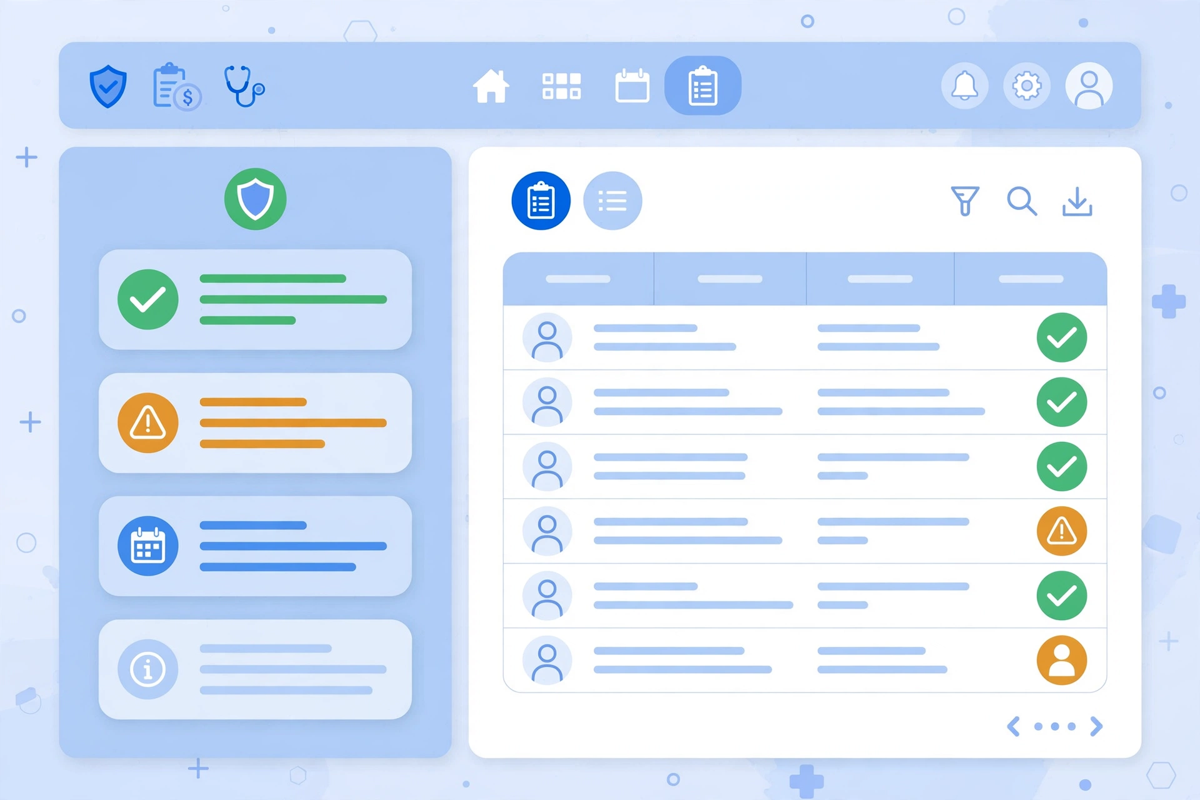
Eligibility is the most structured stage of the cycle, which is why software handles it well. Before the visit, tools check coverage in bulk against payer systems, confirm whether the plan is active on the appointment date, flag visits that need a referral or an authorisation, and surface what the patient will likely owe while there is still time to discuss it. The exceptions land in a short list for staff: this plan has ended, this visit needs approval, this detail does not match what the plan holds.
The human check is on that exception list, and on the data underneath it. A payer's system can only report what it holds, and what it holds is sometimes out of date: a plan changed at the start of the month, a dependent dropped, a name spelled differently on the card than in your system. The software will report the answer it received with complete confidence either way. Someone in your clinic still has to resolve the mismatches, ring the patient whose coverage has lapsed, and decide what happens to the appointment. The tool shortens the queue. It does not remove the judgement at the end of it.
Stage 2: Prior Authorisation Support
Authorisation work is mostly assembly and chasing, and that is where AI tools help most visibly. The software gathers what the payer asks for from the chart and the order, fills the request forms, submits them through the payer's route, tracks which requests are still waiting, and drafts the follow-up when a payer asks for more information. The front-desk side of this work, what to gather and when, sits in our article on prior authorisation for clinics.
What a person still owns is the justification. Whether a service is clinically appropriate, and how that case is argued, is a clinician's judgement, and payers can ask questions no form anticipates. The failure mode to watch is stale rules. Payer criteria change, sometimes quietly, and software keeps preparing requests against the criteria it was last given, confidently and at scale. A clinic can submit a month of well-assembled requests against an outdated rule before the denials reveal it. Someone has to own the payer updates, and the authorisation queue still needs a person reading the refusals rather than just resubmitting them.
Stage 3: Coding Assistance and Documentation Checks
Coding tools read the visit note and suggest codes, then check the note against the codes chosen: is the examination detail there, does the diagnosis support the procedure, is anything documented but not coded, or coded but not documented? Used well, this is a second pair of eyes that never gets tired at the end of a long clinic day. It is at its best on the routine middle of your work, the visit types your clinic sees every week, where its patterns are grounded in large numbers of similar notes. Our medical coding basics guide covers the accuracy work itself, which stays human work however good the suggestions get.
The failure mode at this stage is the most serious in the article, so it deserves plain words. A suggested code arrives dressed as a conclusion, and a suggestion that is wrong in the direction of higher payment is not a clerical error, it is a compliance problem. Notes also vary. A thorough note gives the tool something to work with; a two-line note gives it almost nothing, and it will still produce a confident answer. The coder who accepts the suggestion owns it. Coding responsibility stays with the clinic and its billers, and any tool whose suggestions cannot be questioned, overridden and traced to the note they came from is not ready for your claims.
Stage 4: Claim Scrubbing and Submission
Before a claim leaves, scrubbing software checks it against payer rules and basic completeness: missing fields, codes that cannot appear together, a charge that does not match the visit record, a duplicate of a claim already sent. AI-assisted scrubbers add a prediction on top, flagging the claims that resemble ones this payer denied before, so a biller can look twice before submission rather than after rejection. This checking layer is familiar territory for billing software generally. The medical billing software Med Clinic X builds, for example, is built around claim preparation checks, submission tracking and denial worklists, so the state of every claim stays visible to the team working it.
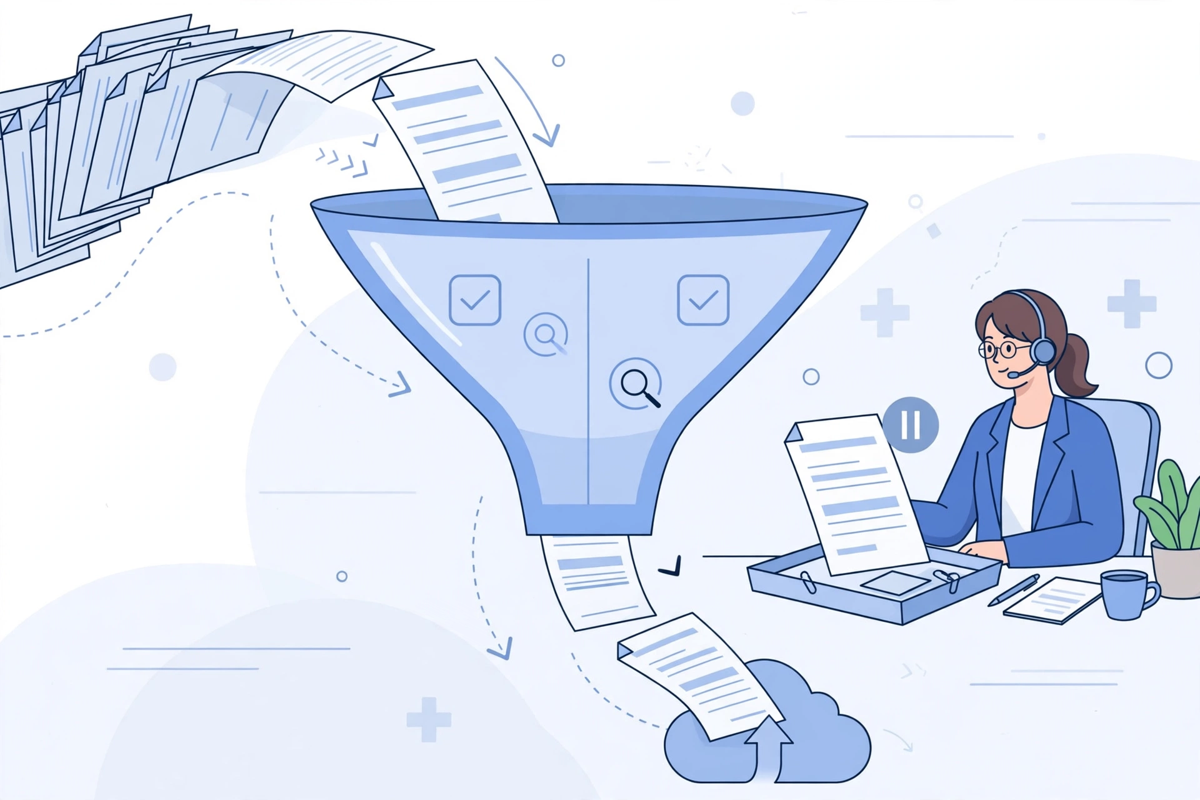
The human check is the flagged claims themselves, worked by someone who understands why the flag appeared. A scrubber only knows the rules it has been given plus the patterns it has learned, and both can lag behind the payer. A new payer edit can pass every check your software knows and still reject the claim. Scrubbing cannot rescue weak input either. If the charge was captured late or the documentation never supported the service, the claim that goes out is a tidy version of a flawed one. Garbage documentation in means a garbage claim out, however polished the submission looks.
Stage 5: Denial Prediction and Appeals
Denials are where the reading and drafting abilities combine. Prediction tools score incoming claims by how closely they resemble past denials, which lets a small team spend its review time where the risk actually sits instead of spreading it evenly. After a denial lands, the software groups denials by reason, pulls the relevant part of the record together, and drafts the appeal or the corrected claim from it: the authorisation number that was on file, the note section that supports the code, the timeline the payer asked for. A biller then checks the draft against the chart, corrects it, and sends it inside the appeal window.
Two failure modes matter here. Prediction is pattern, not knowledge. A claim can score as safe because the payer has never denied one like it, right up until the payer starts. And a drafted appeal is only as good as the facts inside it. An appeal assembled quickly around a wrong date or a detail the record does not support does more damage than a slower honest one, because it spends your credibility with the payer as well as your time. The pattern across this whole article holds: the draft is the beginning of the work, not the end of it, and appeals need a named owner just as they did before the software arrived.
Stage 6: Payment Posting and Patient Billing Questions
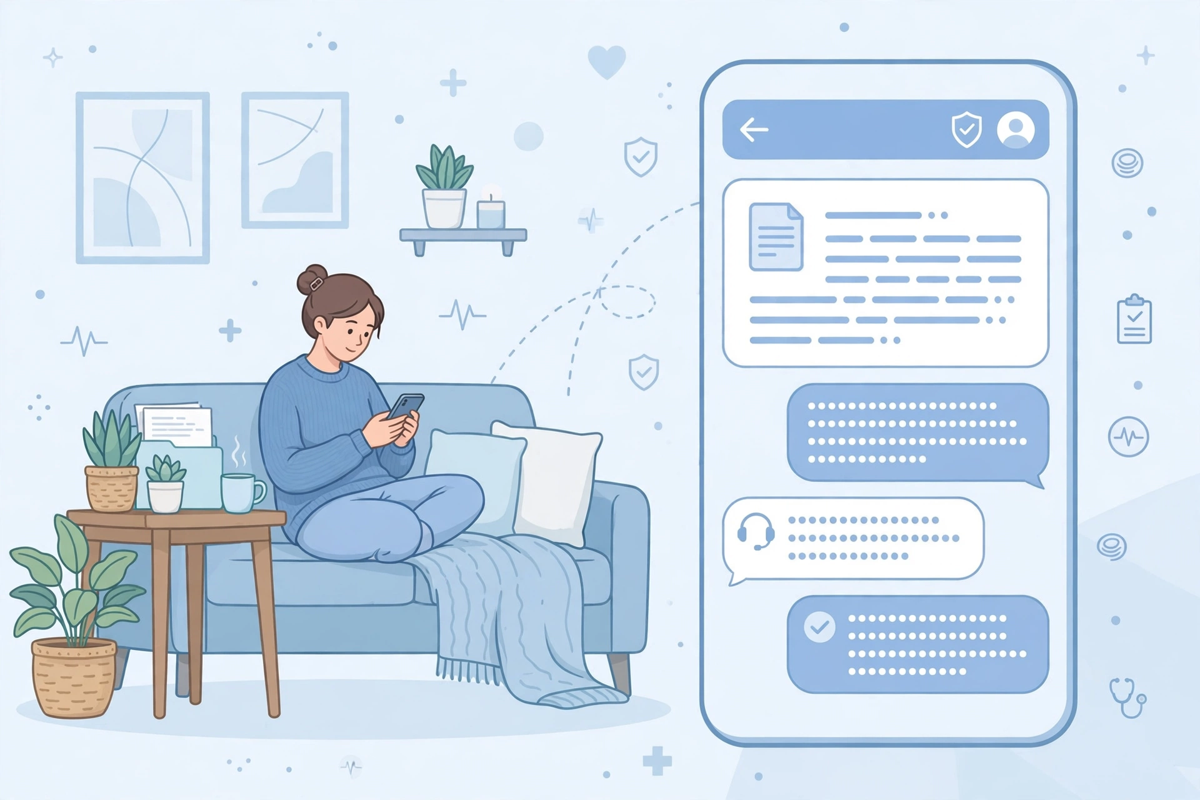
At the end of the cycle, software posts remittances against claims, matches payments to charges, and flags the mismatches a person would take hours to find by eye: the short payment, the claim paid at the wrong rate, the adjustment that does not match the contract. On the patient side, tools turn a coded statement into a plain explanation of what the visit was, what the plan paid and what remains, and answer routine billing questions by message at any hour: why is this my balance, can I pay in parts, where do I update my insurance details? Those answers belong in the same portal where patients see statements and payment plans, not in a phone queue.
Money conversations still need a person within reach. A mismatch flag is an invitation to investigate, not a conclusion, and a short payment sometimes has a legitimate explanation in the contract that the software has not read. Patient questions go off script quickly too. A patient disputing a balance, frightened by a bill, or confused about what their plan told them needs a human who can look at the whole picture and stay on the line. The sensible design is software answering the routine questions instantly and passing anything emotional, disputed or unusual to a person with the conversation attached, so the patient explains their problem once.
What AI Cannot Do in the Revenue Cycle
It helps to say the limits out loud, because vendor conversations rarely volunteer them. The software cannot know a payer's unwritten habits, the local quirks your billers have learned over years. It cannot take responsibility for a code, an appeal or a claim: accountability sits with the clinic that signs and submits. It cannot repair documentation that was never written, and it cannot make a weak clinical note support a service after the fact. It cannot negotiate, escalate a relationship, or notice that a payer's behaviour changed for reasons outside the data. And it does not carry your compliance duties. Those stay with your clinic, your coders and your billers, whatever any tool suggests.
None of that makes the tools pointless. It makes them tools. Treat the software the way you would treat a fast, tireless junior colleague with an excellent memory and no judgement: give it the reading, the checking and the first drafts, keep the decisions with experienced people, and review its work as you would review theirs, closely at first and on a sample for as long as it runs.
A Sensible Order for a Small Clinic
Start where the pile is visible and the errors are easy to count. For most small clinics that is eligibility or claim scrubbing: the inputs are structured, a wrong answer shows up quickly as a rejection or a mismatch, and your team can compare the before and after in its own counts. Denial sorting and appeal drafting usually come next, because they build on the claim data the first stage has cleaned up. Coding assistance deserves the most careful introduction of all, with a review period where every suggestion is checked, because its failure mode carries compliance weight. Patient-facing answers come last, once the underlying balances and statements are reliably right, because a confident wrong answer to a patient costs more trust than a slow right one.
Where Med Clinic X fits in this picture should be stated as plainly as the rest. We build billing software, shaped around how a practice actually bills: charge capture, coding-support screens, claim preparation checks, denial worklists that turn rejections into assigned tasks, eligibility checks before the visit, and patient statements and payment plans in the portal. We do not submit claims, post payments or run a clinic's revenue cycle, and this article is not a claim that our software performs the AI stages above. Clinics come to us when the tool underneath the work is the problem, and a build starts with a workflow audit and a written quote, so the scope is agreed before anything is built.
Questions to Ask Any Vendor
These questions separate a tool that assists from one that quietly decides. Ask them before the demonstration, and write the answers down.
- At each stage, what exactly does a person still approve before anything leaves the clinic, and can that approval step be switched off? It should not be.
- When the software is wrong, what does that look like for us, and how would we know? A vendor who cannot describe their tool's failures has not watched it fail.
- What data trained the patterns, is our clinic's data kept separate, and is it used to train anything shared with other clinics?
- When a payer changes its rules, how does the update reach the software, and how do we learn that it has happened?
- Can the software show its working: which part of the note produced a suggested code, and which past claims shaped a denial warning?
- What does the agreement say about responsibility when a suggested code or a drafted appeal turns out to be wrong?
A Short Decision Checklist
- Name the stage with the visible pile first: unworked denials, eligibility surprises, claims rejected for simple errors. Start there, not everywhere.
- Count that stage's errors in your own records for a month before anything is switched on, so the after picture is yours and not a dashboard's.
- Keep a named human approving codes, appeals and submissions, and say so in your clinic's own procedures, not just in the vendor's brochure.
- Test the tool against your hardest recent cases, the claims that actually denied, before judging it on routine ones.
- Confirm how patient and payer data is stored, who can see it, and that the vendor agreements your clinic needs are signed before live data flows.
- Plan the review habit: a sample of the software's suggestions checked every week, by a person, for as long as the tool is in use.
The Bottom Line
AI in the revenue cycle is genuinely useful at the reading, checking and drafting work that slows billing down, and genuinely risky wherever a clinic lets a suggestion become a decision. The stages differ, but the discipline does not: software prepares, people decide, and the clinic answers for the claim. If you are weighing tools for your own cycle, start with the stage where your pile is, and judge every vendor by how honestly they describe their limits. If the problem underneath is the billing software itself, you can see the platform working in a demo or request a quote after a workflow audit of how your practice bills today.

Written by Chloe Vance
Healthcare Marketing DirectorChloe Vance has led search engine optimization and digital patient acquisition strategies for top pediatric, dental, and multi-specialty clinical chains.
Frequently Asked Questions
Common conversational queries evaluated by our natural language models concerning deployment guidelines.