Key Takeaways
- ✓Portal cost is set by the route: extending your EHR portal is $15,000–$60,000 in year one, buying is $25,000–$150,000, hybrid is $90,000–$250,000, and custom is $120,000–$450,000 (Arkenea).
- ✓The screens are the smallest part of the bill. Identity, the record connection, safeguards, and training are where most of the money goes, and where low quotes quietly cut.
- ✓Always compare the three-year total on the same one-page scope, including licences, integration upkeep, support, and per-provider or per-patient fees as you grow.
- ✓HIPAA work is part of the product, not an extra: signed agreements, role-based access, encryption, audit logs, tested backups, and a risk analysis must be priced in.
- ✓Start with the simplest route that does the job, clean your provider and appointment data first, and launch to one group while you measure bookings, messages, and payments.
A patient portal costs very different amounts depending on the route you take. Extending the portal that already comes with your record system is usually $15,000 to $60,000 in the first year. Buying a separate commercial portal is often $25,000 to $150,000 in the first year. Building a custom front end on top of your record system is commonly $90,000 to $250,000, and a fully custom portal can run $120,000 to $450,000. Those ranges come from Arkenea, a US healthcare software firm that publishes its portal pricing breakdown, and they are market ranges, not a quote for your clinic.
This guide is about cost and implementation only. It does not repeat our feature-by-feature guide. You will see what you are paying for, why two quotes can differ by a factor of three, the ongoing costs that rarely appear in the first proposal, the HIPAA work that must be priced in, and a step-by-step plan you can use with any vendor.
What You Are Actually Paying For
A portal looks like a set of screens: log in, see results, book a visit, send a message, pay a bill. The screens are the smallest part of the bill. Most of the cost sits underneath them, in identity, integration, and safeguards.
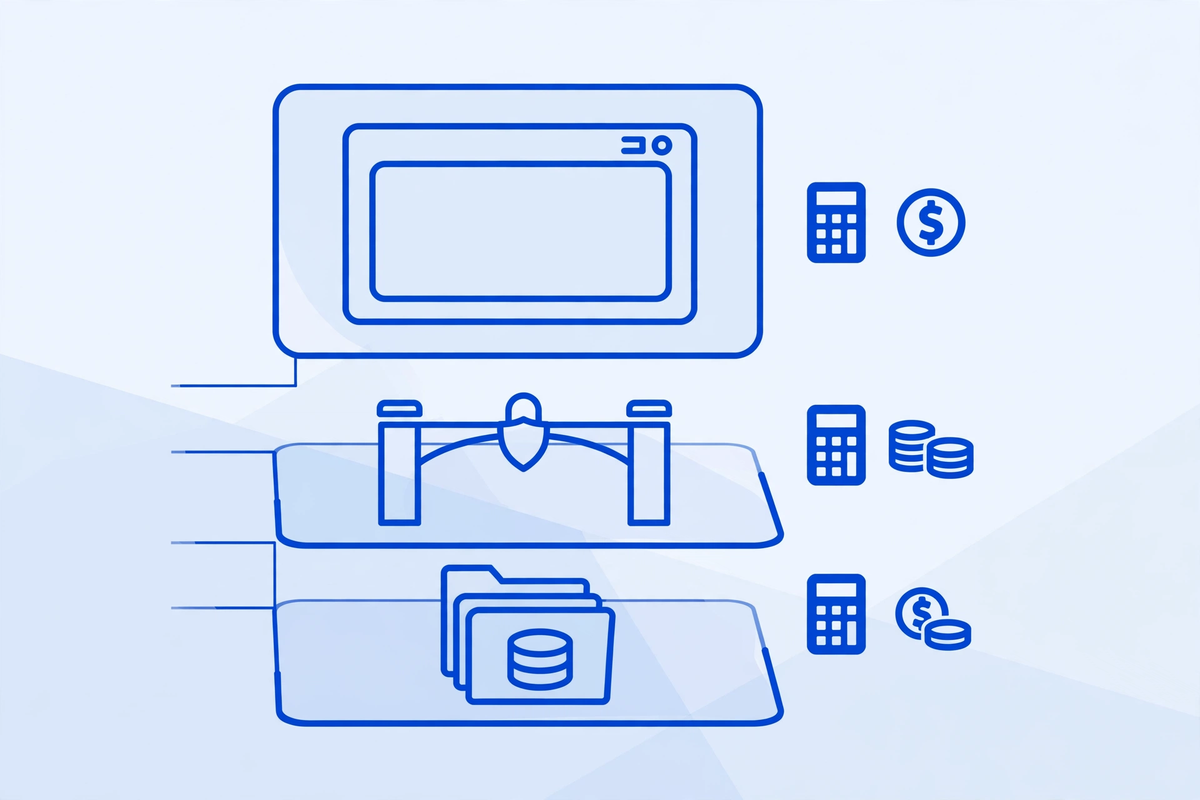
- Identity and access: proving a patient is who they claim to be, linking them to the right record, and handling password and caregiver access without opening the wrong chart.
- The record connection: reading appointments, results, and summaries from your record system, and writing back bookings, forms, and messages in the right place.
- Safeguards: encryption, unique accounts, role-based access, audit logs, backups, and the agreements and risk work for patient information.
- The patient experience: clear screens, plain language for results, and a booking flow that works on a phone.
- Change work: training, help for patients who get stuck, and the staff time to run the portal after launch.
When a quote seems low, check which layers it has left out. Weak identity checks or no write-back to the record will cost you later in workarounds or a second project. Our patient portal development service page sets out how we scope that work, and the AI patient portal shows the patient-facing side.
The Four Routes, Compared Honestly
There are four sensible routes, and none of them is right for every clinic. Start by naming which route you are pricing. Comparing a configuration quote against a custom build quote is not a comparison at all.
| Route | Typical first-year cost | Time to launch | Best fit |
|---|---|---|---|
| Extend your EHR portal | $15,000 to $60,000 in configuration and licensing | 4 to 12 weeks | One record system, standard booking, records and messaging needs |
| Buy a commercial portal | $25,000 to $150,000 in licensing plus integration | 3 to 6 months | Multi-specialty groups that need more than the EHR portal offers |
| Hybrid: custom front end on EHR data | $90,000 to $250,000 | 4 to 8 months | Clinics that want their own patient experience without storing a second copy of the record |
| Build a fully custom portal | $120,000 to $450,000 | 5 to 12 months | Multi-EHR groups or a portal that is central to how the clinic runs |
Those figures are from Arkenea's patient portal development cost guide, checked for this article. The same firm puts a narrower portal app at $80,000 to $160,000 in its broader healthcare software cost guide, which shows why you must ask what a range includes: build only, or licensing, integration, and the first year too.
For most single-site practices, start with the first route. Configure what you already pay for, fix booking rules and result wording, and measure use for a few months. Move to a bought or built portal only when you can name, in one sentence, what the current portal cannot do and what that gap costs you.
What Drives the Price Up or Down
Five things move a portal quote most.
- Number of record connections: one system through a standard interface is a contained job. Two or three systems, or a link that must write back as well as read, adds design, testing, and upkeep for each link.
- Identity and family access: caregiver and proxy access, teenage privacy rules, and shared family accounts each need careful rules and testing, because a mistake here is a privacy incident.
- Payments: showing a balance is cheaper than taking payment well. A proper flow needs a processor that will sign the right agreements, clear wording about what insurance covered, and a way to handle questions without a call.
- Messaging workload: secure messaging needs routing rules so a billing question does not land in a clinician inbox, and a plan for who answers, and how quickly.
- Locations and brands: each extra location adds scheduling rules, provider lists, and reporting. Price locations in phases if you can.
Two things pull the price down without cutting corners. First, a short launch scope: records, booking, messaging, and bill view first, with refills, intake, and video held for later. Second, clean source data: accurate providers, appointment types, and result names patients can understand. Cleaning that data during the build costs far more than cleaning it before.
Hidden and Ongoing Costs to Budget For
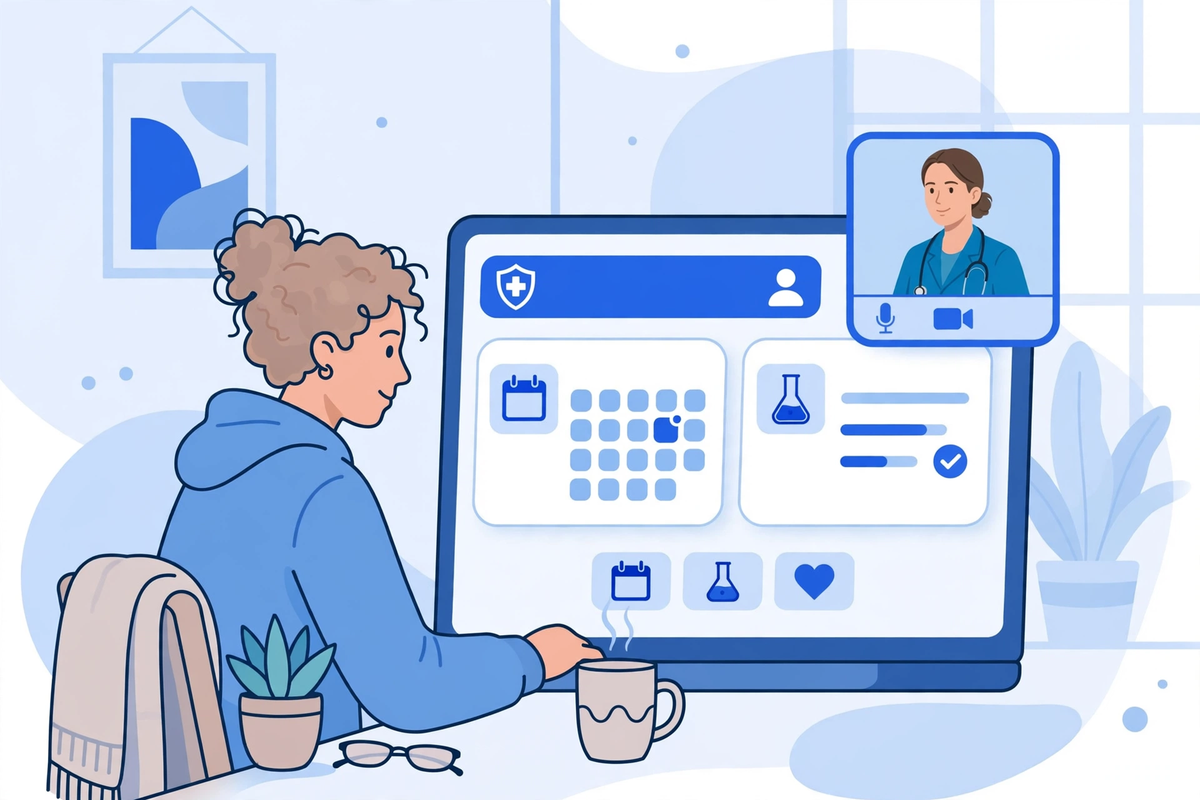
The build or licence is only the first bill. A portal needs running and checking, or use will drift down.
| Ongoing cost | What it covers | How to keep it honest |
|---|---|---|
| Hosting, licences and messaging | Cloud hosting, portal licences, text and email sending, payment processing fees | Ask for the cost at your current patient volume and at double that volume |
| Integration upkeep | Testing the record connection again when the record vendor updates its system | Name who does this, how often, and what happens if the link breaks on a clinic morning |
| Support and training | Patient help with log-in, new staff training, and small fixes | Set a monthly support scope in writing, not an open-ended promise |
| Security upkeep | Access reviews, backup restore tests, audit log checks, and an updated risk analysis | Book these as calendar tasks with a named owner, not as good intentions |
| Improvement work | Plain-language fixes, new locations, and phase-two features patients actually ask for | Keep a short list, price one improvement at a time, and measure use after each change |
Expect yearly maintenance to be a clear share of the build cost, not a surprise. Get that share in writing. If a vendor cannot give you the first-year and likely second-year totals on the same page, you do not yet have a price you can compare.
HIPAA and Patient Access: Costs You Cannot Cut
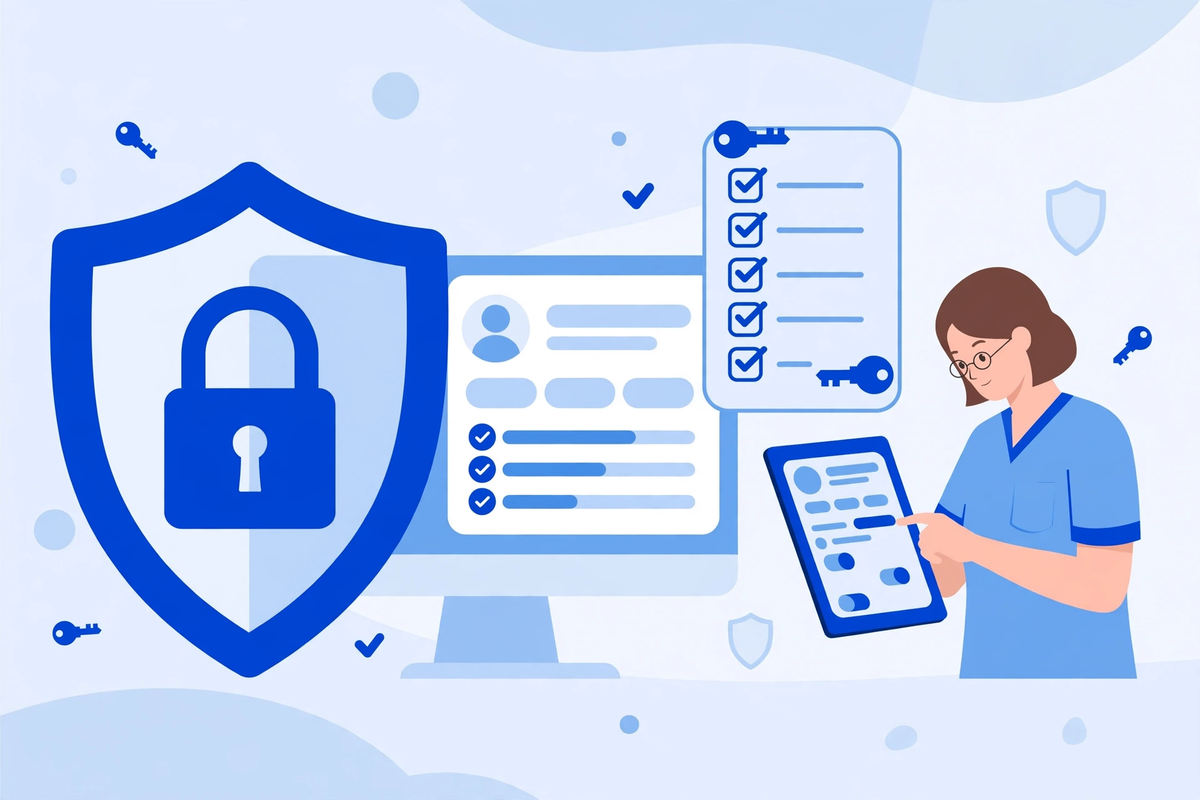
A portal gives patients access to their own health information, so privacy work is part of the product. Under HIPAA, a vendor that creates, receives, maintains, or transmits protected health information on your behalf is a business associate, and you need a signed agreement with it. HHS explains the related point for apps and APIs in its guidance on the access right, health apps, and APIs: whether an agreement is needed depends on whether the app acts on behalf of the clinic, not simply at a patient's request.
- Signed agreements with the portal provider and with any subcontractor or payment or messaging provider that handles patient information for it.
- Unique accounts, strong sign-in, role-based access for patients, caregivers, and staff, automatic timeouts, and a safe way to recover an account.
- Encryption in transit and at rest, audit logs that show who saw what, tested backups, and a written incident plan.
- A risk analysis for the portal, staff training, and simple rules such as no shared logins and no patient details in ordinary email.
- Patient access handled promptly and clearly: patients should be able to see the electronic information the rules require, in language they can follow, without an avoidable delay or fee for their own access.
Be careful with sales language. HHS does not certify a portal as HIPAA compliant, and buying software does not make a clinic compliant on its own. Ask for evidence: the agreement, the controls, the audit process, and who reviews them. A quote that includes none of it is not cheaper. It is incomplete. Our patient portal features guide works through the portal task by task.
Implementation, Step by Step

- Step 1: Write the one-sentence job. For example: patients can book, see results, message the right team, and pay a bill without calling. If you cannot write it, pause first.
- Step 2: Choose the route and lock the launch scope. Extend, buy, hybrid, or custom, with a written list of what is in phase one and what is deliberately held for later.
- Step 3: Clean the source data. Provider names, locations, appointment types and lengths, insurance wording, and result names. Fix these in the record system, not only in the portal.
- Step 4: Set identity and access rules. How a patient proves who they are, how caregivers get access, how staff reset an account, and how access ends when someone leaves.
- Step 5: Connect and test the record link. Test a normal booking, an out-of-hours result, a message to the wrong team, and a failed connection.
- Step 6: Train in short sessions and launch to one group first. Sit with the front desk in the first week and fix the top three problems patients report.
- Step 7: Measure and widen. Count bookings, results viewed, messages resolved without a call, and bills paid online. Widen only when those numbers hold.
Timelines follow the route. Configuration can be live in weeks, a bought portal usually takes months, and a hybrid or custom build takes longer. The work that decides the date is usually identity and integration testing, not screen design. The phased approach in our healthcare SaaS development guide applies here too.
How to Get a Quote You Can Trust
Give every vendor the same one-page scope, and ask for the same breakdown back. That single habit removes most of the confusion in portal pricing.
- The route and launch scope in writing, with phase-two items listed separately.
- Every integration named: which system, read only or read and write back, and who maintains it.
- Identity, caregiver access, payments, and messaging routing included or excluded, line by line.
- First-year and second-year totals, including licences, hosting, messaging, support, and per-provider or per-patient fees.
- Security evidence: the agreement, access controls, audit logs, backup and incident process, and exit plan.
If you would like a scoped view, see the demos first, or request a quote once your one-page scope is ready. MedClinicX does not publish a single fixed portal price, because a configured portal and a hybrid build are different jobs. Pricing is set per clinic once the route and record connection are clear.
When to Wait, or Choose the Simpler Route
A new portal is the wrong spend in a few clear cases. Wait if your current portal is barely configured and you have not fixed booking rules, result wording, or patient invites. Wait if your provider and appointment data are messy, because a new screen on messy data lets patients book the wrong slot more nicely. Wait if your bottleneck is elsewhere, such as intake or phone cover. Fix that first.
Choose the simpler route when your needs are standard, you have one record system, and speed matters more than a custom experience. Choose bought or hybrid only when the gap is specific and costly, and custom only when the portal is central to how your group runs. That discipline keeps a portal as an investment, not a second system to apologise for.
Common Mistakes That Waste Portal Budget
- Pricing screens instead of the whole job, then finding identity, integration, and training as extra costs mid-project.
- Launching with every feature at once, so patients face a long list they do not need and staff face a support queue.
- Copying paper forms and old result names into the portal without plain-language fixes, then blaming patients for not using it.
- Forgetting messaging routing, so every message lands in a clinician inbox and the portal loses staff support within months.
- No named owner after launch. Portals drift when nobody owns invites, access reviews, content fixes, and the improvement list.
- Measuring launch instead of use. A portal that is live but not used has not saved a single phone call.
The bottom line is simple. Name the route, write the one-sentence job, clean the data, price the full three years, and launch in one measured phase. Done that way, a portal earns its cost in fewer routine calls, clearer results, and bills paid without friction. Done the other way, it becomes an expensive log-in page patients try once and leave.
Written by Chloe Vance
Healthcare Marketing DirectorChloe Vance has led search engine optimization and digital patient acquisition strategies for top pediatric, dental, and multi-specialty clinical chains.
Frequently Asked Questions
Common conversational queries evaluated by our natural language models concerning deployment guidelines.