
Key Takeaways
- ✓A safe EHR switch rests on four things: the records that matter most moved in full, clinicians checked them, the old system stays readable, and go-live week has real support on the floor.
- ✓Do not switch to fix training, template ownership or inconsistent workflows, since a new system inherits those habits, and a single missing feature is often better solved by building around the current EHR.
- ✓Migration is a mapping job first: every field needs a named destination, and medications, allergies and immunisations need the closest clinician review, because clinicians act on them without re-checking.
- ✓Validation is the gate, not a formality: compare old and new charts side by side on patients your clinicians choose, and delay go-live if the sample checks fail.
- ✓Get export, exit, data retention and read-only archive terms in the contract before signing, and confirm the business associate agreement covers the new vendor and any migration firm that touches your records.
Switching EHR systems means moving your clinic from one electronic health record platform to another, and taking your patient records, schedules, billing links and daily workflows with you. A switch works when four things are true on go-live day: the records that matter most have moved in full, someone has checked them record by record, the old system is still readable for what did not move, and your staff know who to call when the new system surprises them. Miss any one of those four, and the new system can be better software running on weaker records.
This guide walks through the decision, the choice, the data move, the checks, and the first month, for a clinic owner or manager rather than an IT team. It gives no prices and no timelines as promises, because both depend on your size, your specialty, and how tangled your current records are. It is general information, not legal advice: contracts, state rules and payer requirements need their own review before you sign anything.
When Switching Is the Right Call, and When It Is Not
Start with the problem, not the product. A switch earns its disruption when the current system keeps bending your workflows out of shape: notes that take too many clicks for a normal visit, reports you cannot produce for a payer or a quality programme, a vendor that answers slowly or charges for basic fixes, or a platform that cannot connect to the scheduling, portal or billing tools your clinic now depends on. One annoyance is rarely enough. A pattern, felt every day by clinicians, front desk staff and billers alike, is a stronger signal.
Do not switch to fix a problem that is not the software. If staff never learned the current system properly, if nobody owns the templates, or if each site runs its own workaround, a new system will inherit the same habits with a new login screen. Fix the workflow first, and measure whether the complaint survives. The same applies when only one feature is missing. Building a booking, portal or intake tool around the EHR you already have is often cheaper and far less risky than replacing the record itself, as our healthcare SaaS development guide explains.
Choosing the New System on Your Own Workflows
Write your requirements before you watch any demo, and write them by role. A clinician needs notes, orders and results that fit a real visit. Front desk staff need scheduling, check-in and eligibility checks that do not slow the phone queue. Billers need clean claims, denial handling and reports they can reconcile. Managers need audit logs, role-based access and a way to see the whole clinic at a glance. A vendor demo that shows only the vendor's ideal visit will pass every system and prove nothing, so bring your own cases: a returning patient with a complex history, a new patient with insurance that needs checking, a referral that must leave the clinic the same day.
Ask about connections early, not after signing. A system with a documented, standards-based application programming interface (API) is far easier to connect to booking, portals and billing than one that only offers file exports. Ask for the API documentation during evaluation and have someone technical read it. Check the product's certification listing on the ONC Certified Health IT Product List, and ask what the certification actually covers for your specialty, since a certificate on the brochure is not the same as a fit for your daily work.
- Can we export all of our data, in a usable format, at any time, and what does that export cost? Get the answer in the contract, not in a sales call.
- What happens to our data if we leave? How long is it kept, in what form, and who can still read it?
- What does implementation include, and what is charged extra: data migration, interfaces, training, and go-live support?
- How long does the old system stay available to us, and at what cost, after we move?
- Who owns the templates, forms and reports we build in the new system?
The Data Migration Plan: What Moves, What Summarises, What Archives
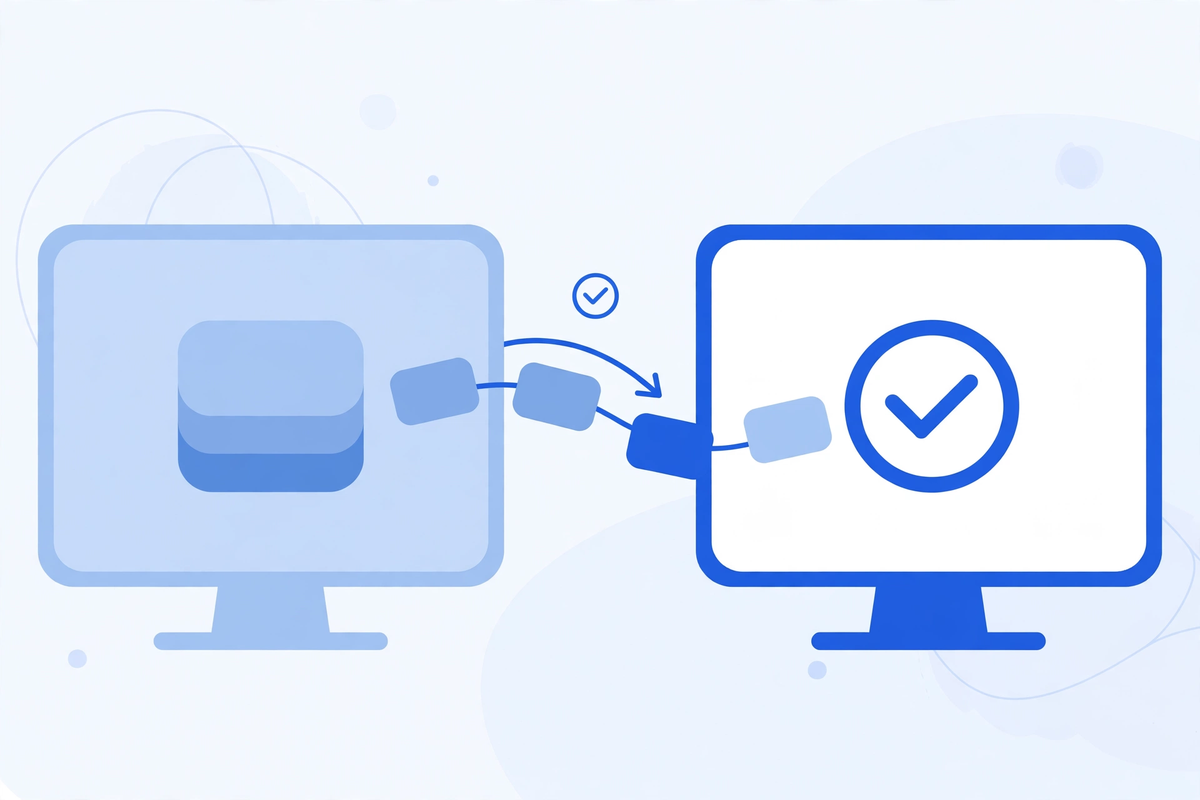
Every migration starts with an inventory, and the inventory is longer than most clinics expect. Patient demographics and contact details, problem lists, medications, allergies, immunisations, lab results, imaging references, visit notes, scanned documents, messages, referrals, appointments, insurance details, open balances and consent forms all live in different corners of the old system, and some of them live in more than one place. List them all, then decide for each one whether it moves in full, moves as a summary, or stays in an archive you can still read.
| Record type | Usual approach | What to check before sign-off |
|---|---|---|
| Active patient demographics, problems, medications, allergies | Move in full, field by field | Every active medication and allergy matches the old chart, dose and all |
| Immunisations and key lab history | Move in full where coded data exists | Dates, values and units survived the move, not just the test names |
| Old visit notes and scanned documents | Move as summaries, archive the rest read-only | Clinicians can still open the full old note when a summary raises a question |
| Future appointments and recalls | Move in full, with patient contact details | No appointment lost its time, clinician, location or reminder setting |
| Billing history and open balances | Move open items in full, archive closed history | Open balances reconcile to the cent before the old system closes |
| Templates, forms and order sets | Rebuild in the new system, do not copy blindly | Each template tested with a real case, not just opened and admired |
Mapping is where migrations quietly fail. Two systems rarely store the same idea in the same field, and a field that looks mapped can still be wrong: a medication list that loses its stop dates, an allergy recorded as free text that arrives as a blank code, a lab value that keeps its number but loses its unit. The data that needs near-perfect accuracy is the data clinicians act on without re-checking, so medications, allergies and immunisations get the closest review, by a clinician, not only by an IT checklist.
Duplicate charts deserve their own pass. Patients with two records, a maiden name and a married name, or a chart created at urgent care and another at the main clinic, will otherwise arrive in the new system as two people, and neither record will be complete. Merge them under your normal identity rules before migration, and keep a record of every merge, so a later question has an answer.
Validation: Checking Records Before Patients Depend on Them
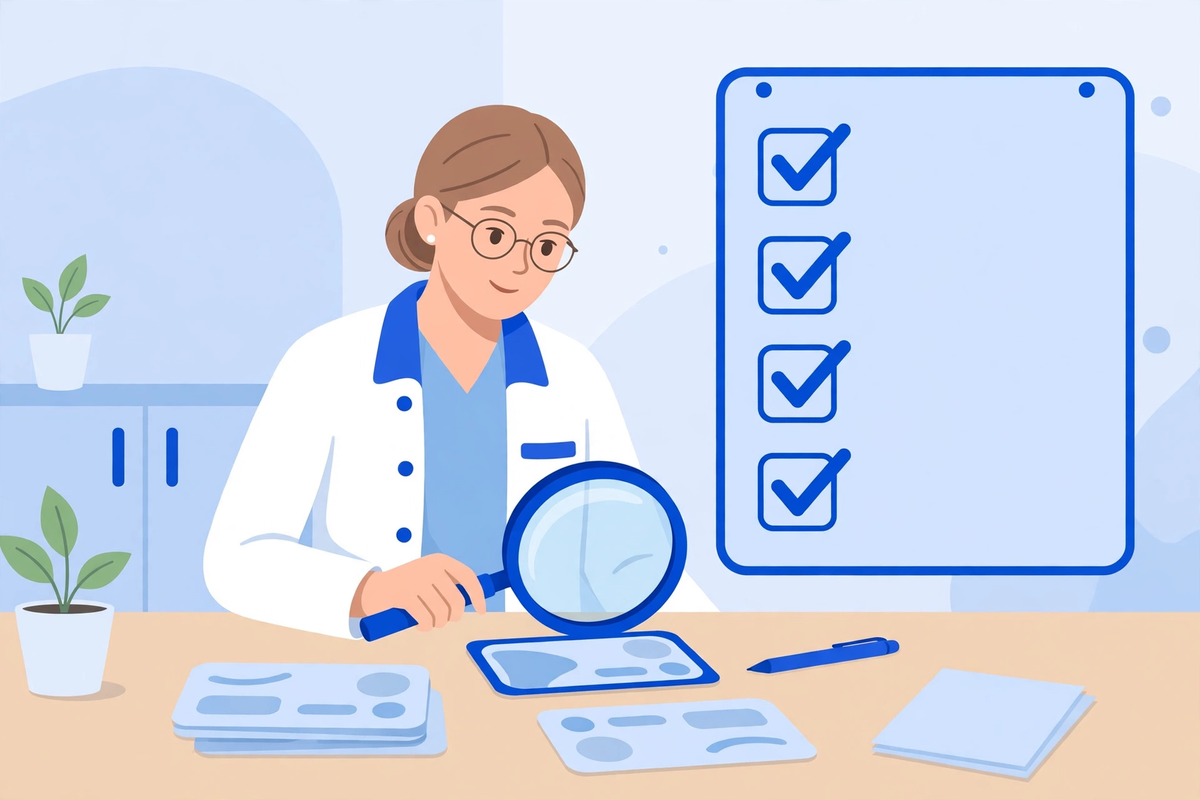
Validation means comparing the new system against the old one, record by record, on a sample your clinicians choose, not one the vendor selects. Pick patients across your real mix: a child with immunisations, an older patient with many medications, a patient with allergies that change prescribing, a patient with referrals still open, and a patient with a balance still owed. For each one, open the old chart and the new chart side by side and confirm that the story reads the same.
- Medications, allergies and immunisations match exactly, including doses, dates and units.
- Problem lists, recent notes and open referrals are present and readable, not just present as attachments nobody opens.
- Appointments, recalls and reminders carried over with the right patient, clinician, time and contact details.
- Test orders, results and billing codes flow end to end, from order to result to claim, on a trial case.
- Access controls work: each role sees what it needs, and nothing it should not, and every view is logged.
Treat validation as a gate with a named owner. If the sample checks fail, go-live waits, even if the project plan says otherwise. A delayed go-live costs a week of patience. A go-live on unchecked records costs months of corrections, and risks a clinical decision made on a record that looked complete and was not.
Privacy, Contracts and Your Right to Your Own Data
A new EHR vendor that creates, receives or transmits patient information on your behalf is a business associate under HIPAA, and the Department of Health and Human Services explains that a business associate agreement is required in exactly that situation. The same applies to any migration firm that touches your records during the move. No signed agreement, no data transfer, and that rule covers the test environment as well as the live one: a copy of real patient data used for testing is still patient data.
Your position on export comes from federal rules as well as from your contract. Federal information blocking rules prohibit practices that are likely to interfere with access, exchange or use of electronic health information, unless a law requires the practice or an exception covers it, and the Office of the National Coordinator for Health Information Technology explains that certified EHR users must have standardised FHIR APIs available for patient and population services. Read its information blocking and APIs guidance before you negotiate, and if an old vendor stalls an export, ask for its reasons in writing and take advice rather than accepting a delay as normal.
Keep the old system readable for a defined period, and put that period in writing. Old notes, signed consent forms and closed billing history are still needed for audits, payer questions and patient requests long after the new system is running. A read-only archive, with access limited to staff who need it and every view logged, is cheaper than rebuilding a record from paper, memory or a payer's copy.
The Go-Live Plan: A Lighter Week, Not a Big Bang
The safest go-live is a deliberately lighter week. Cut the schedule, keep the most experienced staff on the floor, and put your best trainers beside clinicians rather than in a back room answering tickets. Print the downtime procedures, because the one moment you cannot afford to improvise is the moment the system is down and a patient is in front of you. Phones, portal messages and walk-ins all need a paper fallback that staff have actually practised, not a document nobody has opened.
Tell patients before the week, in plain words, what will change for them: a new portal login, a different check-in step, or a phone number that stays the same while the system behind it changes. If your patient portal moves with the EHR, test the patient side too, with a real account, before patients discover a broken login on their own. A short message at booking, on the website and at check-in prevents most of the confusion, and a confused patient who cannot log in will call, which is exactly the queue your staff are trying to keep down.
The First Thirty Days: Fix the System, Not Just the Tickets
Run a daily issue review for the first week, then weekly for the rest of the month, and sort issues by pattern rather than by loudest voice. Ten tickets about the same template are one fix. Ten tickets about ten different screens are a training gap. Keep a single list with an owner and a date for every issue, and close the loop with the person who raised it, so staff keep reporting problems instead of quietly working around them.
Watch billing closely in the first month, because a migration fault often shows up first as a denied claim or a missing charge. Compare claim volumes, denial reasons and payment timing with the same period before the switch, and chase any change to its cause: a code that did not map, an eligibility check that stopped running, or a template that drops a required field. A custom build or integration around the new system, through a healthcare software development service, is worth considering only after the core system is stable, not as a patch for a migration fault nobody has diagnosed.
What Drives the Cost, Without Invented Prices
| Cost driver | What it covers | What to ask before you sign |
|---|---|---|
| Licences or subscription | Per-clinician or per-site access to the new system | What is included, what is an add-on, and how does the price change as you grow? |
| Migration scope | How much history moves in full, and how much is mapped by hand | Is migration priced by record count, by data type, or as one fixed scope? |
| Interfaces and connections | Links to labs, billing, scheduling, portals and devices | Which interfaces are included, and what does each extra one cost? |
| Training and backfill | Staff time learning, plus cover for clinics during training | How many training hours per role, and who covers the clinic while staff train? |
| Dual running | Keeping the old system readable after go-live | How long is read-only access included, and what does extending it cost? |
| Internal time | Your own staff on requirements, validation and go-live | Who owns the project on your side, and how many hours a week does it need? |
Ask for an itemised quote against that list, from every vendor you shortlist, so you compare the same scope rather than the same headline. A cheap licence with migration, interfaces and training charged separately is not cheaper than a higher licence that includes them. And budget for your own time honestly: validation, template rebuilding and go-live support are real work, even when no invoice arrives for them.
The Bottom Line
Switching EHR systems is a data project with a software purchase attached, not the other way round. Decide on the pattern of problems, choose on your own workflows, map every field before anything moves, check the records with clinicians before patients depend on them, keep the old system readable, and give the first month a named owner and a daily list. Clinics that do that work find the new system feels like an upgrade. Clinics that skip it find the same frustrations wearing a new logo.
If you are weighing a switch against building around the system you have, start with the Med Clinic X demos to see how booking, portals and intake can connect to your current setup, or request a quote for advice on your own practice. And if your checks show that the real problem is training or workflow, fixing that first is not a failed project. It is the cheapest successful one you will run this year.
Written by Chloe Vance
Healthcare Marketing DirectorChloe Vance has led search engine optimization and digital patient acquisition strategies for top pediatric, dental, and multi-specialty clinical chains.
Frequently Asked Questions
Common conversational queries evaluated by our natural language models concerning deployment guidelines.