Key Takeaways
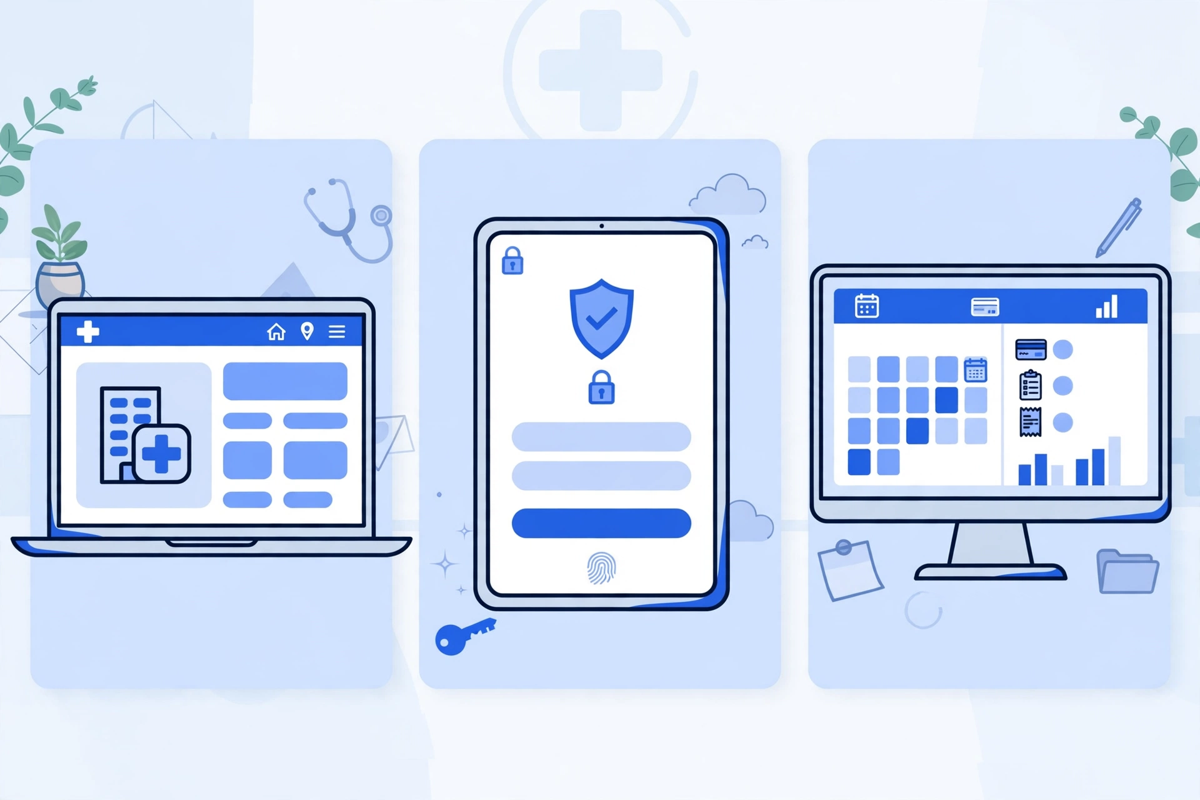
- ✓The website is public and wins new patients, the portal is private to a verified patient and their own record, and practice management software is staff-only and runs scheduling and billing.
- ✓Most clinics already own the portal and much of practice management inside their EHR bundle. Check your current contract before buying a separate product.
- ✓Confusion comes from bundles and hand-offs: website booking must write into the real schedule, and a website contact form is not a secure portal message.
- ✓Fix in order: make the website do its public job, activate the portal you own, connect the gaps, and only then judge the back office on its own evidence.
- ✓Privacy weight differs by system: public pages must never collect health details, while portal and back-office vendors need identity checks, audit logs, and signed agreements.
You need all three jobs done, but you do not need three separate purchases on day one. A healthcare website is your public front: it helps a new patient find you, trust you, and book. A patient portal is the private, logged-in space where an existing patient sees results, messages the clinic, and handles forms and bills. Practice management software is the back office: it runs scheduling, registration, billing, and claims for your team. Most clinics already have the third one inside their EHR system. The real question is which of the first two is weak, missing, or doing a job it was never built for.
This guide separates the three, shows how they connect, and gives you an order to fix them in.
The Short Answer: Three Different Jobs
Think of it as front door, private room, and back office. The website is open to anyone. The portal is open only to a verified patient, because it shows that person's own health information. Practice management software is open only to staff, because it holds the schedule, the ledger, and the claims queue for every patient at once.
| Healthcare website | Patient portal | Practice management software | |
|---|---|---|---|
| Who uses it | Anyone: new patients, families, referrers | Logged-in patients (and approved family or carers) | Your front desk, billing, and admin staff |
| Main job | Be found, explain services, convert a visit into a booking | Give a patient secure access to their own visits, results, messages, and bills | Run the day: schedule, check in, bill, submit claims, report |
| Holds health information? | No, public pages only. Forms need care, see below | Yes, that patient's own record, behind a login | Yes, operational and billing records for all patients |
| Replaces the others? | No | No, it depends on the record system behind it | No, it does not market your clinic or give patients access |
| Typical owner in the clinic | Owner or marketing lead | Owner with clinical and front-desk leads | Practice manager or billing lead |
What Each System Actually Does
Your healthcare website: the public front
Your website works before someone is a patient. It lists your services, providers, locations, and hours, answers the first questions a nervous person asks at night, and turns that interest into a call or a booked visit. It is also where search engines and AI answers get their picture of you, so wrong hours or a missing service page cost you patients you never hear about.
A good clinic site does a short list well: clear service pages, provider profiles, directions, insurance information you are willing to publish, and a booking route that works on a phone. Our healthcare website service is built around that public job, and our breakdown of healthcare website development cost explains what drives its price. What a website should not do is show test results or carry messages about a person's own care. That needs a login and a verified identity, which is portal work.
Your patient portal: the private room
The portal starts after identity is proved. Inside it, a patient can see visit summaries and results you have released, send a secure message, complete intake before a visit, request a refill under your rules, and view or pay a bill. Each patient sees only their own information, or a child's information where you have approved proxy access.
Most portals are the patient-facing side of your EHR, or a product that connects tightly to it. That connection is the point: a result released in the chart should appear in the portal without retyping, and a portal message should land where your team already works. Our guide to patient portal features works through those tasks, and our patient portal development service covers the build side when the EHR portal is not enough. An AI patient portal can add plainer language on top, but it still sits on the same verified record.
Practice management software: the back office
Practice management software, often shortened to a practice management system, runs the business day. Scheduling and appointment reminders, patient registration and eligibility checks, charge capture, claims submission, payment posting, and reports on all of it, that is its ground. Your clinicians may rarely open it, but your front desk and billing team live in it.
In many US practices this software arrives bundled with the EHR, sharing the same patient record. In others it is separate and connected. Either can work. What matters is that the schedule the website books into, the visit the portal shows, and the claim the back office sends all describe the same appointment, not three copies staff must reconcile by hand.
Where the Confusion Comes From
Vendors sell bundles, and bundle names blur the lines. A single platform may be sold as an EHR that quietly includes scheduling and billing, a portal, online booking for the website, and reminders. When one contract covers all three jobs, it is easy to assume they are one thing, until something breaks and you need to know which part failed.
- Booking confusion: online booking on your website is a public tool that must write into the practice management schedule. If it writes into a separate calendar, staff inherit double bookings.
- Portal confusion: a contact form on your website is not a secure message. A form collects what a visitor types. A portal message is tied to a verified patient record and an audit trail.
- Billing confusion: a pay-now button on your website is not the same as a portal bill. The portal bill ties a payment to a specific patient balance in the back office. A generic payment page may not.
- App confusion: a mobile app is usually just another window into the portal, not a fourth system. Judge it by the portal behind it, not by the icon on the phone.
Naming the job before you shop fixes most of this. Write the failing task down, patients cannot find us, patients cannot see results without calling, or claims take too long, and you have also named the system that owns the fix.
How the Three Work Together
Follow one patient through the three systems and the hand-offs become clear. The details below are illustrative, written to show the flow rather than to describe a real clinic.
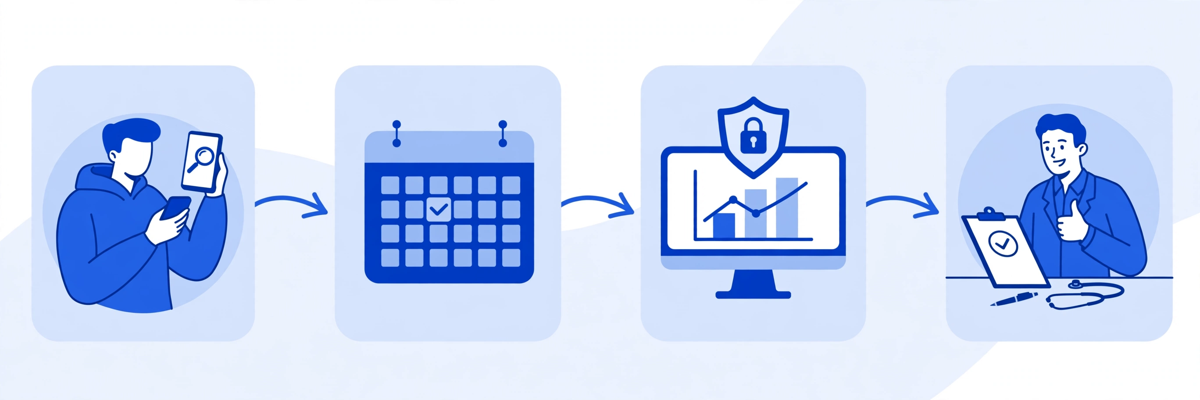
- Discovery on the website: a parent searches at night, finds your paediatric page, checks hours and insurance notes, and taps book.
- Booking into the back office: the booking tool offers only slots your practice management schedule has opened, so the website cannot promise a time you do not have.
- Intake before the visit: the new patient is invited to the portal to complete intake and confirm details, so the front desk is not typing a paper form at check-in.
- The visit in the record: the clinician documents in the EHR, which feeds both the portal view and the billing side of practice management.
- Follow-up in the portal: the patient sees the released summary and result, messages a follow-up question, and pays the balance shown.
- Reporting in the back office: your manager sees the visit, the claim, and the payment in the same operational picture.
Every hand-off is a place to check before you buy anything new. If bookings arrive but intake is still on paper, the gap is between booking and portal. If results are released but patients still call to ask what they mean, the gap is portal guidance, not website design. Fix the hand-off that is actually broken.
What a Small Clinic Needs First, in Order
You already have a record system if you are seeing patients and billing for it. That means the back office job is at least partly covered, even if it is not covered well. For most small and mid-sized practices, the sensible order is therefore not to start with practice management at all.
- First, make the website do its public job: accurate services, providers, hours, and locations, plus a booking route that lands in your real schedule. Without this, new patients cannot reach the other two systems at all.
- Second, turn on and tidy the portal you probably already own: check which portal your EHR includes, invite patients at booking and check-in, release results under a clear policy, and make sure portal messages go to a named queue that someone checks daily.
- Third, connect the gaps before replacing anything: booking to schedule, portal to chart, and payments to balances. Integration work is unglamorous, but it is usually cheaper and safer than a migration.
- Only then, judge the back office on its own merits: if scheduling, eligibility, or claims handling is the true bottleneck, evaluate practice management as part of an EHR decision, not as a website project.
A quick self-test
Ask three questions. Can a new patient book a real slot from your website tonight? Can an existing patient see a released result without calling you? Can your billing lead pull today's schedule, claims status, and payments from one place? The first no points to the website, the second to the portal, and the third to practice management.
What You Do Not Need Yet
A separate standalone portal is rarely the right buy if your EHR already includes one that patients simply have not been invited to. Try activation first: invite, guide, and measure use for a few months, then judge the product on real use rather than on first impressions. Our guide to how much a patient portal costs sets out when extending, buying, or building is each the honest option.
You also do not need a second scheduling system because a marketing tool offers one, or a second payment page because it was easy to add. Every duplicate creates a reconciliation job. One schedule, one record, and one balance should each have one home, with other tools reading from it.
And you do not need to replace all three at once. A combined migration strains training, data checks, and patient communication at the same time. Sequence the changes, and keep the old route open until the new one has proved itself on real visits.
Privacy and Access Rules That Cut Across All Three
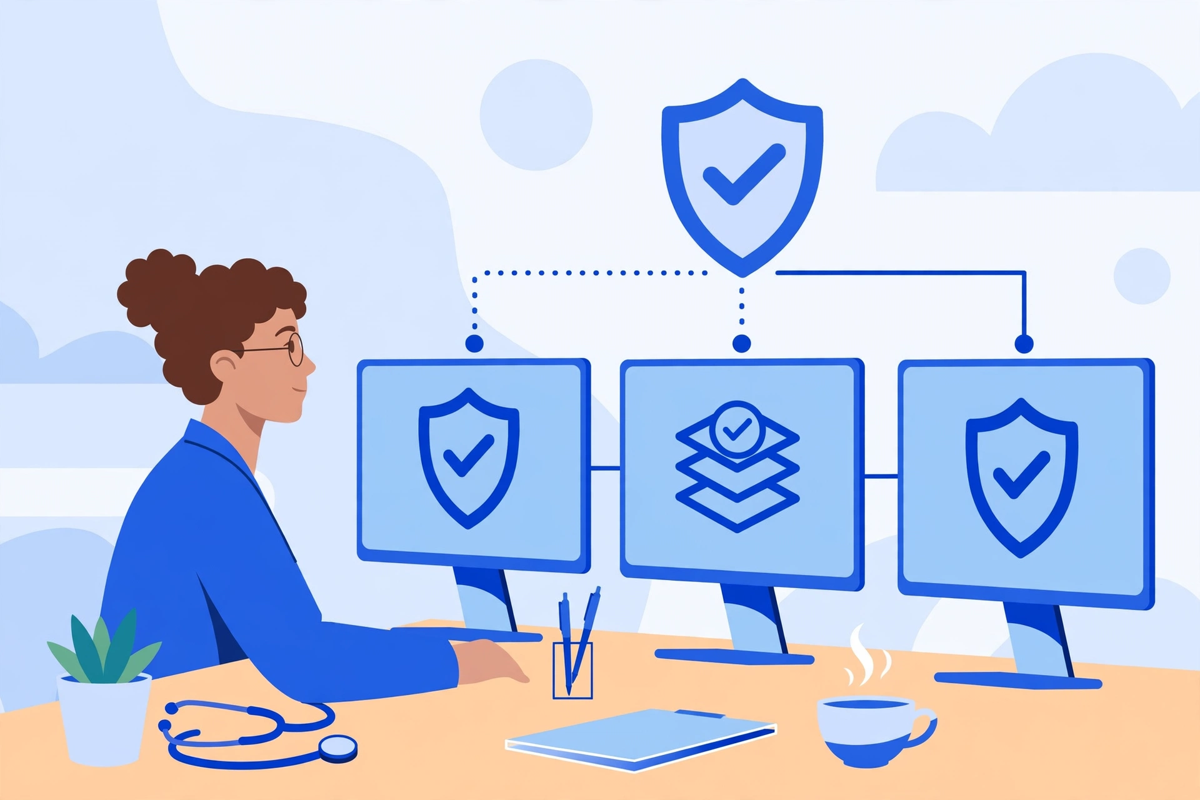
The three systems carry different privacy weight. Public pages hold no patient information and should never collect it by accident: a general contact form should warn visitors not to send health details, and tracking tools on patient pages need care. The portal and back office hold protected health information and need verified identity, role-based access, audit logs, and agreements with every vendor that handles that information for you.
Patients also have a legal right at the centre of the portal's job. HHS explains that individuals have a right under HIPAA to access their health information in a designated record set, in the form and format requested if it is readily producible that way. A portal is the practical way most clinics honour that right day to day, which is one more reason portal access is core work, not an optional extra. Where a vendor creates, receives, maintains, or transmits protected health information for you, that vendor is a business associate and the agreement HHS requires should be signed before go-live, not chased afterwards.
- Website rule: publish nothing patient-specific, and route any message about personal care into a secure channel.
- Portal rule: verify identity before access, offer proxy access only with documented approval, and log who saw what.
- Back-office rule: give each staff member only the access their job needs, and review that access when roles change.
- Shared rule: if a tool touches health information, name its owner in the clinic, its vendor agreement, and its audit trail.
A Simple Decision Checklist
- Write the failing task in one sentence, then name the system that owns it: website, portal, or practice management.
- List what you already own, including the portal and scheduling bundled in your EHR contract, before requesting any quote.
- Check the hand-offs: booking to schedule, portal to chart, portal bill to back-office balance.
- Price the fix for the weak system only, and keep the working systems stable while you change it.
- For any new vendor touching health information, confirm identity checks, audit logs, and a signed business associate agreement.
- Set one measure per fix: bookings completed from the website, portal invitations accepted, or claims sent clean the first time, and review it after a full month of real use.
If the failing task is the public front, you can see the demos to judge what a clinic website and portal should feel like for a patient, or request a quote scoped to the one system you actually need to fix. If the failing task is inside the portal or the back office, start with the vendor you already pay and the activation you have not yet done. The cheapest correct system is often the one already in your contract, switched on properly and connected well.
Written by Chloe Vance
Healthcare Marketing DirectorChloe Vance has led search engine optimization and digital patient acquisition strategies for top pediatric, dental, and multi-specialty clinical chains.
Frequently Asked Questions
Common conversational queries evaluated by our natural language models concerning deployment guidelines.