Key Takeaways
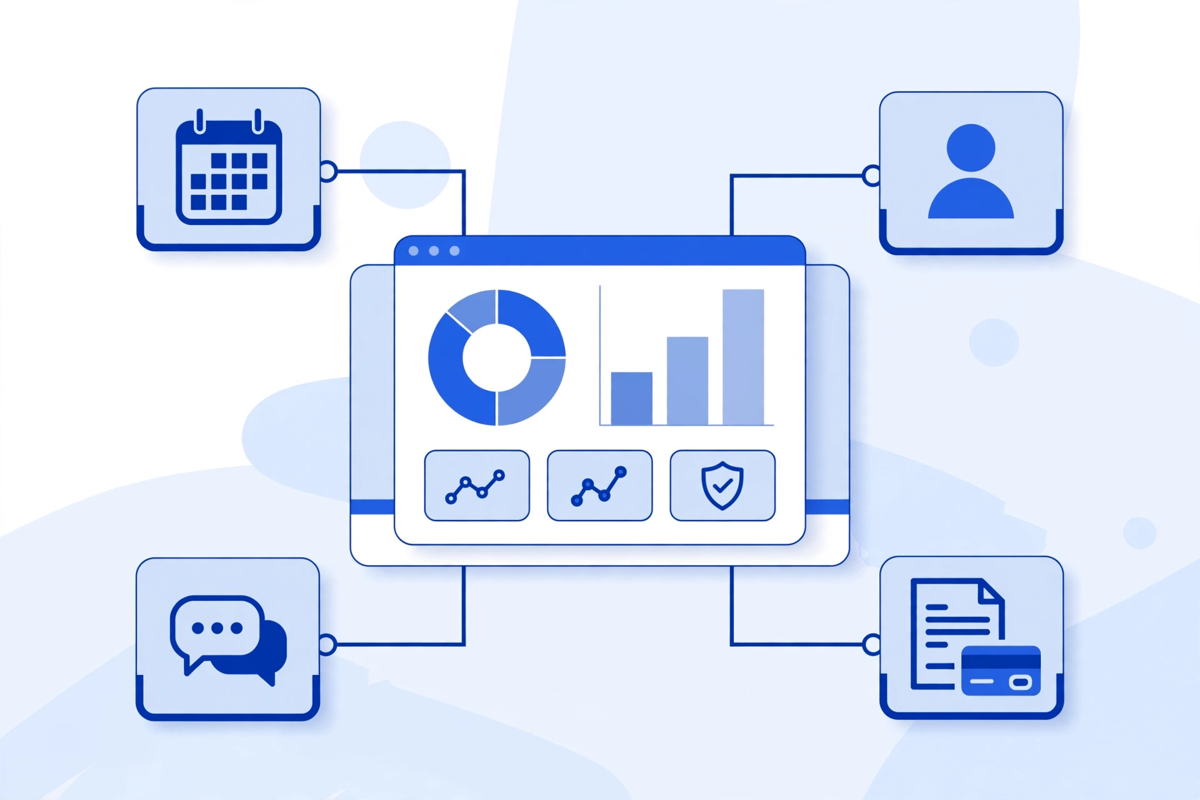
- ✓You do not need to rebuild your EHR. Keep the record system as the record, and build the SaaS layer for booking, intake, portal, messaging, or reporting alongside it.
- ✓Start with one workflow written in one sentence, one clinic owner, and a one-page data map showing what the platform reads, writes back, and never touches.
- ✓SaaS does not remove HIPAA duties: you still need signed business associate agreements, encryption, role-based access, audit logs, tested backups, and a risk analysis.
- ✓Published US ranges put healthcare software at about $70,000–$200,000 initially (Arkenea), with multi-tenant SaaS at $120,000–$200,000. Integrations drive the quote most.
- ✓Launch in phases to one location or team, measure completed bookings and intake rather than launch day, and budget for hosting, integration upkeep, and access reviews.
What Healthcare SaaS Development Actually Means
Healthcare SaaS development is building clinic software that runs in the cloud, is looked after by a vendor or a dedicated team, and is used through a browser or app instead of installed on a server in your office. For a clinic, the practical point is simple: you get scheduling, intake, a patient portal, messaging, or reporting as a service you use every day, without owning the servers or the updates.
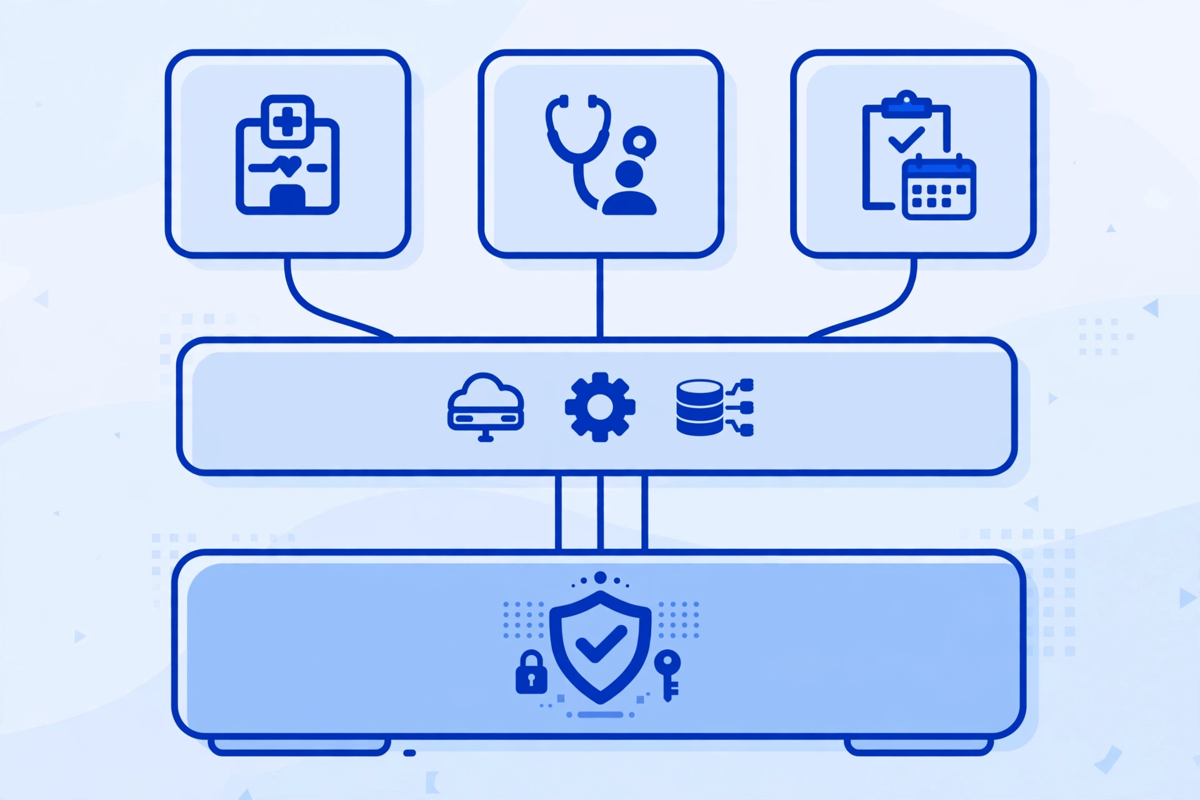
You do not need to rebuild your electronic health record to do this. In most practices, the record system stays where it is, as the source for clinical notes and patient history. The new platform sits alongside it and handles the work your record system does badly: patient-facing booking, forms before a visit, reminders, follow-up messages, and the admin views your front desk actually wants.
That distinction matters for cost and risk. Replacing a record system touches every clinician, every template, and years of history. Adding a focused SaaS layer touches one workflow at a time, can be tested with one location, and can be stopped or changed without moving your clinical record.
When a Clinic Needs a SaaS Platform, and When It Does Not
Start with the problem, not the platform. Clinics usually look at SaaS development for one of three reasons: staff are retyping the same details between systems, patients cannot complete simple tasks online, or leaders cannot see basic numbers such as bookings, no-shows, and wait times without a manual report.
- You probably need a focused SaaS build if the same workaround appears every day, in more than one role, and a ready-made product cannot fit it without new workarounds.
- You probably need a ready-made SaaS product, not a build, if your workflow is standard, you need it running in weeks, and the product already connects to your record system.
- You probably need neither yet if the problem is a broken process on paper: unclear ownership, missing policies, or forms that ask for information nobody uses. Fix the process first, then automate it.
A useful test is to write the job in one sentence. For example: patients book, complete intake, and get a reminder without a phone call, and staff see it all in one queue. If you cannot write that sentence, you are not ready to price a build. If you can, you have the start of a scope.
Build Around Your EHR, Not Instead of It
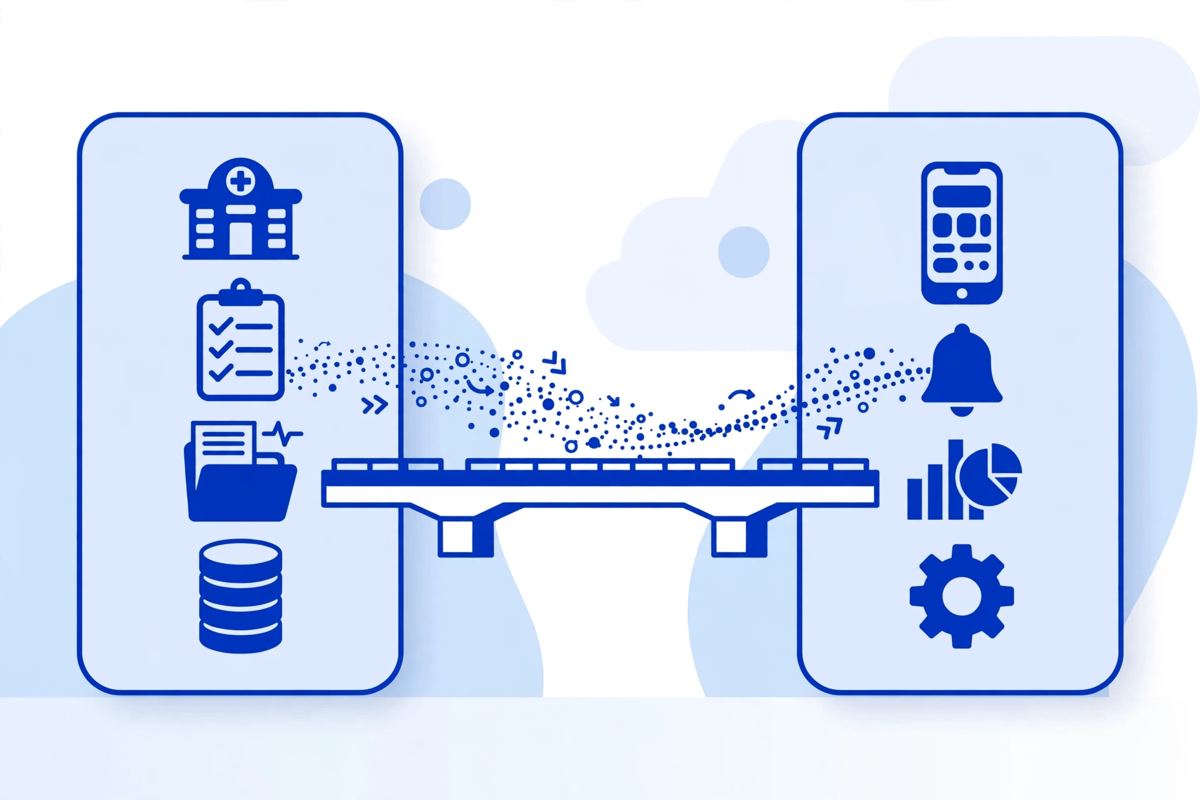
Your record system should remain the record. The SaaS platform should read what it needs, write back what belongs in the record, and keep its own data limited to its own job. That keeps clinical risk low and makes the project smaller.
How the connection usually works
Certified record systems in the US are required to offer standardised application programming interfaces for patient and population services, using the HL7 FHIR standard. In plain terms, there is a supported way for approved software to request and exchange defined pieces of health information, instead of scraping screens or copying whole databases. Older connections still exist in many clinics, including HL7 version 2 messages for events such as admissions and results. Your plan should name which route each data item will use, and why.
- Read from the record: appointments, patient identity checks, and the visit details a portal or intake flow needs to show correctly.
- Write back to the record: completed intake, updated contact details, documents, and visit summaries, filed where clinicians expect to find them.
- Keep in the SaaS platform only: reminder history, task queues, patient messages about logistics, and operational reporting that does not belong in the clinical note.
Ask any builder to draw this on one page before you discuss screens. Which system owns which data, what moves, in which direction, and what happens when the connection fails? If the answer is vague, the integration cost will appear later as change requests. Our healthcare SaaS development page sets out this service, and a patient portal is often the first module clinics add this way.
The Parts of a Clinic SaaS Platform
SaaS in this context usually means multi-tenant software: one platform serves many clinics, with each clinic's data kept separate, its own users and settings, and updates applied once for everyone. A single clinic can also run a single-tenant version when it needs tighter control. Either way, these parts need to be designed, not assumed.
| Part | What it does for your clinic | Question to ask |
|---|---|---|
| Tenant and location setup | Keeps each clinic, location, and brand separate, with its own settings and reporting | Can we add a location without a new build, and can staff work across locations safely? |
| User accounts and roles | Gives each person only the access their job needs, with strong sign-in and automatic timeouts | Can we turn off access the same day someone leaves, and see who opened a record? |
| Core workflow modules | Booking, intake, messaging, portal, payments, or reporting, chosen for your first release | Which one workflow is in phase one, and what is deliberately left out? |
| Integrations | Connects the platform to your record system, payment provider, and messaging services | Which connections are live on day one, and who maintains them when a vendor updates? |
| Admin and audit | Settings, audit logs, backups, and support tools your team can actually use | Who reviews the audit log, how often, and what triggers an alert? |
Notice what is not on that list: a long set of extra features. Reporting dashboards, advanced automation, and extra modules earn their place after the first workflow runs well. Adding them early raises the build cost and delays the only test that counts, which is real staff using it on a real clinic day.
HIPAA and Security: What SaaS Changes, and What It Does Not
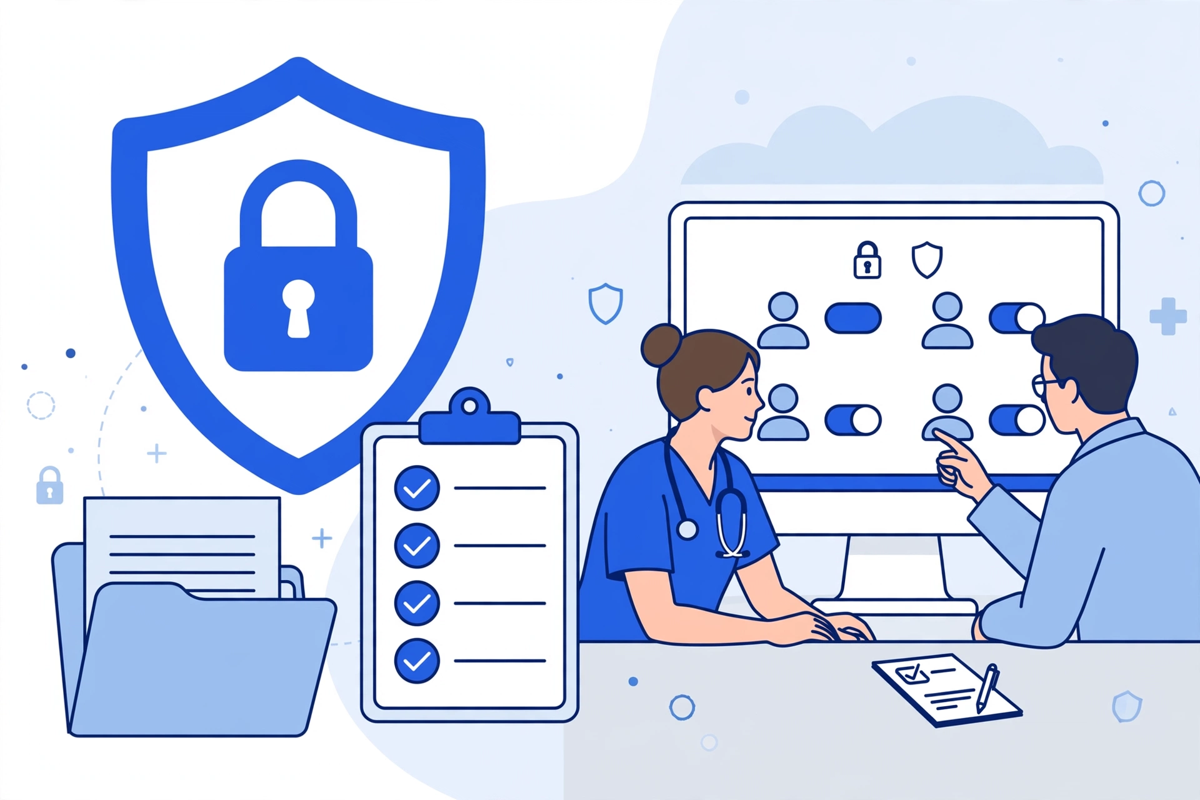
Moving to SaaS does not move your responsibility away. If the platform creates, stores, or sends protected health information, your clinic and the platform provider each have duties under HIPAA. HHS guidance on cloud computing explains that a cloud provider handling electronic protected health information is a business associate, and that you need a signed business associate agreement with it. You can read that position in the HHS guidance on HIPAA and cloud computing.
- Signed business associate agreements with the platform provider and with any subcontractor that handles patient information for it.
- Encryption for data in transit and at rest, unique accounts for every user, role-based access, strong sign-in controls, and automatic session timeouts.
- Audit logs that record access to patient information, with a named person who reviews them and a process for acting on odd access.
- A written risk analysis for the platform, regular backups that you have tested restoring, and a clear incident plan that says who is told, and how quickly.
- Staff training and simple rules: no shared logins, no patient details in ordinary email, and a route to report a mistake without blame.
Be careful with language. No product is certified as HIPAA compliant by HHS, and buying software does not make a clinic compliant on its own. What you can ask for is evidence: the agreement, the security controls, the risk analysis process, and references you can check. Treat any sales claim that ends the conversation there as a warning sign.
How the Development Process Works, Step by Step
- Step 1: Name one workflow and its owner. Booking and intake, portal access, or follow-up messaging. One owner inside the clinic who can make daily decisions.
- Step 2: Map the data before the screens. List each data item, where it lives today, where it should live, and whether the new platform reads it, writes it, or never touches it.
- Step 3: Choose buy, configure, or build for that workflow. Price all three on the same one-page scope so you compare like with like.
- Step 4: Design the staff and patient journey on paper. Walk the front desk and one clinician through it, cut extra steps, and check access roles at this stage.
- Step 5: Build the core only. Accounts, roles, the one workflow, the first integration, audit logs, and backups. Leave phase-two ideas on a written list, not in the build.
- Step 6: Test with real cases in a safe copy. Test a late booking, a failed connection to the record system, a patient who needs help, and a staff member leaving.
- Step 7: Launch to one location or one team. Train in short sessions, sit with staff in the first week, fix the top three problems, then widen the rollout.
That order is why the project stays manageable. Data and rules come before screens, and a small launch comes before a wide one. The same phased thinking sits behind our guide to telemedicine platform development, where the visit was defined before the platform.
What Healthcare SaaS Development Costs
There is no honest single price, because scope, integrations, and compliance work drive the total. Published market ranges can frame the conversation if you treat them as market information, not as a quote. Arkenea, a US healthcare software firm, puts healthcare software at about $70,000 to $200,000 for an initial release over roughly 6 to 12 months, and lists a multi-tenant healthcare SaaS platform in the $120,000 to $200,000 part of that picture, with tenant separation, an admin console, and usage billing adding work. See its healthcare software cost guide for the full breakdown.
| Scope | What is included | How to judge the price |
|---|---|---|
| Ready-made SaaS, configured | Licence, setup, branding, training, and a standard record connection | Compare the full first-year total, including per-user or per-location fees, not just setup |
| Focused custom first release | One workflow, accounts and roles, audit logs, one record integration, backups and training | This is the scope most clinics should price first. Discipline here keeps you in the lower part of published ranges |
| Multi-location platform | Separate locations, shared reporting, advanced roles, more integrations and support cover | Price it as a programme in phases, with each phase usable on its own if you pause |
Three things move a quote most. First, integrations: each connected system adds design, testing, and upkeep, especially when write-back to the record is needed. Second, data separation and admin controls for multiple clinics or locations. Third, changes after the build starts. Lock the phase-one scope in writing and keep a separate phase-two list.
MedClinicX does not publish a fixed price for this work, because two clinics with the same request often need different integrations and controls. Pricing is quoted per project once the workflow, record connection, and security needs are clear. You can see the demos to picture the patient-facing side, or request a scoped quote when your one-page scope is ready.
Ongoing Costs and the Risks People Forget
The build is only the first bill. A SaaS platform needs hosting, monitoring, updates, support, and regular checks that access and audit logs still match who works at the clinic. Budget for those from the start, and ask who does each job.
- Hosting and third-party services: cloud hosting, messaging, and payment processing, which grow with patient volume.
- Maintenance: browser, phone, and record-system updates will change things under your platform, whether you plan for it or not.
- Integration upkeep: when a record vendor updates its interface, someone must test your connection again before clinic starts.
- Security upkeep: access reviews when staff join or leave, backup restore tests, and an annual risk analysis review.
- Product ownership: one named owner for new requests, so phase two is chosen by value, not by whoever asks loudest.
The biggest risk is not a technical failure on launch day. It is quiet drift a year later: old accounts still active, an integration nobody monitors, and workarounds creeping back because training stopped. A short monthly check prevents most of that. Tools such as an AI medical receptionist face the same issue, which is why ownership matters more than the launch date.
Common Mistakes Clinics Make With SaaS
- Starting by replacing the record system, when the pain was booking, intake, or messaging all along.
- Copying every paper form into the platform, including questions nobody reads, then blaming patients for not finishing intake.
- Letting every department add a must-have feature to phase one, so nothing launches and staff keep the old workaround.
- Treating the business associate agreement and risk analysis as paperwork for the end of the project, instead of design inputs at the start.
- No exit plan. Ask at the start how you get your data out, in what format, and how long the provider keeps it after you leave.
- Measuring success by launch, not by use. Count completed bookings, finished intake forms, and messages resolved without a phone call.
None of these mistakes require bad technology to happen. They happen when the order of decisions slips: features first, workflow second, data and rules last. Keep the order the other way round and most of them disappear.
Written by Chloe Vance
Healthcare Marketing DirectorChloe Vance has led search engine optimization and digital patient acquisition strategies for top pediatric, dental, and multi-specialty clinical chains.
Frequently Asked Questions
Common conversational queries evaluated by our natural language models concerning deployment guidelines.