
Key Takeaways
- ✓HIPAA requires every member of your clinic's workforce to be trained on your privacy policies and procedures, and to take part in a security awareness programme that covers all staff, including management.
- ✓The Privacy Rule sets the timing: train new starters within a reasonable period after they join, and retrain anyone whose work is affected by a material change in policy. Neither rule fixes an annual schedule today.
- ✓The Security Rule names four topics the programme must address: periodic security reminders, protection from malicious software, log-in monitoring, and password management. Addressable does not mean optional.
- ✓Good training is short, specific to each role, and built around your own policies and real examples from your clinic, with phishing simulations and a safe reporting route.
- ✓Keep a record of who was trained, when, and on what, and keep it for six years. A clinic that cannot show its training record will struggle to prove the programme exists.
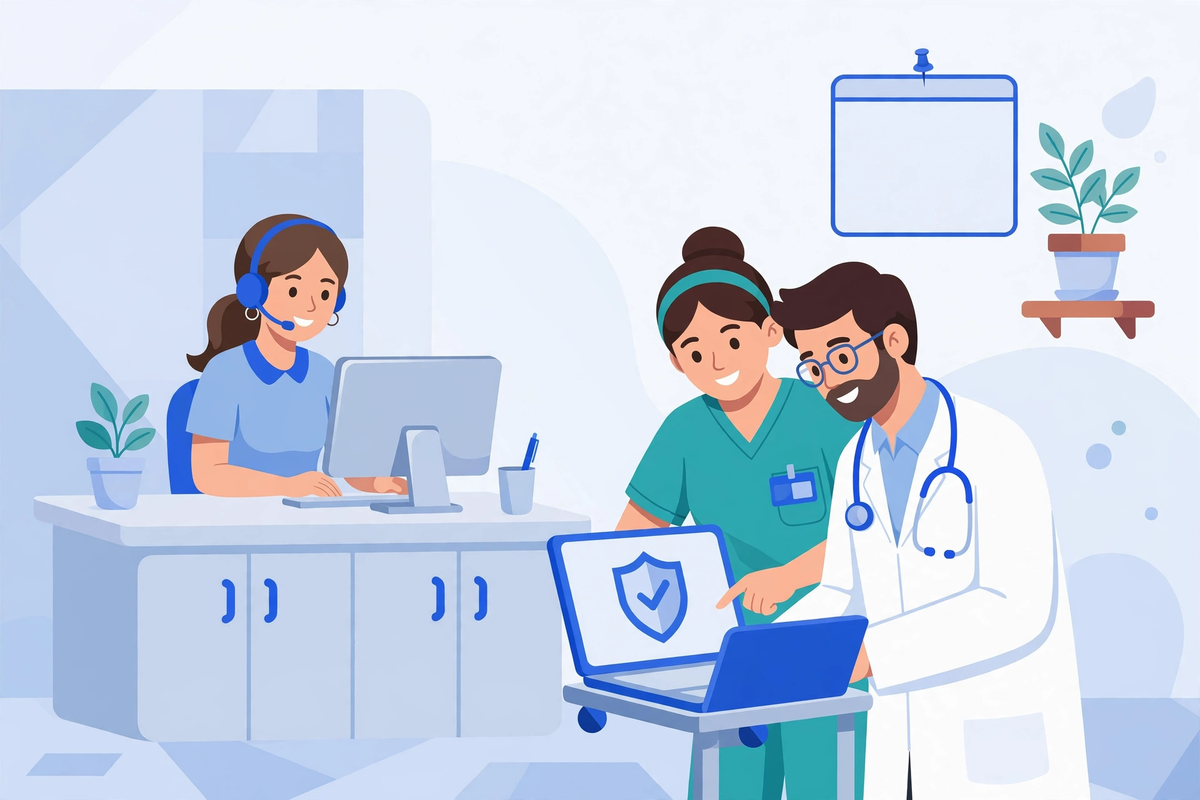
HIPAA staff training is the training your clinic must give every person on its workforce about how to handle patient information. The Privacy Rule requires it, the Security Rule requires a separate awareness programme, and both rules apply to everyone from the front desk to the owner, including volunteers and temporary staff. If a new hire starts on Monday and has access to patient records by Friday, they should have been trained by then, and you should be able to prove it.
This article sets out what the two rules actually require, who counts as workforce, what the training must cover, how often to run it, and how a small clinic can run it without losing a day of appointments. It is general information about the rules, not legal advice, and the regulation text is linked where it matters so you can check the wording yourself.
What the Rules Actually Require
Two separate rules require training, and they cover different things. The Privacy Rule is about how patient information may be used and shared. The Security Rule is about protecting electronic patient information from unauthorised access. A clinic needs a programme that covers both, and the table below shows where each one comes from.
| Rule | What it requires | Who it covers | Timing it sets |
|---|---|---|---|
| Privacy Rule, 45 CFR 164.530(b) | Train all workforce members on your policies and procedures for protected health information, as necessary and appropriate for their functions | Covered entities, and business associates where the standard applies to their work | New members within a reasonable period after joining. Retrain when a material change affects their work. Document it. |
| Security Rule, 45 CFR 164.308(a)(5) | Run a security awareness and training programme for all workforce members, including management | Covered entities and business associates | No fixed schedule in the current rule. Security reminders must be periodic. |
The Privacy Rule wording is worth reading in full, because it is narrower than most training vendors suggest. It does not ask for a fixed number of hours or a particular course. It asks you to train each person on your own policies and procedures, to the extent they need them to do their job. A receptionist needs to know how to verify a caller and what never to say on the phone. A billing clerk needs to know the minimum necessary standard and how to send records safely. The full text is in the electronic Code of Federal Regulations.
The Security Rule is different. It asks for a programme, not a single session, and it names four topics the programme must address: periodic security reminders, protection from malicious software, log-in monitoring, and password management. All four are labelled addressable, which is often misread as optional. It is not. Addressable means you must assess whether each one is reasonable and appropriate for your clinic, implement it if it is, and document your reasoning if it is not. For most clinics, all four are reasonable, so all four belong in the programme. The text is in the same regulation.
Who Needs Training
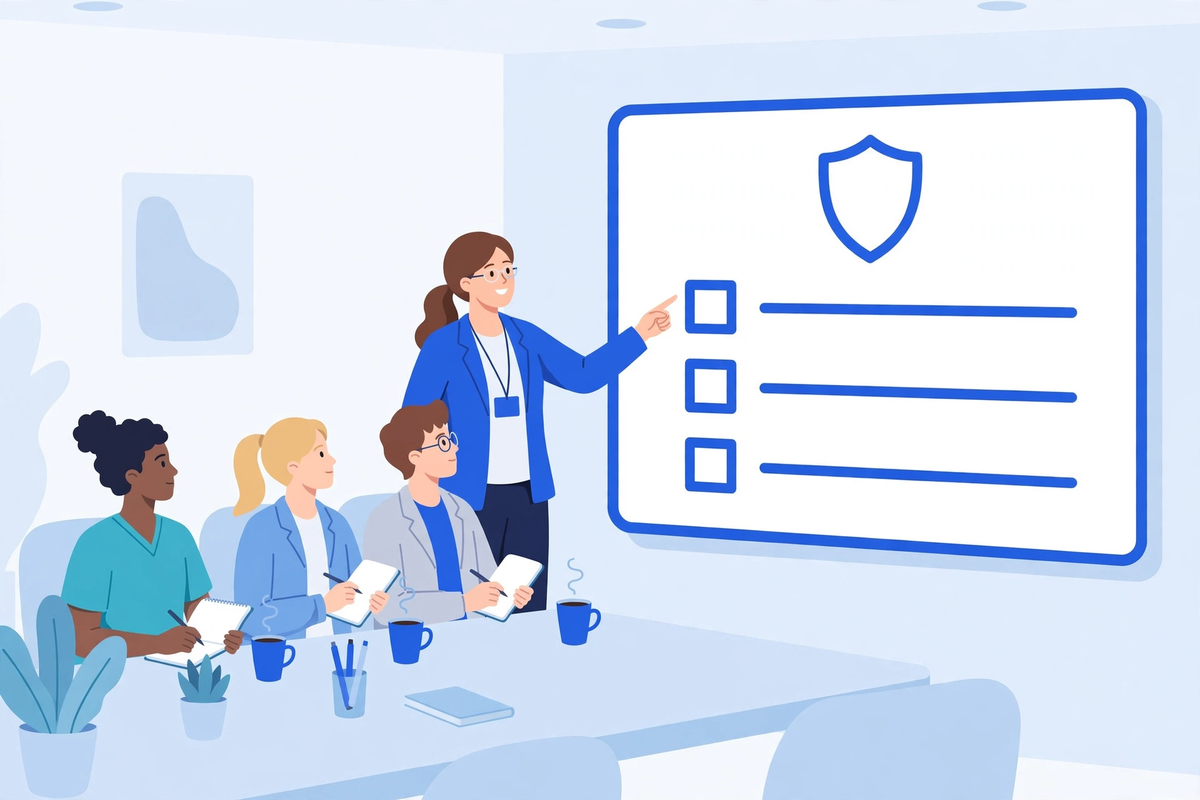
Everyone on the workforce. Under the rules, the workforce means employees, volunteers, trainees, and anyone else whose work is under your direct control, whether or not you pay them. That includes the part-time receptionist, the student on placement, the locum covering a week, and the practice manager. The Security Rule names management expressly, so the owner and the partners are not exempt.
Two groups are easy to miss. The first is people who never touch a patient record directly. A cleaner who works around a screen left logged in, a driver who carries paper records between sites, or a receptionist who only books appointments still handles information, or is close enough to it that a mistake matters. The Security Rule training programme covers all workforce members, not only those with record access. The second group is temporary cover. A locum or agency nurse who works for two weeks needs the same induction on your policies as a permanent hire, even if it is a shorter version.
Your vendors are a separate question. A billing company, an IT provider, or a shredding firm that handles patient information is a business associate, and the Security Rule binds them directly. Your job is to have a signed business associate agreement with them and to check that they train their own staff. You do not train their employees, but you should ask for evidence that the training happens. Our article on HIPAA-compliant website forms explains where the agreement fits when a vendor handles information your patients submit online.
What the Training Must Cover
There is no official curriculum, and HHS certifies no training course or vendor. The content follows from your own policies and from the two rules. A programme that covers the topics below, in language matched to each role, will meet the requirement. Start with the privacy side.
- What counts as protected health information, including the details people forget: names linked to appointments, phone numbers on a message, and photos.
- The minimum necessary standard: use and share only the information the task needs, nothing more.
- Patient rights: how a patient asks for their records, asks for a correction, or asks how their information has been shared, and who handles the request.
- When information may be shared without written authorisation, for treatment, payment, and healthcare operations, and when written authorisation is needed.
- How to report a privacy incident or a suspected breach, and who to tell first.
Then the security side, which the Security Rule programme must address.
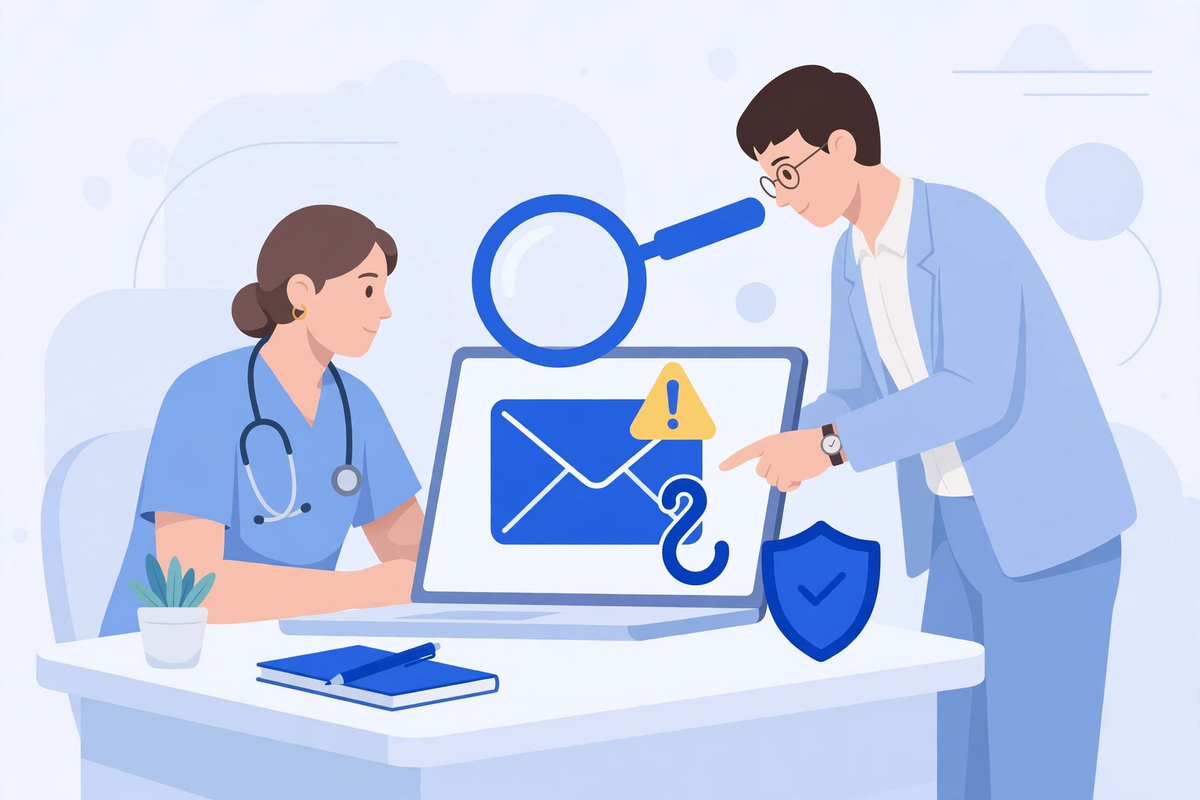
- How to spot a phishing email and what to do with it, including the rule that nobody is punished for reporting one.
- Password habits: unique passwords, multi-factor authentication, and never sharing a login.
- Locking screens, securing devices, and what to do with a lost laptop or phone.
- How malicious software gets in, and the reporting route when a device behaves oddly.
Role-based content matters more than length. A front-desk team needs detailed work on verifying callers, handling family members who ask about a patient, and what to do when someone asks for records at the counter. A clinical team needs more on minimum necessary access, shared workstations, and what may be said in a shared room. One generic video for the whole clinic ticks a box. It does not teach anyone their own job.
How Often to Train, and When to Retrain
Neither rule sets a fixed annual schedule today, which surprises most clinic owners. The Privacy Rule sets three moments: train each new workforce member within a reasonable period after they join, and retrain anyone whose work is affected by a material change in your policies or procedures, within a reasonable period after the change takes effect. The Security Rule asks for periodic security reminders, without fixing the interval.
| Trigger | What to do | Timing |
|---|---|---|
| New hire joins | Full induction on privacy policies and security basics, matched to their role | Within a reasonable period after joining, before unsupervised access to patient information |
| Policy or procedure changes | Retrain everyone whose work the change affects | Within a reasonable period after the change takes effect |
| New system or vendor goes live | Train the staff who will use it, including the security steps | Before go-live |
| Incident or near miss | Short refresher for the team involved, plus a note in the record | As soon as practical after the event |
| Annual refresh | Repeat the core training for the whole workforce | Once a year, as common practice |
In practice, most clinics train once a year and use short reminders in between, and that rhythm is a sensible one. It is also worth knowing that HHS proposed an update to the Security Rule in January 2025 that would make annual training and a 30-day window for new staff explicit. That proposal is not final, so the current rule still applies, but a clinic that already trains annually will not need to change anything if it becomes final.
The phrase reasonable period is deliberately flexible, and it is the part an auditor will test. A new hire who has unsupervised access to patient records for six weeks before training is hard to defend. A clinic that trains new starters in their first week, and documents the date, has nothing to explain. Treat the first week as the deadline, and the rule will look after itself.
What Good Training Looks Like in Practice
Good training is short, specific, and tied to real work. A 20-minute session on your own front-desk scenarios will teach more than a 90-minute generic video. Use your own examples: the family member who phones for a relative's results, the fax that goes to the wrong number, the email that looks like it came from a supplier. Staff remember the situations they have actually faced.
- Keep sessions short and regular: a focused annual session plus a short reminder every few months beats one long day a year.
- Test with real scenarios, not only a quiz. Ask staff what they would do with a suspicious email, a caller asking for records, or a screen left logged in.
- Run phishing simulations, and treat a click as a training moment, not a disciplinary one. Our article on ransomware protection for small practices explains why phishing is still the most common way attackers get in.
- Make the reporting route easy and safe. Staff who fear punishment for reporting a mistake will hide it, and a hidden mistake is the one that becomes a breach.
- Name a privacy official and a security official, and make sure every member of staff knows who they are. The rules require both roles to be designated.
Training also needs to reach the people who miss the main session. Keep a short make-up session for anyone on leave, and record it the same way. A single untrained member of staff is the gap an incident will find.
The Mistakes That Undo Good Training
- One generic video for everyone, with nothing about your own policies or the jobs people actually do.
- No attendance record. If you cannot show who was trained and when, the training is hard to prove.
- No retraining after a policy change. A new procedure that nobody has been taught is a procedure nobody follows.
- Treating addressable as optional. The four Security Rule topics must be assessed and documented, and for most clinics they must be implemented.
- Training once and forgetting it. Staff who were trained two years ago and never reminded will have forgotten the details that matter.
- No consequences. The rules require sanctions for workforce members who fail to follow the policies, applied fairly and documented.
The last point is uncomfortable, and it is also required. A policy that nobody enforces is a document, not a control. Sanctions do not have to be severe, and they should be proportionate, but they must exist and be used when a policy is broken repeatedly or carelessly. Our guide to HIPAA risk assessment for clinics sets out how training fits into the wider programme of controls, and where it sits next to access controls and audit logs.
Running It in a Small Clinic Without Losing a Day
A small clinic does not need a training department. It needs a named owner, a calendar, and a short list of topics that repeats through the year. The owner is usually the practice manager or the privacy official. Their job is to keep the schedule, keep the records, and make sure nobody slips through.
A simple quarterly rhythm works well. In the first quarter, run the annual session for the whole workforce, matched to roles. In the second, send a short reminder on phishing and passwords, with a simulation if you have one. In the third, cover a topic that has come up in your own clinic, such as handling family enquiries or securing shared workstations. In the fourth, review the year, check who still needs a make-up session, and update the training for any policy change. New starters get their induction in their first week, whatever the quarter.
You can build the material yourself from your own policies, or buy a course and adapt it. Either way, check that it covers your policies rather than generic privacy advice, that it is matched to roles, and that it produces a record of who completed it. A certificate from a vendor proves someone watched a video. It does not prove they were trained on your policies, so keep your own record as well.
Documentation: What to Keep, and for How Long
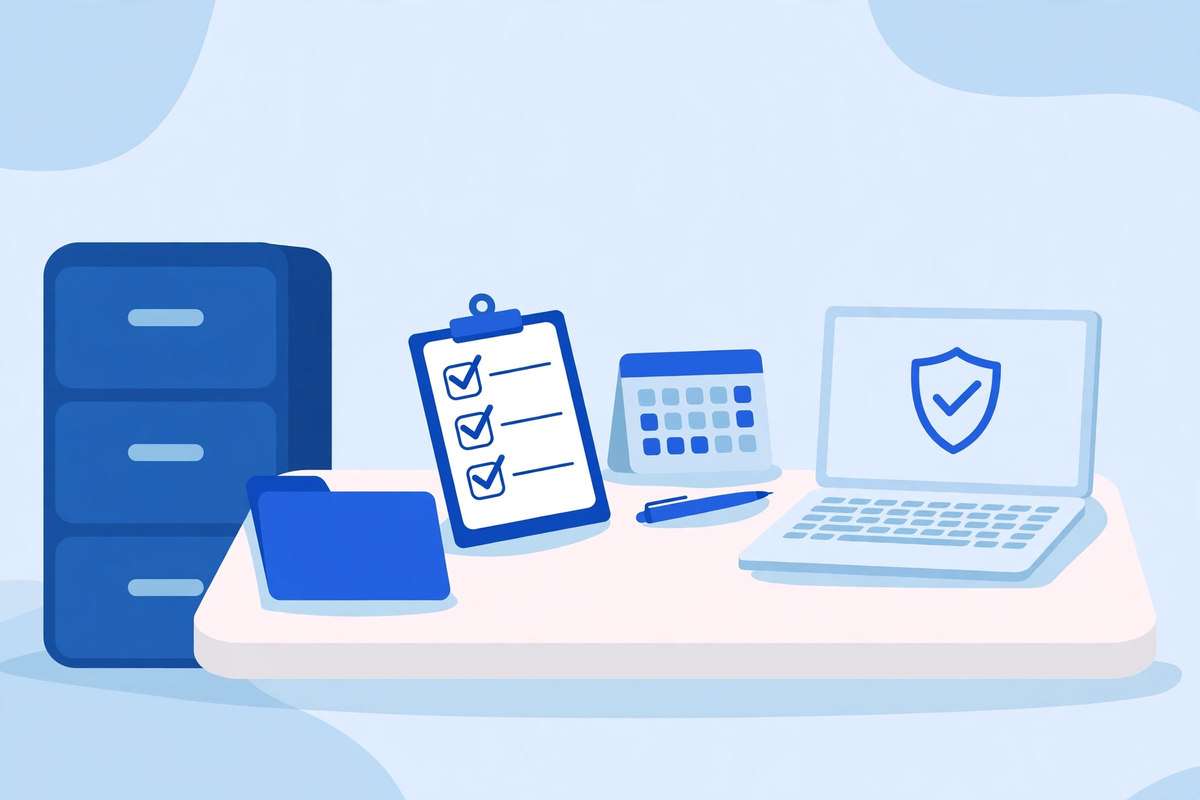
The Privacy Rule requires you to document that training was provided, and both rules require the documentation to be kept for six years from the date it was created or the date it last was in effect, whichever is later. Keep a simple record for each person: their name and role, the date, the topics covered, who delivered it, and how it was delivered. A spreadsheet or a folder with signed attendance sheets is enough. Keep the training material itself too, so you can show what was taught, not only that someone attended.
The same record helps in other ways. When a policy changes, the record shows who still needs retraining. When a new system goes live, it shows who has been trained on it. And when an incident happens, it shows whether the person involved had been trained, which changes how you respond. Keep the record current, and it becomes a management tool rather than a filing chore. Our guide to healthcare backup and disaster recovery makes the same point about testing: a plan you cannot show is a plan you cannot rely on.
What Training Cannot Do on Its Own
Training is one control among several, and it cannot carry compliance alone. It does not replace a risk analysis, access controls, encryption, audit logs, or business associate agreements. A well-trained member of staff can still be caught by a convincing phishing email, which is why technical controls matter. And training cannot fix a policy that is unclear or out of date. If the policy is wrong, training people on it only spreads the error faster.
The right way to think about it is that training is the control that makes the other controls work. Access controls only help if staff understand why they must not share logins. Incident procedures only help if staff know the reporting route. Encryption only helps if staff know not to send patient information by ordinary email. Training connects the rules to the working day, and without it the rest of the programme stays on paper.
The Bottom Line
HIPAA requires every member of your workforce to be trained on your privacy policies and procedures, and to take part in a security awareness programme. Train new starters in their first week, retrain when a policy changes, refresh the whole workforce once a year, and keep a record of who was trained and when, for six years. Keep the training short, specific to each role, and built around your own policies and real examples. If you would like help putting the underlying programme in place, our HIPAA compliance consulting service can help, and you can book a demo to talk through what your clinic needs, or start with a quote for the work itself.

Written by Chloe Vance
Healthcare Marketing DirectorChloe Vance has led search engine optimization and digital patient acquisition strategies for top pediatric, dental, and multi-specialty clinical chains.
Frequently Asked Questions
Common conversational queries evaluated by our natural language models concerning deployment guidelines.