
Key Takeaways
- ✓Ransomware reaches small practices through ordinary gaps: a phishing click, remote access without multi-factor authentication, unpatched software, a vendor connection, a shared or leftover account.
- ✓Backups decide the outcome. At least one copy must sit where the network cannot reach it, and restores must be tested on real data, a few times a year.
- ✓Guard the accounts: multi-factor authentication everywhere it matters, a login per person, administrator rights kept separate, and leavers removed the day they go.
- ✓In the first hours, isolate affected machines, delete nothing, and call your IT provider, your insurer and law enforcement before any thought of paying.
- ✓HIPAA treats ransomware on patient data as a presumed breach, with notification deadlines that follow. Proper encryption beforehand and a documented risk assessment are the two facts that change that picture.
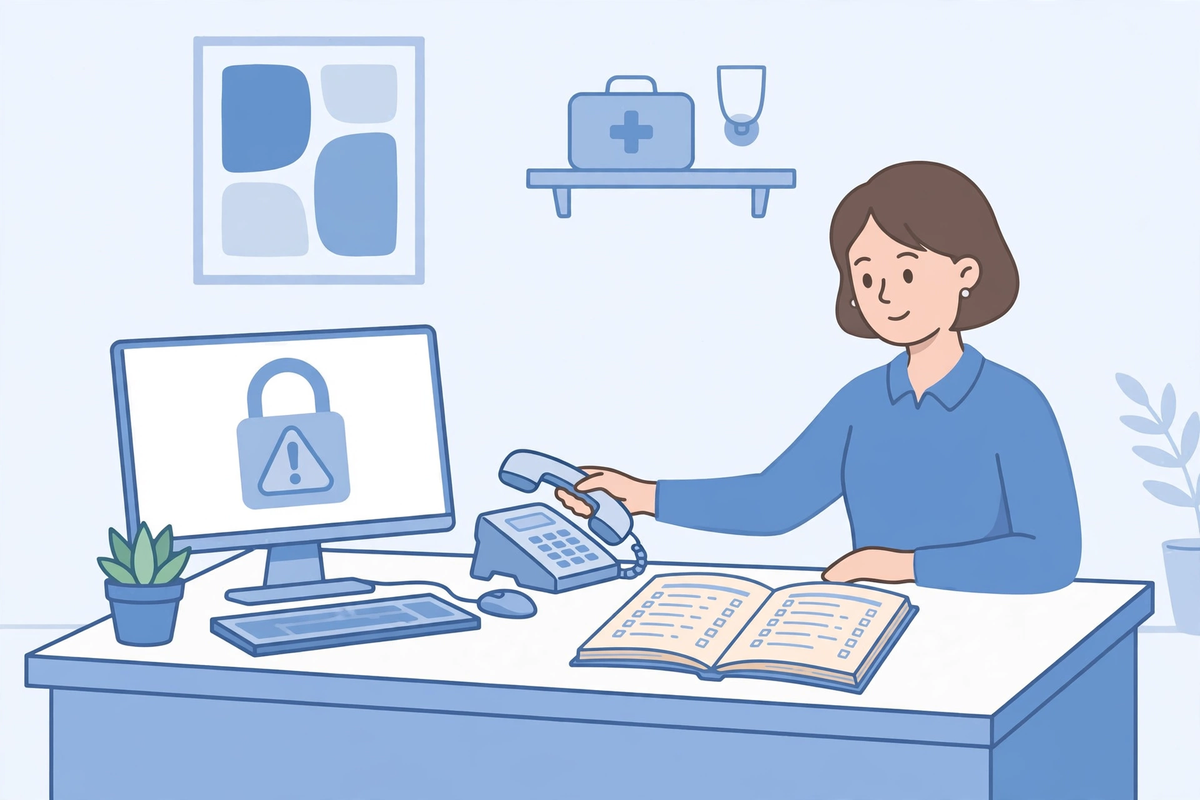
Ransomware is malicious software that locks your files so you cannot use them, usually by encrypting them with a key only the attacker holds, and then demands payment for the key. For a small practice, the morning it lands looks like this: the schedule will not open, the patient records are unreadable, the phones still ring, and a note on the screen asks for money. Everything in this article is about making that morning unlikely, and survivable if it comes.
Small practices are workable targets for a plain reason. They hold the same kind of patient data as a hospital, they run lean IT with no security team watching at night, and a single shared login or an old unpatched computer can be enough to let an attacker in. The good news is that the defences which matter at this size are not exotic. They are a short list of unglamorous habits, most of them cheap or free, and they are the same ones the official guidance keeps repeating. This article follows the CISA #StopRansomware Guide and the HHS Office for Civil Rights fact sheet on ransomware and HIPAA, and it is written for the person who manages a practice, not for a security engineer.
How Ransomware Gets Into a Small Practice
The first route is email. A message that looks like a lab result, an invoice or a fax notification carries an attachment or a link, and one click runs the software or opens a fake sign-in page that collects a staff password. The second route is remote access left reachable from the internet: a remote desktop connection or a VPN account with a weak or reused password and no second check at sign-in. CISA's guide is blunt about this one. Remote desktop services should not be exposed to the web at all, and remote access that the practice genuinely needs should sit behind multi-factor authentication.
The third route is software that never got updated. Attackers scan for known faults in internet-facing systems and in the everyday programs on office computers, and a practice that patches late hands them a list of open doors. The fourth route arrives through other people's systems: a vendor with remote access into your network for support, a billing partner, an old integration nobody remembers setting up. Add shared logins, passwords written down or reused from a breached site, and accounts belonging to staff who left months ago, and the picture is complete. None of these routes needs a mastermind. They need one gap.
One more fact shapes everything that follows: the locked screens are usually the last step, not the first. Attackers commonly spend time inside a network before the encryption starts, collecting passwords, finding where the records and the backups live, and copying data out so they can threaten to publish it later. That quiet period is why the protections below work as a set. Backups that survive, accounts that reach little, and a network split into zones each remove something the attacker was counting on finding when the loud part begins.
Protection One: Backups That Survive the Attack
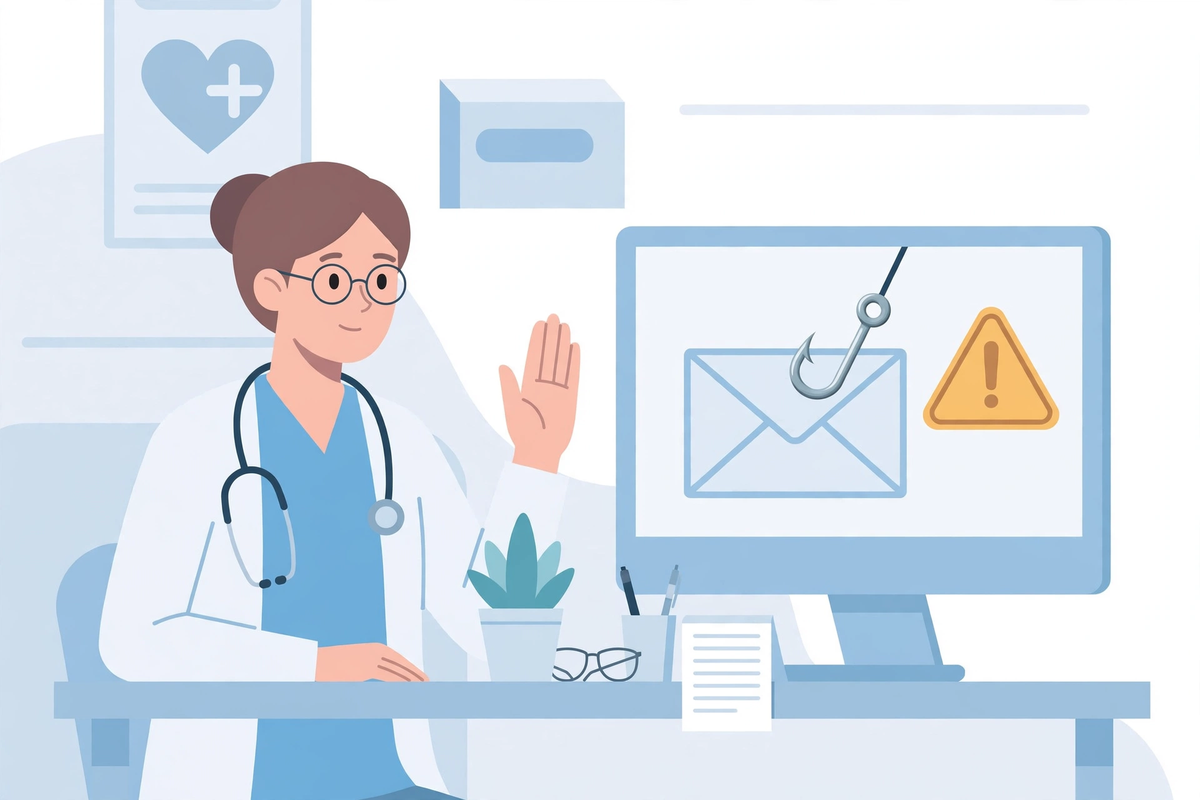
Backups decide whether an attack is a bad week or the end of the practice, because they decide whether the attacker has anything to sell you. Modern ransomware looks for backups connected to the network and deletes or encrypts them first, so a backup that the attack can reach is not a backup at all. CISA's advice is to keep offline, encrypted backups of critical data and to test, regularly, that they actually restore. One copy should live somewhere the office network cannot touch: disconnected media that is rotated, or a backup service whose stored copies cannot be altered or deleted by the accounts your office uses day to day.
Testing is the part practices skip, and it is the part that matters. A restore test means picking real data, the schedule, the patient records, the documents folder, and bringing it back onto a spare machine to prove it opens. Put a date on it, a few times a year, and after any big system change. This is also a legal duty, not just good practice: the HIPAA Security Rule requires a data backup plan as part of your contingency planning, and periodic testing of those plans. Our article on HIPAA risk assessments for clinics covers how this fits into the wider risk picture.
Protection Two: Accounts, Passwords and Who Can Reach What
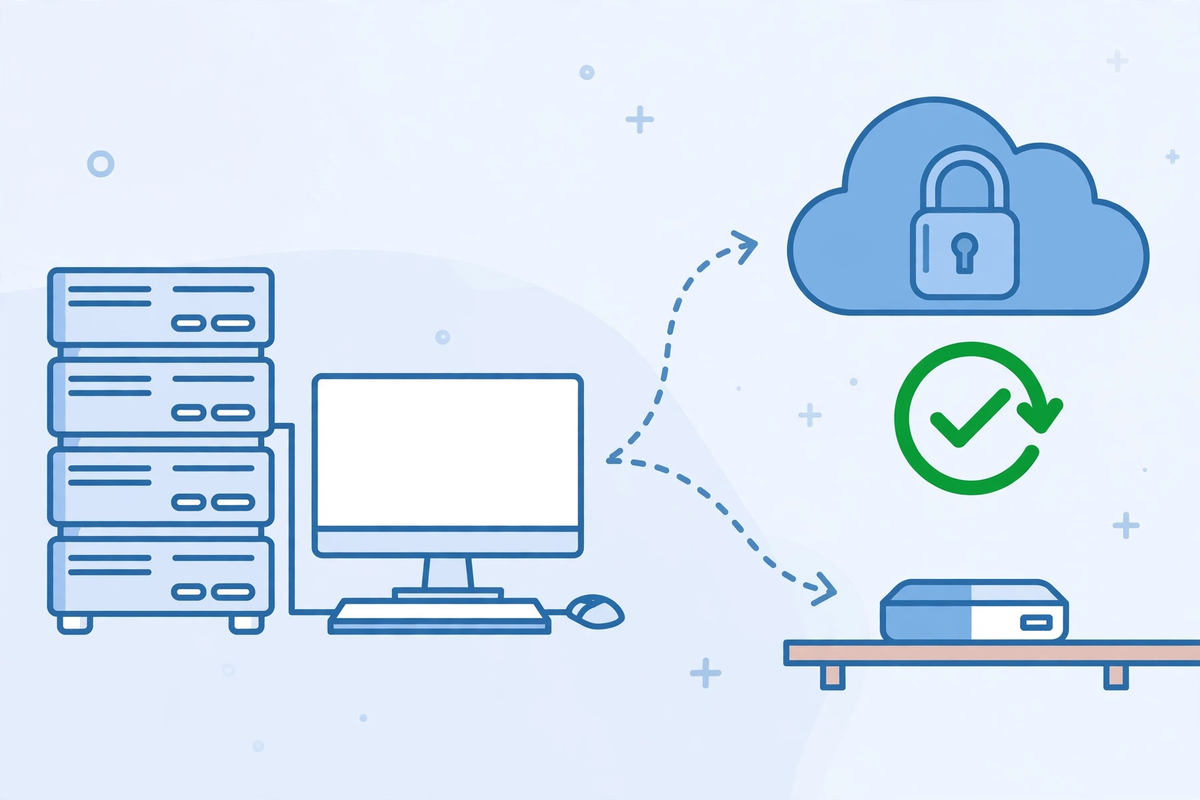
Most intrusions become disasters because of what the first stolen account could reach. Four habits shrink that blast radius. Turn on multi-factor authentication for email, for the EHR, and for every route into the network from outside, so a stolen password on its own is not enough. Give every person their own login and end shared accounts at the front desk, because shared accounts hide who did what and never get their passwords changed. Run day-to-day work on ordinary accounts, and keep the powerful administrator accounts separate and rarely used. And when someone leaves, their access ends the same day, including vendor and remote support accounts.
Underneath those habits sits a simple rule: each account should reach only what that person's job needs. The account that reads email all day should not be able to install software or open the backup store. Attackers move through a network using the permissions they find, and a practice that limits permissions forces them to work for every step, which is often enough to stop the spread at one machine instead of forty.
Protection Three: Updates, Email Filters and Staff Habits
Keep software current, and treat updates as clinical hygiene rather than an interruption. CISA advises regular patching with priority on the systems that face the internet and on faults attackers are already known to exploit. Where a device or program is too old to be updated, that is a decision to write down and contain, not a fact to discover during an incident. Email filtering that strips dangerous attachments and flags lookalike sender addresses removes a share of the threat before a human ever sees it, and it is usually a setting or a modest service rather than a project.
People are the other half of this protection, and HIPAA already expects them to be trained: the Security Rule requires workforce training on malicious software protection, so staff can spot it and know how to report it. Make reporting easy and praise it. The habit you want is pause, do not click, tell someone, and a practice where the receptionist who reports a strange message gets thanked will hear about the next one early. Run short reminders a few times a year using real examples with the names removed, not an annual video everyone sleeps through.
Protection Four: Keep Old Devices and Guest Networks Apart
Clinics accumulate equipment that cannot protect itself: an imaging device running old software, a lab analyser the vendor forbids you to update, a printer older than the building lease. Those devices still belong on the network, but they do not belong on the same open stretch of it as the records system. Ask whoever manages your network to separate it into zones, so clinical systems, office computers, old devices and the waiting-room Wi-Fi cannot all reach each other freely. A guest network that can see your file server is not a guest network, it is a corridor. Separation is quiet work done once, and it turns many would-be disasters into one broken device.
The First Hours of an Attack
You will usually know because files stop opening, names turn to nonsense, or the ransom note appears. The OCR fact sheet lists earlier signs worth teaching: a click someone regrets, a computer suddenly working hard for no reason, files that cannot be reached. The first move is to stop the spread. Take the affected machines off the network, unplug the cable or switch off their Wi-Fi, and do the same for anything that shares drives with them. Do not delete anything, do not run cleaners, and do not keep restarting machines in hope. What is on those disks is evidence your helpers will need, and switching everything off at the wall can destroy information about how the attack happened.
Then call for help, in this order of thinking rather than panic. Your IT provider or whoever manages your systems, first, because containment and recovery are technical work. Your cyber insurer, if you hold a policy, because many policies provide an incident team and expect to be called before you act. Law enforcement: the OCR fact sheet recommends contacting your local FBI or United States Secret Service field office, and the CISA guide's response checklist walks through the same ground in detail. Write down times and what was seen while memories are fresh.
Resist paying as a reflex. Payment does not guarantee your files come back, it does not remove software the attacker may have left behind, and attackers increasingly copy data before locking it and threaten to publish it, which paying does not undo. Those decisions belong in a proper conversation with law enforcement and your advisers, with the notification duties below in view, not in a frightened first hour. Meanwhile the practice still has patients: fall back on paper schedules and printed lists if you keep them, use the phones, and tell patients plainly that your systems are down and appointments may move. Calm honesty now is worth more than a perfect explanation later.
The Duties That Follow: HIPAA Breach Notification
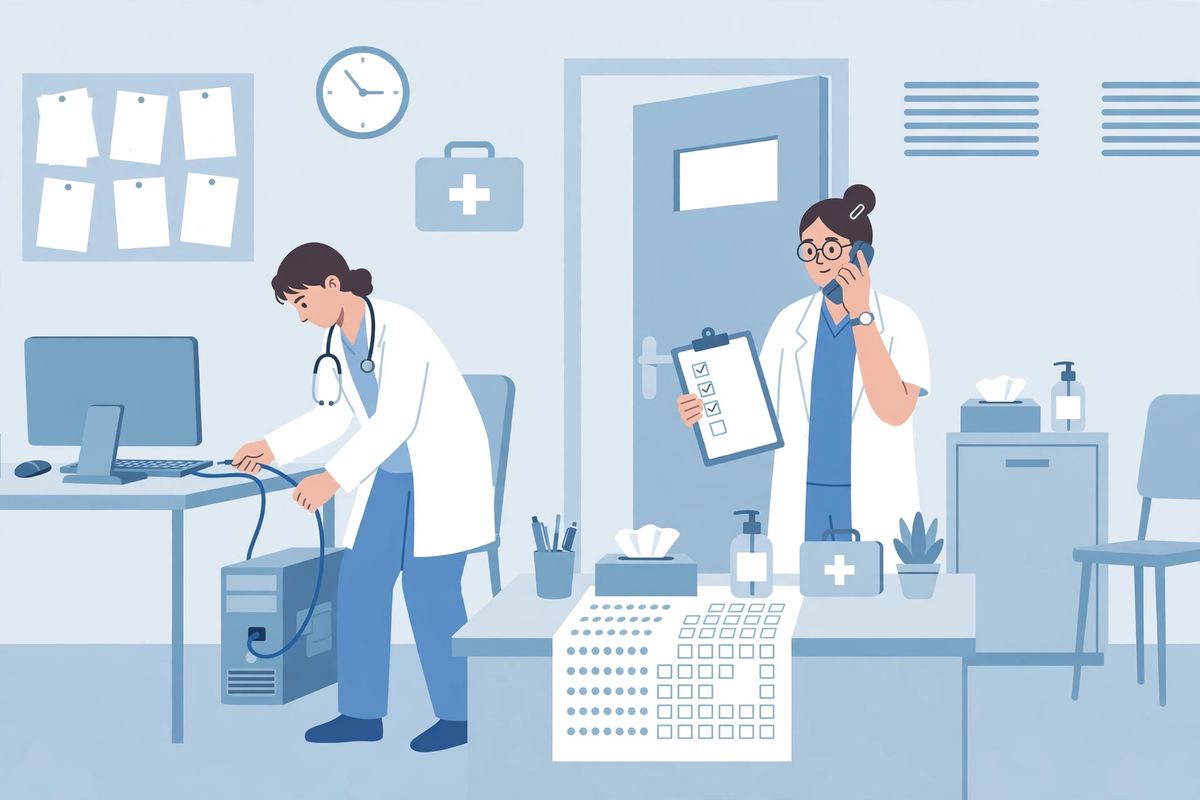
A ransomware incident at a practice is rarely only an IT problem, because patient data is usually involved. Under HIPAA, ransomware on your systems is a security incident, and the OCR's position is direct: when electronic protected health information is encrypted by a ransomware attack, unauthorised individuals have taken control of it, so a breach is presumed to have occurred. The presumption can be answered with a documented risk assessment covering the factors the rule sets out, including what information was involved, who the unauthorised person was, whether the information was actually acquired or viewed, and how far the risk has been reduced. Guessing is not an assessment. This work needs whoever handles compliance for your practice, and often legal advice.
If the incident is a breach of unsecured protected health information, the Breach Notification Rule sets the timetable: notify each affected individual without unreasonable delay and no later than 60 days after discovery, notify the Secretary of HHS, and, for a breach affecting more than 500 residents of a state, notify prominent media there as well. One detail works in your favour if you set it up early: information that was properly encrypted beforehand, to the standard in HHS guidance, is not unsecured, so the notification duties do not attach to it. State breach laws may add their own duties on top. This section is general information, not legal advice, and an incident is exactly when a practice should have its compliance adviser or attorney in the room. When the security basics around your patient-facing systems are part of the review, our broader guide to healthcare cybersecurity software covers the tooling side, and the healthcare technology hub maps the systems that hold patient data in the first place.
Questions to Ask Your IT Provider and Vendors
A small practice buys most of its protection through other people, so these questions are the protection. Ask them in writing, and keep the answers with your compliance records.
- Where exactly do our backups live, which copy can the office network not reach, and when did we last restore real data from them in a test?
- Is multi-factor authentication on for email, the EHR and every remote access route, including your own support accounts?
- Who holds administrator accounts on our systems, and how would we see a list of every account that can sign in from outside?
- If ransomware started encrypting files at 2 a.m., what would alert us, and how long would it take a person to be working on it?
- What is our written incident plan, where is the printed copy, and whose phone numbers are on the first page?
- Do our vendor agreements say how quickly a vendor must tell us about an incident on their side that touches our patient data?
A Working Checklist for a Small Practice
- Backups run automatically, at least one copy sits offline or cannot be altered from the network, and a restore test is on the calendar a few times a year.
- Multi-factor authentication is on for email, the EHR, remote access and administrator accounts, with no exceptions for senior staff.
- Every person has their own login, shared accounts are gone, and leavers lose access the day they leave.
- Updates are applied on a schedule, internet-facing systems first, and anything too old to update is separated on the network and written down.
- Email filtering is on, staff know how to report a suspicious message, and reporting it is praised rather than punished.
- Guest Wi-Fi, old clinical devices and office computers sit in separate network zones, and none of them can reach the backup store.
- A printed incident plan names who isolates machines, who calls the IT provider, the insurer and law enforcement, and how the practice runs on paper.
- Agreements with vendors that hold patient data cover incident notification, and the data backup plan and incident procedures HIPAA requires are written, not remembered.
The Bottom Line
Ransomware protection for a small practice is not a product you buy once. It is a short set of habits, tested backups, guarded accounts, current software, trained staff and separated networks, plus a written plan for the morning they fail anyway. To keep this article honest: Med Clinic X builds clinic software such as patient portals, websites and an AI receptionist, and does not sell cybersecurity or incident response services. The protections above sit with your IT provider and your own routines. If the patient-facing systems themselves are on your list to fix, you can see the software in a demo or request a quote, and bring your security questions to that conversation. It sits inside our healthcare cybersecurity hub, which maps the rest of the subject for a small practice: the duties, the website and form safety, and the connections between systems.

Written by Chloe Vance
Healthcare Marketing DirectorChloe Vance has led search engine optimization and digital patient acquisition strategies for top pediatric, dental, and multi-specialty clinical chains.
Frequently Asked Questions
Common conversational queries evaluated by our natural language models concerning deployment guidelines.