
Key Takeaways
- ✓A HIPAA risk assessment is a documented risk analysis of electronic patient information, followed by a fix plan. Listing risks without fixes is only half the job.
- ✓Scope is everything: the inventory must cover the EHR, email, phones, portal, forms, billing, backups, and every vendor that touches patient data.
- ✓Score each risk by likelihood and impact, with current controls taken into account, so high risks are fixed first and low risks wait for a written reason.
- ✓The rule names no calendar deadline, so run a full assessment once a year as working practice, and update it after system, location, vendor, or staff changes and after any incident.
- ✓Keep the assessment, inventory, scores, and fix plan for six years, with an owner and a date on every fix, so the clinic can show its work when asked.
A HIPAA risk assessment, called a risk analysis in the Security Rule, is a documented review of the risks to the electronic patient information your clinic holds. It asks a plain question: where does that information live, what could go wrong with it, and what have you done about it. Every clinic that handles electronic protected health information, known as ePHI, is expected to have one, and so is every vendor that handles that information on your behalf.
This guide explains what the assessment must cover, how to work through it, how often to update it, and how to turn findings into fixes in a sensible order. Examples are illustrative. This is general practice information, not legal advice for a specific clinic, and state privacy laws can add requirements on top of the federal rule.
What a Risk Assessment Is, and What It Is Not
The HIPAA Security Rule, at 45 CFR 164.308(a)(1)(ii)(A), requires covered entities and business associates to conduct an accurate and thorough assessment of the potential risks and vulnerabilities to the confidentiality, integrity, and availability of ePHI. Confidentiality means only the right people can see it. Integrity means it has not been changed without authorisation. Availability means it can be reached when care depends on it.
The Department of Health and Human Services, through its Office for Civil Rights, publishes guidance on risk analysis that explains the requirement. The guidance does not prescribe one method, and it says the method should fit the size, complexity, and capabilities of the organisation. A three-clinician practice and a multi-site group are not expected to produce the same document, but both are expected to show their work.
Two related jobs are often mixed up. Risk analysis is the investigation: finding where ePHI sits, what threatens it, where you are exposed, and how serious each risk is. Risk management is what follows: putting measures in place that reduce those risks to a reasonable and appropriate level. An assessment that lists risks and stops there is only half the job.
Start With Scope: Every Place ePHI Lives or Moves
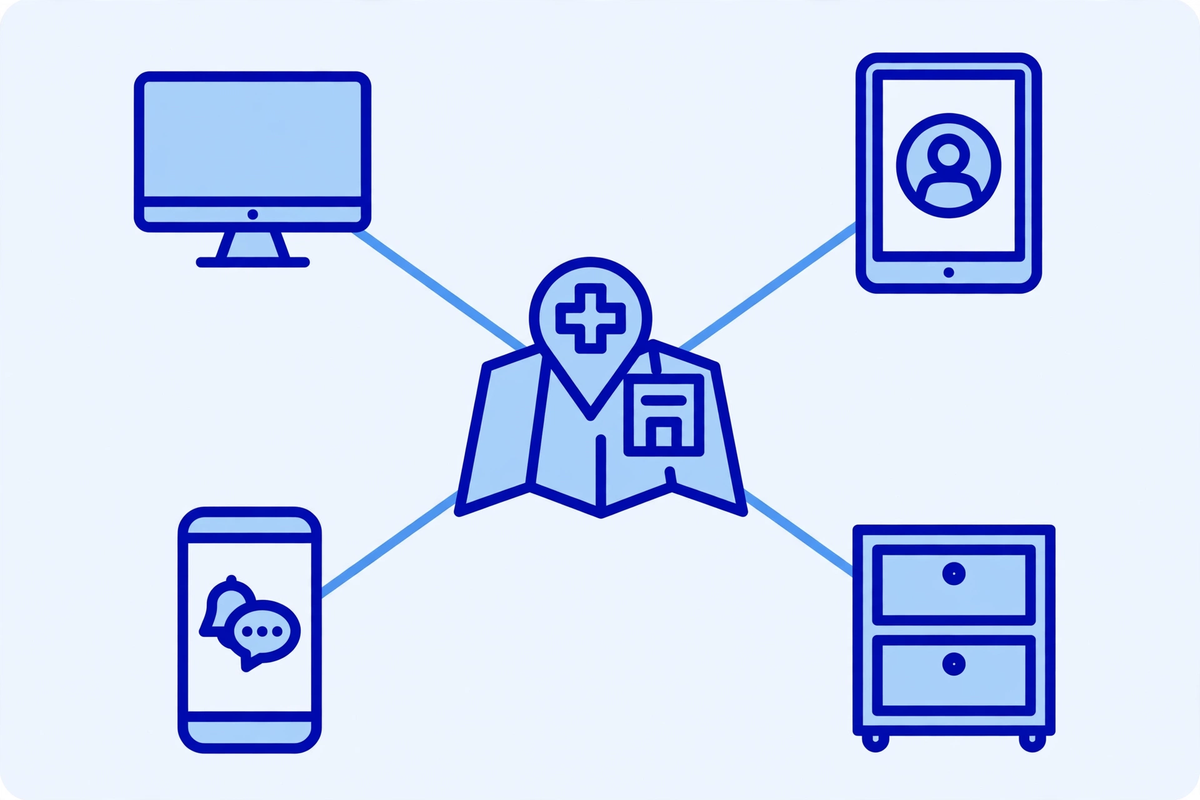
The scope is all ePHI your clinic creates, receives, maintains, or transmits, in any electronic form and in any location. That is wider than most clinics expect. The electronic health record is only the start. Email, scanned documents, phones, laptops, backups, cloud applications, the portal, scheduling tools, and even a copier hard drive can hold patient information, and each one belongs in the inventory.
Walk the clinic, in person and on paper, before you write anything about risk. Ask each team what tools they actually use, including the ones nobody formally approved. A personal phone used to photograph a wound, a shared inbox used for referrals, or a spreadsheet of patient names kept for recall all count. Record each system, who can reach it, where the data sits, and which vendor runs it.
- Clinical systems: the EHR, imaging, lab results, e-prescribing, and telehealth, including test copies that hold real patient data.
- Patient-facing tools: the portal, online forms, scheduling, texting, and website chat, including where messages are stored.
- Office systems: email, shared drives, scanned paper, fax-to-email services, phones, and laptops, including personal devices used for work.
- Back-office systems: billing, clearinghouse connections, credentialing files, and analytics tools fed with patient data.
- Physical and network basics: servers, backups, Wi-Fi, remote access, and building access.
- People and vendors: every staff role, contractor, and software vendor that handles ePHI for you.
That inventory becomes the spine of the assessment. When a new system arrives, the inventory is the first thing to update. Clinics that skip this step usually produce a neat document about the EHR and nothing about the email inbox where the real exposure sits.
Name the Threats, Then Find the Weaknesses They Could Use
HHS guidance asks clinics to identify and document reasonably anticipated threats and the vulnerabilities those threats could exploit. A threat is something that could cause harm, such as a phishing email, a stolen laptop, a ransomware attack, a staff member looking up a neighbour record, a flood, or a power failure. A vulnerability is a weakness that lets the threat succeed, such as shared passwords, unpatched software, or no backup that has ever been tested.
| Threat | Where it shows up in a clinic | Weakness to check first |
|---|---|---|
| Phishing and ransomware | Email, website forms, and remote access | No phishing training, no multi-factor sign-in, untested backups |
| Lost or stolen device | Laptops, phones, and portable drives | No device encryption, no remote wipe, data kept locally |
| Curious or careless access | EHR, portal, and shared inboxes | Shared logins, access never reviewed, no audit-log checks |
| Vendor or contractor access | Billing, IT support, and cloud tools | No business associate agreement, access never removed |
| Paper and physical exposure | Printers, desks, and rooms left open | Printed records left out, screens visible, no room controls |
| Outage or disaster | Servers, internet, and power | No tested backup, no downtime plan for appointments |
Work through this with the people who do the work, not only with IT. Front desk staff know which passwords are shared because the roster demands it. Clinicians know which workarounds exist because the approved tool is slow. Those honest answers are the point of the exercise. Note each threat and weakness plainly, with the system it affects, so the later scoring step has something real to score.
Score Each Risk So Fixes Fall in a Sensible Order
For each risk, judge two things: how likely it is that the threat will exploit the weakness, and how serious the impact would be if it did. HHS guidance describes assessing current measures, likelihood, impact, and risk level for each threat and vulnerability. A simple scale works well: low, medium, and high for both, with a short note explaining each rating.
Combine the two ratings into an overall risk level, and be honest about what the current measures already do. A risk with a strong control in place scores lower than the same risk with no control at all. For example, phishing is likely everywhere, but a clinic with multi-factor sign-in, staff training, and tested backups faces a lower overall risk from it than a clinic with none of those. Write the reasoning down, so the rating can be updated sensibly when something changes.
This scoring step turns a long list of worries into a plan. High-likelihood, high-impact risks come first. Low risks with expensive fixes wait, and that is a defensible choice, as long as it is written down and revisited. Do not inflate every risk to high, or the plan will demand everything at once and nothing will get done.
Check the Controls You Already Have, Starting With Access
Before buying anything new, assess the security measures already in place for each risk. The Security Rule groups safeguards into administrative, physical, and technical measures. Administrative measures include policies, training, and who is responsible for what. Physical measures include building access and device handling. Technical measures include sign-in controls, encryption, audit logs, and automatic logoff.
Access control deserves the first look, because it is where small clinics most often find quick wins. Every person should sign in with their own account, with access limited to what their job needs. Shared logins make audit logs useless, because nobody can tell who did what. Leavers should lose access on their last day. Access should also be reviewed regularly, so a nurse who changed roles does not keep the old permissions forever.
- Unique accounts for every user, with no shared passwords, and multi-factor sign-in wherever the system supports it.
- Minimum necessary access: each role sees only the patient information its work requires.
- A leavers routine that removes system, email, portal, and building access on the same day employment ends.
- Audit logs that are actually reviewed, at least for unusual access, rather than collected and never opened.
- Encryption for devices and for patient information sent outside the clinic, and automatic logoff on shared workstations.
Patient-facing tools need the same check. A patient portal that lets patients message, book, and view results must have its own access rules and audit trail. The same applies to online forms, covered in our HIPAA-compliant website forms post, and to the wider privacy surface of the website, covered in our website security and patient privacy post.
Vendors Are Part of Your Assessment, Not Separate From It
Any vendor that creates, receives, maintains, or transmits ePHI on your behalf is a business associate, and HIPAA requires a business associate agreement, known as a BAA, before it handles real patient information. HHS explains that a business associate agreement is required in that situation. The agreement alone does not make the vendor safe, but its absence is a gap in its own right.
For each vendor, record what data it touches, how it protects it, and what happens when the contract ends. Ask about encryption, access controls, backups, incident reporting, and subcontractors, and keep the answers with the assessment. If a vendor cannot answer, or will not sign a BAA, that is a finding, not a footnote. Either the vendor changes, the data flow changes, or the risk is accepted in writing by someone with authority to accept it.
This is also where a HIPAA compliance consulting service can help a small clinic, by working through the vendor list and the evidence rather than leaving the practice manager to chase each vendor alone. Whether the work is done in house or with help, the clinic remains responsible for its own assessment.
How Often to Do It, and What Should Trigger an Update
The Security Rule does not name a calendar deadline for a risk analysis. HHS guidance describes risk analysis as ongoing, with review and update when changes affect the security of ePHI. In practice, most clinics run a full assessment once a year, with smaller updates in between when something changes. Present the annual review to your team as good practice, not as a date written in the regulation.
| Trigger | What to revisit | Why it matters |
|---|---|---|
| Annual review | The full inventory, scores, and fix plan | Keeps the document current and shows a steady rhythm |
| New EHR, portal, or cloud tool | The new system, its vendors, and its access rules | A new system brings new data flows and new weaknesses |
| New location or remote work | Network, devices, and physical controls | Patient data now travels and sits in new places |
| Vendor change or merger | Vendor list, BAAs, and data flows | Old access may survive the change if nobody removes it |
| Security incident | The affected systems and the controls that failed | An incident is evidence about a real weakness, not a theory |
| Staff turnover in key roles | Access, passwords, and named responsibilities | Knowledge and access leave with people unless handled |
After an incident, review the affected part even if it did not become a reportable breach. The question is what the incident revealed about a control, and whether the fix belongs in the risk management plan.
Turn Findings Into a Fix Plan With Owners and Dates

Risk management is the second half of the job: implementing security measures sufficient to reduce the risks found to a reasonable and appropriate level. For each finding, write down the fix, the person who owns it, the date it should be done by, and what will count as done. A fix that says someone should improve passwords is not a plan. A fix that says the practice manager will switch the EHR to multi-factor sign-in for all users by a named date, and will confirm it by checking the sign-in report, is a plan.
Order the fixes by risk level, and be realistic about capacity. A small clinic cannot fix twenty findings in a month. Fix the high risks first, group related fixes together, and carry the rest forward with dates. When a fix slips, record the new date and the reason, rather than quietly dropping it.
- High risk first: fix the findings that combine likely threats with serious impact before polishing low risks.
- One owner per fix, named by role and person, so nothing depends on a shared inbox remembering it.
- A done test for each fix: what evidence will prove it happened, such as a report, a screenshot, or a test restore.
- A monthly check on open items, so the plan stays visible between annual reviews.
- A note for anything accepted rather than fixed, with who accepted it and why.
Some fixes cost only attention, such as turning on multi-factor sign-in, removing old accounts, and reviewing audit logs. Costlier fixes, such as replacing a system or adding backup capacity, belong in the budget conversation with their risk ratings attached, so the decision is made with the risk in view.
Write It Down, Keep It, and Be Ready to Show It
HIPAA requires Security Rule documentation to be kept for six years from the date it was created or the date it was last in effect, whichever is later. That rule covers the assessment, the fix plan, policies, and the evidence behind them. Keep the finished assessment, the inventory, the scoring notes, the fix plan, and the evidence of completed fixes together, where a new manager could find them without asking the person who wrote them.
Common gaps are usually about evidence rather than effort. The clinic did the work but kept no record. The assessment covered the EHR but not email or phones. Risks were listed but never scored, so nothing was prioritised. The fix plan had no owners or dates. A vendor had access but no agreement. The assessment was years old, with no update after a system change. Check your document against that list before you call it done.
Keep the wider website and form habits alongside the assessment, not apart from it. Our HIPAA compliance checklist for clinic websites covers the patient-facing side of the same obligations, including forms and tracking tools. A risk assessment that ignores the website misses one of the first places patient information is collected.
The Bottom Line
A HIPAA risk assessment is not a document you buy and file. It is a working record of where patient information lives, what threatens it, how serious each risk is, and what you are doing about it, updated when your clinic changes and reviewed at least once a year.
Start this week with the inventory, and be honest about the tools staff actually use. Score what you find, fix the high risks first, and give every fix an owner and a date. If you want help with the inventory, vendor list, and fix plan, see the demos or request a quote and talk through your current systems first.

Written by Chloe Vance
Healthcare Marketing DirectorChloe Vance has led search engine optimization and digital patient acquisition strategies for top pediatric, dental, and multi-specialty clinical chains.
Frequently Asked Questions
Common conversational queries evaluated by our natural language models concerning deployment guidelines.