
Key Takeaways
- ✓A backup is a copy. A recovery is your clinic working again. The two are different jobs, and only the second one matters on the bad day.
- ✓Keep more than one copy, and at least one copy your own network cannot reach or change. A backup that ransomware, fire or theft can also touch is not a way back.
- ✓Test the restore, on a schedule. A backup nobody has restored is a hope, not a plan, and the time to learn that a restore is slow is before you need it.
- ✓Write the downtime plan on paper: the day's schedule, intake on paper forms, and named people who decide what happens and who calls whom.
- ✓HIPAA names this work directly. The contingency plan standard at 45 CFR 164.308(a)(7) requires a data backup plan, a disaster recovery plan and an emergency mode operation plan.
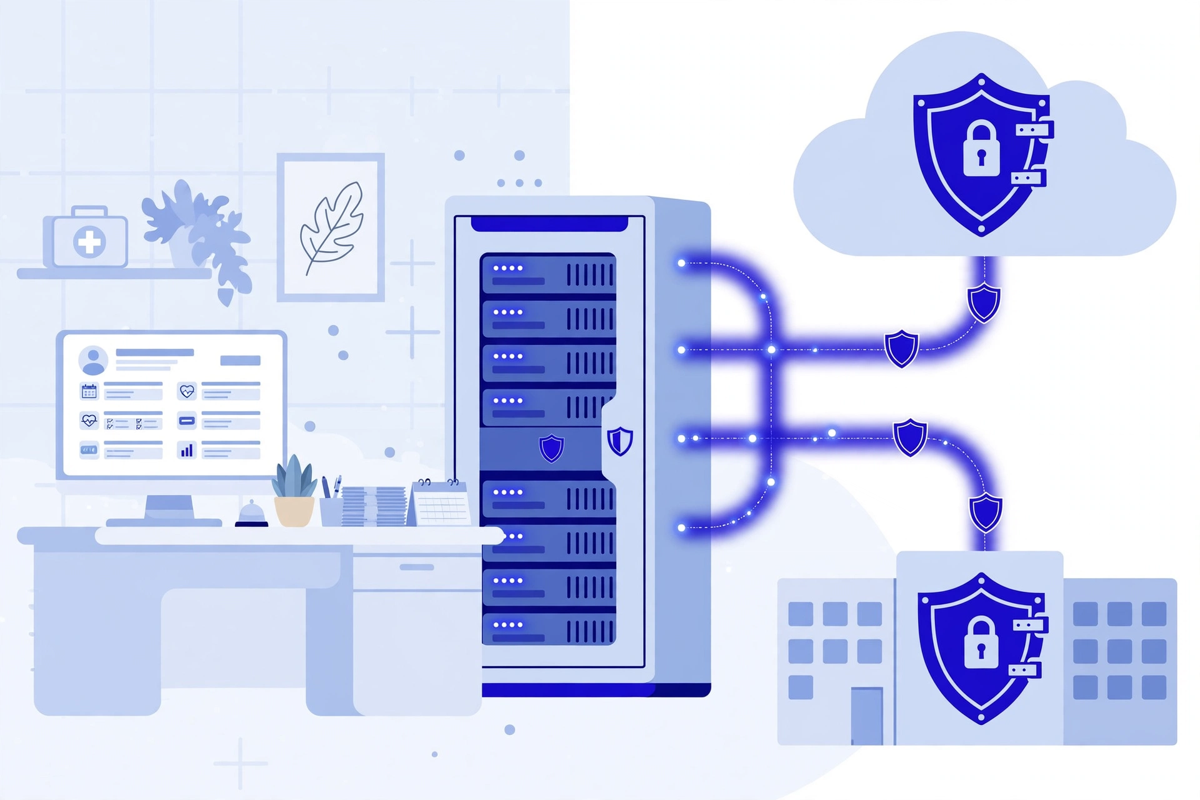
Your clinic already has backups, most likely. The EHR vendor mentions them, the IT company set them up, and a green tick somewhere says they ran last night. None of that answers the only question that matters on the bad day: can you get your records back, how much of them, how fast, and what do your staff do with patients in the meantime? This article covers the basics at small-practice scale: what has to be restorable, what a sound backup setup looks like in plain terms, why a tested restore is different from a stored copy, the paper plan for the hours when systems are down, the HIPAA duties behind all of it, and the questions to put to the vendors who hold your data.
None of this needs a large IT department. It needs a short list of decisions, written down, and a few habits that repeat. It also needs honesty about one thing: the disaster is not always a hacker. A failed server, a burst pipe, a stolen laptop, a vendor outage on your busiest morning. The plan has the same shape for all of them.
What Actually Has to Be Restorable
Start with an inventory, because clinics routinely back up the obvious system and forget the material around it. The first item is the EHR itself: the patient database, with appointments, clinical notes, results, medication lists and billing records. For most practices this lives with the EHR vendor or on a server in the building, and the backup duty sits in a different place in each case, which is why the vendor questions later in this article matter.
The second item is the documents and scans that never made it into the EHR database: referral letters, signed consent forms, scanned insurance cards, lab reports sitting in a shared folder. The third is the machinery around the systems: user accounts and who holds which permissions, the settings and templates your team has built up over years, and the connections between your portal, scheduling and billing tools. Rebuilding those from memory takes far longer than restoring the data itself. The connections are worth understanding before a crisis, and our plain guide to healthcare API security explains what they are and how access to them should be controlled.
The fourth item is not data at all. It is the paper knowledge of how the clinic runs: today's schedule, the phone list for staff, vendors and the answering service, and the IT provider's emergency number. If that knowledge lives only inside the systems that just went down, the recovery starts with guesswork. Print it, and keep the printed copy current.
Backup Basics: Copies That Survive the Bad Day
A sound setup has three properties, whatever products sit underneath it. First, more than one copy. A single backup on a drive beside the server shares the server's fate in a fire, a flood or a theft. Second, at least one copy that your own network cannot reach or alter. This is the property that decides whether a clinic recovers from ransomware or negotiates with it, because modern ransomware looks for backups and encrypts or deletes the ones it can reach. A copy that is offline, or stored in a form that cannot be changed after it is written, sits outside that reach. Our article on ransomware protection for small practices covers backups as one of the four protections that stop an attack turning into a closure.
Third, the copies have to be fresh enough, and kept long enough, to be useful. How often a backup runs decides how much work you can lose: a nightly backup means a failure late in the day costs you hours of charting at most, to be rebuilt from paper and memory. How long copies are kept decides whether you can go back to before a problem started, which matters when the damage is discovered days after it happened. There is no single right setting. There is a right conversation, in which the practice chooses those numbers knowing what they mean, instead of inheriting a default nobody chose.
In practice, most practices land on a layered pattern without calling it that. Recent daily copies cover the ordinary accidents, a deleted file or a failed update. Older weekly and monthly copies cover the slow problems, the damage that was done quietly and noticed weeks later, including an intruder preparing an attack. If every copy you hold is from the last three days, you have protected yourself against yesterday and against nothing else. Ask how far back your copies reach. The answer is often shorter than anyone in the building expected.
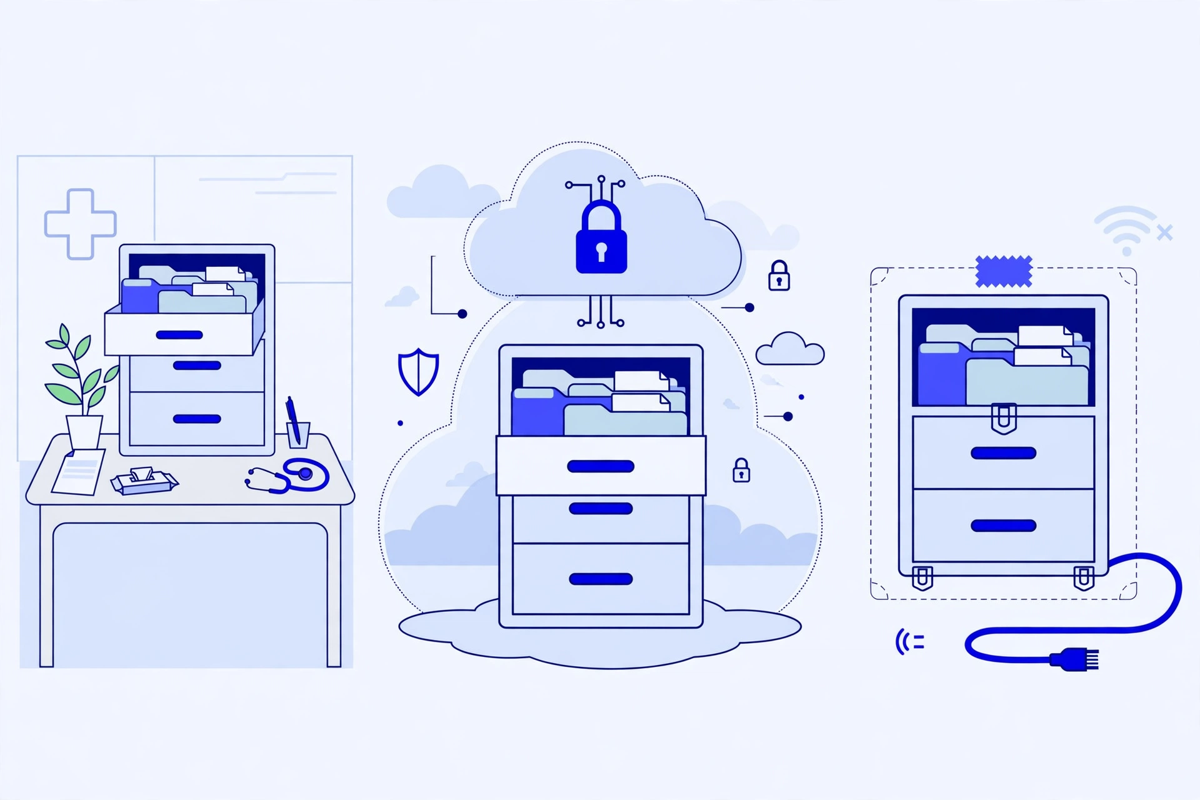
One more property, easy to miss: the backups themselves hold patient information, so they need the same protection as the live systems. Encrypted in storage and while they travel, access limited to the people who run restores, and covered by the same business associate agreements as the systems they mirror. An unencrypted backup drive in a cupboard anyone can open is a breach waiting for a cleaner.
Having Backups Is Not the Same as Having a Recovery
The most common backup failure is not a missing copy. It is a copy that has never been restored. A backup job reports success for the files it copied. It says nothing about whether those files can be reassembled into a working system, whether the one database table that matters was included, or whether anyone still knows the password that opens them. The only test that counts is a restore: take the copy, rebuild the system somewhere safe, and open real records in it.
Two plain measures describe every recovery, and it helps to learn them through their consequences rather than their acronyms. The first is how much work you lose, set by the gap between the disaster and your last good backup. If the last good copy is from midnight and the server dies at four in the afternoon, the day's appointments, notes and payments have to be rebuilt from memory, paper and patient phone calls. The second measure is how long you are down: the restore itself, plus everything around it, finding the right copy, getting the vendor on the phone, rebuilding accounts, and checking the data before staff trust it again. A restore that takes two days is a two-day closure, whatever the backup report said.
A proper test is a small drill, not a glance at a dashboard. Pick a copy from a real date, not the one the system offers first. Restore it to a spare computer or a separate space the vendor provides, so the live system is untouched. Sign in as a staff member would. Open a real appointment day, a real patient record and a real bill, and check them against what you know to be true. Then note the time the whole job took, start to finish, including the phone calls. That number, not the vendor's estimate, is your recovery time.
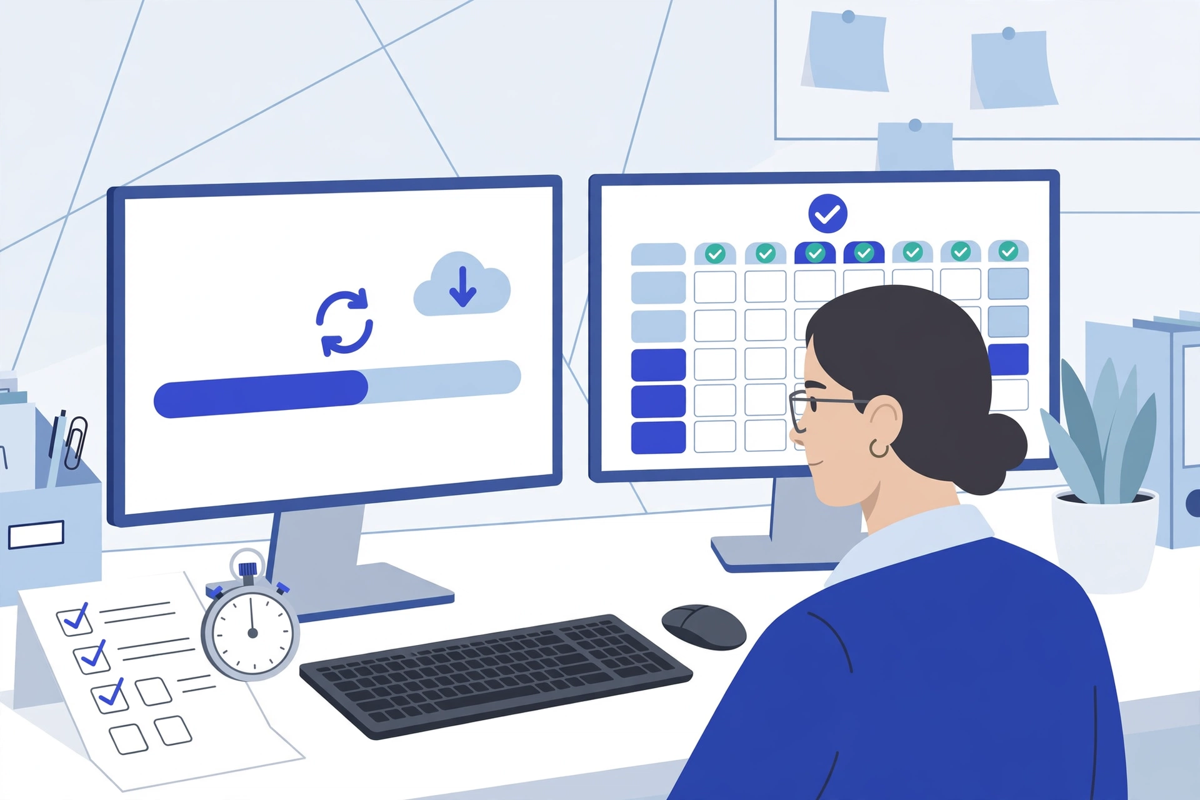
So test on a schedule. Restore one system, or one part of one system, every few months, time it, and write down what surprised you. Fix the surprises while they are cheap. The HIPAA contingency plan standard discussed below treats this as part of the plan itself, with testing and revision procedures named among its parts. A plan that has never been run is still a draft.
The Disaster Side: A Downtime Plan on Paper
Recovery takes hours at best. Patients arrive in minutes. The gap between those two facts is what a downtime plan covers, and it belongs on paper, because a plan stored on the server is unavailable at exactly the moment it is needed.
A workable downtime plan for a small practice is short. It names the paper fallback: the day's appointment list, printed each morning or printable in the first minutes of an outage; paper intake and consent forms; and a way to record visits, payments and prescriptions by hand, so they can be entered later without guesswork. It names the decisions: who declares downtime, who calls the IT provider and the EHR vendor, who tells patients, and what gets said. And it names the order of return: which system comes back first, which can wait, and what staff check before they trust the restored data.
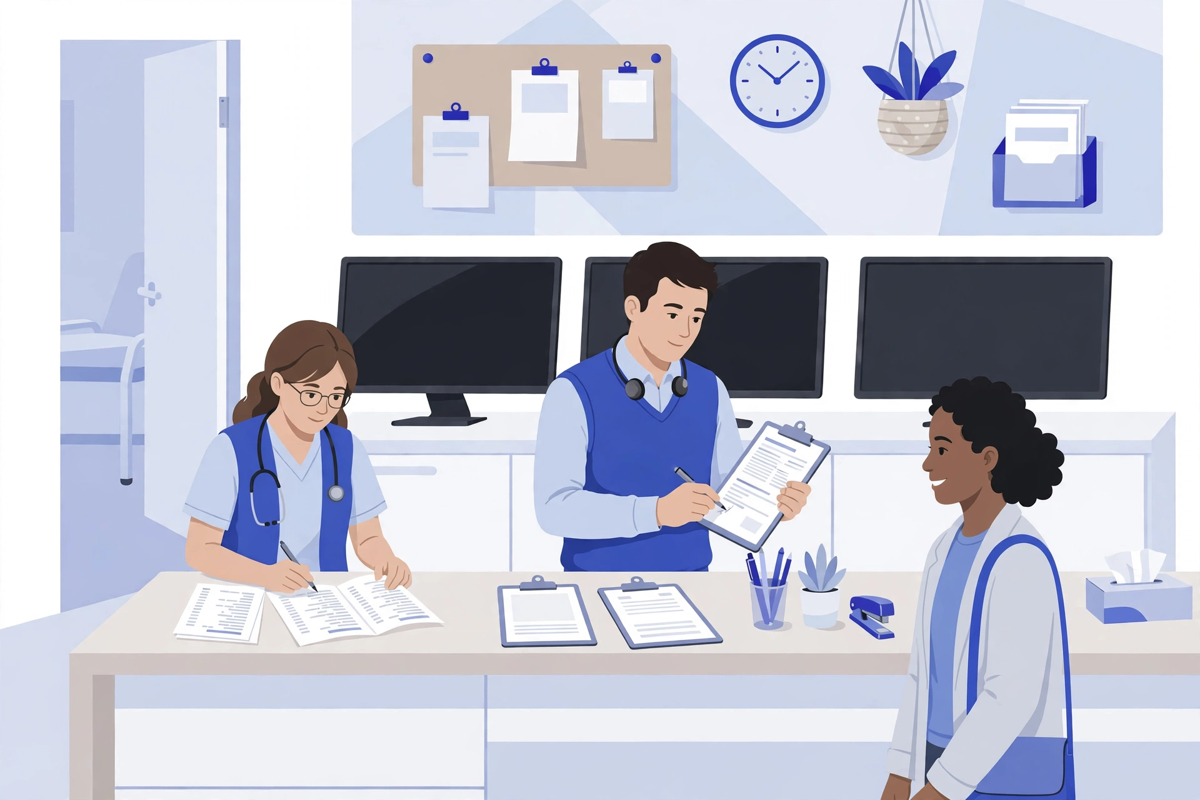
Patients need handling as carefully as records during those hours. The plan should say who phones or messages the day's patients, what they are told, and how appointments are rebooked once systems return. Everything recorded on paper during the outage goes into a single folder, in order, so that later entry into the restored system is a transcription job rather than a reconstruction. Two people check that folder against the restored records before it is filed away. Paper created in a crisis is exactly where transcription errors breed.
Fire, flood and theft add a physical layer to the same plan: where the printed copy of the plan itself lives, who holds the keys, and how the practice would work from another site if the building were closed. A vendor outage is the mildest version, and a common one: your systems are intact, someone else's are not, and the plan is mostly patience, paper and honest messages to patients. Write all of it once, on a few pages, and review it whenever staff or systems change.
What HIPAA Actually Requires: The Contingency Plan
This work is not only good practice. HIPAA names it. The Security Rule's contingency plan standard, at 45 CFR 164.308(a)(7), requires policies and procedures for responding to an emergency or other occurrence that damages systems containing electronic protected health information, and the regulation gives the examples directly: fire, vandalism, system failure and natural disaster.
The standard has five parts. Three are required. A data backup plan: procedures to create and maintain retrievable exact copies of electronic protected health information. A disaster recovery plan: procedures to restore any loss of data. And an emergency mode operation plan: procedures to enable the continuation of critical business processes, protecting the security of electronic protected health information while the practice operates in emergency mode. Two further parts are labelled addressable: testing and revision procedures, for periodic testing and revision of the plans, and an applications and data criticality analysis, an assessment of which applications and data matter most. Addressable does not mean optional. It means the practice assesses each one, implements it where reasonable and appropriate, and documents its reasoning where it is not. The HHS summary of the Security Rule describes the same standard in plainer language, and our HIPAA page sets out how Med Clinic X approaches HIPAA duties in its own work.
Notice how closely the regulation matches the plain advice in this article. Exact copies you can retrieve. A way to restore lost data. A way to keep working safely in the meantime, and a habit of testing the whole thing. A practice that does those things, and writes them down, holds the substance of the standard, whatever its size. This section is general information about the rule, not legal advice for your practice.
Questions to Ask the Vendors Who Hold Your Data
For most small practices, the EHR and its backups live with vendors, so part of the plan sits in their hands. These questions move it back into yours. Where do our backups live, and is at least one copy outside the reach of our own network? Who can run a restore, and how do we reach that person outside office hours? How do we request a restore, and how long have restores for a practice of our size actually taken? What does a restore cost, and is it inside our contract or billed on the day? How long are backups kept, and can we choose a copy from a specific date? And the question clinics forget until it is too late: if we leave, how do we get our complete data back, in what format, and how long do you keep it afterwards?
Ask the same of the IT company, the portal provider and anyone else holding records, and get the answers in writing, in the contract or the business associate agreement where they belong. A verbal answer from a salesperson in a good month is not a recovery plan. Wider questions about choosing the software itself, and judging the security tools around it, sit in our guide to healthcare cybersecurity software.
A Starter Routine You Can Adopt This Month
None of this needs a project or a purchase. A small practice can put the basics in place inside a month, in this order:
- Write the inventory: the systems that hold patient information, where each one lives, and who is responsible for its backups.
- Confirm the copies: at least two, at least one your network cannot reach or alter, and note when each runs and how long it is kept.
- Run one restore test: pick the schedule or one part of the record, restore it somewhere safe, open real entries, and time the whole job.
- Write the one-page downtime plan: paper schedule and forms, the names and numbers, who decides, who calls, and what patients are told.
- Print the plan and the contact list, put both where the front desk can reach them, and set the date for the next test and review.
That is an afternoon or two of work, spread across a month. What it buys is the difference between an outage and a closure.
The Bottom Line
Backups are common. Recoveries are rarer, because they are built from decisions: what must come back, copies that survive the same disaster as the originals, restores that have been timed and tested, and a paper plan for the hours in between. Make those decisions now, while they are still boring. Our healthcare technology hub collects the wider plain guides for clinic managers, on the systems this article depends on. This article is education, not a service offer: Med Clinic X builds clinic software, including patient portals and the systems around them, and it does not provide backup, disaster recovery or IT support services. If you are reviewing the software side of your practice, you can see the demos or request a quote for that work.

Written by Chloe Vance
Healthcare Marketing DirectorChloe Vance has led search engine optimization and digital patient acquisition strategies for top pediatric, dental, and multi-specialty clinical chains.
Frequently Asked Questions
Common conversational queries evaluated by our natural language models concerning deployment guidelines.