
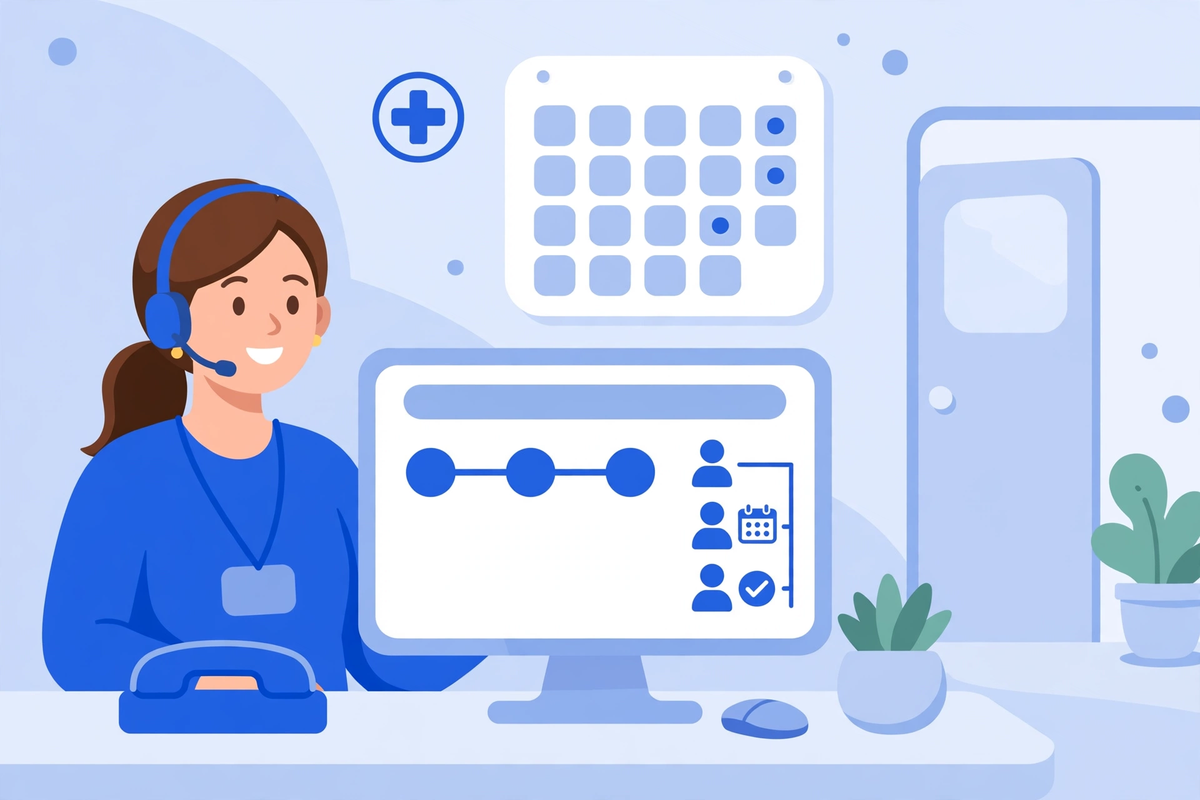
Key Takeaways
- ✓A healthcare CRM is the shared memory for the front of your practice. It records every enquiry, every promised follow-up, and every recall due, so nothing depends on one person's memory or inbox.
- ✓It is not an EHR and not a patient portal. The EHR holds the clinical record, the portal serves the patient, and the CRM gives your team one view of where every patient stands.
- ✓Follow-up, recall and reactivation are where the value sits. A CRM earns its keep after the visit, not during it.
- ✓HIPAA shapes how a CRM can be used. The vendor signs a business associate agreement, and messages that sell something generally need the patient's written authorization first.
- ✓Most small clinics should start with a healthcare CRM subscription and move to custom-built software only when the packaged routes genuinely do not fit.
A healthcare CRM is the system that remembers every patient your clinic has spoken to, and what happens next. It records the first call, the booked visit, the follow-up that was promised, and the recall due in six months. When it works, nothing falls through the cracks. Without one, your front desk carries all of that in memory, in notebooks, and in an inbox nobody fully owns.
This guide is for a clinic owner deciding whether a CRM belongs in the practice. It explains what the software does, how it differs from your EHR and portal, the features that matter, the HIPAA rules that shape its use, the three ways to buy one, and the signs that say you are not ready for it yet. The examples are illustrative, drawn from ordinary small-clinic situations.
What a Healthcare CRM Actually Is
A CRM, customer relationship management software, started in sales, tracking leads, following up, and closing deals. A healthcare CRM takes the same idea and rebuilds it around patients. It tracks enquiries, bookings, follow-ups, referrals, and messages between visits, so the practice knows where every patient stands.
Think of it as a shared memory for the front of the practice. A patient calls on Monday about a knee problem and is told someone will call back. On Wednesday, the person who took the call is off sick. Without a CRM, the callback depends on a note on a desk or a memory. With one, the enquiry is logged, the next step is assigned, and anyone on the team can see it.
- Every enquiry, with the source: phone, website form, referral, or walk-in.
- Every conversation, with the date, channel, and what was promised.
- Every booking, and whether the patient showed up, cancelled, or never answered.
- Every follow-up due: post-visit checks, test results, recalls, and annual reviews.
- Every referral, in and out, with its status.
Notice what is not on that list. The CRM does not hold the clinical record. Diagnoses, notes, prescriptions, and lab results belong in the EHR, and a CRM that tries to become a second medical record ends up doing neither job well. The boundary matters, and the next section sets it out.
CRM, EHR and Patient Portal: Three Different Jobs
Clinics often ask whether they need a CRM when they already have an EHR and a portal. The answer turns on what each system owns. They overlap at the edges, but their jobs are different, and confusing them is how practices buy the wrong tool.
| System | What it owns | Who uses it most | What happens if you skip it |
|---|---|---|---|
| EHR | Diagnoses, notes, orders, prescriptions | Clinicians | Clinical record incomplete, billing and compliance suffer |
| Patient portal | Messages, forms, results, payments for the patient | Patients | Patients phone in for everything the portal could have handled |
| Healthcare CRM | Enquiries, follow-ups, recalls, referrals, outreach | Front desk and practice manager | Enquiries and follow-ups depend on memory and get lost |
Your AI patient portal is the patient's window into the practice. The CRM is the practice's view of the patient. One serves the person, the other serves the team, and the two should pass information to each other: a portal message becomes a CRM task, and a CRM reminder becomes a portal message. Our guide to patient portal features sets out what the portal side should do.
The EHR comparison deserves a plain statement. A good EHR tracks a patient's clinical history. It does not track that a prospective patient called twice and never got a callback, that 40 patients are overdue for a recall, or that a referring doctor has sent nobody in three months. Those are relationship facts, and they need a system built to hold them.
The Patient Journey a CRM Follows
A CRM is most useful when it follows the patient from first contact to return visit. The journey below is the one most small clinics live with, and it is the shape your CRM should match.
- First contact. A patient calls, fills in a form, or is referred. The CRM records the enquiry, the source, and the reason.
- Booking. The visit is scheduled, the patient is confirmed, and the reason is noted.
- Before the visit. Intake forms go out, insurance is checked, and the patient is reminded. Our intake flow covers this step.
- The visit. The clinical work happens in the EHR. The CRM notes the outcome only in general terms: seen, referred on, or follow-up needed.
- Follow-up. The promised check-in goes out, results are chased, and the next appointment is booked.
- Between visits. Recalls, reviews, and reminders keep the patient connected until the next visit starts the loop again.
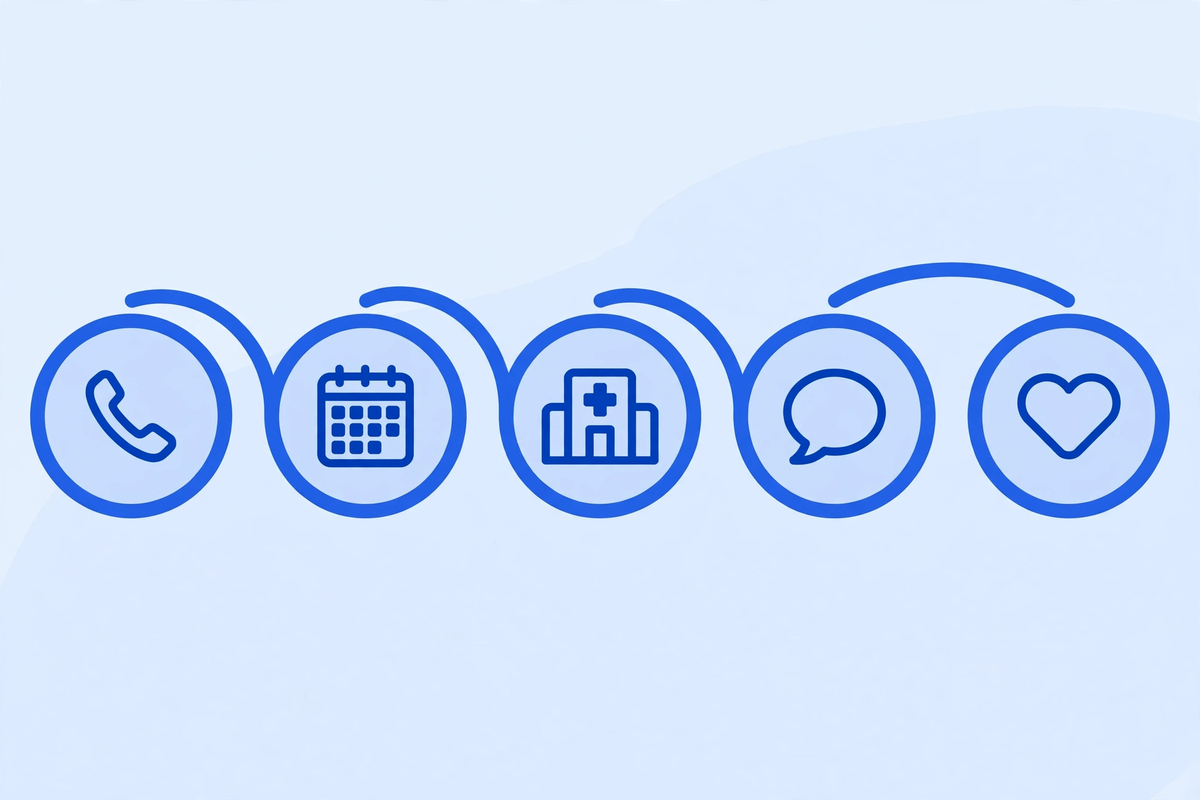
Take a dental practice that sees a new patient for a cleaning, and the hygienist notes a filling will be needed within a few months. Without a CRM, that note lives in the chart, and nobody acts on it. With one, the recall is created at the visit, assigned to the front desk, and dated. Three months later, the patient gets a call and the treatment happens, and nobody had to remember anything.
The Features That Matter Most
CRM vendors list dozens of features. Nine decide whether the software will work in a small clinic. Test them in a demo with your own enquiries and patients, not the vendor's sample data.
- One shared inbox for enquiries: calls, forms, and messages in one queue, each with an owner and a next step.
- A contact record showing the whole story: every call, message, booking, and follow-up, in one place.
- Reminders and recalls on rules you set, such as six months after a cleaning or two weeks after a referral.
- Referral tracking, in and out, with the status of each referral and who is waiting on whom.
- Two-way messages by text and email, sent from the record, and logged there automatically.
- A pipeline view, so the manager can see how many enquiries are open, waiting, or gone quiet.
- Reports the front desk uses: response time, open follow-ups by owner, recalls due this month.
- Role-based access, so staff see only what their job needs.
- An audit trail: who contacted a patient, when, and what was said.
Two features deserve a closer look. The first is the shared enquiry inbox. Most clinics lose new patients at the first contact, and our article on missed calls sets out where those calls go. A CRM that logs every enquiry and flags the ones with no next step turns that into a morning list. The second is recall rules. A system that depends on someone remembering to run a report will be run late or not at all. Rules that create the recall at the visit, with a date and an owner, are what make it real.
Follow-Up, Recall and Reactivation: Where the Value Sits
A CRM earns its keep in three places, all after the visit. Follow-up is the first. A patient is told results will arrive in a week, or a nurse will call in three days. The CRM creates the task at the visit, assigns it, and dates it. Nothing depends on memory.
Recall is the second. Patients who need a regular check, a cleaning, a screening, or a review should be contacted before the date passes, not after. A CRM holds the due dates and produces a daily list. Our guide to reducing no-shows covers the reminder side, and the CRM is the system that organises it.
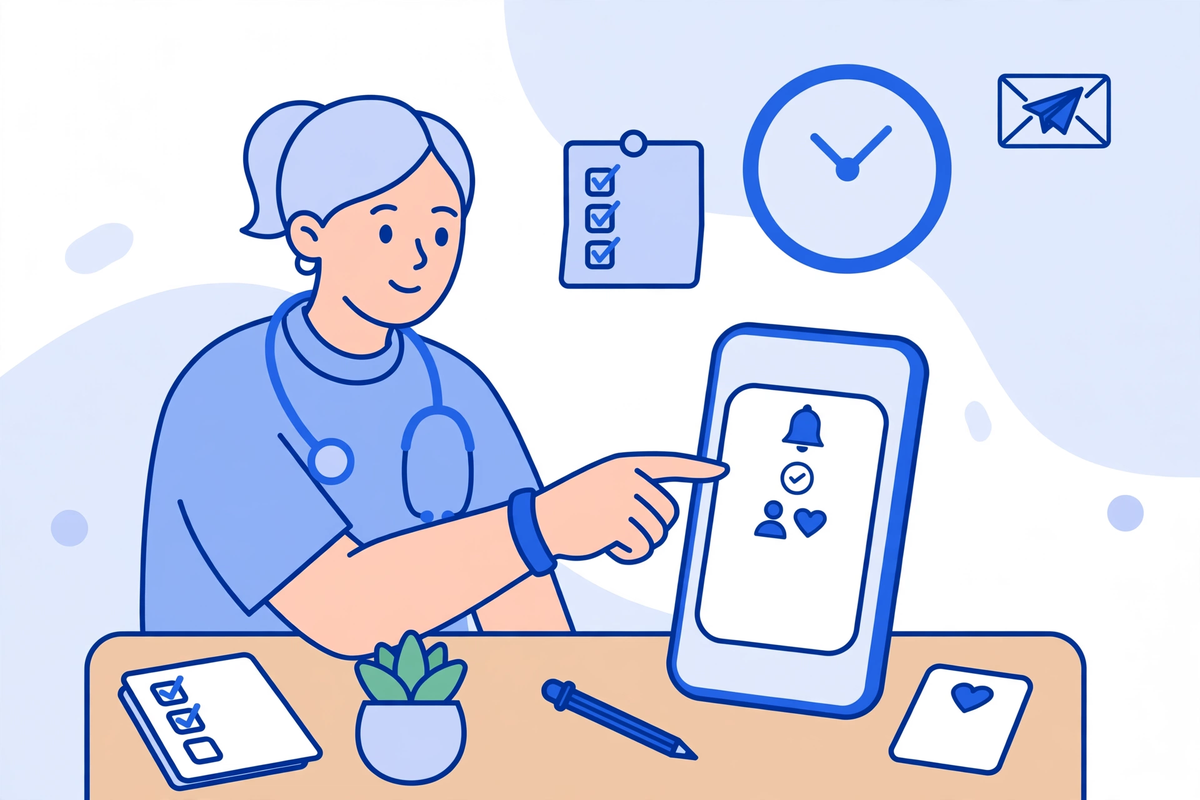
Reactivation is the third, and the one clinics forget. Patients who have not been seen for a year or two are not lost. Many left for ordinary reasons: they moved, they got busy, they meant to call back. A CRM can list them, group them by last visit and reason, and support a careful message inviting them back. This is also where the rules matter most.
An illustrative example: a small family practice lists about 300 patients not seen for over 18 months, split by last clinician and reason for visiting. The front desk calls 10 a day for a month, offering a review at a set time. Some numbers are out of date, some patients have moved away, and some book. The point is not how many return. It is that the practice finally knows who its quiet patients are.
HIPAA, Consent and Marketing: The Rules That Shape a CRM
A CRM holds protected health information, so the HIPAA rules apply in full. The vendor is your business associate, and the agreement has to be signed before the vendor touches your data. HHS publishes sample business associate agreement provisions showing what it should cover.
The marketing rules deserve attention, because a CRM is built for outreach, and outreach is where clinics most often step over the line. Under the HIPAA Privacy Rule, a communication that encourages a patient to purchase or use a product or service counts as marketing, and it generally needs the patient's written authorization first. HHS sets this out in its marketing guidance.
There are exceptions, and they cover much of ordinary clinic communication. A reminder about an appointment, a refill, or a service the clinic provides as part of the patient's care is not marketing under the rule. A message promoting a new cosmetic service to former patients, or one paid for by another company, is. The practical line is simple: messages about the patient's own care are fine, and messages that sell something need authorization.
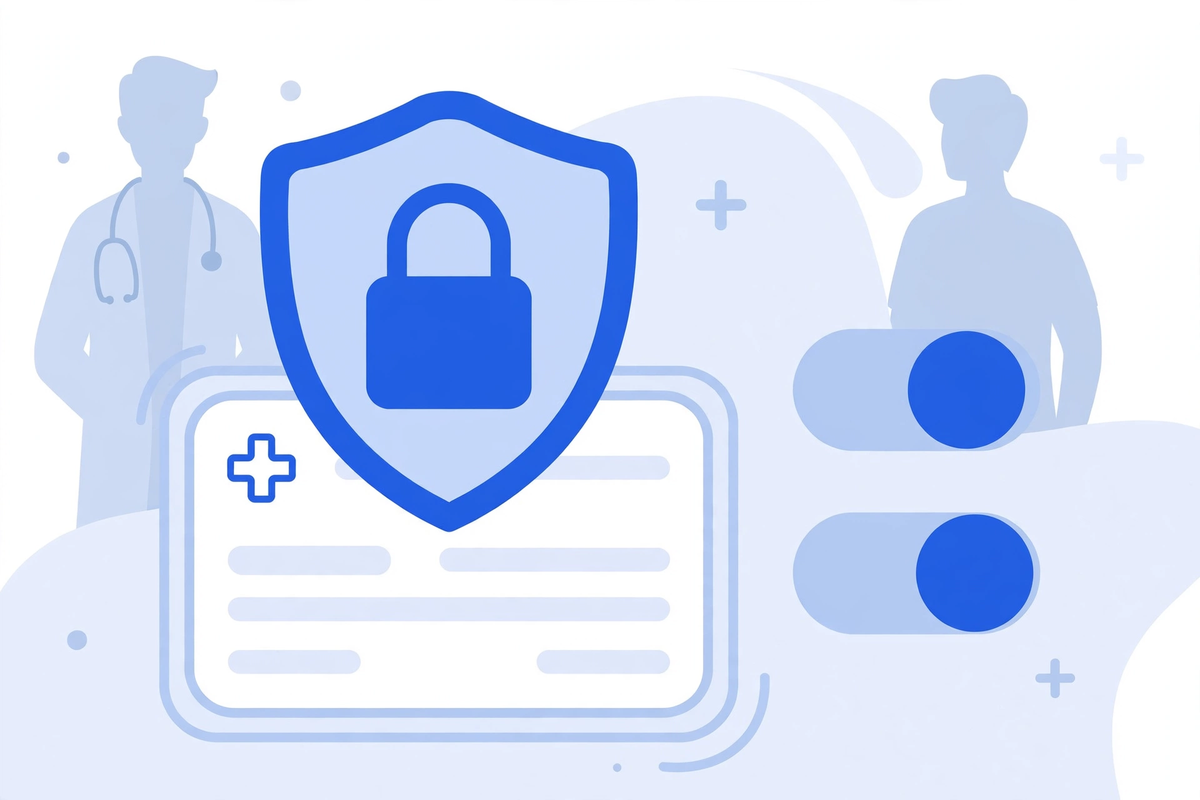
Three controls follow. The first is consent and preference records: what the patient agreed to receive, and by which channel, stored as data the CRM respects. The second is access by role, so staff see only what their job needs. The third is the audit trail, so every message can be traced to a person, a date, and a reason. If a vendor cannot show all three in a demo, treat that as a gap.
One more point, about lists. A CRM makes it easy to message every patient at once, but easy is not allowed. Never buy, sell, or share a patient list, and never use a list built for care to send a promotional message without the authorization the rule requires.
The Three Ways to Get a CRM
There are three routes, and they suit different clinics. The table sets them out, and the paragraphs after it explain when each one fits.
| Route | What you get | Best fit | Watch out for |
|---|---|---|---|
| General CRM, configured | A sales CRM adapted with healthcare fields | Clinics with simple needs and a tight budget | HIPAA features are add-ons, and the vendor may not sign a BAA |
| Healthcare CRM subscription | A product built for clinics, ready to use | Most small clinics | Monthly cost per user, and the workflow may not match yours |
| Custom-built | Software built around your workflow | Clinics with unusual workflows or several systems | Longer build, higher upfront cost, you own maintenance |
A general CRM is the cheapest way in, and for some clinics it is enough. A small practice with one location, a short list of services, and a front desk of two can run its enquiries and follow-ups on one with careful setup. The risk is compliance: the product was not designed for health information, so encryption, access controls, and the business associate agreement need checking line by line, and some vendors will not sign one at all.
A healthcare CRM subscription is the default for most small clinics. The product understands recalls, referrals, and consent, and the vendor signs the agreement as a matter of course. The cost is a monthly fee per user, and the workflow is the vendor's, not yours. Test it with your real enquiry types before you commit, and check how hard it is to leave with your data if it does not fit.
Custom-built software is the third route, for clinics whose workflow does not match any packaged product: several locations with different rules, a specialty with an unusual patient journey, or a stack of systems that need one relationship layer. It is the slowest and most expensive at the start, so it only makes sense when the packaged routes genuinely do not fit. If that is your position, talk to us about a quote, or see a demo of what we build.
What It Costs, and How Vendors Charge
Vendors charge in three ways, and the headline figure rarely tells the whole story. No vendor is named here, and no price is quoted, because the figure depends on your users, your volume, and your setup, and any number printed here would be out of date before you read it.
- Per user, per month. A fee for each person who logs in. Ask whether read-only users are charged the same as full users.
- Per location or per practice. One fee for the clinic, whatever the team size. Ask what the cap is.
- Per contact or per message. A fee tied to the size of the patient list or the number of messages sent. Ask how inactive patients count, and whether a failed message is still charged.
Three costs sit outside the headline figure. The first is setup: moving your patient list in, cleaning it, and setting up recall rules. The second is training, and the weeks your team runs the old way and the new way at once. The third is the cost of leaving: your data, contact history, and recall rules, and whether the vendor hands them back in a usable format. Ask all three before you sign.
When You Do Not Need a CRM Yet
Not every clinic needs a CRM, and buying one to fix a process problem wastes money. Three signs say the software is not the problem.
The first is size. A solo practice with a small, stable list and one person on the phone may already know every patient by name, and a shared notebook may be enough. The second is a process gap: enquiries with no owner, follow-ups nobody tracks, recalls nobody runs. Software will not fix those, and a new system will carry the same gaps for a higher monthly fee. Fix the process first. The third is a contract: if your EHR or portal already has the tools you need and you have not switched them on, use them for a month before buying anything else.
The First 90 Days: A Sensible Rollout
A CRM fails most often at adoption, not at launch. Staff go back to notebooks and memory within weeks if the new system is harder than the old way. A phased rollout over about 90 days is slower, and it is the way that works.
- Weeks 1 to 2: map the current process, every step from enquiry to follow-up, and name the owner of each one.
- Weeks 3 to 4: clean the patient list, set up the recall rules, and test with a small set of real enquiries.
- Weeks 5 to 8: run the CRM alongside the old way on a limited set of patients, and compare every result.
- Weeks 9 to 12: move the rest across, keep old records readable for one full recall cycle, and review the first month's numbers.
Two rules hold through the whole rollout. One person owns the switch, and everyone else knows who that is. The front desk judges the system, not the owner. The people who will live in the CRM should decide whether it helps them, and their complaints in the first month are the most useful feedback you will get.
The Bottom Line
A healthcare CRM is a shared memory for the front of your practice. It records every enquiry, follows up on every promise, and recalls every patient who is due. Judge it by whether your team can see, at the start of each day, exactly who needs a call and why. Test it with your own enquiries, check the HIPAA controls first, and read the exit terms before you sign. If your enquiries are answered and your recalls go out on time without one, you do not need a CRM yet. If they depend on memory and one person's inbox, you probably do.

Written by Chloe Vance
Healthcare Marketing DirectorChloe Vance has led search engine optimization and digital patient acquisition strategies for top pediatric, dental, and multi-specialty clinical chains.
Frequently Asked Questions
Common conversational queries evaluated by our natural language models concerning deployment guidelines.