Key Takeaways
- ✓Telehealth suits behavioral health well because most of the work happens in conversation, but video is the right default only when the clinician can do the same quality of work through it.
- ✓A written safety plan comes before any video session: patient location, emergency contact, local emergency route, and what happens if the call drops during a crisis.
- ✓Privacy needs both ends secured, a signed business associate agreement with the video platform, and rules for recordings and messages that staff actually follow.
- ✓Licensing usually follows where the patient sits, and billing rules differ by payer, so check the state board and the payer's telehealth list before booking, not after a denial.
- ✓Substance use records from certain programs carry extra protection under 42 CFR Part 2, which sits alongside HIPAA and needs its own consent advice.
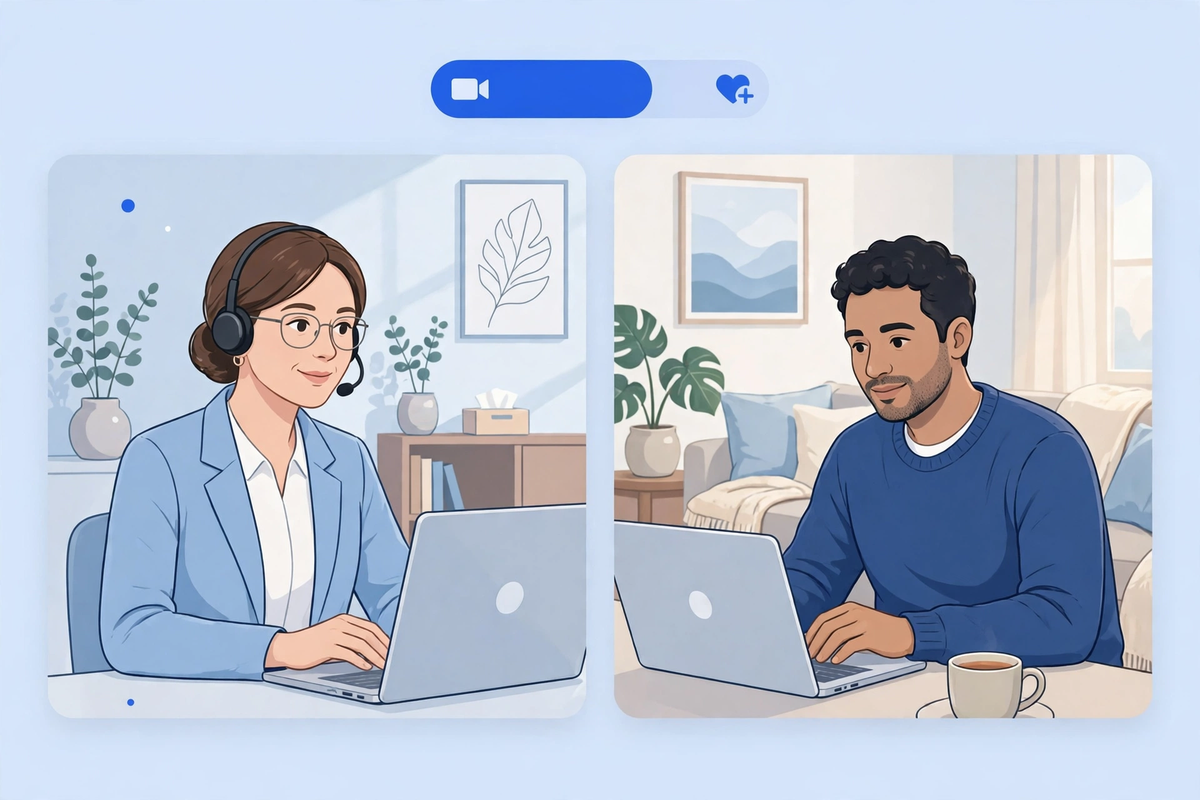
Telehealth works well for behavioral health when the practice treats it as a clinical service, not as a video link added to an in-person service. A therapy session, a medication check-in, a family meeting, or a group session can all work by video, and sometimes by phone, provided privacy, safety, and billing are handled properly. The practices that struggle are usually not struggling with the camera. They are struggling with the workflow around it: who books, what happens when the connection fails, what to do when a patient is in crisis at home, and which payer rules apply to that visit.
This guide is for clinic owners and practice managers in behavioral health practices, including therapy, counseling, psychiatry, and substance use treatment. It covers which sessions suit video, how to run a good session, safety planning, privacy rules, licensing, and billing checks. Examples here are illustrative. It is general information for running a practice, not legal advice and not clinical advice for any individual patient.
What Works Differently in Behavioral Health
Behavioral health is one of the better fits for video care, for a plain reason. Most of the work happens in conversation. A therapist does not need to touch a patient to do good therapy, and a prescriber can review symptoms, side effects, and progress by talking with the patient and looking at their records. That is why video sessions feel closer to the in-person version here than they do in specialties built around a physical exam.
That fit has limits. A first assessment where risk is unclear, a patient who is hard to hear or see clearly, a session where safety is in doubt, and any visit needing a physical observation the camera cannot give are all good reasons to bring the patient in. Video is the default only when the clinician can do the same quality of work through it.
- Individual therapy and counseling, where the work is conversation and the patient has a private place to talk.
- Medication management visits, where the prescriber reviews symptoms, side effects, and adherence, and the record is up to date.
- Family and couples sessions, where people in different locations can join one call, provided everyone consents and privacy is agreed first.
- Group sessions, with a smaller group than in person, clear turn-taking rules, and a plan for a member whose connection drops.
- Brief check-ins between longer visits, for progress review and care coordination, when the payer covers that kind of contact.
Group work needs more structure on video, not less. Keep the group small, state the privacy expectation at the start of every session, and decide in advance what happens if someone joins from a car or a shared room. If a member cannot be private that day, say so kindly and offer an alternative.
Running a Good Video Session
Patients judge a video session in the first minute, mostly on whether they can hear you, see you, and feel that you are paying attention. Sit facing the camera, not the second monitor, use a headset if your room has echo, and close the applications that might ping. It is the video equivalent of closing an office door and putting a phone on silent.

Agree a backup plan before the first session, not during a frozen call. If video fails, the clinician calls the patient on the number on file within five minutes, and the session continues by phone only if that is clinically appropriate and the payer allows it. Write the plan into the intake paperwork so patients know it too.
Silence works differently on video. In a room, a pause reads as thought. On a call, it can read as a frozen connection, so clinicians new to video often fill every pause, which changes the therapy. When you pause on purpose, say so, or keep your face visible and still.
Notes need one extra step on video. Record the patient's location, the modality used, and anyone else present if the patient says someone is with them. That record matters for licensing, billing, and safety follow-up. If your patient portal and your record system do not share that information cleanly, staff will retype it, and retyped details are where errors start.
Safety Planning Comes First, Not After a Crisis
Every behavioral health practice offering video sessions needs a written safety plan, and every clinician needs to know it by heart. Where is the patient right now, and is that location safe for this conversation. What is the local emergency number for that location. Who is the patient's emergency contact, and has the patient agreed you may call them. What do you do if the patient leaves the call suddenly, or disconnects after saying something that worries you.
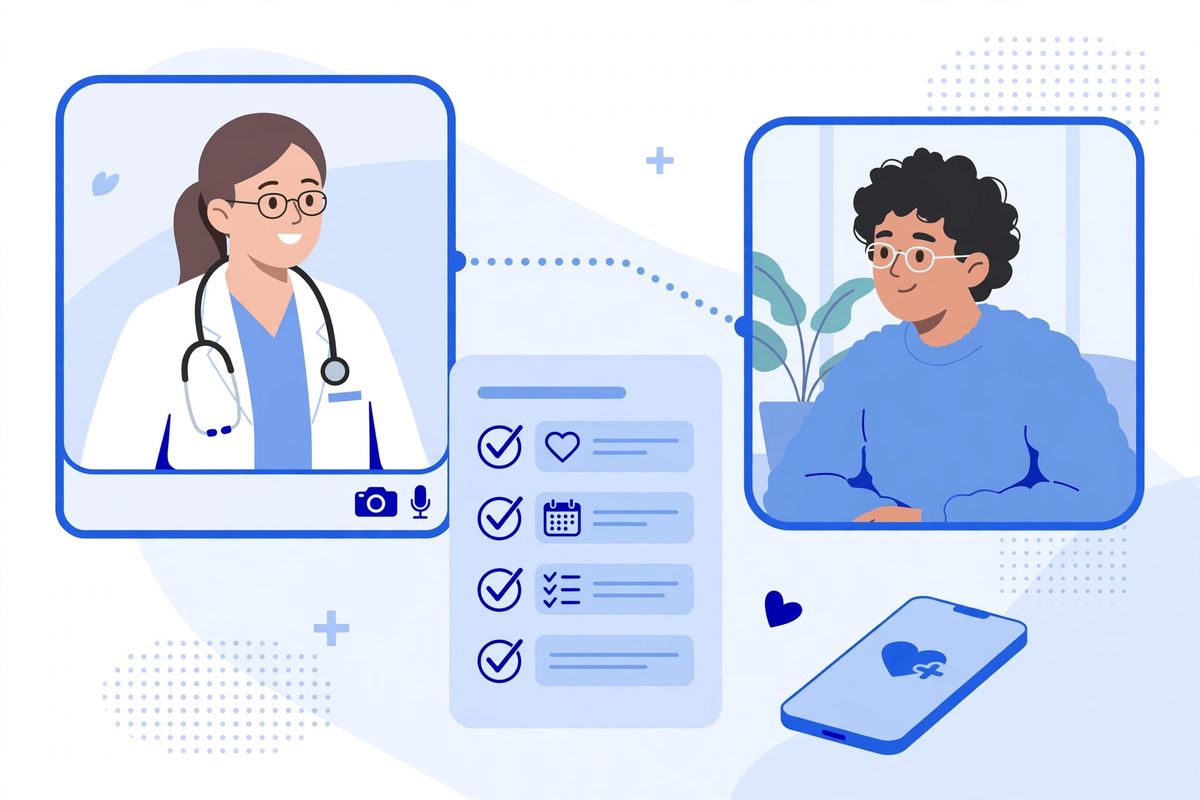
Start each session with a location check. Ask where the patient is, and whether they are alone and able to talk freely. A patient speaking from a parked car or a shared bedroom is not in the same position as a patient at home alone, and the session plan should reflect that. If privacy cannot be secured, reschedule rather than press on.
Make sure patients know how to reach help outside your hours. In the United States, anyone in crisis can call or text 988 to reach the 988 Suicide and Crisis Lifeline, which offers free and confidential support around the clock. Your practice should still have its own after-hours route, and patients should hear both: what to do during a crisis, and what to do the next morning to follow up with your team. Do not present a crisis line as a substitute for your own safety plan. It is a backstop, not the plan.
Write the plan into the record, with what was agreed and when it was reviewed, and review it when circumstances change or after any incident. A plan written once and never reviewed is not a plan.
Privacy Rules That Are Easy to Get Wrong
Video care sits under the same HIPAA rules as in-person care. The pandemic-era enforcement discretion that let practices use consumer video tools is over, so a platform used for patient sessions needs a business associate agreement, proper settings, and a risk analysis that covers it. The Department of Health and Human Services explains that a business associate agreement is required when a vendor creates, receives, or transmits patient information on your behalf, and a video platform plainly does that.
Privacy has two ends, and practices often secure only their own. Clinicians need private rooms, headsets, and screens nobody else can see. Patients need the same guidance in plain language: find a private space, use headphones, and tell the clinician if someone else can hear. Send it before the first session. Most patients want to get this right. They just have not been told what right looks like.
Recordings and messages need their own rules. Never record without clear consent, and say where the recording will live and who can see it. Keep clinical messages inside your portal or a system covered by an agreement, not in personal text threads, where you cannot control retention or access.
Substance use treatment carries an extra layer. Records of substance use disorder treatment from certain federally assisted programs are protected by 42 CFR Part 2, a federal confidentiality rule that sits alongside HIPAA and is stricter in places. The Department of Health and Human Services notes that its HIPAA enforcement discretion did not extend to Part 2 records. If your program handles Part 2 records, get specific advice on consent and disclosure before you share them through any telehealth workflow, and do not assume a HIPAA agreement covers the Part 2 question.
| Contact type | Suits | Watch out for |
|---|---|---|
| Video session | Therapy, assessments, medication visits, family and group work | Needs a private space at both ends, a backup plan, and a signed agreement with the platform |
| Phone session | Check-ins and patients who cannot use video, where the payer allows it | Billing rules are narrower than for video, and differ by payer, so check before you bill |
| Portal messages | Scheduling, forms, brief follow-up, and sharing documents | Not a substitute for a session, and not the place for urgent or crisis messages |
| Text reminders | Appointment reminders and links to join a session | Keep texts free of clinical detail, and use a system covered by an agreement |
Licensing and Billing: Check Before You Book
Licensing usually follows the patient, not the clinician. A clinician in one state treating a patient in another generally needs to be licensed where the patient is, or covered by an exception that state recognizes. Before you advertise video sessions to a new state, check that state's board rules for your profession. Guessing here is not a paperwork problem. It is practicing without a license.
Billing needs the same care, one payer at a time. Start with the payer's own telehealth list, not with what another payer allowed. Medicare has treated behavioral health differently from many other services, including removing geographic limits for it and allowing audio-only visits in defined circumstances, but the details have changed more than once. The Centers for Medicare & Medicaid Services publishes its Medicare Telehealth Services List, and that list, plus the payer's own policy, is the document to check before you add a new service.

Prescribing by telehealth has its own federal rules, separate from the video rules. The requirements for controlled substances have changed over time, and they differ by drug and by patient situation. Do not build a prescribing workflow on a blog post, including this one. Check the current federal requirements, and your state rules, before you offer prescribing by video or phone for any controlled substance.
A few booking checks prevent most denials. Record the patient's location, the modality, and the clinician's license state. Confirm the visit type is on that payer's telehealth list, and whether that payer accepts phone for it. If a video visit fails and becomes a phone call, bill it as a phone visit only if that payer allows it. Our telehealth reimbursement guide covers denial patterns in more detail.
Booking, Intake, and Follow-Up That Hold Together
Behavioral health intake carries sensitive information, so the intake flow matters more, not less. Use one digital intake flow for video and in-person patients, so consent forms, safety plan details, emergency contacts, and insurance checks are collected the same way every time. When video intake differs, the missed detail is usually the emergency contact or the consent form.
Booking should ask three questions that in-person booking does not. Where will the patient be, and is that state covered by the clinician's license. Does the patient have a private space and a working device, or do they need a phone option. And what is the backup contact if the connection fails. Those answers are easier to collect at booking than to chase on the day.
Follow-up is where video practices quietly lose patients. A session ends with a click, not a walk to reception, so the next step must be explicit before the call ends. Book the next session while the patient is still on the call, and send a reminder with the join link and the backup phone number. If a patient misses a video session, call them the same day.
Between-session messages need boundaries, stated plainly. Tell patients which channel to use, what response time to expect, and what counts as urgent enough for a call instead. A message answered within one working day is a service. One that sits unread for a week while the patient assumes someone saw it is a risk.
Traps That Look Like Progress
- Buying a platform before writing the safety plan, the licensing map, and the billing checks, then discovering the platform cannot support the workflow you actually need.
- Letting clinicians run sessions from shared rooms, cars, or kitchen tables, while asking patients to meet a privacy standard the practice does not meet itself.
- Treating a phone call as a video visit when the video failed, and billing it that way, because nobody wrote a rule for failed connections.
- Adding video sessions in a new state because a patient asked, without checking whether the clinician is licensed where that patient sits.
- Collecting intake by email or personal messaging because it is faster, and creating a record trail the practice cannot control or produce later.
- Assuming every payer follows Medicare. Commercial plans and Medicaid programs set their own telehealth rules, and they differ in ways that matter.
Where to Start: The First 30 Days
- Week one: write the safety plan, the licensing map for the states you serve, and the failed-connection rule. Get the business associate agreement signed for every platform that touches patient information.
- Week two: rebuild intake so video and in-person patients go through the same flow, including emergency contacts, consent, and the backup phone number.
- Week three: run a small pilot with two or three clinicians and a handful of established patients, and fix the booking questions, the reminder wording, and the note template before you expand.
- Week four: check the first claims against the payer's telehealth list, review the missed-session follow-up, and only then open video booking to new patients.
If you are weighing a telehealth build, start by looking at the Med Clinic X demos to see how booking, portals, and intake can work for a behavioral health practice, or request a quote for advice on your own practice. And if you already offer video sessions, the most useful next step is often not a new tool. It is reading your safety plan, your licensing map, and your last month of claims side by side, and fixing whichever one does not match the other two. Our telemedicine platform guide covers the build side, and our telemedicine service page sets out what a full platform includes.
The Bottom Line
Telehealth suits behavioral health well, but only when the practice does the unglamorous work around the session. A private room at both ends, a safety plan agreed in advance, a license that covers where the patient sits, a platform with a signed agreement, and a billing check before the visit. Get those right and video care feels like ordinary care. Patients should remember the session, not the technology that carried it.
Written by Chloe Vance
Healthcare Marketing DirectorChloe Vance has led search engine optimization and digital patient acquisition strategies for top pediatric, dental, and multi-specialty clinical chains.
Frequently Asked Questions
Common conversational queries evaluated by our natural language models concerning deployment guidelines.