
Key Takeaways
- ✓Start with the visit, not the app: scheduling, intake, secure video with an audio fallback, notes, messaging, payment, and admin controls are the first-release core.
- ✓Buy, integrate, or build is a workflow decision. Ready-made suits standard clinics. Building only pays when off-the-shelf tools force daily staff workarounds.
- ✓HIPAA support is built in from day one: encryption, role-based access, audit logs, a risk analysis, and signed business associate agreements with every vendor handling patient information.
- ✓Published US ranges put a custom telemedicine platform at about $70,000–$200,000 initially (Arkenea). Integrations, video choices, and scope changes move the quote most.
- ✓Launch small and phased: pilot one provider or session, fix the top complaints, then add e-prescribing, deeper record links, and monitoring only when real use justifies them.
What Telemedicine Platform Development Actually Means
Telemedicine platform development is building the software your clinic uses to see patients by video: scheduling, intake, the visit itself, notes, prescriptions, messages, and payment, in one place that protects patient information. It is not just adding a video link to your website. A link lets two people talk. A platform lets your team run a clinic day around that talk, without retyping details into three other systems.
Most clinics have three real options: use a ready-made telehealth product, add telehealth to the systems you already have, or build a focused platform around the way your practice works. This guide covers the features that matter first, how the build runs, what the rules require, and what clinics in the USA actually pay.
Short answer first: start with booking, intake, video, notes, and secure messaging. Add the rest only when a real workflow needs it.
The Features Your Platform Needs First
Think of features in two groups: the ones a virtual visit cannot run without, and the ones that are useful later. Vendors will sell you the second group first, because it demos well. Your patients and staff will judge the platform on the first group.
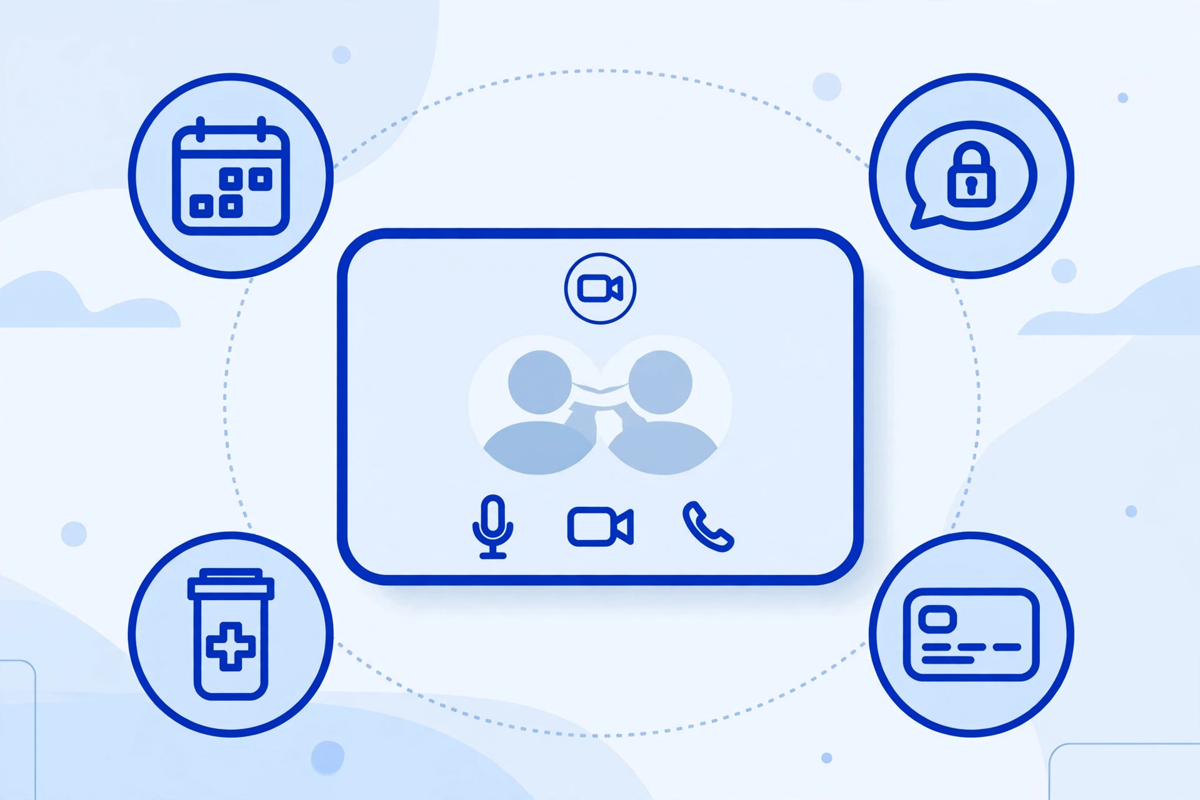
The must-have list for a first release
- Scheduling that fits your real clinic day: visit types, visit lengths, provider calendars, and a waiting room view so staff can see who has arrived online.
- Patient intake before the visit: forms, insurance details, consent for telehealth, and a simple tech check so a patient tests their camera and microphone before the appointment, not during it.
- Secure video with an audio fallback: if the video fails, the visit should drop to a phone call inside the same workflow, not end in a scramble for numbers.
- Visit notes that land where your team expects them: written during or right after the visit, and filed to the patient record without copy-and-paste.
- Secure messaging for follow-up questions, results, and visit summaries, so patients are not sending health details over ordinary email or text.
- Payment basics: card payment, visit fees shown up front, and a clear route for insurance claims.
- Admin controls: user accounts, roles, session timeouts, and an audit log that shows who opened a record and when.
Useful later, when the workflow proves it needs them
- E-prescribing, including the extra identity checks your state requires for controlled substances.
- Integration with your electronic health record, so appointments, notes, and documents move both ways instead of living in a separate island.
- Remote patient monitoring, where readings from home devices flow into a dashboard your team reviews on a schedule.
- Group visits, interpreter support, and multi-provider rooms for clinics that run shared or specialist sessions.
- Reporting on visit volume, no-shows, and technical failures.
A good test for any feature: name the person who will use it every week, and the patient problem it removes. If you cannot name both, park it. See how these pieces sit inside a wider service on our telemedicine solutions page, and how the visit connects through a patient portal.
Buy, Integrate, or Build: How to Decide
Most clinics overspend here because nobody wrote down what problem the platform had to solve. Use this comparison before you talk to anyone about building.
| Option | Best when | What to watch out for |
|---|---|---|
| Use a ready-made telehealth product | You need video visits running in weeks, your workflows are standard, and your record system already connects to it | Monthly fees per provider, limited control over intake and branding, and an exit plan if you later switch |
| Integrate telehealth into your current systems | Your scheduling, portal, and records already work well and you only need to add video visits and virtual intake | Integration quality varies. Test the full patient journey, not just the video call, before you commit |
| Build a focused custom platform | Your clinic model is unusual, for example multi-location, multi-specialty, or a membership model, and off-the-shelf tools force staff into daily workarounds | Higher upfront cost, longer timeline, and ongoing maintenance that you own. Scope must stay tight |
For a single-location practice adding follow-up visits by video, the first option is usually enough. For a growing group whose front desk is drowning in retyping, the second or third starts to make sense. The decision is about workflow fit, not the longest feature list.
Whichever route you take, pilot one real clinic session first: a receptionist books it, a patient joins from home on their own phone, and a provider documents it. The problems you find in that hour are the ones worth paying to fix.
How the Development Process Works, Step by Step

- Step 1: Define the visit, not the app. Pick the one or two visit types you will offer first, who provides them, how long they last, and what happens before and after. Write this on one page. If it does not fit, your first release is too big.
- Step 2: Map the rules early. Confirm which states your patients will be in during visits, what consent you need, and which vendors will touch patient information. This step is cheap now and expensive after the build.
- Step 3: Design the patient flow on paper. Booking, reminder, intake, tech check, waiting room, visit, summary, payment, follow-up. Walk front-desk staff through it and cut every step that does not help the patient or the provider.
- Step 4: Build the core only. Scheduling, intake, video, notes, messaging, payment, and admin controls. Connect to your record system at the level you truly need on day one, often appointments and notes first, deeper data later.
- Step 5: Test like a patient. Test on home wifi, an older phone, and with a patient who is not confident with technology. Test what happens when the video freezes, a patient joins late, and a provider runs over time.
- Step 6: Train and launch small. Run it for one provider or one session a week. Sit with staff for the first sessions, fix the top three complaints, then widen it. A quiet launch is a successful launch.
Timelines follow scope. A focused first release is a project of months, not weeks, once design, build, testing, and training are counted honestly. A full platform promised in a few weeks usually means a ready-made product, or testing and training quietly skipped.
HIPAA, Security, and State Rules You Cannot Skip
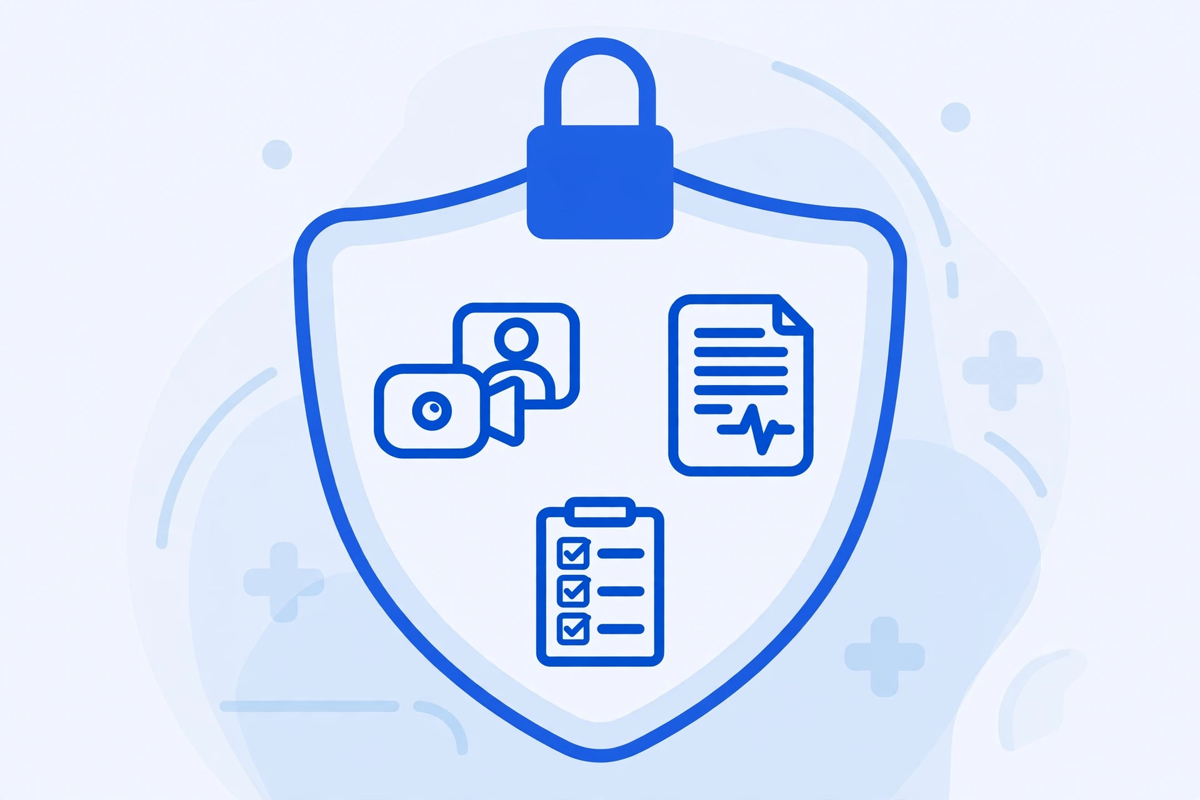
If your platform creates, stores, or sends protected health information, the HIPAA Privacy and Security Rules apply to that information. The US Department of Health and Human Services (HHS) publishes telehealth guidance for providers, including its legal considerations for telehealth and its resource on educating patients about privacy and security risks. Read those pages before you sign a build contract, not after launch.
- Signed business associate agreements with every vendor that handles patient information for you, including video, hosting, messaging, and payment providers where they apply.
- Encryption for video, messages, and stored records, plus unique user accounts, strong sign-in controls, automatic timeouts, and role-based access so staff see only what their job needs.
- Audit logs that record access to patient information, kept and reviewed. A log nobody ever looks at will not help you after an incident.
- A written risk analysis for the platform and a plan for what happens if something goes wrong, including how patients would be notified.
- No recording of visits by default. If you record for any reason, get consent, say where the recording lives, and say when it is deleted.
HIPAA is not the only rule set. Providers generally need to be licensed in the state where the patient is located at the time of the visit, and states differ on consent, prescribing, and documentation. Billing rules differ by payer, and Medicare coverage follows the CMS telehealth services list, which changes over time. Build so visit types, consent wording, and billing codes can be updated without a rebuild.
One caution: no vendor can make your clinic compliant by selling you a product. Your clinic still owns the risk analysis, staff training, and day-to-day use. Be wary of any proposal that treats compliance as a badge rather than a set of habits.
What Telemedicine Platform Development Costs
There is no single price, because you are paying for design, build, integrations, security work, testing, training, and then the monthly cost of running it. Published ranges give a useful frame: Arkenea, a US healthcare software firm, puts a telemedicine platform at about $70,000 to $200,000 for an initial build over roughly 6 to 12 months, with e-prescribing, multi-state networks, remote monitoring, and a built-in record system pushing toward the top of that range.
| Build scope | What is included | Indicative market picture |
|---|---|---|
| Ready-made product, configured | Licence, setup, branding, staff training. No custom build | Lowest upfront cost. Ongoing per-provider or monthly fees instead, compare the full first-year total |
| Focused custom first release | Scheduling, intake, video, notes, messaging, payment, admin controls. Limited record integration | Sits in the lower part of published custom ranges. Scope discipline is what keeps it there |
| Full platform with integrations | Everything in the focused release plus e-prescribing, two-way record integration, monitoring, reporting | Moves toward the top of published ranges such as Arkenea's $70,000–$200,000. Each integration adds build and upkeep |
| Multi-location or multi-tenant platform | Separate locations or clinic brands, shared reporting, advanced roles and controls | Priced as its own programme. Expect phased delivery rather than one launch |
Three things move your quote most. First, integrations: every connected system adds design, testing, and upkeep. Second, video: a proven video service under a signed agreement is far cheaper than building your own. Third, scope creep after the build starts. Lock the first-release scope in writing, and keep a separate list for phase two.
MedClinicX does not publish a fixed price for telemedicine work, because the right scope differs so much between clinics. Pricing is quoted per project once the visit types, integrations, and compliance needs are clear. If you are comparing quotes from anyone, compare them on the same one-page scope, and ask what each quote leaves out. You can see the demos to picture the patient flow, or request a scoped quote when you are ready to price your own first release.
Ongoing Costs and Honest Timelines
The build is the visible cost. The running cost is the one that surprises clinics. Budget for hosting, updates, support, and periodic checks of consent wording and billing rules. A platform nobody maintains becomes a risk, not an asset.
- Hosting, video, and messaging usage: monthly, and it grows with visit volume, a good sign, but plan for it.
- Maintenance and updates: browser, phone, and operating system changes will break things if nobody is watching.
- Support and training: new staff need onboarding, and patients need a simple help route when a visit fails.
- Compliance upkeep: rule, payer, and state changes, plus regular review of access and audit logs.
- Phase-two work: the integrations and features you parked, added only when real use justifies them.
On timing, be suspicious of both extremes. A year-long launch usually means the scope was never settled. A fortnight launch usually means testing or training was dropped. A phased plan gets patients seen sooner. Our guide to healthcare website development cost uses the same phased approach for clinic websites.
How to Choose What to Build First
If you are unsure where to start, answer these five questions with your front desk and one provider. Their answers are your first-release scope.
- Which visits work well by video for our patients today, follow-ups, reviews, check-ins, and which must stay in person?
- Where does staff time actually go: retyping intake, chasing consent, fixing failed video links, or moving notes between systems?
- Which system must the platform talk to on day one, and which connections can wait a phase?
- In which states will our patients be during visits, and are our providers licensed there?
- What would make us stop and rethink, too many failed visits, staff workarounds returning, or patients refusing to use it?
Write the answers down, price that scope, and resist adding to it until the pilot has run. Many virtual-visit problems are really intake and reminder problems, which is why tools such as an AI medical receptionist often sit alongside telehealth rather than inside it.
Common Mistakes Clinics Make
- Buying video first and workflow later, so staff run the visit in one system and the clinic in three others.
- Skipping the patient tech check, then blaming patients when visits fail on home wifi or an old phone.
- Treating consent, licensing, and billing rules as launch-week paperwork instead of design inputs.
- Building remote monitoring, group visits, and advanced reporting into phase one, before a single standard visit has run smoothly.
- Forgetting the telephone: some patients need an audio-only fallback and a human to call when the link fails.
- No named owner after launch. If nobody owns updates, training, and rule changes, the platform will drift out of date quietly.
None of these mistakes come from choosing the wrong technology. They come from rushing the order of decisions: visit first, workflow second, features third, extras last.
Written by Chloe Vance
Healthcare Marketing DirectorChloe Vance has led search engine optimization and digital patient acquisition strategies for top pediatric, dental, and multi-specialty clinical chains.
Frequently Asked Questions
Common conversational queries evaluated by our natural language models concerning deployment guidelines.