
Key Takeaways
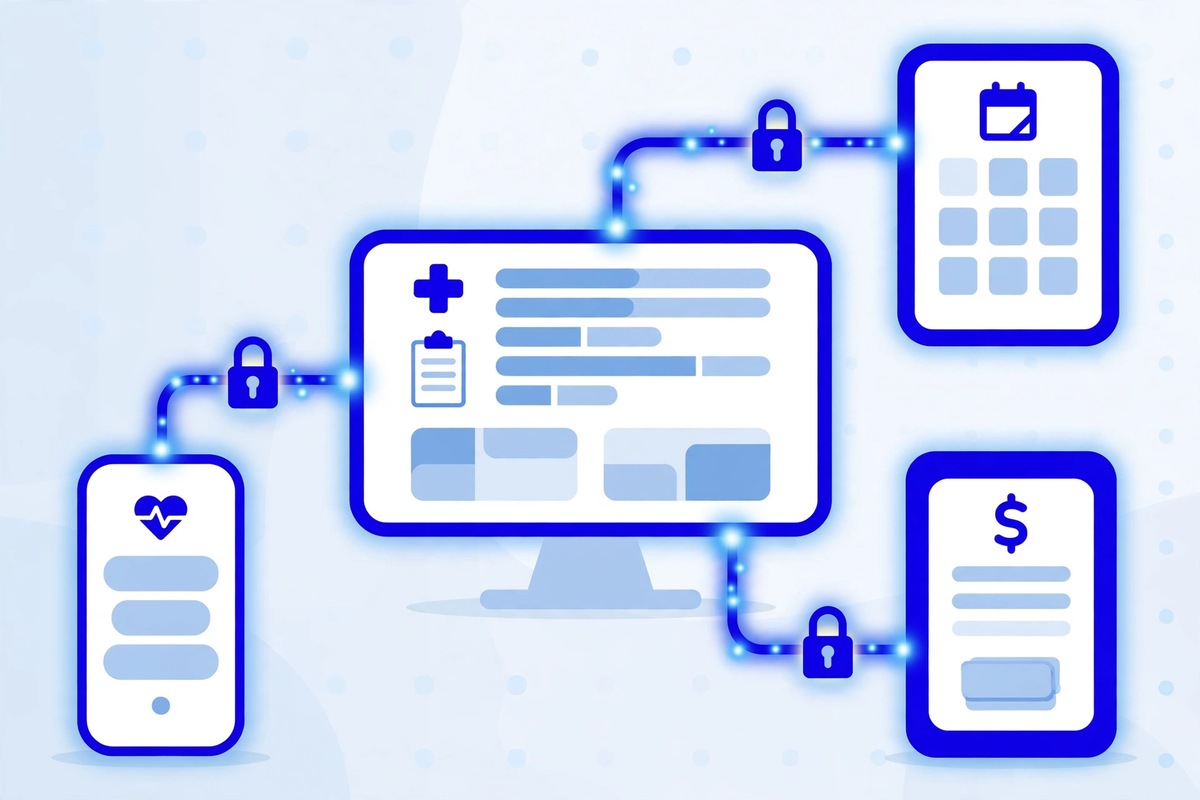
- ✓An API is a working connection between two systems. Every time your portal, scheduling tool or billing software pulls patient data from your EHR, an API carried it, and patient data follows every connection you allow.
- ✓Access is meant to be proven, limited and temporary: the connecting system identifies itself, it can reach only the data its job needs, its pass expires, and the data travels encrypted.
- ✓Audit logs are the memory of every connection. They should show which system or app connected, whose credentials it used, what it took and when, and your clinic should be able to see them.
- ✓A patient's own chosen app and a vendor your clinic hires are different relationships. The vendor side needs a signed business associate agreement and access scoped to the job. The patient side needs an honest warning about where the data goes.
- ✓Keep a written register of every connection into your systems, review it regularly, and switch off the ones nobody owns. A connection nobody knows about is a connection nobody controls.
An API, short for application programming interface, is the channel through which two software systems ask each other for information and hand it over. A simple comparison: it is the waiter between your table and the kitchen. You never walk into the kitchen yourself. You place an order in an agreed format, the waiter carries it, and what comes back is the dish you asked for, not the whole pantry. When a patient books online and the appointment appears in your EHR, when the portal shows a lab result, when the billing system checks eligibility, an API did the carrying.
This is now a clinic question, not just a software question, for two reasons. First, what travels through these channels is patient data, and your HIPAA duties travel with it. Second, the connections exist by design, not by accident. Federal rules require certified EHR systems to offer standardised APIs built on the FHIR standard, so that patients and authorised software can reach records without special effort. The national coordinator's office describes this in its account of the Cures Act certification milestone. Your clinic did not choose whether APIs would exist. It does choose which connections to allow, on what terms, and whether anyone is watching them.
What Actually Travels Through an API
An API exchange has two halves. A request goes out: this system, proving who it is, asks for something specific, such as the appointments for one clinician on one day, or the medication list for one patient. A response comes back carrying exactly that, in a standard format the receiving system can read. The data involved is the working material of your practice: names and contact details, appointment times, insurance and eligibility answers, medication lists, lab results, visit notes and billing information. Certified systems must be able to share a standard set of data classes, known as the United States Core Data for Interoperability, which is why a result filed in the EHR can appear in a portal minutes later.
Follow one ordinary booking and you will see the whole pattern. A patient picks a time on your website. The website asks the EHR, through its API, which slots are genuinely free, and the EHR answers. The patient books, and the website sends the appointment back the other way, with a name, a phone number and a date of birth attached. Later the reminder system asks for tomorrow's appointments and sends its texts. After the visit, the billing system asks what was done and what it may charge for. Four systems, four exchanges, and every one of them carried patient information across a connection somebody had to allow.
The connections come in two shapes, and the difference matters later in this article. System-to-system connections run behind the scenes between the tools your practice uses: EHR to portal, portal to scheduling, scheduling to billing. Patient-directed connections run to an app the patient has chosen, and they carry the record where the patient tells it to go. Both kinds leave your building. Both carry the same sensitive material. They differ in who chose them and who answers for them, which is why they need the same technical discipline and different paperwork.
How Access Is Supposed to Be Controlled
The first control is authentication, which answers a plain question: who, or what, is asking? People prove it with a sign-in, ideally with a second check such as a code from their phone. Software proves it with credentials issued to that system alone, so that one connection can be identified, watched and switched off without disturbing the others. In modern health IT, the pattern usually works like this: the connecting app is registered, the user or the clinic approves its access, and the EHR issues it a token. No approval, no token, no data. A connection that cannot say who it is should never get past the door.
The token is the second control, and it is worth understanding because it does two jobs at once. A token is a temporary pass, not a master key. It carries scopes, which are written limits on what the pass allows: read appointments but not clinical notes, for example, or see one patient's record rather than the whole database. And it expires, usually quickly, after which the app must be approved again or refresh its pass under the same limits. Put together, a stolen or leaked token should have a short life and a narrow reach. That is the difference between a lost visitor badge and a lost set of building keys.
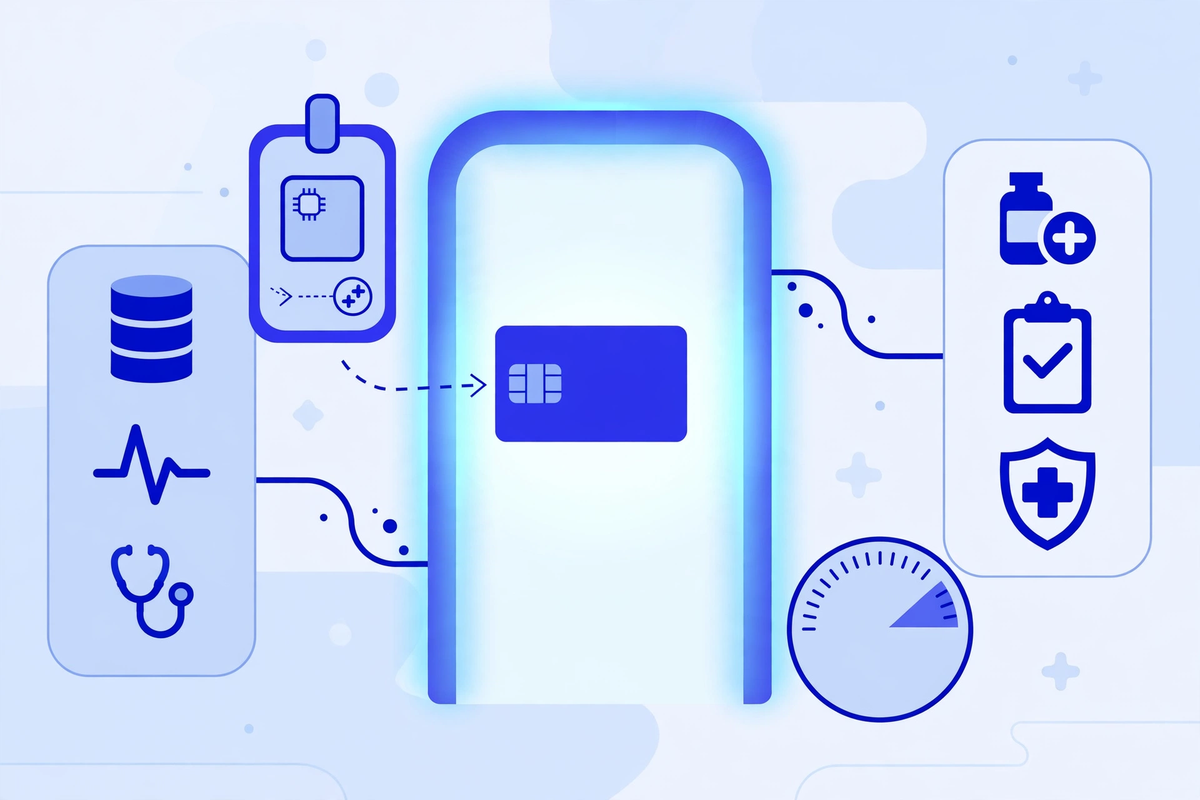
The third control protects the journey itself. Data crossing a network should travel encrypted, inside the same kind of protected connection your browser uses for banking, so that anyone who intercepts it sees scrambled material rather than a readable record. The HIPAA Security Rule names this directly as transmission security: technical measures to guard against unauthorised access to patient information being sent over a network. The HHS summary of the Security Rule sets out this safeguard alongside access control and authentication. In practice it means modern encrypted transport on every connection, with old, weak versions switched off. If a vendor cannot confirm that in plain words, treat it as a no.
Access also has to end properly, which is the control clinics forget. Every connection should be revocable in one step: end the contract, cancel the approval, and the token stops working, the same day, not at the next renewal. Credentials should be replaced on a schedule and immediately whenever someone who held them leaves, on either side of the connection. Ask each vendor how revocation works before you sign, and test it once with a connection you are retiring anyway. A door you cannot lock again was never really under your control.
Audit Logs: The Record of Who Took What
If access control is the lock, the audit log is the sign-in sheet, and HIPAA requires it in so many words. The Security Rule's audit controls standard requires mechanisms to record and examine activity in systems that contain or use patient information. Applied to an API, a proper log entry shows which system or app connected, which credentials it presented, what categories of data it read or changed, when it happened, and whether the request succeeded. That record is not bureaucracy. It is the only way to answer the questions that matter after something looks wrong.
Ask to see the log before you need it, because you cannot investigate what was never recorded. The log is how a practice spots the scheduling tool still pulling the full patient list three months after its contract ended, the connection that runs at 3 a.m. when nothing should be running, or the export that nobody ordered. Connection software is expected to keep this record as a matter of course. The synchronisation product Med Clinic X builds, MediSync, logs every delivery attempt and payload so the clinic's developers can see what was sent and when. Put three questions to every vendor: are API accesses logged, how long are the logs kept, and can we see them without filing a support ticket and waiting a week?
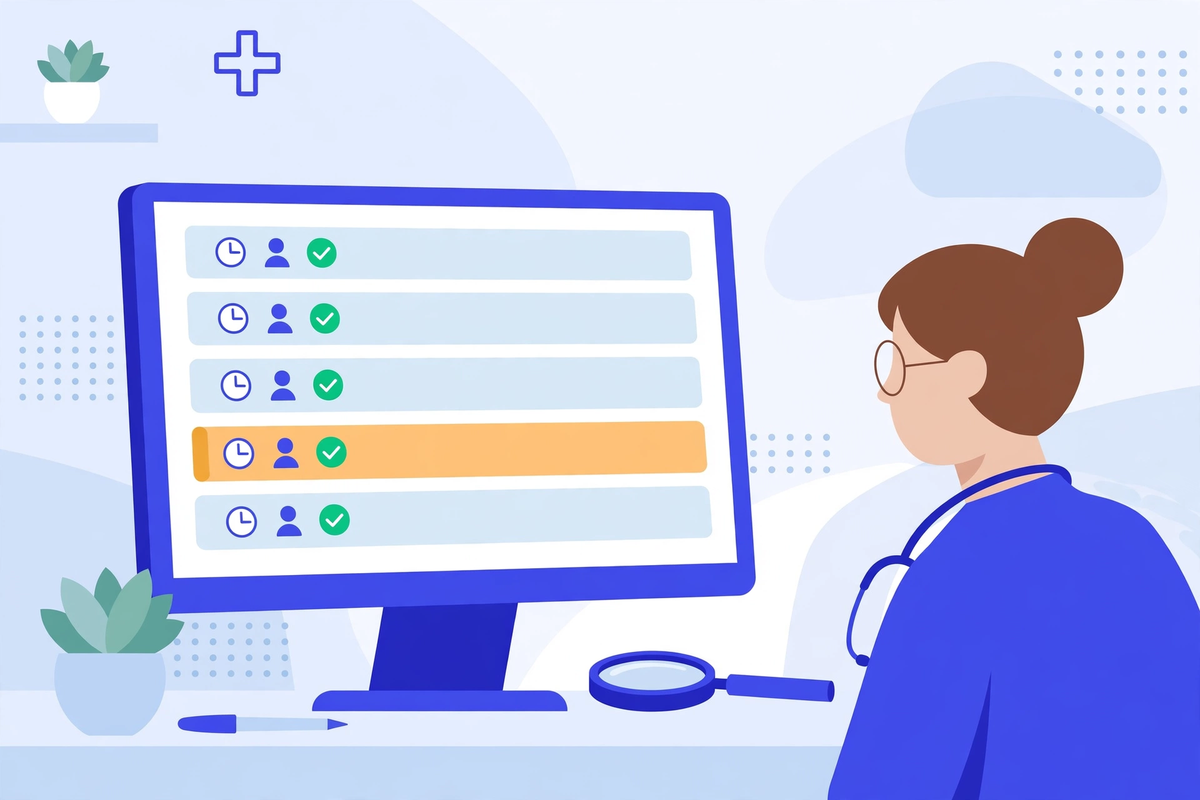
A log nobody reads is only half a control. The Security Rule expects regulated entities to review their records of system activity regularly, and for a small practice that can be modest: one named person, one sitting a month, a short list of things to look for. Connections from systems you no longer use. Activity outside working hours that nobody can explain. Volumes that jump without a reason, such as a tool that normally reads dozens of records suddenly reading thousands. Most months the review takes minutes and finds nothing, which is the point. The month it finds something, it pays for all the others.
Third-Party Apps: What Your Clinic Agrees To
Start with the patient side, because it surprises people. Patients have the right to take their records to an app of their own choosing, and the standardised EHR APIs exist partly so they can. Your clinic generally cannot veto the app a patient picks, and trying to block it can itself break the rules on information blocking. The clinic's real job is honesty at the moment of connection. Once a record sits inside a consumer app, your clinic no longer controls it, and the app's own terms and privacy policy decide what happens next, which may include uses your practice would never allow. Patients deserve to hear that plainly before they tap approve, and staff should know what to say when they ask.
The conversation does not need to be long or alarming. A front desk script can be as plain as this: you are welcome to connect that app, and we will not stand in the way. Just know that once your record leaves our system it sits with the app company, their privacy policy applies instead of ours, and we cannot pull it back. Would you like the printed summary instead? Said kindly and early, that respects the patient's right and the patient's interests at the same time, and it takes less than a minute.
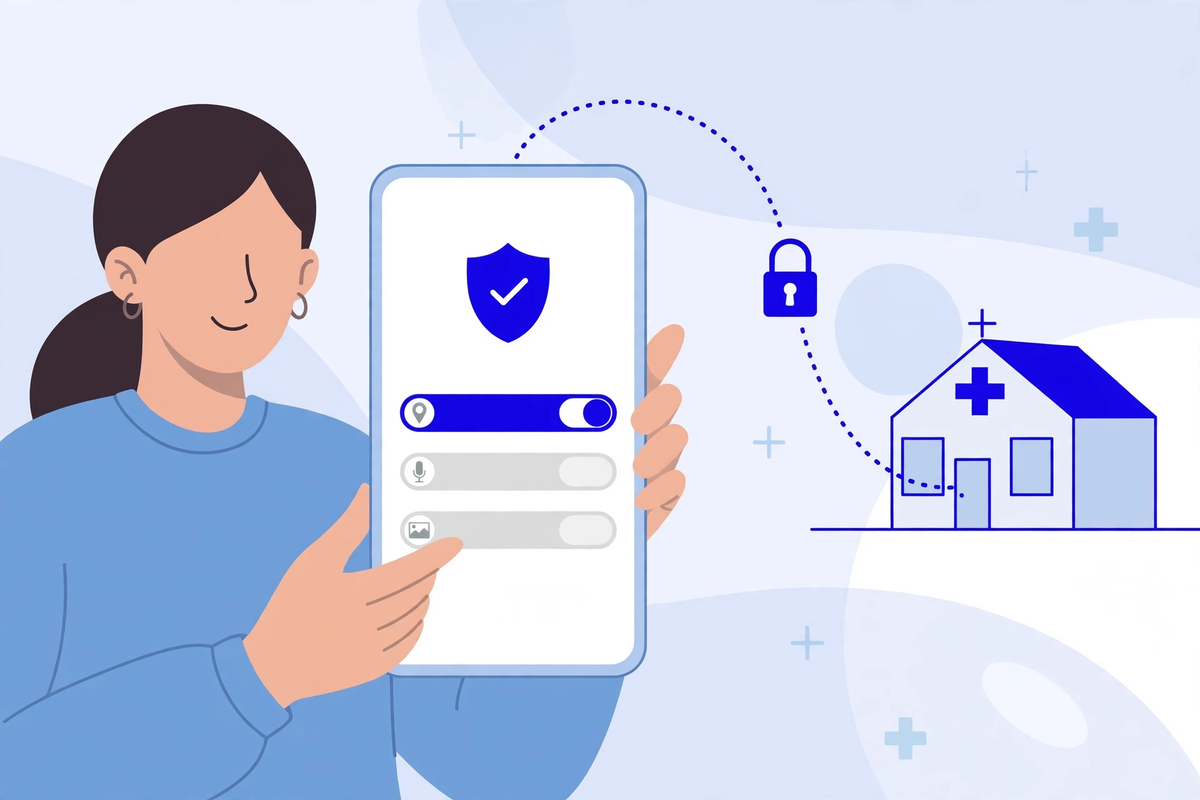
The vendor side is a different relationship, and it carries duties the patient side does not. A scheduling company, a billing service or a portal provider that connects to your systems is acting for your clinic. When it handles patient information on your behalf it is a business associate, and HIPAA requires a written business associate agreement before the connection goes live. HHS publishes sample business associate agreement provisions showing what that contract must cover, including safeguards and a duty to report security incidents to you. The agreement is not a formality. It is the document that makes the vendor answerable for the access you granted, and it should name what data the connection may touch, which brings the scope question from earlier out of the software and into the contract.
Questions to Ask Before You Connect Anything
None of this requires your practice to employ an engineer. It requires asking the right questions before a connection goes live, and writing down the answers. Put these to any vendor, developer or IT provider proposing a new connection into your systems:
- Which patient data will this connection read, and can it write or change anything, or only read?
- Can its access be limited to exactly that data, and who sets those limits?
- How does your system prove its identity to ours, and where are its credentials stored?
- Is the data encrypted while it travels, and which versions of that protection do you support?
- What does your audit log show, how long do you keep it, and how do we see it?
- If we end the contract, how is the connection switched off, and how will you confirm to us that it is off?
- When something goes wrong, how will you tell us, and how quickly?
- Is a business associate agreement signed before the connection goes live?
A vendor who works with clinics will have answered every one of these before, and will answer them again in plain language. A vendor who waves them away, or answers with marketing words instead of specifics, has told you something important about how your patient data will be treated once the contract is signed. Our guide to choosing healthcare cybersecurity software covers the same evaluation habit from the buying side.
What Your Clinic Controls Directly
The controls above mostly sit with vendors and the EHR, but the discipline sits with the clinic, and it is mostly paperwork and routine. Keep a register of connections: which system connects to which, through which vendor, touching what data, approved by whom, and since when. Review it on a schedule, a few times a year is realistic, and kill the entries nobody can explain. Connections set up for a trial, a former billing company or a departed office manager's project have a way of living on quietly, and an old connection with broad access is one of the routes attackers use, as our ransomware protection article describes. The register belongs inside your wider HIPAA risk analysis, which our article on HIPAA risk assessments for clinics walks through, and the duties behind it are summarised on our HIPAA compliance page.
Two habits keep the register honest. First, treat every system change as a trigger: a new EHR module, a new scheduling tool, a new billing company, each one adds, moves or retires connections, and the register should change the same week, not at the next annual review. Second, cover connections in staff training the way you cover passwords. The person most likely to approve a new app connection or hand a vendor a login is a busy staff member trying to be helpful. People who know the rule, ask the office manager before connecting anything to the EHR, apply it without needing to understand the technology underneath.
The Bottom Line
APIs are not a passing feature. They are how modern clinic software works, how patients reach their own records, and how the systems you already own talk to each other. The security task is not to refuse connections, which would mean refusing the portal, the booking tool and the billing service along with them. It is to know each connection, limit each one to the data its job needs, watch what each one does, and be able to end each one cleanly. That is achievable for a practice of any size, and it is mostly a matter of asking plain questions and keeping a short list current. This article sits inside our wider healthcare technology hub, which gathers the guides on the systems a clinic runs on. Med Clinic X builds clinic software, including the portals and connections described here, and it does not sell API security audits or monitoring services. If you are weighing up the systems themselves, you can explore our demos or request a quote for the software side of the picture.

Written by Chloe Vance
Healthcare Marketing DirectorChloe Vance has led search engine optimization and digital patient acquisition strategies for top pediatric, dental, and multi-specialty clinical chains.
Frequently Asked Questions
Common conversational queries evaluated by our natural language models concerning deployment guidelines.