Key Takeaways
- ✓Start with drafting, summarising, and rewriting work that a named person checks. Patient education, plain-language rewrites, routine message drafts, and admin documents are the safe first uses.
- ✓Do not start with diagnosis, treatment advice, or a patient-facing clinical chatbot. Those decisions belong to a clinician who can see the patient and own the outcome.
- ✓Patient information goes only into approved tools covered by a signed business associate agreement. Free public chatbots and personal accounts are never a place for patient details.
- ✓Give the tool your own approved source and require the reviewer to check the output against it. Fluent writing is not accuracy, and invented facts must be removed.
- ✓Run a 4-week pilot on one use, keep a record of drafts, errors, and time saved, and widen only what has earned trust.
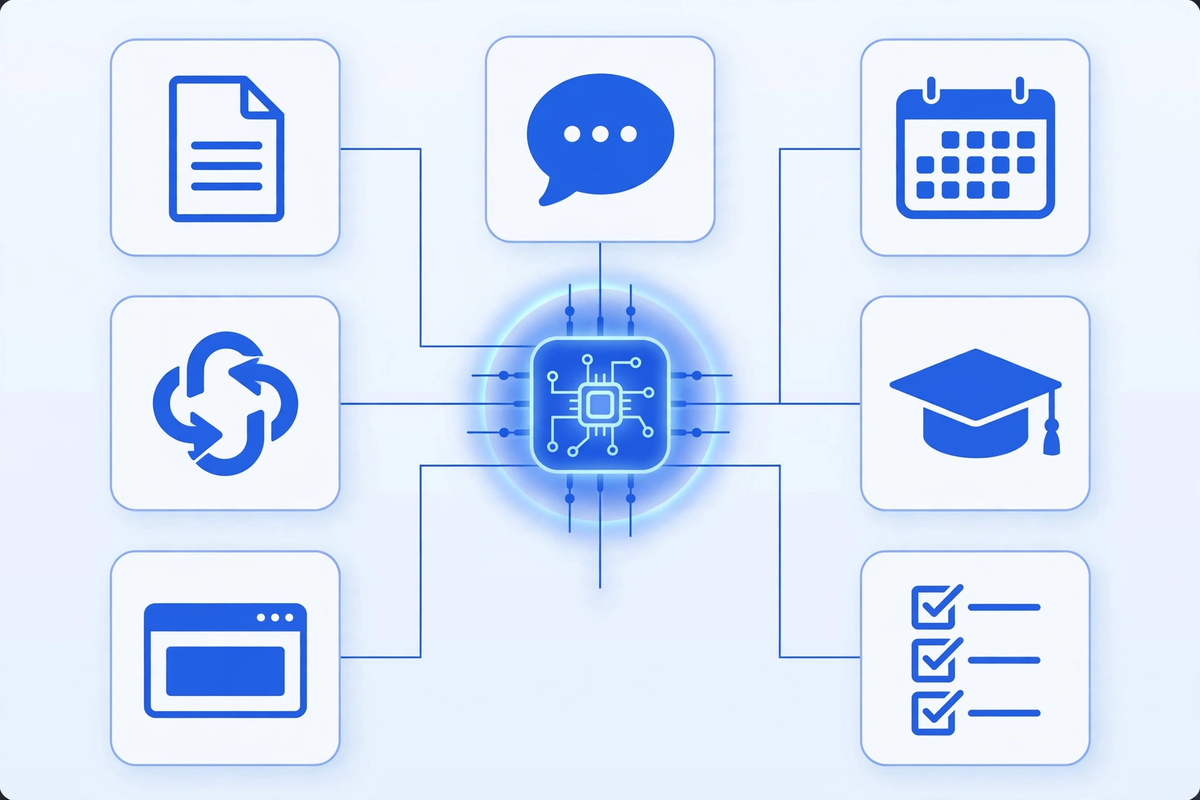
Generative AI in healthcare is safest when it drafts, summarises, and rewrites work that a person then checks. The seven practical uses in this guide all share that pattern: patient education drafts, plain-language rewrites, routine message drafts, intake summaries, admin documents, staff training material, and website content. Start there. Do not start with diagnosis, treatment choices, or any tool that sends a clinical answer to a patient without a clinician reviewing it first.
That order matters more than the tool you pick. A good pilot uses an approved tool, keeps patient information out of public chatbots, names a reviewer for every output, and measures whether the draft saved time. This guide shows you that path, in steps you can run this month.
What Generative AI Is, and What It Is Not
Generative AI creates new text, and sometimes images or audio, from a prompt. You ask for a draft letter, a summary, or a simpler version of a handout, and it produces a first version in seconds. The output can read well and still be wrong. It can invent a detail, miss a key fact from your source, or use wording your clinic would never use. That is why every use in this guide treats the output as a draft, not as a finished product.
It is not a clinician, and it is not a record system. It does not know your patient or your protocols unless you give it that information in a safe way. Tools for scheduling and routine questions sit in a narrower category: our AI medical receptionist guide explains that role, and our AI healthcare solutions page shows how those tools are scoped.
The 7 Practical Uses That Are Safe to Start With
1. Draft patient education and after-visit instructions
Give the tool an approved source, such as your own handout on wound care or diabetes checks, and ask for a shorter, clearer draft for a specific visit type. A clinician checks the draft against the source, fixes any wording that could mislead, and only then does it go to patients. The gain is a first draft in minutes instead of a blank page. The risk stays low because the source is yours and the reviewer is a clinician.
2. Rewrite approved material in plain language, and translate it with care
Clinics hold years of forms written in hard language. A generative tool can rewrite an approved document at a simpler reading level and produce a first translation draft. Staff who know the language and the clinical meaning must check the translation line by line. Never publish a translation no qualified person has reviewed, and never simplify a document by dropping safety warnings.
3. Draft replies to routine patient messages
Routine portal messages about hours, directions, refill processes, or how to book follow a pattern. The tool can draft a reply from your approved answers, and a staff member edits and sends it. This is the inbox version of the call work described in our AI medical receptionist article: the system handles the draft, people handle judgement. Any message with symptoms, medication questions, or distress leaves this path at once and goes to clinical staff.
4. Summarise intake and pre-visit information for staff review
Long intake forms slow a morning down. In an approved system that is connected to your workflow, a summary draft can pull the visit reason, current medicines as listed by the patient, and missing items into a short pre-visit note. Staff check the summary against the original form before the visit. If a detail matters, they read the source, not only the summary. Keep this use inside a system covered by the right agreements, as set out in the safety section below.
5. Draft admin documents that carry no patient information
Referral cover letters with no clinical detail, meeting notes from a staff meeting, a first draft of a new front-desk policy, or a job post for a receptionist: these are low-risk drafts because no patient information belongs in them. Give the tool a clear structure and your own facts, then edit hard. Check names, dates, phone numbers, and any claim about your clinic before the document is used.
6. Build staff training material and practice difficult conversations
Ask the tool to turn your own policies into short quizzes, onboarding checklists, or practice dialogues for a hard conversation, such as explaining a billing policy or calming an upset caller. A manager reviews every item for accuracy and tone before training. No real patient stories go into these prompts. Use invented, generic examples, and say clearly in training that they are invented.
7. Draft website and patient content, with your facts only
Service pages, blog outlines, and answers to common non-clinical questions are a good fit, provided you supply the facts. Give the tool your services, your locations, and your booking process, and ask for a draft in your voice. Then remove anything you cannot prove: no invented patient counts, no ratings you do not hold, and no clinical claims a clinician has not approved. Our healthcare workflow automation guide shows the same discipline for other clinic systems.
| Use | Risk level if reviewed | Who must check it | Patient information rule |
|---|---|---|---|
| Patient education drafts | Low to medium | Clinician | Use your approved source only, in an approved tool |
| Plain-language rewrite / translation draft | Low to medium | Clinician plus qualified language reviewer | Approved source only, in an approved tool |
| Routine message drafts | Medium | Trained staff member, clinician for anything clinical | Only inside your approved, agreement-covered system |
| Intake / pre-visit summary drafts | Medium | Staff member against the original form | Only inside your approved, agreement-covered system |
| Admin documents | Low | Manager or document owner | No patient information at all |
| Staff training material | Low | Manager | No real patient stories, invented examples only |
| Website and patient content | Low | Owner plus clinician for clinical claims | No patient information at all |
What Not to Start With
Some uses carry clinical or legal risk that a small clinic should not take on in a first pilot. Keep these out of scope until you have governance, evidence, and specialist advice in place, and some should stay out altogether.
- Diagnosis or treatment suggestions given to a patient, or used by staff, without a clinician making and owning the decision.
- A patient-facing chatbot that answers clinical questions on its own, with no clear route to a person and no clinician review.
- Pasting patient names, record details, or visit notes into a free public chatbot or a personal account. That disclosure is not undone by deleting the chat.
- Auto-sending any AI draft to a patient, an insurer, or another clinic without a named person reading it first.
- Using a draft summary as the only version of a record. The source document stays the record, and staff must be able to check it.
- Letting the tool invent citations, prices, policies, or clinical facts. If you cannot trace a claim to your own source, remove it.
Safety Rules to Set Before the First Prompt
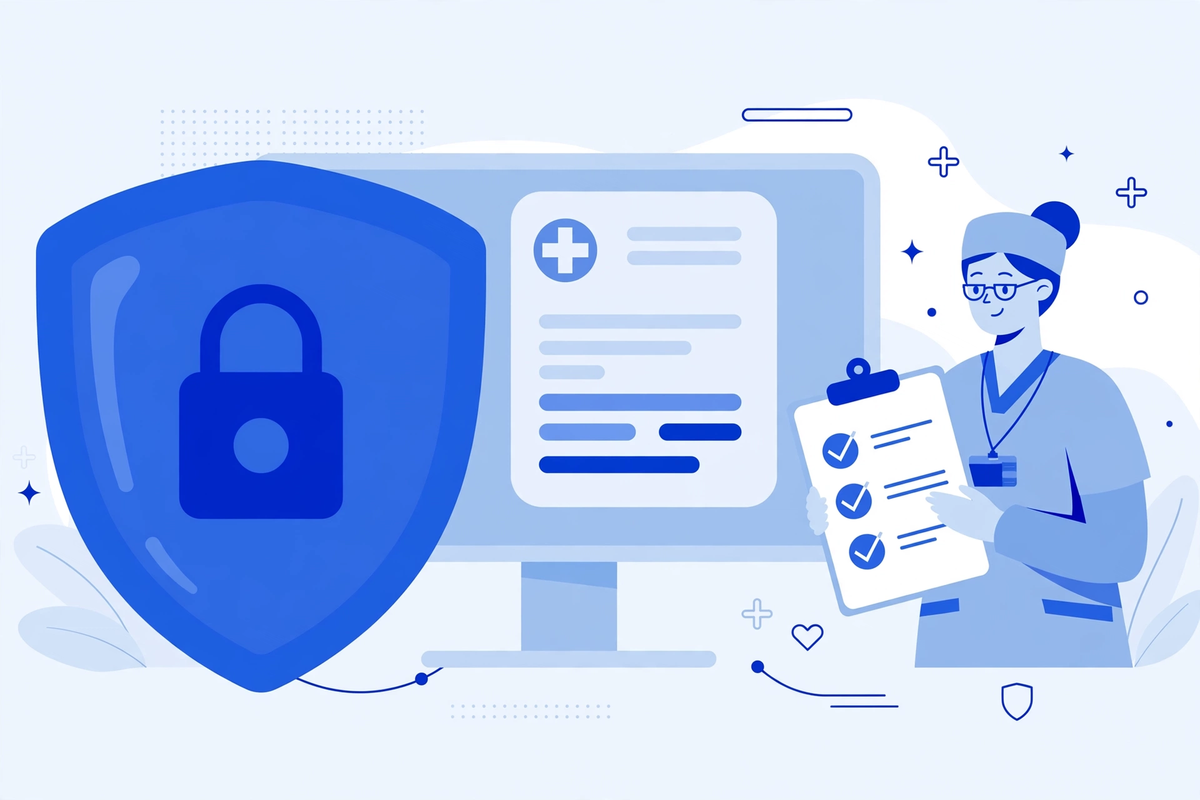
Privacy comes first. Under HIPAA, a vendor that creates, receives, maintains, or transmits protected health information on behalf of your clinic is a business associate, and you need a signed agreement with it. HHS sets out what that agreement must cover in its sample business associate agreement provisions. If a tool will not sign that agreement, patient information does not go into it. It can still be used for drafts that carry no patient information at all.
- Approved tools only: keep a short list of tools the clinic has checked, the agreement each one has signed, and what each tool may and may not be used for.
- No patient information in public or personal tools: state this in writing, train it, and check it. Staff often break this rule by trying to be helpful, not by intent.
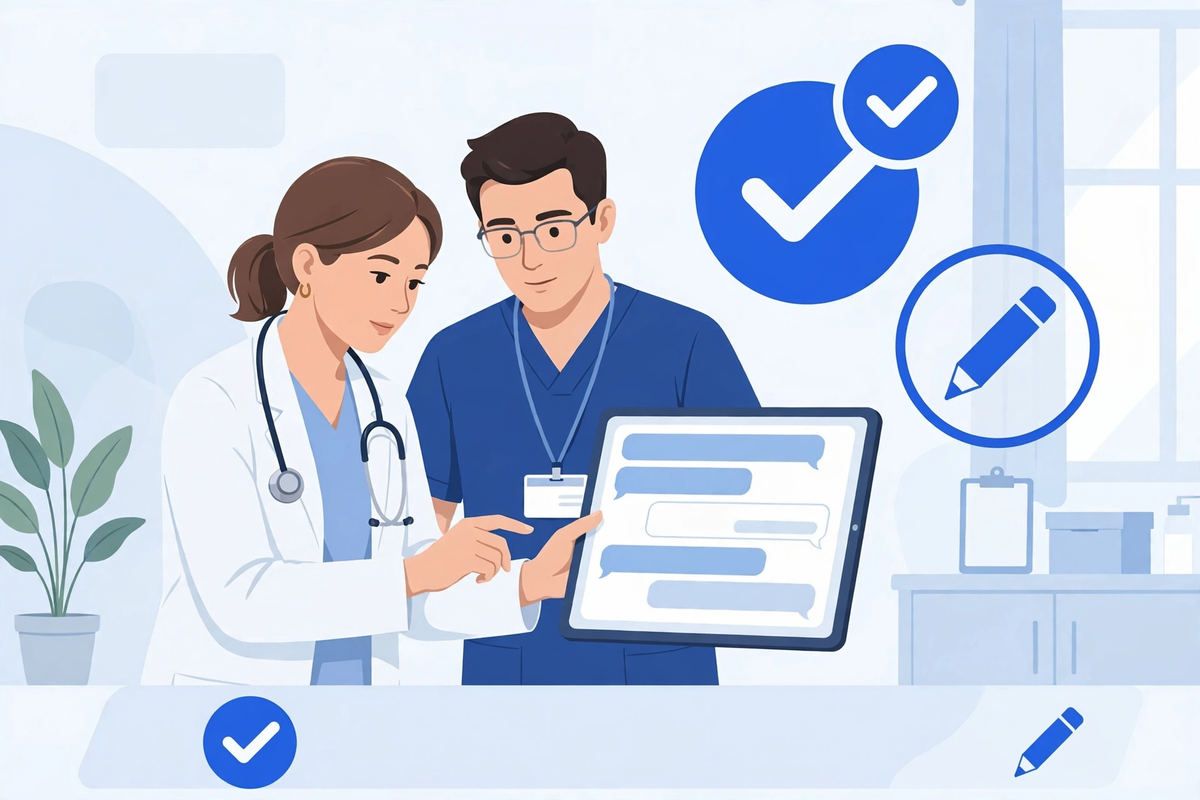
- Named reviewers: every use has a person who checks the output and owns the final version. Review means comparing with the source, not skimming for tone.
- Access and logs: unique accounts, role-based access, and a way to see who used the tool and for what. Shared logins hide problems until they are large.
- Transparency for decision support: if a tool moves toward supporting clinical decisions, ask how it was built and tested. The ONC HTI-1 work on transparency and trustworthiness of AI in health care expects users to be able to see information about an algorithm's purpose, training, and limits so they can judge if it is fair, appropriate, valid, effective, and safe.
- A stop rule: if a draft contains a wrong clinical detail, a made-up fact, or patient information in the wrong tool, pause that use, record what happened, and fix the process before restarting.
Be careful with sales language. No vendor can make your clinic compliant by selling you a tool, and HHS does not certify products as HIPAA compliant. Compliance is your agreements, your settings, your training, and your checks, working together. This article is general education, not legal advice. For a use that touches clinical decisions or large volumes of patient information, take advice before you launch, not after.
A Simple 4-Week Pilot You Can Actually Run
- Week 1: Pick one use and write the rules. Choose the lowest-risk use that wastes real time, for example admin drafts or patient education drafts. Write the approved tool, the reviewer, and the patient information rule on one page.
- Week 2: Draft in a small group. Two or three staff members use the tool on real work, keep every draft, and note each error they catch and the time saved or lost.
- Week 3: Check quality properly. The reviewer scores a sample of drafts for accuracy, tone, and missing facts. If errors are common, narrow the use or add a checklist. Do not widen a use that is producing weak drafts.
- Week 4: Decide with numbers you kept. Count drafts used, drafts rejected, errors caught, and minutes saved. Keep, change, or stop the use based on that record, then pick the next use only if the first one is stable.
That pattern also works for larger platforms, as our healthcare SaaS development guide sets out: small scope, clean source material, named owner, measured use. Generative AI fails in clinics most often as a process problem: no owner, no source, no review, and no record.
How to Judge a Vendor in One Meeting
- Will you sign a business associate agreement for the exact product and plan we would buy, and which subcontractors also handle our information?
- Is our information used to train models for other customers, how long is it kept, and how is it deleted when we leave?
- Who can see prompts and outputs, what logs do we get, and how do we limit access by role?
- For any summary or drafting inside the record: how do we check the output against the source, and how are errors reported and fixed?
- What is the tool not for? A vendor that cannot name limits, out-of-scope uses, and failure modes has not thought hard enough about safety.
- What does the full first year cost, including seats, set-up, and support, and what happens to our content and logs if we cancel?
If you want help scoping a first use, see the demos to see how clinic AI tools are presented, or request a quote once you have your one-page pilot plan. MedClinicX pricing is set per clinic once the use, tools, and integrations are clear, so no fixed price is published here.
Common Mistakes Clinics Make in the First Month
- Starting with the riskiest use, such as clinical answers to patients, because it sounds most impressive, instead of the drafting work that wastes staff time every day.
- Letting each staff member choose their own tool and account, so nobody knows where patient information has gone.
- Treating a fluent draft as a checked draft. Good writing is not evidence of accuracy, and the most polished errors are the easiest to miss.
- Feeding the tool no source and then blaming it for inventing facts. Give it your approved handout, policy, or answers, and require it to stay inside them.
- No baseline and no record, so after a month nobody can say if the pilot saved time, added checking work, or created risk.
- Forgetting patients. If a patient will read or hear the output, its wording, reading level, and route to a real person matter as much as its speed.
The bottom line is plain. Generative AI can save real drafting time this month if you start with the seven low-risk uses, keep patient information inside approved, agreement-covered tools only, and make a named person check every output against its source. Start small, keep the record, and widen only what has earned trust.
Written by Chloe Vance
Healthcare Marketing DirectorChloe Vance has led search engine optimization and digital patient acquisition strategies for top pediatric, dental, and multi-specialty clinical chains.
Frequently Asked Questions
Common conversational queries evaluated by our natural language models concerning deployment guidelines.