
Key Takeaways
- ✓Custom healthcare software is built around one clinic and owned by it. SaaS is a finished product rented from a vendor on a subscription, and it is never owned.
- ✓Custom concentrates cost at the start and keeps running costs lower afterwards. SaaS spreads cost monthly, and the fair comparison is several years of each route doing the same work.
- ✓SaaS goes live faster and the vendor carries maintenance, updates, and most platform security work. Custom takes longer to build and needs a written support arrangement from day one.
- ✓Your clinic keeps its duties for patient information under both models. A vendor handling that information is a business associate under HIPAA and needs a written agreement either way.
- ✓Most established clinics end up hybrid: a SaaS core for standard work, with custom pieces built only for the workflows where the clinic is genuinely different.
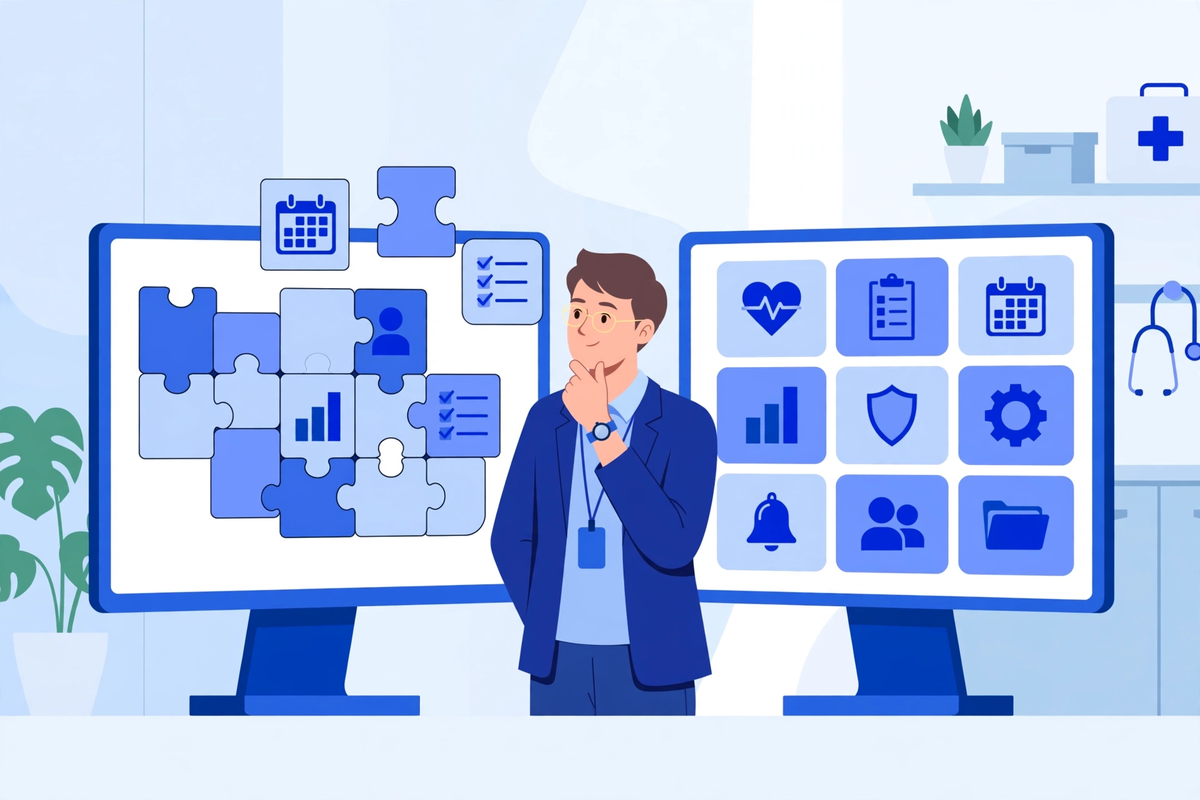
The difference between custom healthcare software and SaaS is who the software is built for, and who owns it. Custom software is designed and built around your clinic, and when it is finished, it belongs to you. SaaS, short for software as a service, is a finished product that a vendor builds once and rents to many clinics at a time. You subscribe, you log in, and you use the same product as every other subscriber. Neither route is better in the abstract. They suit different clinics and different budgets, and this article puts them side by side so you can judge which one fits yours.
The question usually arrives at a specific moment. Your current system does almost everything you need, except the one thing your front desk does ten times a day. Or a build quote is large enough that you want to know exactly what you would be paying for. That is when the choice stops being theoretical.
What Custom Healthcare Software Actually Is
Custom software starts with your workflow, not with a product catalogue. A development team studies how your clinic books, registers, treats, bills, and follows up, then builds the system around those steps. If your intake form needs a field that no standard product carries, it gets built. If your reporting has to match the way your physicians review their week, it is shaped that way. Our page on custom healthcare software development describes how that build process runs, from the first workflow conversation to launch.
Because it is built for one organization, custom software can also connect the odd corners of a clinic that packaged products leave separate. A referral flow that crosses two systems, a billing rule that applies to one payer contract, a portal that has to speak to an older records system: these are the jobs custom builds are commissioned for. The trade is time and responsibility. A build takes longer than switching on a subscription, and keeping it healthy afterwards is yours to manage, usually through the team that built it.
What SaaS Actually Is
SaaS is software you rent. The vendor hosts it, maintains it, and sells the same product to many clinics, each paying a subscription, usually per user, per provider, or per location. Your team opens a browser or an app, signs in, and works. The product improves on the vendor's schedule, not yours, and every subscriber receives the same updates at the same time. Our page on healthcare SaaS development explains how these platforms are built and run from the vendor's side.
The strengths of the model are real. A clinic can be working in a SaaS product quickly, because there is nothing to build. The vendor carries the servers, the backups, the security patching, and the support desk, and the cost arrives in predictable monthly amounts instead of one large bill. For a small practice that needs scheduling, intake, messaging, and a portal to simply work, that combination is hard to argue with.
The limits are just as real. You can configure a SaaS product in detail, but you cannot change what it fundamentally does. If your workflow needs a step the product does not have, your choices are to change your workflow, to ask the vendor and wait, or to work around it with a second tool. The roadmap belongs to the vendor, not to you. A related article on our blog explains how healthcare SaaS platforms are put together, which helps when you are judging a vendor's claims.
The Two Models Side by Side
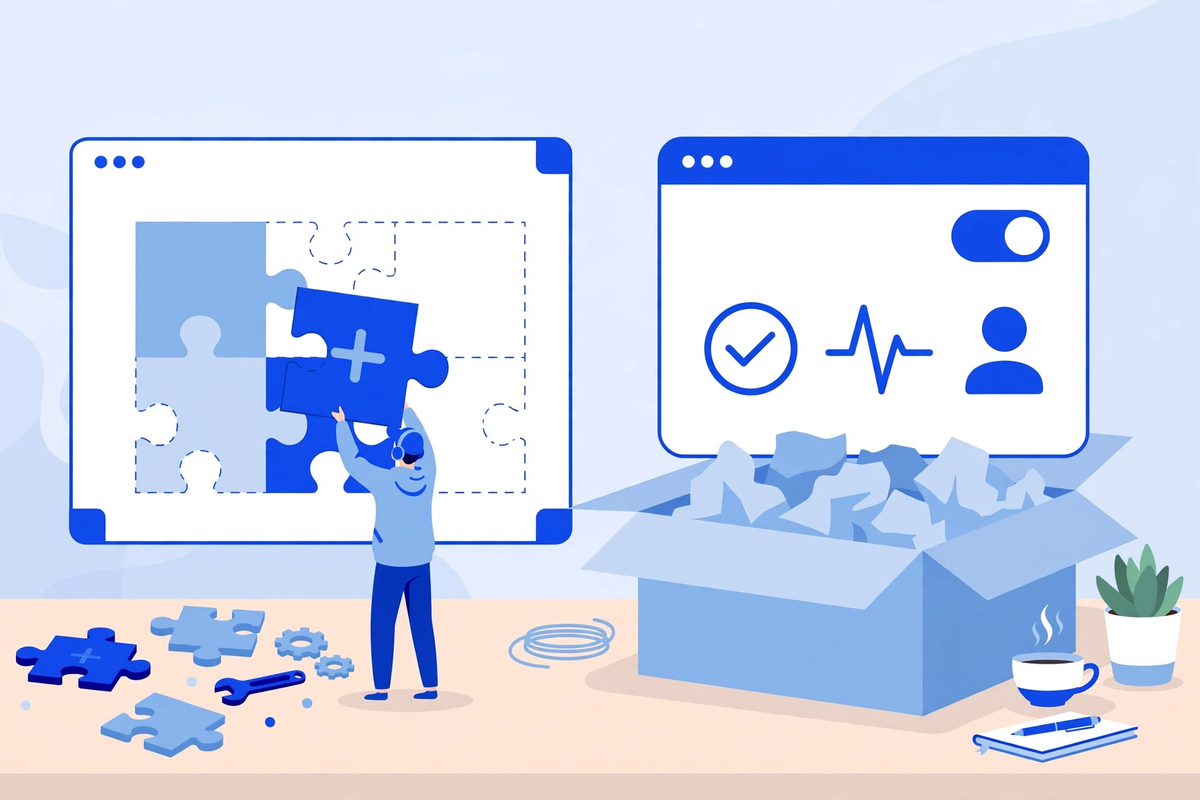
The table below compares the two routes on the points clinic owners ask about most. Read it as a set of tendencies: vendors and builds vary, and the contract in front of you matters more than any general rule.
| Question | Custom software | SaaS |
|---|---|---|
| How you pay | One main cost up front, then running costs | A subscription for as long as you use it |
| Who owns it | Your clinic owns the software | The vendor owns it, and you rent access |
| Fit to your workflow | Built around how your clinic works | You adapt to the product, within its settings |
| Maintenance and updates | Arranged by you, usually with your developers | Handled by the vendor, included in the subscription |
| Security duties | Mostly yours to organize, with your support team | Mostly the vendor's, under your agreement |
| Time to go live | Longer, because it is built and tested first | Faster, because the product already exists |
| If you want to leave | You keep the software | You export your data and stop subscribing |
What Each Route Really Costs You
Custom software concentrates its cost at the start. You pay to design and build the system, and that payment is significant, because you are funding a product that did not exist before. After launch, the costs change shape rather than disappear. Hosting, support, small fixes, and later changes all continue, usually at a steadier level than the build itself. What you hold at the end is an asset: the software is yours.
SaaS spreads its cost out. There is little or nothing to pay up front beyond setup and training, and the subscription feels manageable month by month. The honest way to judge it is over years, not months. A subscription paid for five or ten years is a substantial total, and at the end of it you own nothing. Stop paying, and the software goes away. That is the deal, and it suits clinics that would rather rent a maintained product than own a system.
The mistake to avoid is comparing a build quote against a single month of subscription price. Compare the build plus several years of running costs against several years of subscription, and include the cost of the workarounds each route forces on your staff. A cheap product that your front desk fights every day is not cheap. The comparison only means something when both sides are costed over the same years, doing the same work.
Who Owns the Software, and Who Holds Your Data
With custom software, ownership is simple to state. The code, the system, and the data are yours, subject to the contract you sign with the team that built it. Read that contract carefully, because ownership of the finished product, the right to modify it, and the right to take it to a different developer are the clauses that matter if the relationship ever changes. Get them in writing before the build starts, not after.
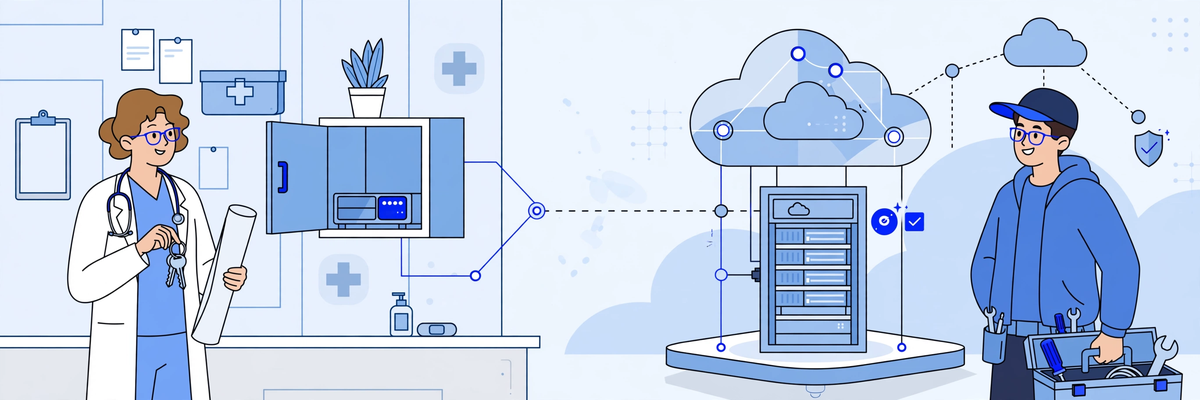
With SaaS, you own your data and rent the software that holds it. That makes the exit clauses in the subscription agreement the most important pages you will sign. Look for how your data is exported, in what format, how long you have to take it out after the subscription ends, and whether the export includes the attachments, messages, and history your clinic will actually need, not just a list of names.
In both models, your clinic remains responsible for its patients' information. Renting software does not rent out that responsibility, and owning software does not increase it. What changes is how much of the practical work sits with you.
How Far Each One Bends to Your Workflow
Every clinic has a few processes that are genuinely its own. A multi-site group with a central booking team. A dental practice whose recall system drives half its diary. A specialty clinic whose intake collects information no general form asks for. Custom software is built for exactly this situation. If the process is core to how the clinic earns its money or serves its patients, shaping the software to the process is usually the right way round.
SaaS asks the opposite, and often reasonably. A packaged product embodies its vendor's view of how a clinic should run, usually informed by hundreds of other practices. Adopting the product often means adopting better habits along with it. Clinics regularly find that the workflow they were defending was a workaround for an older system's limits, and the standard way turns out to be fine. The honest test is to separate the processes that make your clinic different from the ones that are simply familiar. Custom fits the first kind. SaaS handles the second kind well, and cheaper.
Configuration sits between the two. Most SaaS products let you set fields, forms, templates, reminders, and permissions in considerable detail, and a well-configured product can feel quite personal. The line is crossed when you need something outside its design: a different kind of appointment logic, an unusual approval chain, a report that joins data the product keeps apart. That is where clinics either commission something custom or bolt on a second tool.
Maintenance, Updates and Security: Whose Job Is It?
Software is not finished when it launches. Browsers change, phones change, integrations change, and security threats change with them. Somebody has to patch, update, test, and watch the system every month, for as long as the clinic depends on it. With SaaS, that somebody is the vendor, and it is the strongest practical argument for the model.
With custom software, that somebody is you, acting through whoever supports the system. Most clinics keep the development team that built it on a support arrangement, which is the normal pattern. What matters is that the arrangement exists, is written down, and covers updates and security patching as routine work rather than emergencies. A custom system with no maintenance arrangement is a risk that grows quietly.
On security and privacy duties, the model changes the division of labor, not the duty itself. When a vendor handles patient information on your behalf, HIPAA treats that vendor as a business associate, and a written business associate agreement has to be in place, whichever model you choose. The US Department of Health and Human Services publishes guidance and sample agreement provisions showing what such an agreement covers. With SaaS, the vendor carries most of the platform's day-to-day security work, and your duties centre on accounts, access, and how your staff use it. With custom software, more of that security sits with you and your support team, because the system is yours. No vendor's promise replaces your own risk assessment, and no software choice, by itself, makes a clinic compliant with anything.
Going Live, and What Happens If You Leave
SaaS wins on speed, and it is not close. A finished product can be configured, populated, and in daily use far sooner than anything can be designed and built. If your clinic has an urgent problem that is costing patients now, waiting months for a build is a real cost, and a good SaaS product in place next month may be worth more than a perfect system next year.
Custom software wins on the exit you may never make. If you stop paying a SaaS subscription, you lose the software and keep your exported data. If you part company with the team that built your custom system, you keep the software and can take it to another team, provided your contract gives you the ownership described earlier. Neither fact should decide the purchase on its own. But the exit terms belong in the decision, priced in, not discovered later.
Growth cuts both ways, too. A clinic that doubles in size may find a per-user subscription doubling with it, while its custom system simply carries more load. A clinic that pivots into an unplanned service line may find its custom system needs real work to follow, while the SaaS vendor has already built for that line because other clinics asked first.
Which Clinics Each Model Tends to Suit
These are tendencies drawn from how the two models behave, not rules. Plenty of clinics thrive on the route that looks wrong for them on paper, because the specific product or team mattered more than the model.
- SaaS tends to suit smaller practices that need the basics working now: scheduling, intake, reminders, messaging, a portal.
- SaaS tends to suit clinics with no technical staff and no appetite for managing a system.
- SaaS tends to suit owners who value a predictable monthly cost over owning an asset.
- SaaS tends to suit practices whose workflows are close to the standard for their specialty.
- Custom tends to suit groups with several locations and a shared way of working that no single product matches.
- Custom tends to suit clinics with a distinctive process that earns money or sets them apart.
- Custom tends to suit organizations replacing several disconnected tools with one system built around their own flow.
- Custom tends to suit owners who plan to hold the system for many years and want it as an asset.
Notice what is not on either list: clinic size, by itself. A large clinic with standard workflows can be perfectly served by SaaS, and a small clinic with one unusual, valuable process can justify a focused custom build.
The Hybrid Most Clinics End Up With
In practice, the choice is rarely all or nothing. Most established clinics run a SaaS core, usually the record system or practice management platform they already trust, and commission custom work only where the standard product leaves a gap that matters: a portal shaped to their intake, an integration between two systems that refuse to talk, a booking flow with unusual rules. The subscription carries the ordinary work. The custom pieces carry the differences.
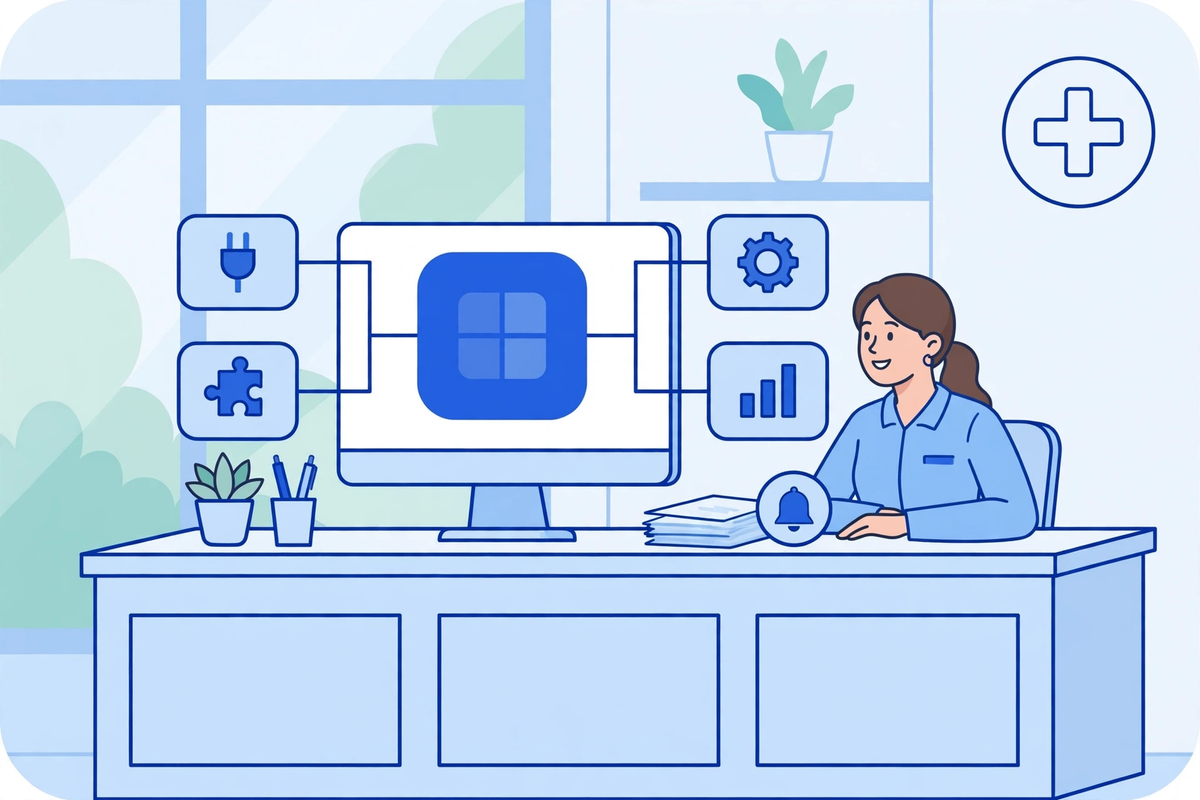
The hybrid is not a compromise to apologize for. It is often the most sensible spending pattern, because it puts build money only where a clinic is genuinely different and rents everything else. Its weakness is integration: every custom piece has to keep working with a platform that updates on the vendor's schedule, so the connections need maintaining. Ask, before building anything, who keeps the join healthy in year two, and get the answer in writing.
A Short Decision Checklist
Work through these questions in order. Your answers will usually point at one model, or at the hybrid.
- What is the one workflow your current software handles worst, and is that workflow something that makes your clinic different, or just something familiar?
- How quickly does this need to be working: weeks, or can the clinic run as it is for the months a build takes?
- Who will look after the system in year two: patching, updates, small changes? Name the person or the company.
- Costed over five years, including subscriptions or support, what does each route actually total?
- If you left in three years, what exactly would you walk away with, and what would it cost to move?
- Does the packaged product you are considering do the core job within its settings, or would you be working around it from month one?
Our guide to choosing healthcare software works through the vendor side of the same decision: what to ask any supplier, and what to check in a contract, once you know which model you are buying.
The Bottom Line
Custom software is built for your clinic and owned by you, at the price of a larger cost up front and the duty of keeping it maintained. SaaS is a finished product you rent, live sooner, and never own, with the vendor carrying the upkeep and setting the limits. Start from your most awkward workflow and ask which model treats it properly, then cost both routes over the same years, then read the exit clauses. If you are weighing a specific case, you can see the demos of what we have built, or request a quote and describe the workflow you are trying to fix. The right answer depends on the clinic, and any supplier who tells you otherwise is selling rather than advising.

Written by Chloe Vance
Healthcare Marketing DirectorChloe Vance has led search engine optimization and digital patient acquisition strategies for top pediatric, dental, and multi-specialty clinical chains.
Frequently Asked Questions
Common conversational queries evaluated by our natural language models concerning deployment guidelines.