Key Takeaways
- ✓Start after hours with well-defined calls: hygiene recall and new patient exams, booked using your real lengths, providers, and room rules.
- ✓Wrong bookings are the main dental risk. A hygiene visit, a new patient exam, and restorative work are not the same slot, and the system must never treat them as if they were.
- ✓Possible emergencies go to a person under your policy. The system must not diagnose pain or swelling, promise a set time, or present morning review as emergency cover.
- ✓Recall works from a list your team approves, with real slots, a stop rule, and an opt-out. It books reviews clinicians asked for. It does not sell treatment on a recall call.
- ✓Patient information belongs only in a system covered by a signed business associate agreement, with limited access, logs, and a named staff member checking bookings every morning.
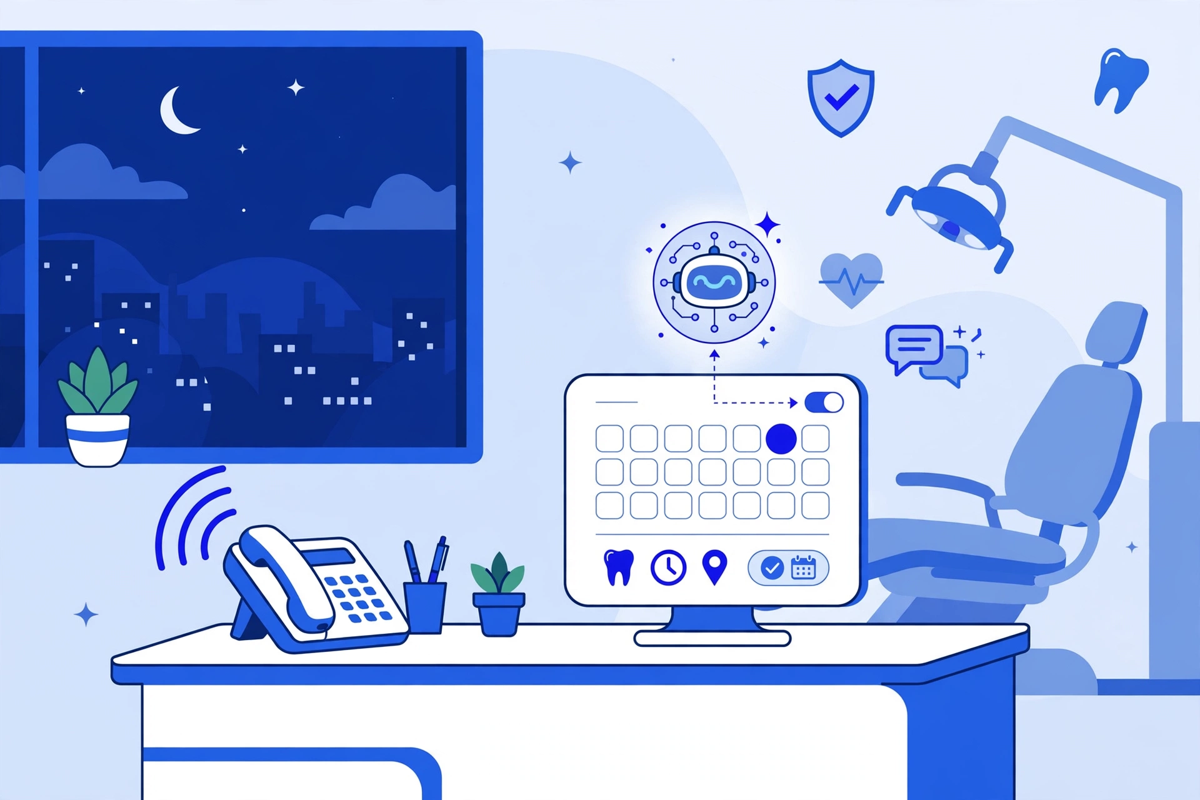
An AI receptionist for a dental practice answers calls when your front desk cannot, books the right appointment type into your real schedule, and handles routine recall work without making clinical decisions. It is most useful after hours, at lunch, and during busy mornings when hygiene checks, new patient exams, and emergency calls all arrive at once. It does not replace your team. It protects the calls they miss.
Dental calls are different from general medical calls. A caller may need a six-month hygiene visit, a longer appointment for a crown, help with pain that cannot wait, or a clear answer about whether you take their insurance. If the system books the wrong length, the wrong provider, or the wrong urgency, you have not saved time. You have moved the problem into the chair. This guide shows you how to set the system up so it helps, in plain steps.
What an AI Receptionist Does in a Dental Practice
In a dental setting, the job is narrow and practical. The system answers in your practice name, works out why the person is calling, checks the schedule rules you gave it, and either books, reschedules, or passes the call to a person with a clear note. Our general AI medical receptionist page explains the wider role, and this article focuses only on how that role changes for dentists, hygienists, and treatment coordinators.
- Answer new patient, hygiene, restorative, and general calls when staff are busy, on another call, or away from the desk.
- Book and reschedule using your real appointment types and lengths, not a single generic slot for every visit.
- Collect the basics your team needs before the visit: name, contact details, reason for the visit, and insurance information as you define it, then pass it through your intake flow.
- Send a confirmation in the way your practice already uses, and add the appointment to the schedule your team checks each morning.
- Flag urgent pain, swelling, trauma, or a lost crown or filling for a person to review under your own emergency rules, rather than trying to judge the case itself.
- Answer routine questions you have approved in advance, such as hours, location, parking, and how to prepare for a first visit.
After-Hours Calls, Booking, and the Morning After
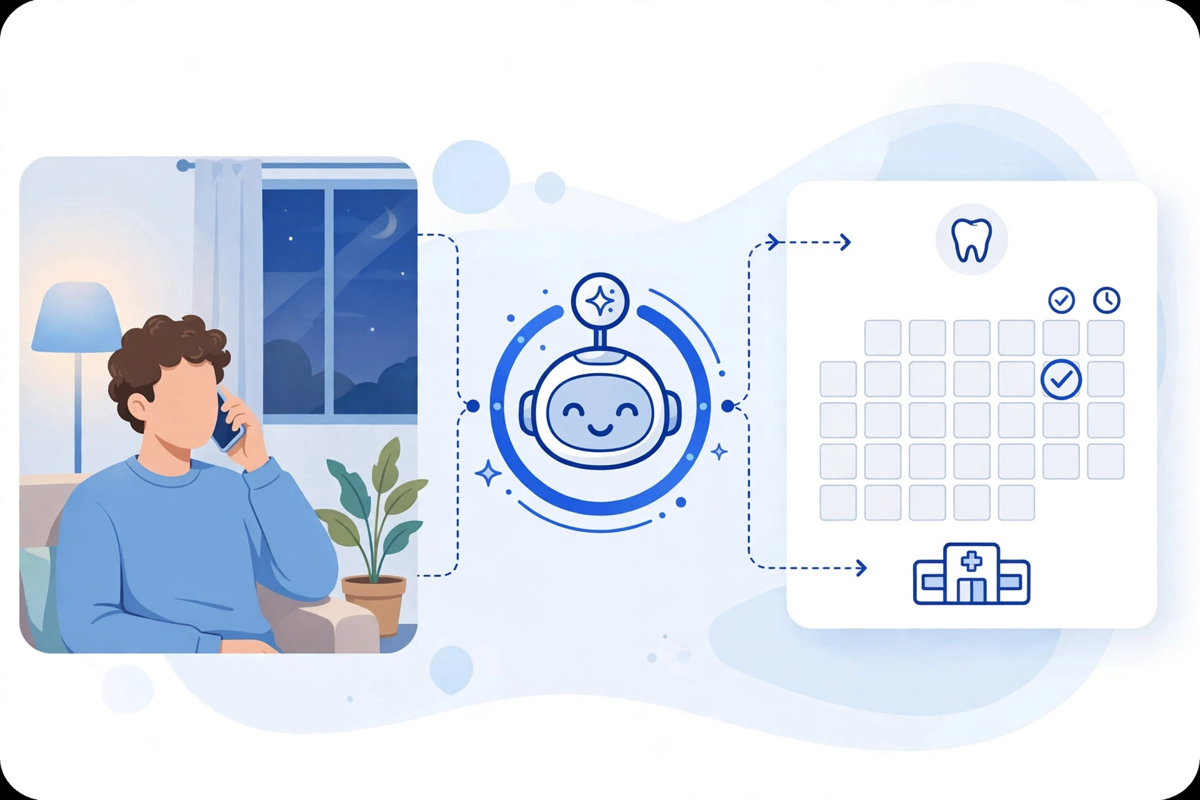
After hours is where this tool earns its place first. A patient with a cracked tooth in the evening, a parent calling after work about a child's check-up, or a new patient who found you online at night will rarely leave a detailed voicemail and wait. Many will call the next practice on the list. An AI receptionist can answer at once, sort routine booking from possible urgency, and leave your team a clean record to start the day.
A routine evening call, step by step
- The call is answered in your practice name, and the caller is told they are speaking with an automated assistant, with a route to a person where your policy requires it.
- The system asks what they need and listens for the appointment type: hygiene, exam, consult, or a problem that needs triage by a person.
- It checks only the slots you have opened for that appointment type and provider, offers the earliest suitable options, and books one if the caller agrees.
- It collects contact details, confirms the time back to the caller, and sends the confirmation your practice has approved.
- In the morning, staff see the booking, the call summary, and anything that needs a human follow-up before the patient arrives.
Picture an illustrative example. A practice opens two early hygiene slots for after-hours booking. On Monday evening, both are taken by recall patients. In the morning, staff start with two confirmed bookings and one urgent message flagged for the dentist, not a pile of voicemails. Details are invented to show the flow, not reported results.
Booking That Fits How Dentistry Actually Works
The biggest risk in dental booking is not a missed call. It is a wrong booking. A hygiene visit, a new patient exam with imaging, an implant consult, and a restorative appointment do not take the same time, room, or staff. Before you switch anything on, write those rules down and make the system follow them exactly.
| Appointment type | What the system must check | What it must not do |
|---|---|---|
| Hygiene / recall | Hygienist availability, your recall interval rule, and whether an exam is due as your practice defines it | Book a hygiene slot with a dentist-only provider, or promise an exam you have not scheduled |
| New patient exam | Correct appointment length, imaging time if your practice includes it, and intake completion | Squeeze a full new patient visit into a short problem slot |
| Restorative / treatment | Provider, room, and length from the treatment plan as recorded by your team | Quote a treatment fee, change a treatment plan, or book treatment a clinician has not prescribed |
| Possible emergency | Your urgency questions, on-call route, and same-day slots you have reserved for this use | Diagnose the problem, promise to be seen at a set time, or tell the caller to wait if your policy says escalate |
| Children / family | Age rules, guardian details, and family booking preferences your practice uses | Book a child into an adult-only session or collect more detail than you need |
Test this with your own staff before launch. Have team members call in as a new patient, a recall patient, a parent, and a person in pain, and check every booking that lands in the schedule. If a test booking is wrong, fix the rule, not just that one appointment. A system that books well for hygiene but badly for restorative work is not ready for restorative calls yet. Start with the call types it handles correctly, and widen the scope only after checks pass.
Recall and Reactivation Without Chasing Patients by Hand
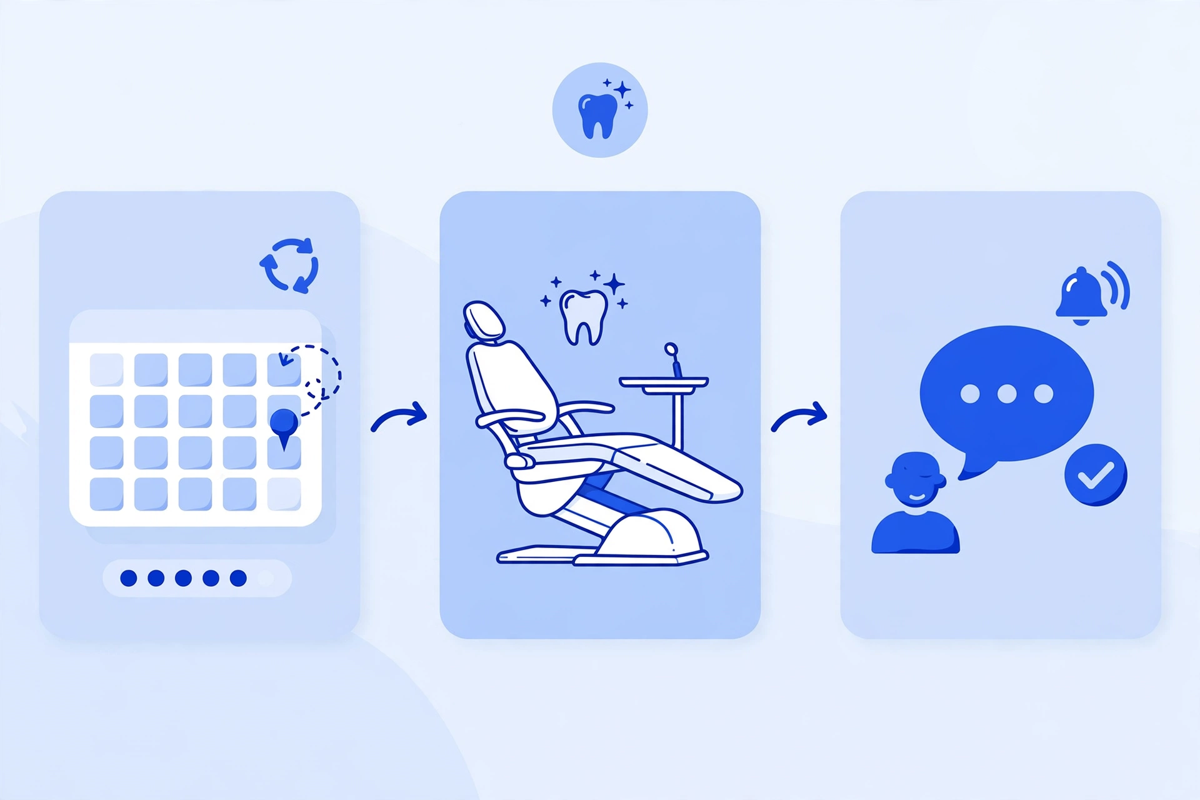
Recall is steady, repetitive work that often slips when the desk is busy. Patients who are due, or overdue, for hygiene and review need a prompt, a simple way to book, and a reminder that matches the appointment they actually booked. An AI receptionist helps most when it supports that routine in a controlled way, alongside the patient experience your Smart Dental Portal provides online.
- Work from a list your team approves: who is due, who is overdue, and who should not be contacted again. The system does not invent its own list.
- Offer real slots, not a general invitation to call back. A caller who can book in the same conversation is less likely to drift.
- Keep the message short and honest: why you are contacting them, what appointment you suggest, and how to opt out or speak to a person.
- Stop after the number of attempts your practice sets, and hand the rest back to staff. Recall should feel helpful, not pushy.
- Record the outcome for every patient on the list: booked, declined, unreachable, or needs a clinical check first. That record is how you judge whether recall is working.
Do not let recall become treatment selling. If a patient needs a review before more treatment can be planned, the system books the review your clinician asked for. It does not push a crown, whitening, or aligners on a recall call. That line protects trust, and it protects your team from cleaning up complaints later. Our generative AI in healthcare guide sets out the same principle for other clinic tools: the system drafts and books within limits, people own the clinical judgement.
What It Should Not Handle
A clear stop list matters as much as a feature list. Write it before launch, train staff on it, and test that the system follows it.
- Diagnosis, treatment advice, or reassurance about pain, swelling, bleeding, or trauma. Those calls go to a clinician or your on-call route at once.
- Fee quotes for specific treatment, insurance guarantees, or promises about what a plan will cover. Staff can explain estimates in context. The system can only use the general wording you approve.
- Complaints, distressed callers, safeguarding concerns, or any caller who asks for a person and keeps asking. The route to a human must work, not loop.
- Changes to a treatment plan, medical history, or clinical record. The system can collect information for staff to check. It does not edit the clinical record on its own.
- Calls in a language or format it cannot handle well. Offer another route rather than guessing through an important conversation.
HIPAA and Safety Rules for Dental Calls
A dental AI receptionist will handle protected health information: names linked to appointments, reasons for visits, and insurance details. Under HIPAA, a vendor that creates, receives, maintains, or transmits that information on behalf of your practice is a business associate, and you need a signed agreement with it. HHS explains that role in its business associates guidance, and publishes sample business associate agreement provisions that show what the agreement must cover.
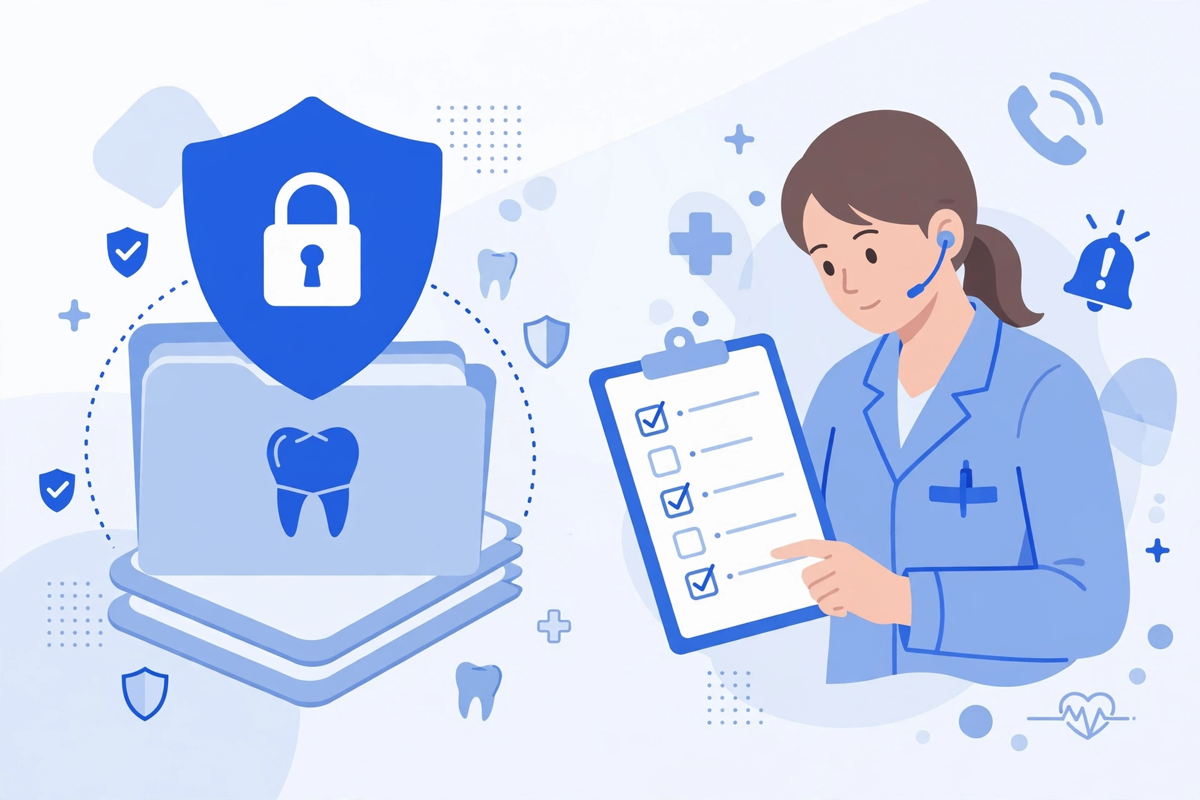
- Signed agreement first: no patient information goes into the system until the business associate agreement is in place for the exact product and plan you use.
- Minimum necessary access: the system should see the schedule and details it needs to book, not your full clinical records by default.
- Unique accounts and logs: staff use their own logins, and you can see who changed a booking rule, listened to a call, or exported a list.
- Call handling you have approved: what is recorded, how long recordings and transcripts are kept, and who can listen to them, all written down.
- A tested escalation path: urgent calls reach a person under your policy at all hours you claim they do, and staff check the flagged list first each morning.
- No training on your patients without a clear answer: ask whether your calls and data are used to train models for others, how long data is kept, and how it is deleted when you leave.
No vendor can make your practice compliant by selling you a tool, and HHS does not certify products as HIPAA compliant. Compliance is your agreement, your settings, your training, and your checks together. This article is general education, not legal advice. If you are unsure about a use, take advice before you launch it.
How to Roll It Out in a Dental Practice
- Week 1: Map your call types. List every appointment type, length, provider, and room rule, plus your urgent-call policy and your approved answers to routine questions.
- Week 2: Start with after hours only. Keep daytime handling with staff while the system learns your rules on lower-risk evening and weekend calls, and review every booking each morning.
- Week 3: Test hard cases with staff. Run the pain, swelling, child, insurance, and complaint scenarios, and fix any path that books wrongly or fails to escalate.
- Week 4: Decide from your record. Count calls answered, bookings made, wrong bookings, escalations, and callbacks staff still had to make. Widen to busy daytime periods only if the record is clean.
That staged start mirrors the approach in our AI medical receptionist article: small scope, written rules, morning review, and a record you can trust. If you want to see how this is presented in practice, see the demos first, then request a quote with your appointment types and call hours clear. MedClinicX pricing is set per practice once call volume, schedule rules, and integrations are clear, so no fixed price is published here.
Common Mistakes Dental Practices Make
- Turning on every call type at once, including emergencies and treatment calls, before the basic hygiene and new patient bookings have been tested.
- Using one generic appointment length for all visits, so the schedule looks full while chairs and rooms do not match the work booked into them.
- Forgetting the morning review. After-hours booking only works if a named person checks the new bookings, flags, and messages first each day.
- Letting recall run without an approved list, a stop rule, or an opt-out, so patients feel chased rather than cared for.
- Promising cover you do not have. If urgent calls are flagged for morning review, say so honestly. Do not present the system as a clinical emergency service.
The bottom line is simple. An AI receptionist can help a dental practice most after hours, for well-defined booking, and for steady recall work, as long as your appointment rules are written down, urgent calls reach a person, and staff check the record every morning. Start narrow, test the hard calls, and widen only what has earned trust.
Written by Chloe Vance
Healthcare Marketing DirectorChloe Vance has led search engine optimization and digital patient acquisition strategies for top pediatric, dental, and multi-specialty clinical chains.
Frequently Asked Questions
Common conversational queries evaluated by our natural language models concerning deployment guidelines.