Your Telemedicine Platform. Video Visits. AI Briefs. Prescriptions. One Console.
A telemedicine consultation platform that runs the whole virtual visit: secure video, an AI intake interview before every call, and prescriptions signed before the patient leaves the room.
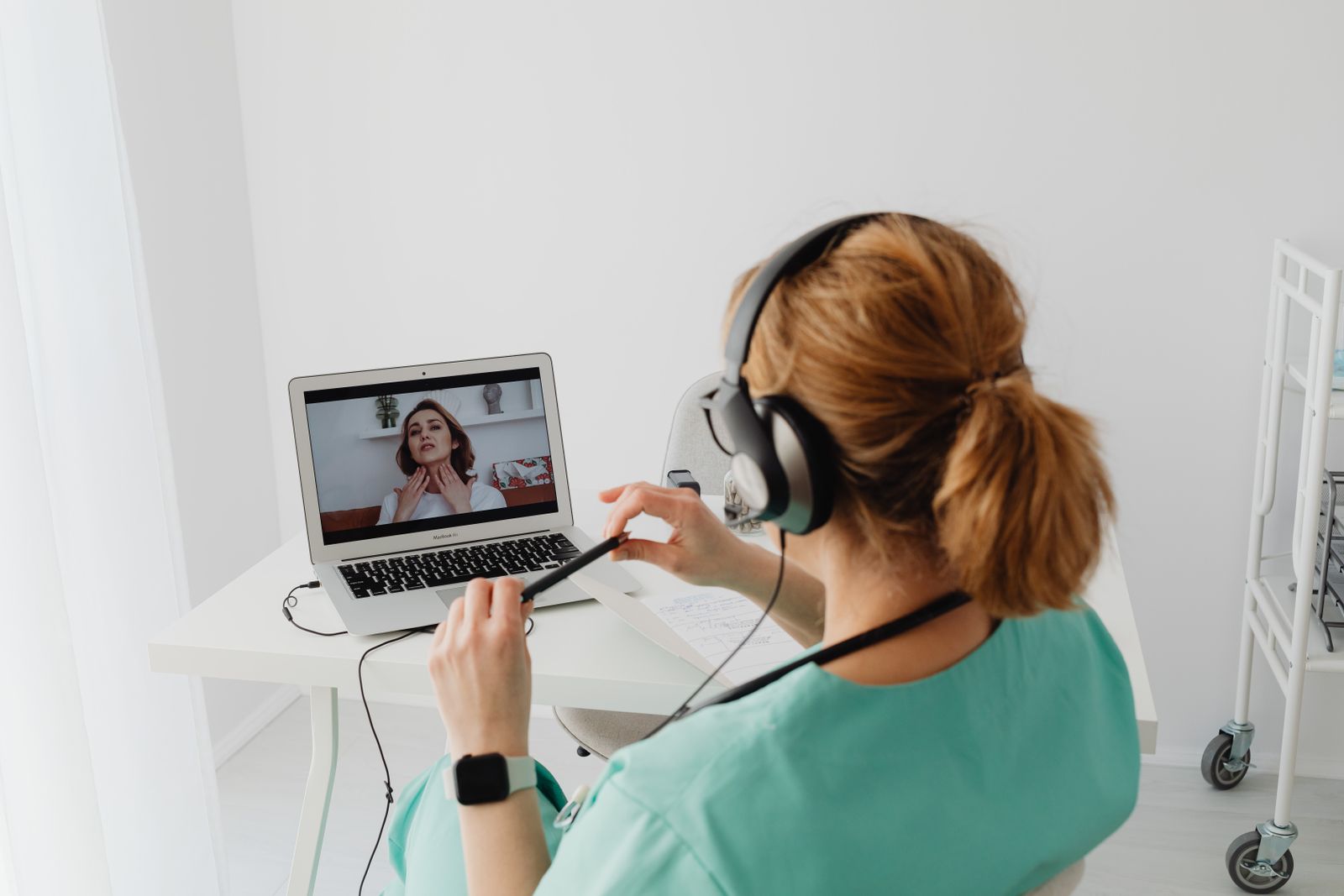
Platform built for
WebRTC Video Engine
Browser-based video that holds up while the doctor charts, shares a screen or reviews vitals.
AI Pre-Consult Brief
The AI interviews the patient before the call and puts a short symptom brief on the doctor's screen.
Digital Prescriptions
Medication and dosage picked during the call, signed, and sent as a PDF before the visit ends.
Two-Way EHR Sync
Notes and records move both ways over HL7 FHIR, so nothing gets typed twice.
Not Just a Video Call, a Full Consultation
Plenty of tools can open a video call. TeleCare runs what happens around the call: the intake interview before it, the brief on the doctor's screen, the prescription signed inside it and the follow-up that goes out after. You work directly with the people who design and build it.
- Video, intake, prescriptions and follow-up in one console.
- An AI brief on the doctor's screen before every visit starts.
- The same chart your in-person team uses, through FHIR sync.
- Built for a single clinic first, ready for a hospital network.
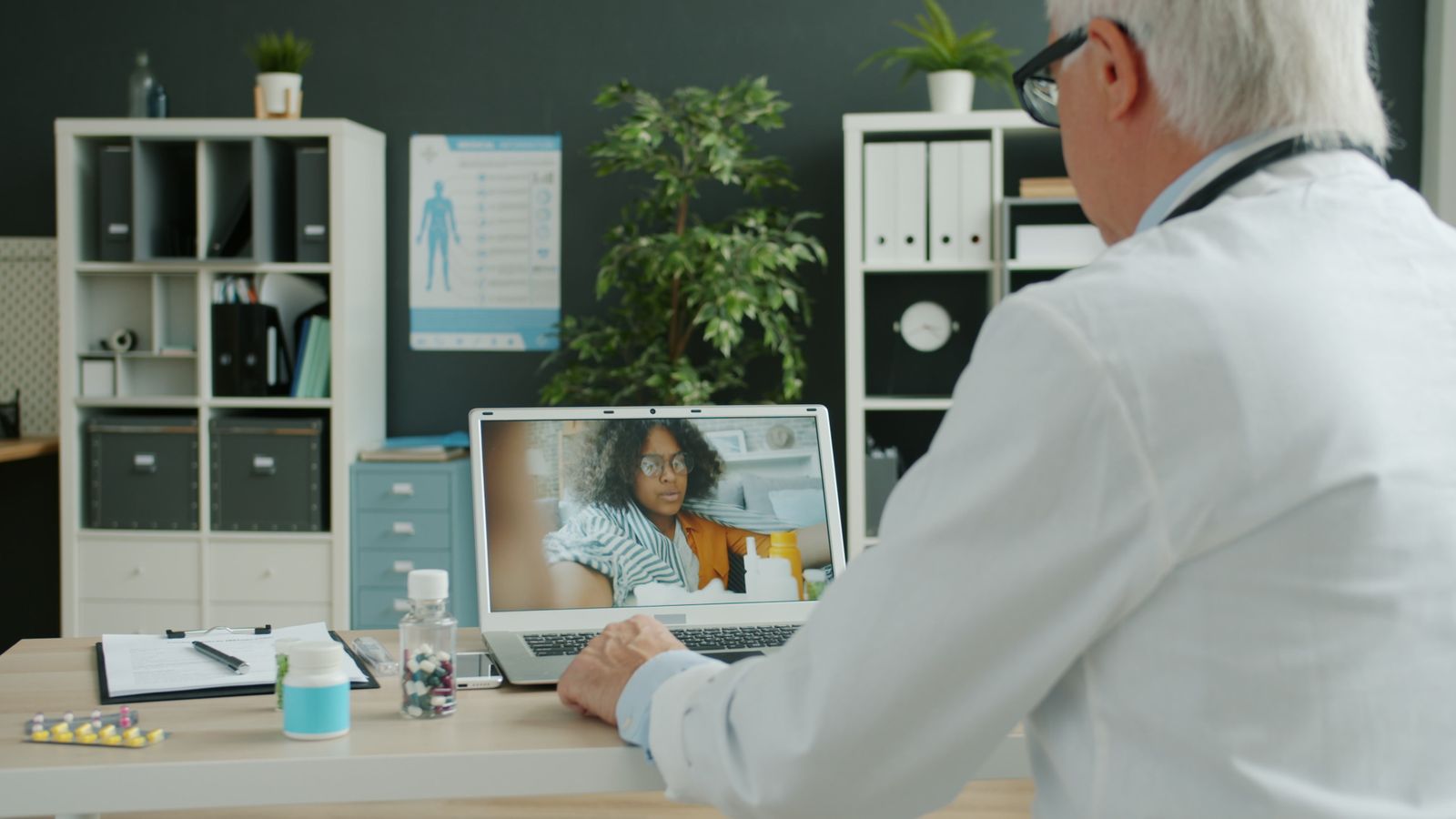
A virtual visit has a harder job
An in-person visit gets help from the room itself: a chart on the desk, a nurse down the hall, a prescription pad in reach. A video visit has to bring all of that with it, for a patient who may be at home, unwell, and on a phone.
A video link is not a clinic
A generic meeting link gives you a call and nothing else. Intake, notes, prescriptions and payment still live somewhere else, so the work piles up around the visit.
Visits that start from zero
When the doctor opens the call cold, the first minutes go on symptoms and history the patient could have shared before the appointment.
Prescriptions leave the room
Signing a prescription in a separate system, or on paper after the call, slows the end of every visit and invites errors.
Follow-up that depends on memory
Recovery checks, refill reminders and review visits slip when a person has to remember to send each one by hand.
If any of that sounds familiar, the problem is rarely the video. It is everything the visit needs that a video link was never built to carry.
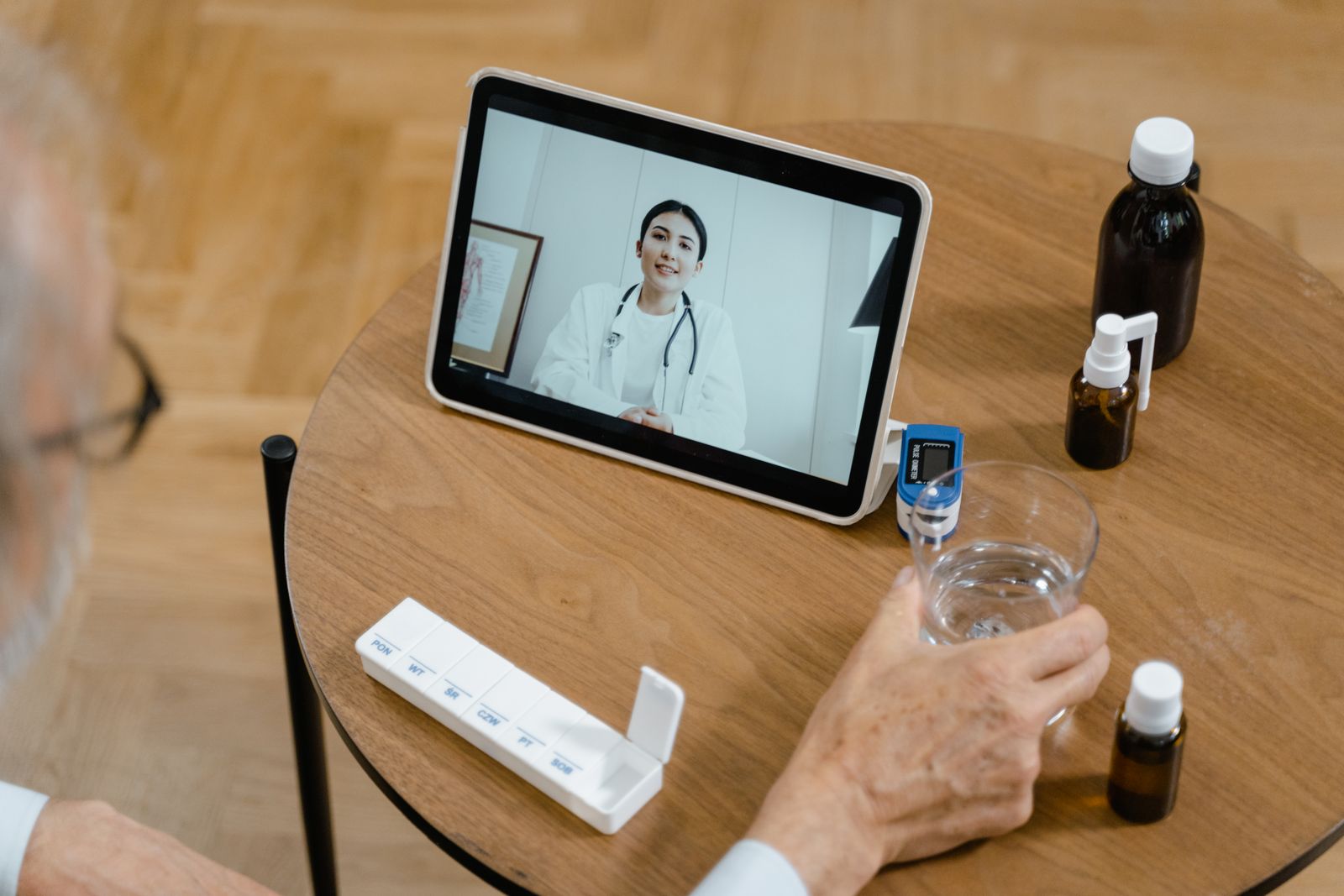
Everything a Visit Needs, in One Telemedicine Platform
Twelve connected features cover the whole visit: booking, intake, the consultation room itself, prescriptions, records and the follow-up afterwards. Live translation runs during the call, so a language gap does not slow the appointment down.
- AI intake interview before every visit, with a brief for the doctor
- WebRTC video with screen share and live wearable vitals
- Prescriptions built and signed without leaving the call
- Records vault for labs, imaging and earlier visit summaries
- Family accounts, so caregivers join and book for relatives
AI that stays in its lane. The intake assistant asks questions, organizes the answers and explains terms in plain words. It does not diagnose, and anything clinical goes to a licensed provider, exactly as it should.
See the Visit the Way Doctors See It
The doctor's console brings the patient's brief, the video room and the prescription builder onto one screen, so the visit flows without tab-hopping. It is the same console your team would use in the TeleCare build linked below.
- AI brief on screen before the patient joins the call
- Live vitals from the patient's wearable beside the video
- Prescription builder open in the same window as the visit
- Visit notes that sync to the EHR when the call ends
- Open source build, TeleCare is a working build of this platform, and the code is public. Read the TeleCare code on GitHub
- Telemedicine services, how we scope and build virtual care around your practice. Telemedicine solutions
- Records between visits, the portal where patients keep the history a video visit draws on. AI patient portal
Sample visit data, shown to illustrate the product
AI Pre-Consult Brief
Symptoms Rash on forearm
Duration 3 days
Allergies Sulfa drugs
Video Visit
Dermatology, Dr. Sarah Khan
Today, 4:00 PM
Patient in waiting roomLive Vitals
- Heart rate 72 bpm
- BP trend, last 30 days
- Prescription draft ready
TeleCare AI Companion
Hello, I am your TeleCare AI Companion. Before your visit, tell me what symptoms you are experiencing today, and I will prepare a short brief for your doctor.
Virtual Waiting Room
- Next patient checked in
- Intake briefs complete
- One triage call waiting
Prescriptions Today
- Signed PDFs sent to pharmacies
- Refill requests in the queue
- Every signature in the audit log
Follow-Up Engine
- Day 1 recovery instructions
- Day 7 wellness check
- Day 30 refill reminder
From First Call to Live Virtual Visits
The platform is built in phases, so a single clinic can start with video visits and add the AI layer, wearables and multi-clinic support as it grows. Your phases are set in writing in the proposal.
 01
Discovery
We map your specialties, visit types and systems, and agree the platform scope and EHR connections in writing.
 02
Core Platform
Video visits, scheduling, intake and the records vault. The working platform your team uses every day.
 03
AI & Integrations
The pre-consult briefs, wearables sync, live translation and the two-way FHIR connection to your EHR.
 04
Training & Multi-Clinic
Doctors and front desk trained on live calls, with separate workspaces per location for groups and networks.
 05
Launch & Support
Go-live with your team, follow-up flows running from day one, and support after launch day.
A Virtual Visit, Followed Hour by Hour
A video call is only the middle of a visit. The platform carries the parts before and after it too: the booking, the intake interview, the signed prescription and the follow-up a week later, all filed against the same patient record.
Follow one visit: a booking in the morning, an AI brief before the call, vitals streaming during it, a prescription signed before goodbye, and a recovery check that arrives on day 7 without anyone remembering to send it. Our lab results portal shows where the results from a visit like this end up.
Brief Before the Call
The doctor reads the story before the visit, not during it.
Vitals in the Room
Wearable readings sit beside the video, charted as they arrive.
Signed Before Goodbye
The prescription is finished inside the visit, not after it.
Follow-Up on a Schedule
Day 1, day 7 and day 30 messages send themselves.
One Virtual Visit, Start to Finish
Demo viewSample visit data, shown to illustrate the product
08:10 · Booking
Visit booked from home
The patient picks a slot, pays the copay, and gets a one-tap join link by text and email.
08:25 · Intake
AI pre-consult interview
The assistant asks about symptoms, duration and medications, and checks the answers against the chart.
Platform note: Brief written for the doctor: symptoms, duration, current medication and one allergy flagged.
09:00 · Consultation
Video visit with live vitals
The doctor joins with the brief already on screen. Wearable readings stream in beside the video.
Platform note: Blood pressure trend added to the visit note from the patient's home monitor.
09:18 · Prescription
Prescription signed in the call
Medication and dosage are picked in the builder, signed, and the PDF reaches the patient's pharmacy.
09:20 · Record
Note filed to the EHR
The visit note, brief and prescription sync to the same chart the in-person team uses.
Day 7 · Follow-Up
Recovery check arrives on its own
The follow-up engine sends recovery instructions on day 1 and a wellness check on day 7.
Platform note: Patient reports steady recovery. No escalation needed, and the thread stays open in chat.
Built for every role in the virtual visit
Patients, doctors and admins each get a workspace shaped around their job, with role-based access keeping every record in front of the right eyes only.
Patient Workspace
/patient/visits
- One-tap visit joining
- AI intake interview
- Video visits from any browser
- Prescriptions and visit PDFs
- Records vault access
- Family profiles
- Wearable connections
- Encrypted chat with the care team
- Follow-up reminders
- Visit history and summaries
Doctor Console
/doctor/console
- AI pre-consult briefs
- Consultation room with live vitals
- Prescription builder and signing
- Visit notes editor
- Patient record timeline
- Schedule and waiting room
- Screen sharing for results
- Translation during the visit
- Triage call queue
- EHR-synced charting
Admin Dashboard
/admin/dashboard
- Doctor and staff management
- Visit and revenue analytics
- Schedule oversight
- Audit log viewer
- Clinic configuration
- Role and permission control
- Billing and subscriptions
- Multi-clinic support
- Data export tools
- Platform health monitoring
Digital Prescription
Demo viewSample prescription data, shown to illustrate the product
Prescription
- MedicationSample Medication 500mg
- Course7 days, after meals
- Signed byDr. Sarah Khan
- Tamper-evident PDF, sent to the patient and their pharmacy
- Filed to the same chart the in-person team reads
- Every signature written to the access log
Between-Visit Chat
Demo viewSample conversation, shown to illustrate the product
Security & Compliance
Enterprise-grade security, visit-first design
A video visit carries the same sensitive information as a visit in the building. Security shaped every design decision in this platform, it was not added at the end. A platform is not secure because it carries a badge, it is secure because of how it is built.
Here is how it works in practice:
- Encryption and storage. Video and audio run over WebRTC with DTLS/SRTP encryption, and our video providers sign Business Associate Agreements. Records are encrypted with AES-256 at rest and TLS 1.3 in transit, and vault files sit behind signed links that expire after 15 minutes.
- Access and audit. Role-based access means patients, doctors and admins each see only what their role allows. Every record opened, video joined and prescription released is logged with a timestamp, user ID and IP address, and each clinic's data stays in its own isolated namespace.
- Patient control. Patients choose which providers can see their files, and they can take that access back whenever they want. Charts, visits and prescriptions export as standard HL7 FHIR bundles or signed PDFs, and the system flags odd session behavior, like duplicate IPs or downloads that do not fit.
For more detail, read how we approach HIPAA across our work.
Every module a virtual visit actually needs
The platform is modular, eight sections, each built for one job, from the consultation room itself to the follow-up engine that runs after the call ends.
Consultation Room
- Secure WebRTC video feed
- In-call chat and file sharing
- Live vitals dashboard
- Provider screen share
AI Intake Assistant
- Symptom pre-interview
- Structured doctor briefs
- ICD-10 code suggestions
- Visit history summaries
Prescription Builder
- Pharmacy directory
- Medication and dosage picker
- Digital signing pad
- Automatic PDF delivery
Schedule Hub
- Live booking calendars
- Automated reminders
- Timezone adjustments
- Multi-doctor views
EMR Health Vault
- Encrypted medical records
- Lab report uploads
- Imaging file directory
- Consent audit logs
Family Accounts
- One login for the household
- Separate medical profiles
- Shared appointment booking
- Caregiver access controls
Wearables Sync
- Apple Health and Fitbit sync
- Glucose trend charts
- Heart rate monitoring
- Abnormal value alerts
Encrypted Chat
- HIPAA-aligned channels
- Direct message threads
- Attachment sharing
- Read indicators
Virtual visit flow
The platform also plugs into the systems you already run: EHR connections through FHIR APIs, video through Daily.co or the Zoom SDK, payments through Stripe, and reminders by text and email. The full integration picture is covered in the questions below.
Video links vs the Telemedicine Platform
The difference between holding a call and running a consultation.
| Question | Generic video tool | Telemedicine Platform with Med Clinic X |
|---|---|---|
| Video visits | A meeting link sent by email | A consultation room built for clinical work |
| Before the visit | Paperwork on the day | AI intake interview and a brief for the doctor |
| Prescriptions | A separate e-prescribing login | Built and signed inside the call |
| Patient record | Notes retyped into the EHR | Two-way FHIR sync with the chart you already use |
| Follow-up | Left to the front desk | Scheduled recovery checks and refill reminders |
| Best for | Clinics testing video for the first time | Clinics that want virtual visits run like real visits |
A meeting link ends when the call does. A consultation platform is still working a week later.
What affects the scope of a telemedicine build?
We quote per project after discovery, because the honest drivers of scope are knowable only after we see your situation.
Two ways to work with us: a fixed-scope project with defined deliverables and a defined price, or a phased build that launches video visits first and adds the AI layer and multi-clinic support in later phases.
Get a Written Quote for Your PlatformWhat moves a quote
- Number of doctors, locations and visit types
- EHR connections and historical records to sync
- Video volume and recording requirements
- AI modules in scope: briefs, translation, triage
- Payments, memberships and billing setup
- Wearable and device integrations required
- The level of ongoing support you want
See it working: the TeleCare build
TeleCare is a working build of this platform, not a slide deck. Read the public code to see how the consultation room, the intake interview and the prescription builder fit together. It runs on the same stack described on this page: Next.js, TypeScript, PostgreSQL and Prisma.
Read the TeleCare Code on GitHubWant a guided walkthrough instead? Explore our demo library and pick the consultation flow you want to see.
20 Questions, Answered Clearly
Straight answers on the telemedicine platform: the video technology, the compliance rules, EHR connections, and how your data is protected.
Still have a question? Send us your project details and we will reply in writing.
READY TO TRANSFORM YOUR PRACTICE?
Join Hundreds of Healthcare Providers Who Trust MedClinic X
Book a demo today and see how our platform can help you deliver exceptional patient care.