Mobile Healthcare Apps for Clinics and Their Patients
We build PWA and native iOS and Android apps for clinics, with biometric sign-in, offline records and wearable vitals built in.
Apps built for
One-Tap Install
One tap from the home screen, no store download needed.
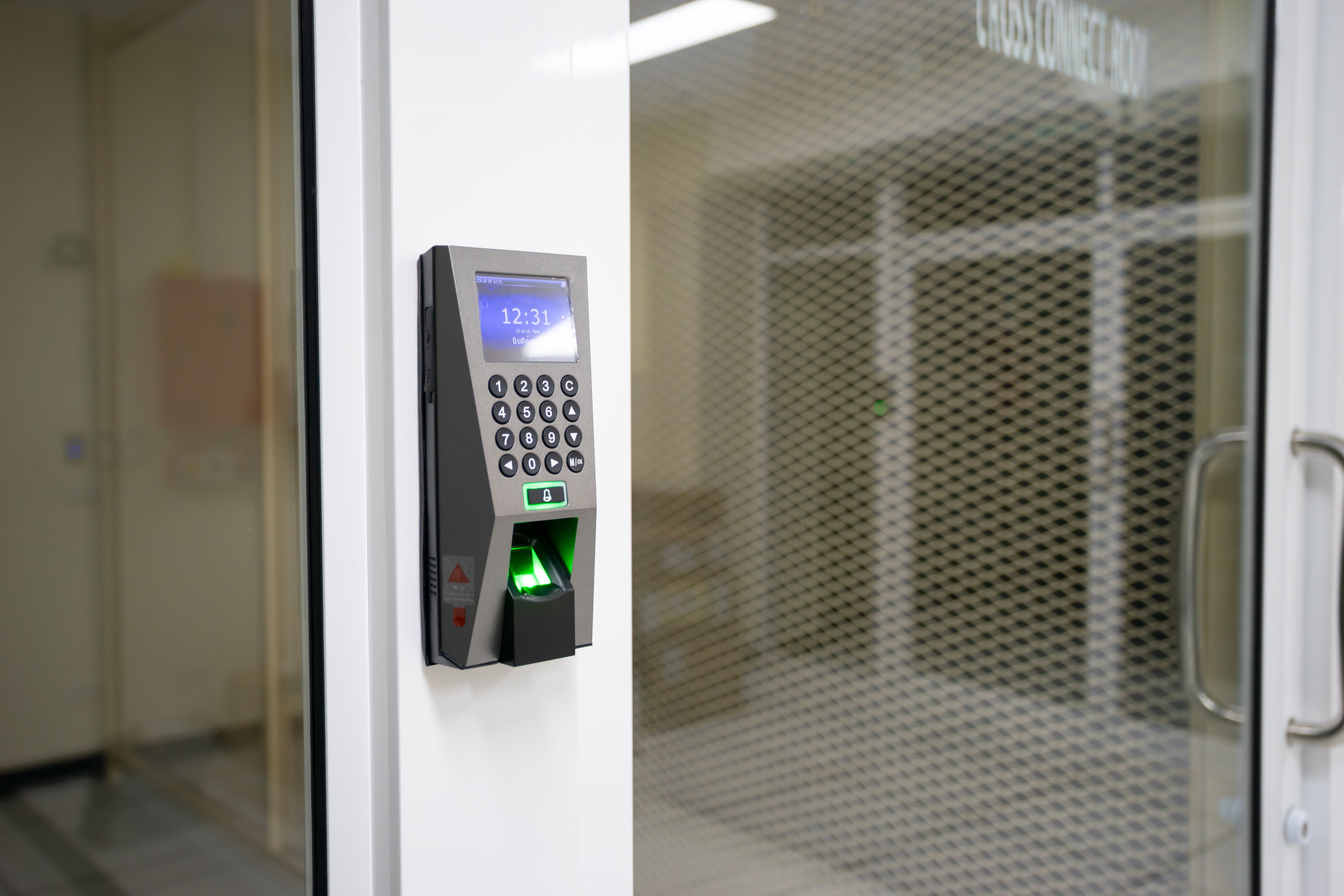
Biometric Login
FaceID, TouchID and Android biometrics, instead of passwords to remember.
Offline Cache Sync
Records and forms stay available, then sync when signal returns.
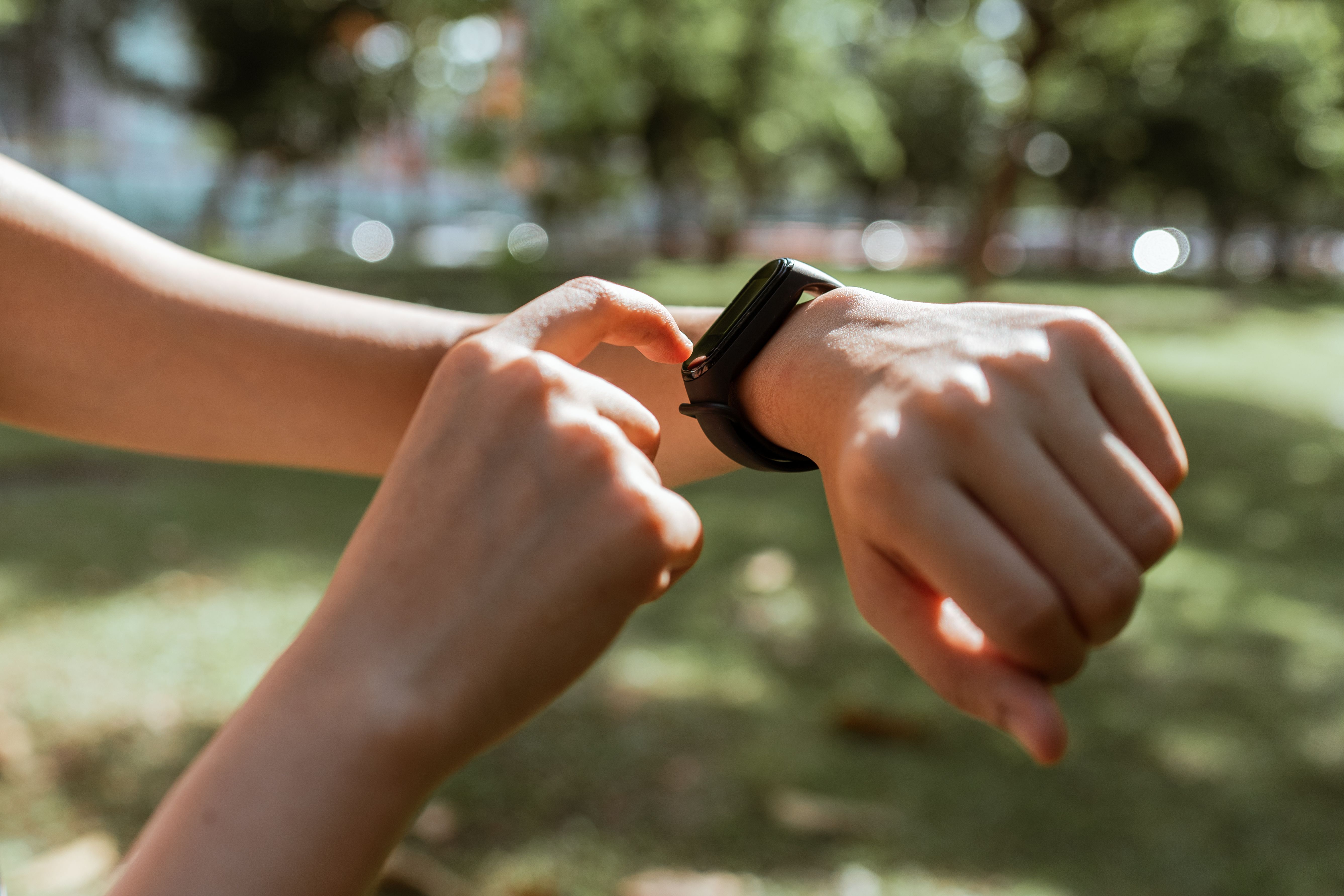
Wearable Vital Sync
Scales, blood pressure cuffs and heart logs feed the app.
A Healthcare Software Team, Not a General App Agency
We build the phone app itself, not a web page squeezed onto a small screen. We build PWAs and native iOS and Android apps for clinics, with biometric sign-in, an offline cache and wearable vitals. This is separate from the web patient portal and from video visits, though the app can sit alongside both.
- PWA and native iOS and Android builds from one team.
- Biometric sign-in with FaceID, TouchID and Android biometrics.
- Offline records cached with AES-256 field encryption.
- Wearable vitals over Bluetooth, from scales and cuffs.
A health app has a harder job
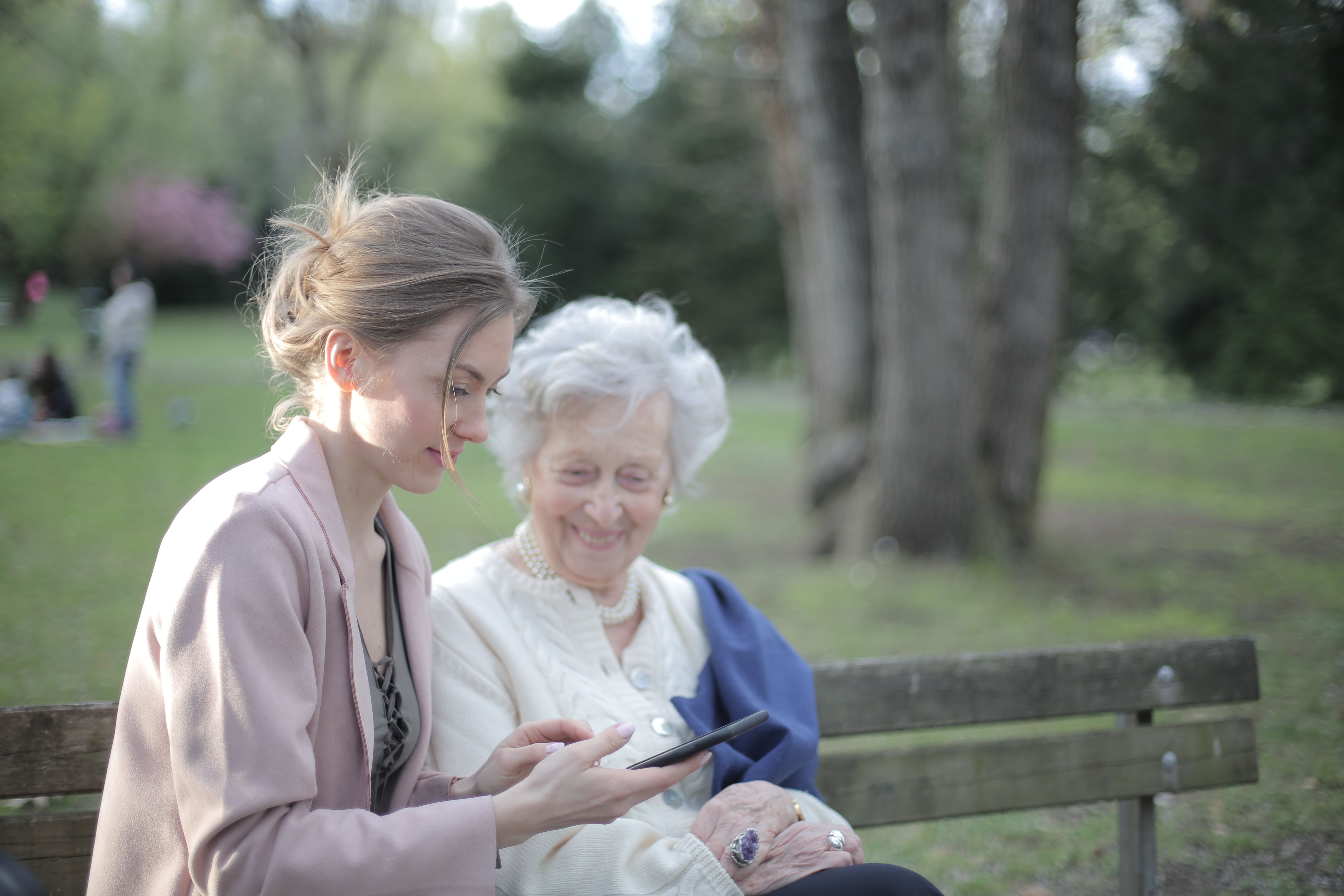
A patient who cannot sign in, load a record or log a reading will put the phone down. An app has to work in a waiting room, a car park and a dead zone, not only on office wifi.
It has to open in one tap
If opening the app takes a download, an account and a password, many patients will not bother.
It has to work without passwords
FaceID and TouchID remove the reset loop, so patients sign in with a glance or a touch.
It has to work offline
Intake forms and readings should save on the phone and sync later, even when signal drops.
It has to gather vitals simply
A reading that needs manual typing will not get logged. Bluetooth sync keeps it automatic.
If any of that sounds familiar, the gap is rarely your care. It is the app patients were given for a phone they use daily.

PWA and Native Builds Shaped Around Your Clinic
We build both routes, and help you choose between them. A PWA installs from the browser in one tap. A native iOS and Android app goes deeper, with keychain credentials and store distribution. Either way, it carries your branding, your services and your booking path.
- PWA that installs from the browser in one tap
- Native iOS and Android builds from a shared codebase
- Branding, services and booking paths carried into the app
- Home screen cards and install prompts patients understand
- Store submission for Apple and Google, with launch checks
Choosing between PWA and native? We start from your patients and your systems, not from a preferred stack, so the route you pick is the one your clinic can run and support long term.

Readings That Reach the Clinic Without Manual Typing
Patients will not log readings they have to type in by hand. We connect scales, blood pressure cuffs and heart logs over Bluetooth, so a reading taken at home appears in the app, ready for the care team to review.
- Bluetooth ingestion from scales, cuffs and heart logs
- Readings shown in the app as soon as they sync
- Trends patients and clinicians can review together
- Manual entry kept as a fallback, not the main route
- Portal data in the app, appointments, forms and messages your portal already holds, shown where they help. Patient portal development
- Video visits from the app, a booked visit opened without a second login or a separate download. Telemedicine solutions
- EHR connections, checked first, agreed during discovery, using the interfaces your existing software actually offers, including FHIR-based ones where supported. We confirm feasibility against your systems before promising an integration.
A Simple and Transparent Process
Five steps from scoping to store listing, with written deliverables at each step. Timelines depend on scope and integrations, and yours is set in writing in the proposal.
 01
Scoping
We audit EHR integration paths, offline data rules and biometric requirements, then agree scope in writing.
 02
UX Design
Mobile wireframes, PWA home screen cards and biometric sign-in screens, reviewed on real phones with your team.
 03
Engineering
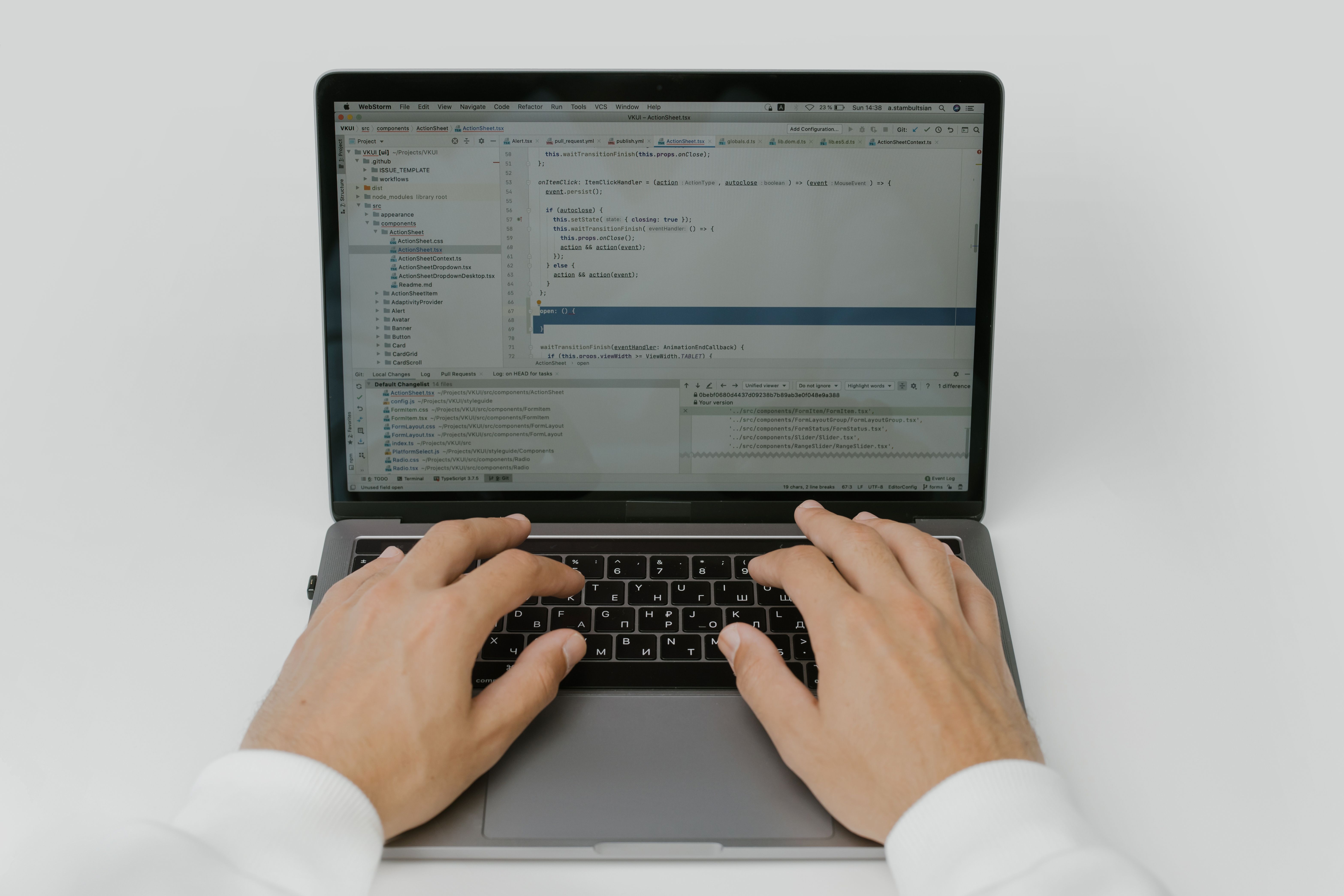
We build React Native grids, configure service workers for offline use, and encrypt the local database.
 04
Audits
We test every sync queue in offline states, verify encryption keys, and run full penetration tests before launch.
 05
Launch
We deploy PWA assets, submit native versions to Apple and Google stores, and audit logs after launch.

Records That Work Without a Signal
Intake forms and readings should not vanish when signal drops. The app writes them to an offline cache on the phone, wrapped in AES-256 field encryption, and sync workers check the connection and sync once the patient is back online. Caches clear on logout or after a set period of inactivity, so a lost phone does not keep records longer than it should.
- IndexedDB offline cache with AES-256 field encryption
- Sync workers that retry once the connection returns
- Caches cleared on logout or after inactivity
- Check-ins that continue during a signal drop
Offline behaviour is agreed during scoping, so the app, the portal and the care team all expect the same sync rules. See our patient portal development service, and how we approach HIPAA across our work.
What a Mobile Health App Has to Get Right
A mobile health app is not a smaller website. Patients open it on their phone, one-handed, often in a hurry, and judge it by whether sign-in works, readings appear and forms save. That standard shapes every decision, from install to offline cache to the way vitals arrive, and it is the standard we build to.
This is the phone build itself, not the web portal and not a video visit. The app can sit alongside both, sharing sign-in and records where your systems allow it. Our patient portal development and telemedicine solutions services cover those pieces, so each part does one job well and nothing is built twice.
The standard we build to
- One-tap install, from the browser or the store
- Biometric sign-in patients can use every day
- Offline cache that syncs when signal returns
- Encrypted local storage, cleared on logout
- Bluetooth vitals from scales, cuffs and heart logs
- Store-ready builds, tested on real phones before launch

Sign-In Patients Will Actually Use
Passwords are the part of an app patients remember least fondly. Native apps use local biometric keys, and PWAs use WebAuthn in modern browsers, so sign-in becomes a glance or a touch, with push alerts keeping patients in touch between visits.
- FaceID, TouchID and Android biometric sign-in
- WebAuthn biometric checks for PWAs
- Push alerts for appointments and reminders
- Cached credentials handled through the device keychain
Biometric setup is agreed in scoping, so sign-in matches the devices your patients already carry, and support is not spent resetting passwords.
Security & Privacy
Security, privacy and HIPAA: explained plainly
An app is not safe because it has a lock screen, and no honest developer should sell you a badge. Privacy obligations depend on what information the app collects, stores or transmits, and on your organization's role.
Here is how we approach it in practice:
- A phone app that handles only general requests (name, contact details, reason for getting in touch) is designed so that patients are never asked for health information in a general form, and the form says so, in plain language. Local caches follow the same rule, holding no health information the app does not need.
- Any part of the app that will handle protected health information, offline records, intake forms or synced vitals, is scoped separately: encryption in transit and at rest, AES-256 field encryption for local caches, access controls, audit logging, appropriate hosting, and Business Associate Agreements put in place with the vendors involved where the work requires them.
- Tracking tools need care in health apps. The US Department of Health and Human Services has published guidance on how HIPAA applies to online tracking technologies. We review analytics and advertising tags against that guidance with you before launch, rather than installing them by default.
For more detail, read how we approach HIPAA across our work.
Mobile apps for the way your patients live
We build mobile apps for clinics, care teams and health startups across the US.
Chronic Care Management
Specialist Clinics
Outpatient Networks
Telehealth Startups
Primary Care Clinics
Pediatric Clinics
Mental Health Clinics
Urgent Care Centers
Cardiology Practices
Dermatology Clinics
We also build for independent doctors and physicians, telehealth and virtual care providers, hospitals and specialty centers, and healthcare startups that need a first app which can grow into a product platform. Clinics that also need a web portal can start with our patient portal solution.
PWA or native? An honest comparison
| Question | Progressive Web App (PWA) | Native iOS & Android App |
|---|---|---|
| Install | One tap from the browser | Download from Apple or Google stores |
| Offline access | Cached content and forms | Deeper offline cache and keychain credentials |
| Biometric sign-in | WebAuthn checks in modern browsers | Local biometric keys on the device |
| Wearable and Bluetooth access | Browser limits apply | Fuller device and sensor access |
| Distribution | No store review step | Store review and listing required |
| Best for | A fast launch patients can open today | Clinics that need deeper device access |
If a PWA is genuinely the right answer for your stage, we will tell you.
What affects the price of a mobile health app?
We quote per project after discovery, because the honest drivers of cost are knowable only after we see your situation.
Two ways to work with us: a fixed-scope project with defined deliverables and a defined price, or a phased build that launches the essentials first and adds integrations in a second phase.
Get a Written Quote for Your AppWhat moves a quote
- PWA, native, or both, and how many platforms
- Offline rules, sync queues and cache clearing
- Biometric scope and device coverage
- EHR and wearable integrations required
- The level of ongoing support you want
See it before you commit: mobile app demos
We would rather show you working software than describe it. Our demo area includes mobile and product experiences you can open on your own phone today. Try sign-in, check a reading, and count the taps.
Explore Mobile App Demos
Everything You Need to Know
Quick answers to common questions about our mobile healthcare app development services.
Still have a question? Send us your project details and we will reply in writing.
READY TO TRANSFORM YOUR PRACTICE?
Join Hundreds of Healthcare Providers Who Trust MedClinic X
Book a demo today and see how our platform can help you deliver exceptional patient care.